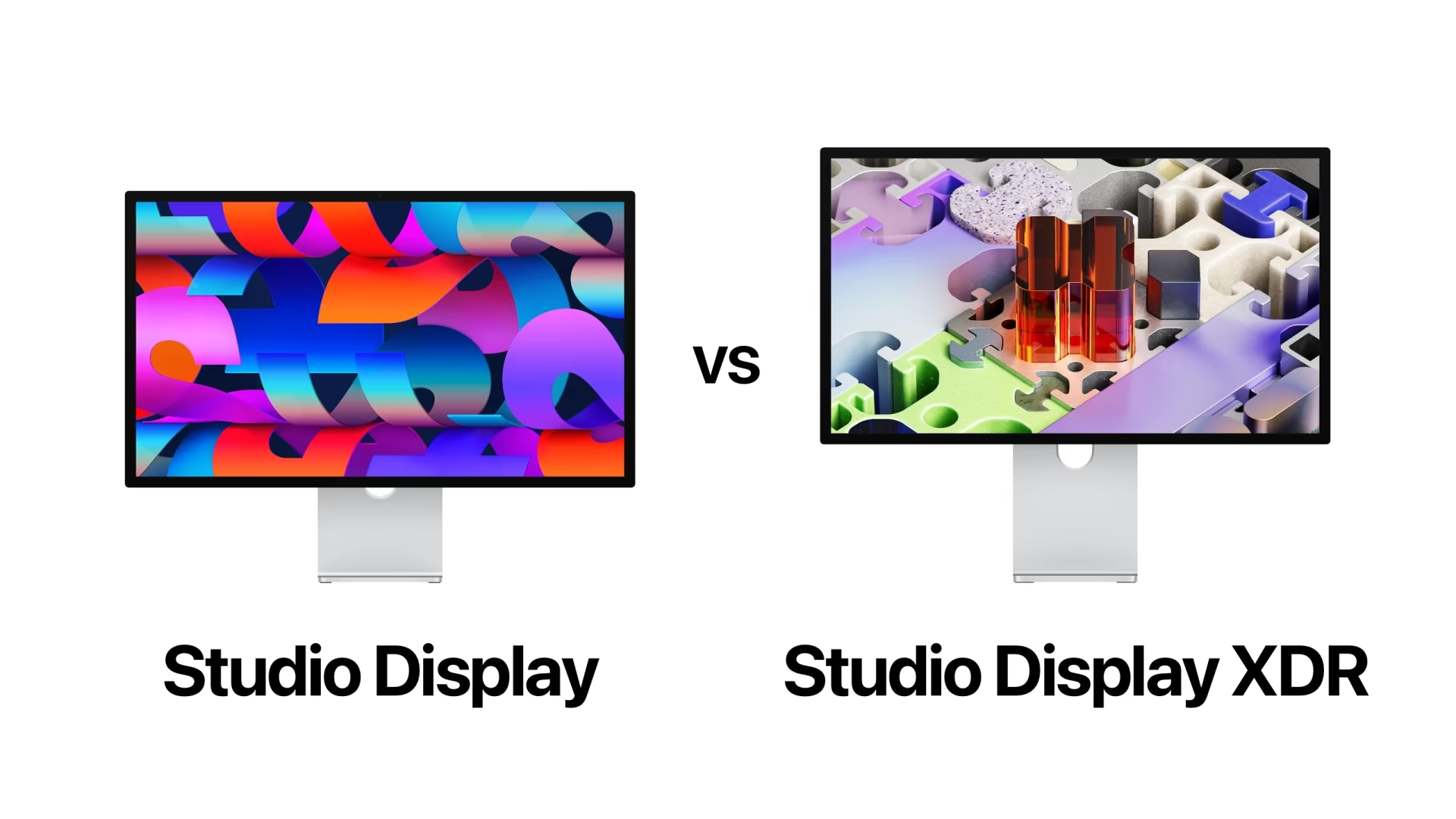
Apple has long mastered the art of putting us in front of tough choices, making you wonder: do I really need this extra feature, or is my wallet crying for mercy? With Apple’s latest update to its display lineup, we now have two great screens: the standard Studio Display and the new Studio Display XDR. The difference between them is not just the longer name; it extends to display technologies, HDR performance, and, of course, the price gap that might make you rethink your professional priorities.
Quick Answer: Which One to Choose?
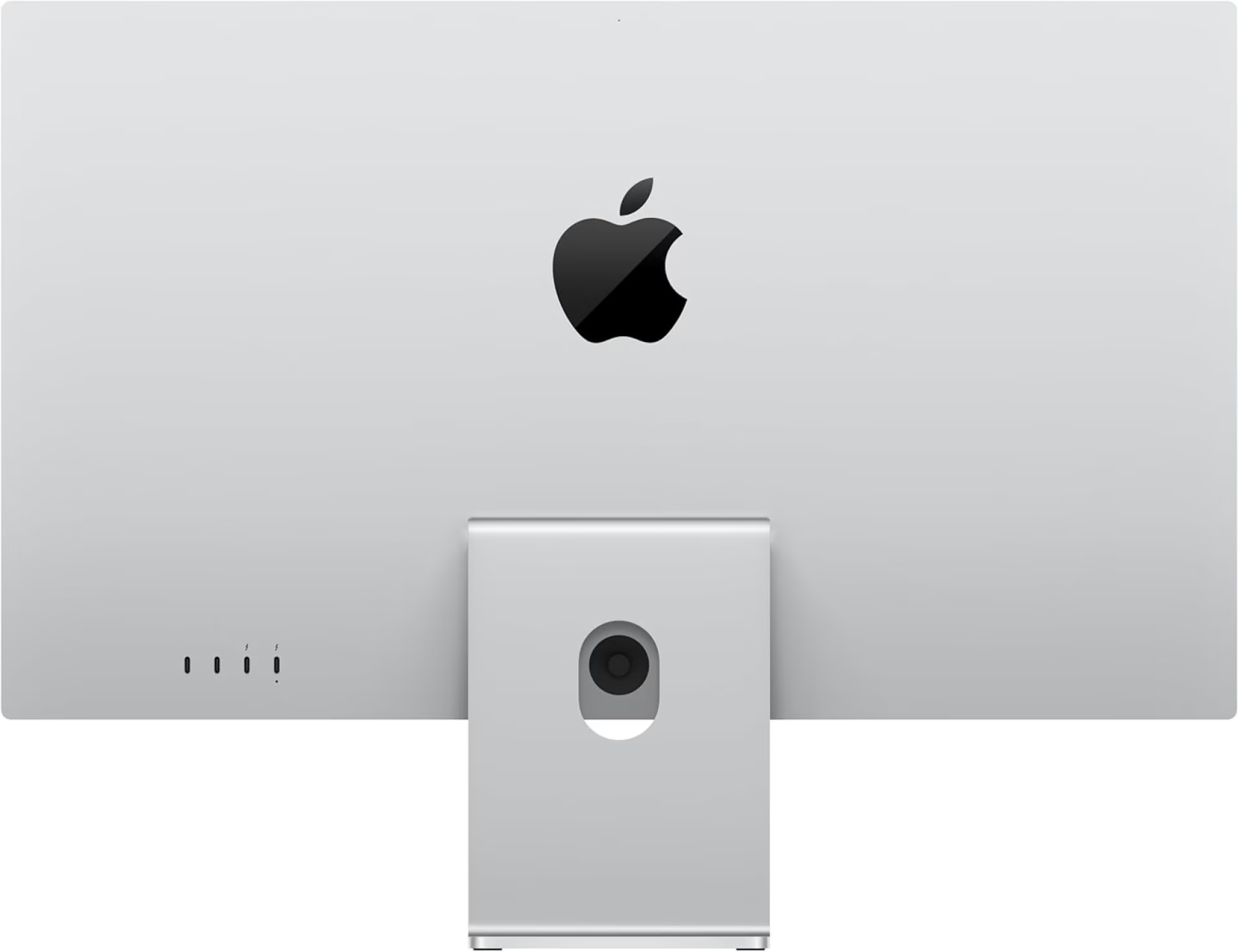
If you’re looking for simplicity and professionalism at the same time, the Studio Display is your optimal choice. It’s a 27‑inch 5K display that delivers stunning image quality with brightness up to 600 nits, making it ideal for daily office workflows and creators who don’t need the highest levels of HDR, starting at $1,599.
If, however, you’re a resolution fanatic working on film color grading or 3D design, the Studio Display XDR is the “beast” you’ve been waiting for. Thanks to mini‑LED technology, brightness up to 2,000 nits, and a 120 Hz refresh rate, you’ll get an unrivaled visual experience, but be prepared to pay at least $3,299.
Key Differences in 30 Seconds
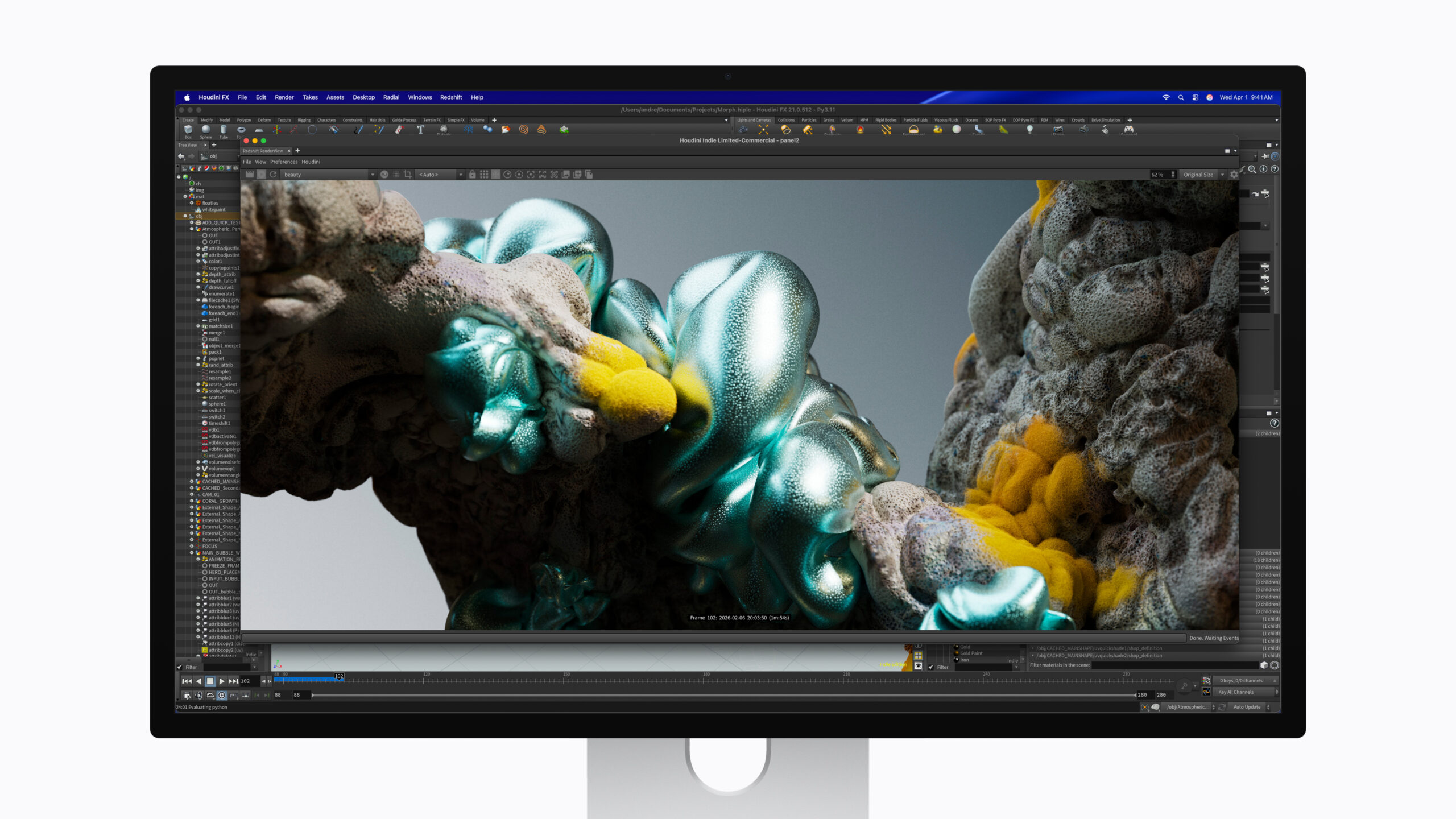
In the tech world, every second has its price, and here we summarize the essential differences: the standard display uses conventional LED backlighting, while the XDR shines with mini‑LED technology and 2,304 local dimming zones. Brightness on the regular version tops out at 600 nits, whereas the XDR jumps to a sustained 1,000 nits and peaks at 2,000 nits in HDR.
And let’s not forget the refresh rate; while the standard display runs at the traditional 60 Hz, the XDR supports ProMotion at 120 Hz with adaptive sync, making motion on the screen as smooth as silk. Finally, the XDR supports the Adobe RGB color gamut in addition to P3, making it a true reference for professionals.
Side‑by‑Side Specification Comparison
Here are the technical details that professionals love, arranged in a table that makes comparison easy:
| Feature | Studio Display | Studio Display XDR |
|---|---|---|
| Starting price | 1,599$ | 3,299$ |
| Screen size | 27 inches | 27 inches |
| Resolution | 5120 × 2880 (5K) | 5120 × 2880 (5K) |
| Panel technology | LED-backlit LCD | Mini-LED with local dimming |
| Dimming zones | None | 2,304 zones |
| Maximum HDR brightness | Not supported | 2000 nits |
| Refresh rate | 60 Hz | 120 Hz with Adaptive Sync |
| Color support | P3 wide color | P3 + Adobe RGB |
| Internal processor | A19 | A19 Pro |
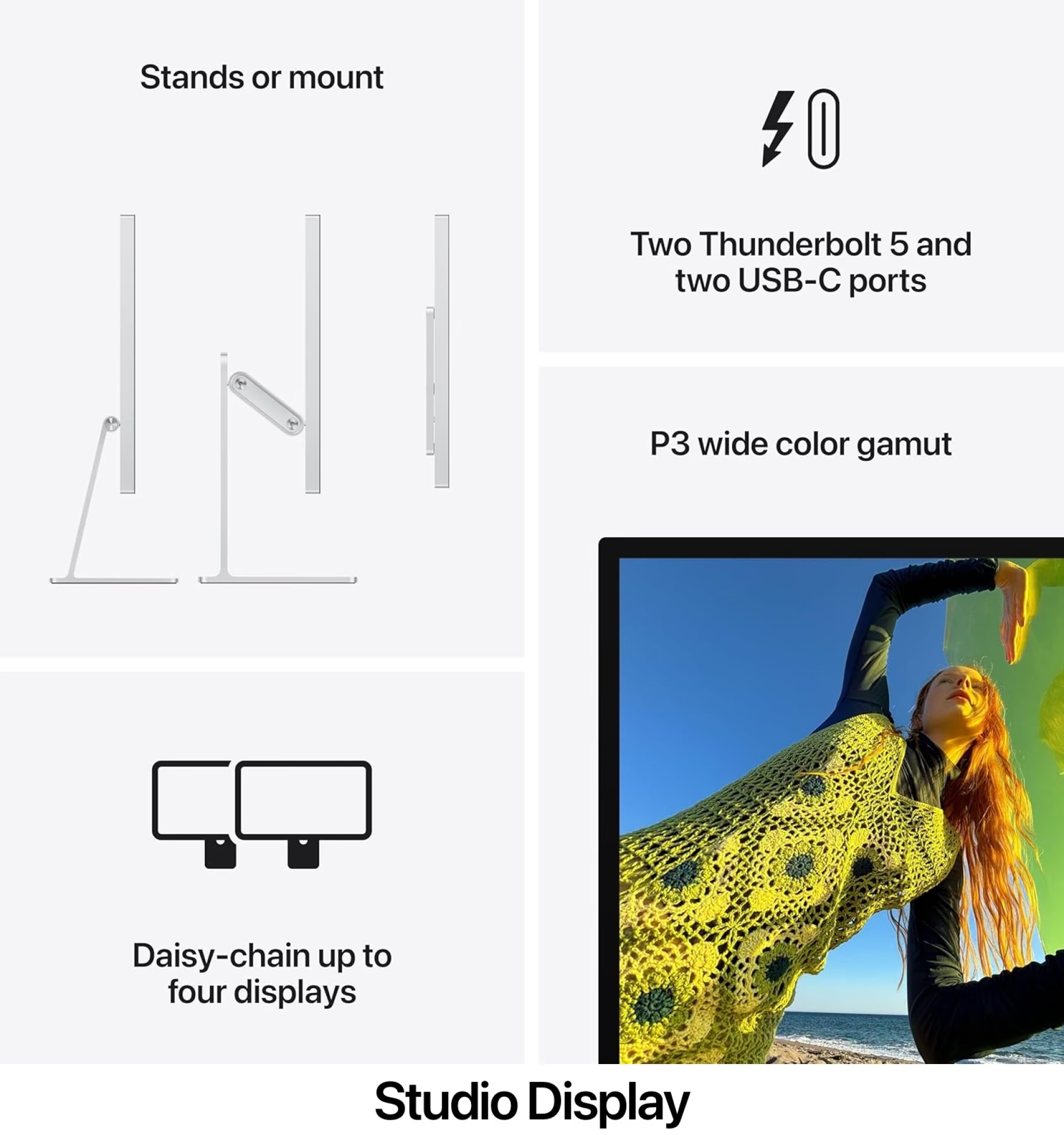
| Ports | 2× Thunderbolt 5 / 2× USB‑C | 2× Thunderbolt 5 / 2× USB‑C |
| Computer charging | up to 96 W | up to 140 W |
Display Technology: Where Does the Magic Lie?
Although both screens come in a 27‑inch size with the stunning 5K resolution that provides over 14 million pixels, the real difference lies behind the glass. The Studio Display XDR uses mini‑LED technology, meaning thousands of tiny LEDs whose brightness can be controlled in very small, independent zones.
This precise control allows the XDR screen to produce truly deep blacks and very strong highlights without affecting adjacent areas, creating a contrast ratio of 1,000,000:1. In contrast, the standard display offers excellent and consistent performance, but lacks the dramatic contrast found in professional cinema displays.
Brightness, Colors, and Digital Performance
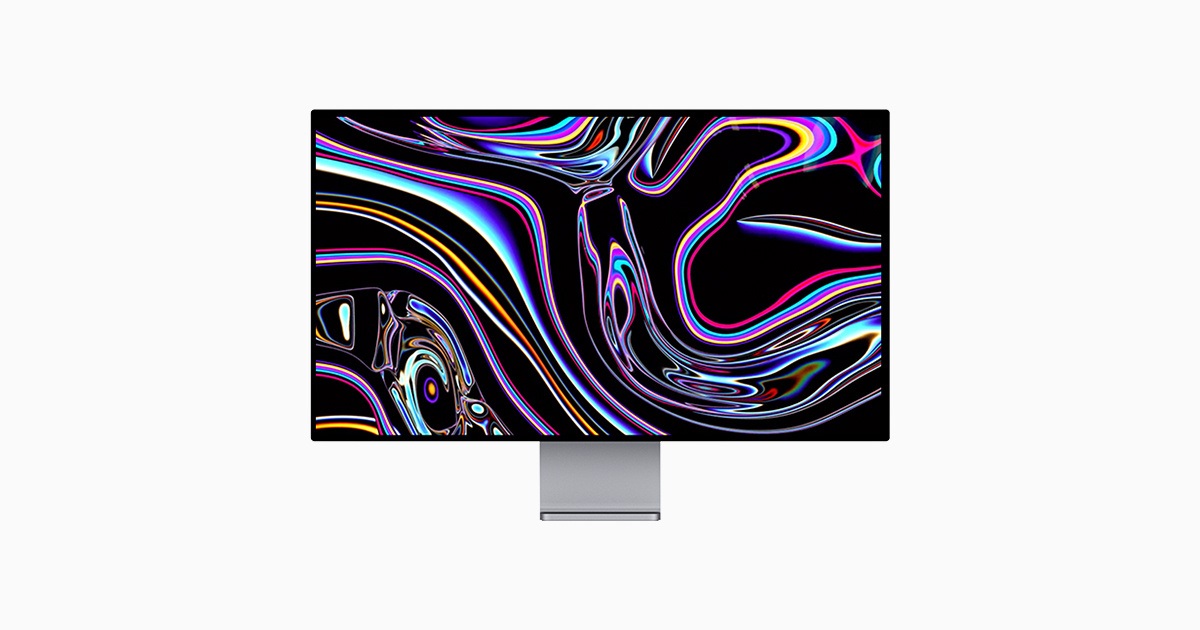
When we talk about brightness, 600 nits on the Studio Display is more than enough for any well‑lit office. But for cinematic content creators, the 2,000 nits on the XDR reveal the real difference between shadows and highlights in HDR video. Supporting Adobe RGB also makes it the top choice for print designers seeking extreme color accuracy.
Notably, Apple has placed Phonegram‑class processors inside these displays! The standard screen runs on an A19 processor, while the XDR gets an A19 Pro. These chips do more than manage pixels; they process audio and camera image and handle Spatial Audio features, making the display itself smart.
Audio, Camera, and Connectivity
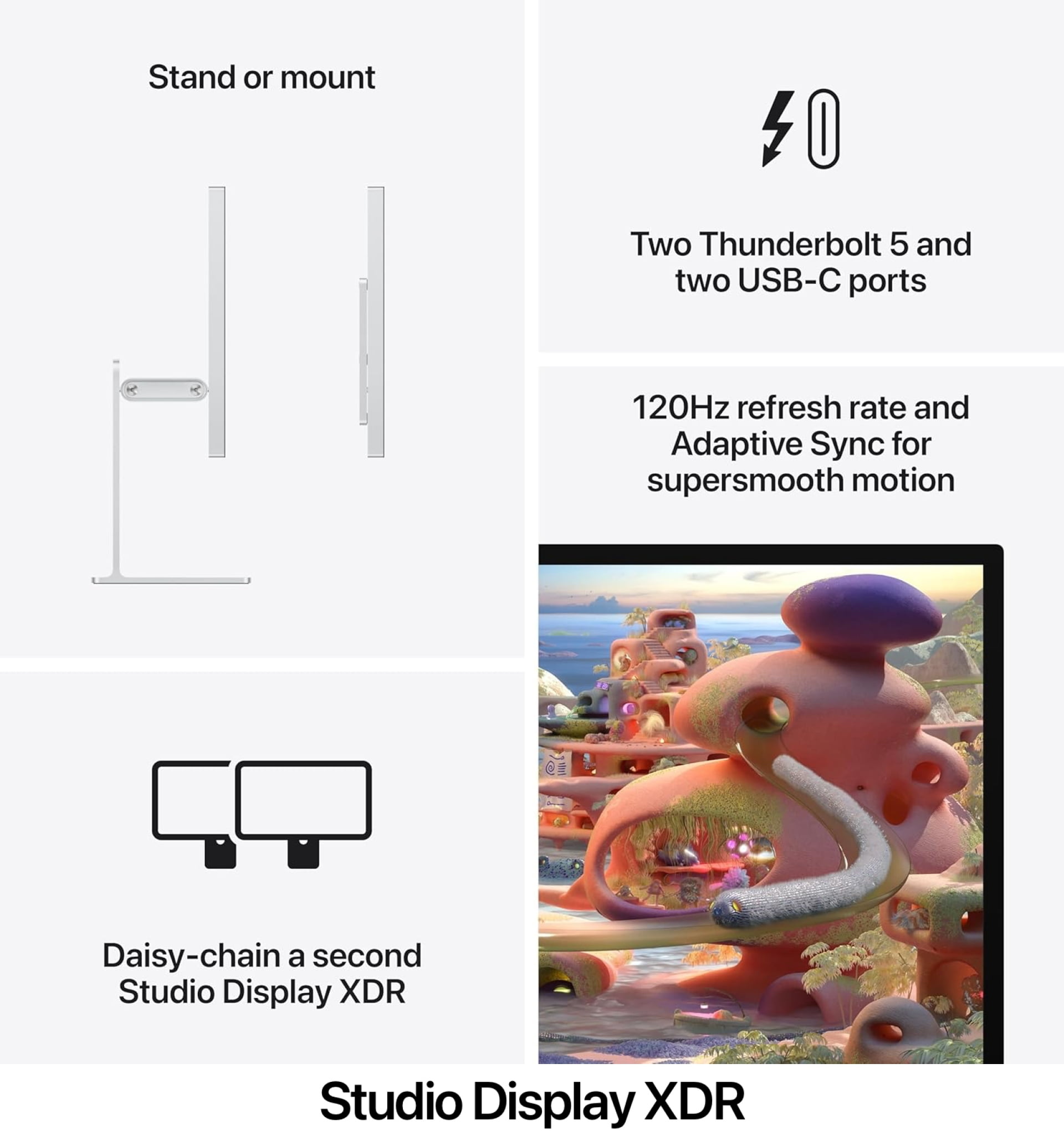
Fortunately, Apple didn’t skimp on the multimedia system; both displays share the same advanced 12‑megapixel camera that supports Center Stage to keep you centered during video calls, as well as Desk View, which intelligently shows your desk from above.
As for audio, you’ll get a six‑speaker system that supports Spatial Audio, plus three studio‑quality microphones. On the connectivity side, both support Thunderbolt 5, but the XDR outshines the standard model with its ability to charge a 16‑inch MacBook Pro at lightning speed thanks to up to 140 W of power, versus 96 W on the standard version.
Stand Option and Final Price
The Studio Display comes with a tilt‑adjustable stand as standard, and you can upgrade to a height‑adjustable stand for an extra fee. The Studio Display XDR, on the other hand, ships by default with an advanced stand that allows both height and tilt adjustments, justifying a small portion of its high price, which starts at $3,299.
In the end, the choice comes down to the nature of your work. If you’re a designer, developer, or general content creator, the Studio Display will impress you and save you a respectable amount. If your work hinges on pixel‑perfect HDR content, the XDR is a professional investment you can’t skip.
Source:

Leave a Reply