Have you ever faced that terrifying nightmare of losing your iPhone, only to discover later that its battery has completely died? In the past, this practically meant you had said goodbye to your device forever, or at least until someone found it by chance. But Apple, with its usual ingenuity, didn’t leave its users to face this fate alone. Thanks to the brilliant “Find My” network, your iPhone can continue to broadcast its location even if the battery is completely empty and the device is turned off. Yes, your device is still alive in a way, sending out silent distress signals waiting for you to rescue it!
How does an iPhone work while it’s “dead”? Power Reserve mode
The secret lies in a very clever feature called “Power Reserve,” which is available on iPhone 11 and later models. When your device’s battery drains completely and it turns off, the operating system doesn’t consume every last drop of power; instead, it reserves a very small, critical portion to run specific essential functions for a temporary period after shutdown.
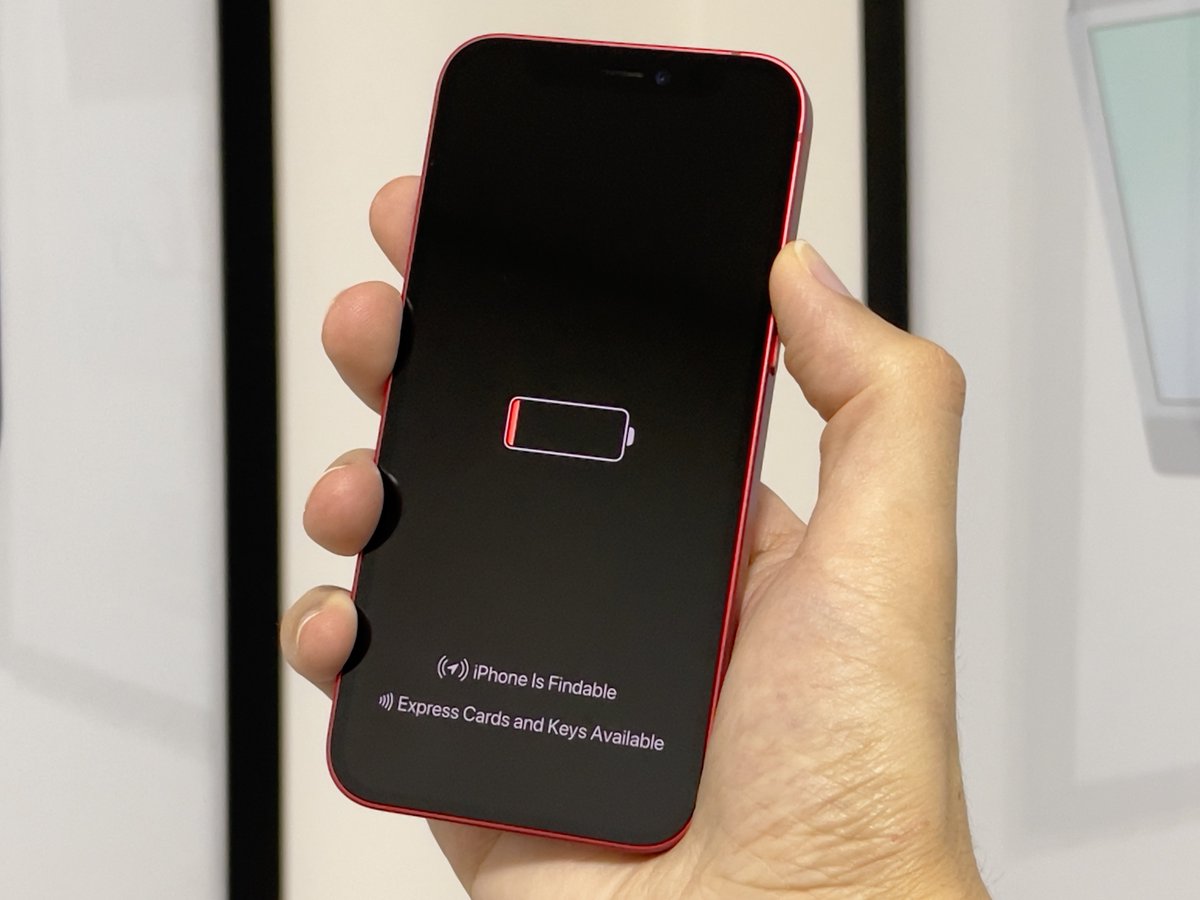
If your iPhone is linked to an Apple account and the “Find My” app is enabled on it, you can track its location for up to 24 hours after it is turned off, or for up to 5 full hours in Power Reserve mode. Moreover, once the battery reaches extremely low and critical levels before the phone shuts down completely, the iPhone automatically sends its last known location to Apple’s servers as a final step to protect it. This feature gives you precious time to search for your lost or stolen device, or even to use “Express Mode” to pay for public transportation and reach your destination.
The magical technology behind the “Find My” network
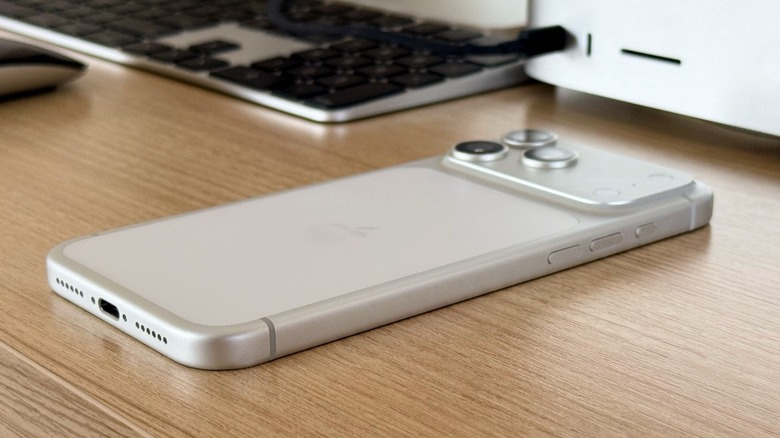
When your device turns off, the iPhone effectively turns into something like an “AirTag” tracker. This process relies on the Ultra Wideband chip, known as the U1 chip, found in iPhone 11 and later models, which provides extreme precision in determining locations and directions, along with Bluetooth Low Energy (BLE) technology.
Through Bluetooth Low Energy technology, every time any other Apple device (whether it’s a stranger’s iPhone, an iPad, or a Mac) passes near your lost device, that device picks up the encrypted silent signal and sends the approximate geographic location to the network in a completely secure and private manner, without the owner of the other device knowing anything about this process. At the same time, the spatial awareness technology of the Ultra Wideband chip helps guide you with extreme precision toward the device’s location once you get close to it, step by step.
To activate this protection and ensure it works, you must make sure to set it up in advance. Go to your iPhone settings, tap your name at the top, then select “Find My.” Make sure you are signed in and have enabled the “Find My iPhone” option. After that, you can open the Find My app from any other device to ensure your phone appears correctly and is under full control in the Devices tab.
Source:
Leave a Reply