Do you hear a strange sound, like chirping, coming from your AirPods? If so, don’t rush to assume they are damaged. This sound can have various causes, some related to background features, while others may indicate a battery or connectivity issue. In the following lines, we will take you on a quick tour to learn the reasons behind these strange sounds in AirPods and how to handle them.
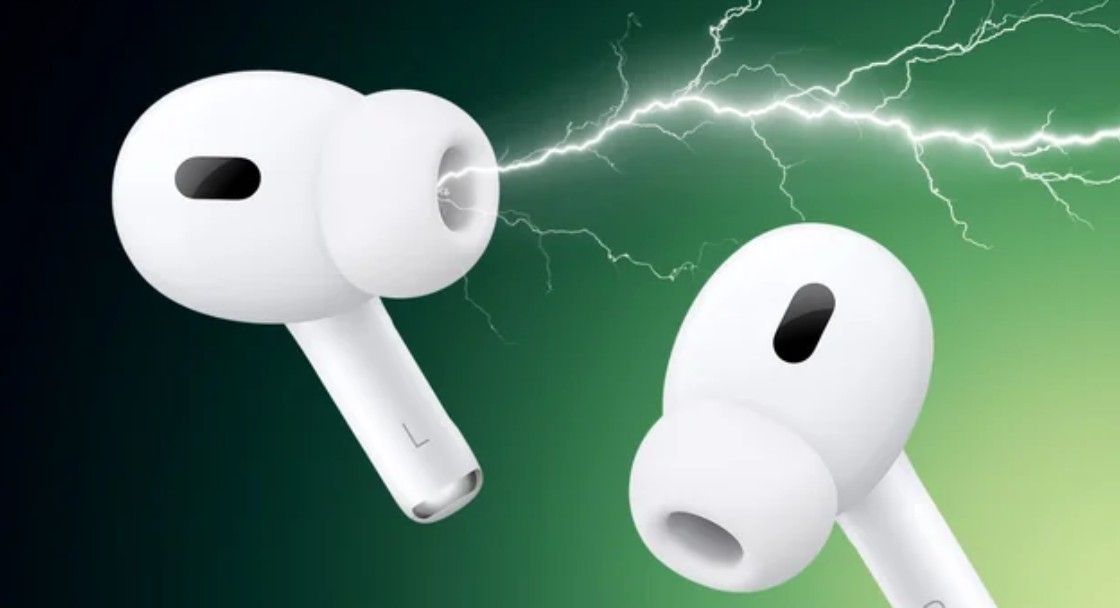
Battery and Charging
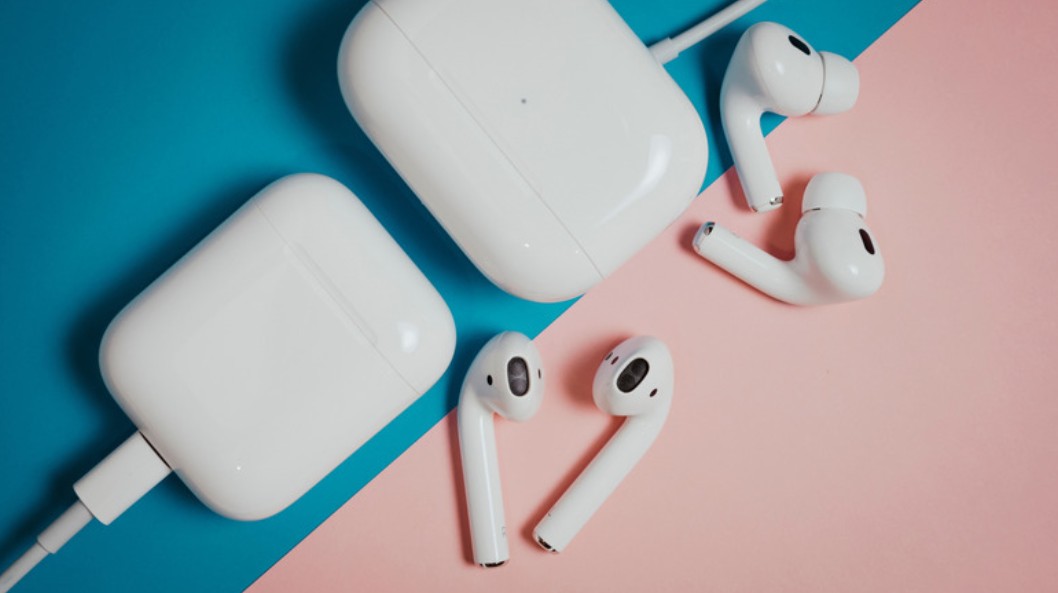
If you hear a sudden tone while playing the Holy Quran or listening to a podcast, the battery of one or both earbuds might be running low. This is why AirPods emit an alert when the charge drops to 10%, and then emit another tone before the battery dies completely.
As for AirPods Pro 2 and AirPods 4 equipped with Active Noise Cancellation (ANC), the charging case may emit sounds while charging or when the battery level is low. These sounds can be disabled by going to Settings on your iPhone, tapping on the name of your AirPods, scrolling down to the “Charging Case Sounds” option, and turning it off.
System Update

The cause might be related to the connection between the earbuds and the paired device, a temporary glitch in the iOS system, or perhaps an issue with the service you are using, whether it is Apple Music or Spotify. Therefore, you should ensure that your iPhone, iPad, or any other device paired with the earbuds is running the latest operating system. The same applies to the streaming service being used.
Find My Network
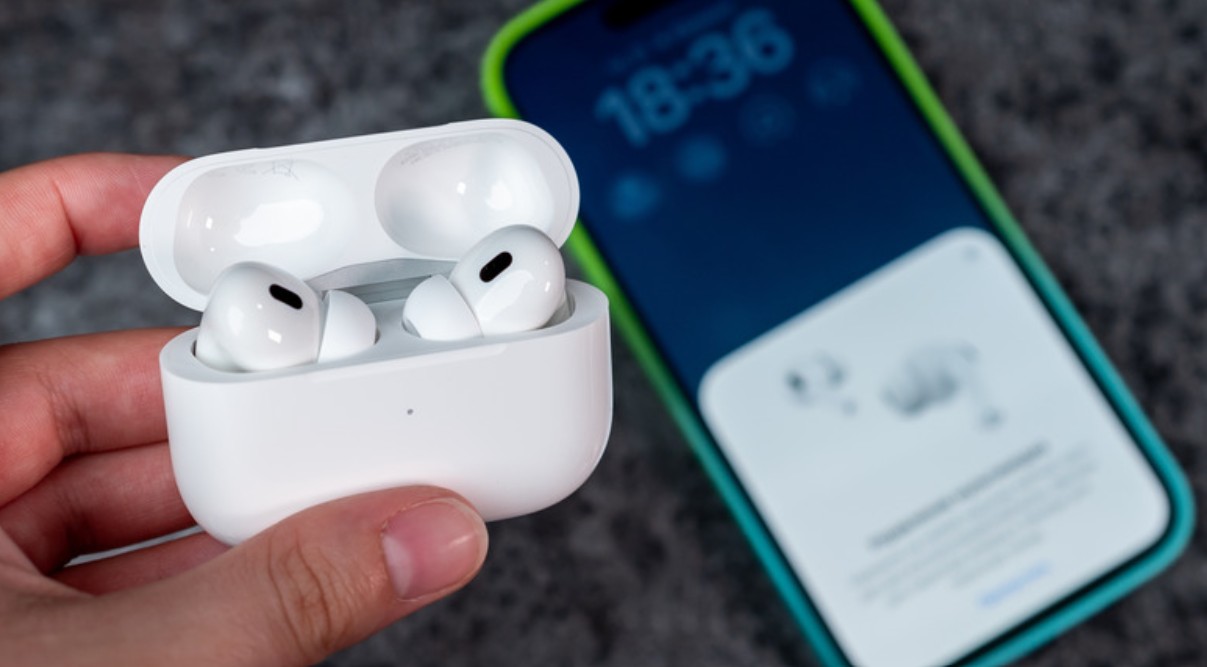
If your AirPods are registered within the Find My network, a sound can be played from them or the charging case to help locate them if lost. This might happen if you triggered the “Play Sound” feature from the app, either by yourself or by a family member sharing your “Family Sharing” group.
Earbuds Contact

There is another possibility, though it is not common, where the friction between the two earbuds might cause sounds. This may be due to the Transparency mode. AirPods use external microphones to pick up ambient sounds and pass them to your ears. If the two earbuds collide or their plastic and metal parts touch, it may produce a sharp sound similar to chirping.
Turning off Bluetooth
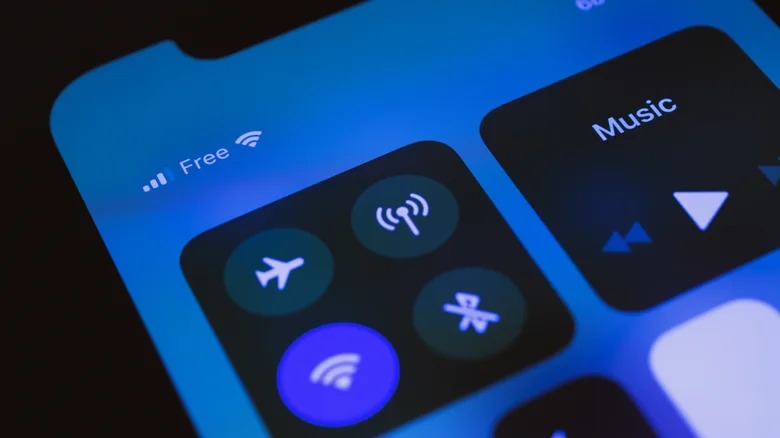
The reason for hearing strange sounds from AirPods might be due to turning off Bluetooth on the phone paired with the earbuds. Starting with iOS 14.5, Apple provides a feature that alerts the user when an unknown device is nearby within the Find My network. The strange sound from the earbud might be related to this feature. Therefore, try turning on Bluetooth on your iPhone again, as this might solve the problem.
Finally, the presence of strange sounds from AirPods does not mean they are faulty and need replacement; it might just be a simple alert that can be easily handled. The important thing is to identify the source of the sound before taking any action. Try the methods we reviewed in the article, and you will be able to fix the problem and get rid of the sounds coming from your earbuds.
Have you encountered the strange chirping sound in your AirPods before? Share your experience in the comments!
Source:
Leave a Reply