The Siri voice assistant has undergone a qualitative shift enhanced by artificial intelligence, evolving from a simple tool for executing basic commands—like setting a timer or adjusting screen brightness—into a comprehensive personal assistant capable of managing multiple tasks simultaneously. Siri can now search through your messages and emails to remind you of what needs to be done, or extract a recipe sent by a friend, add its ingredients to your shopping list, and schedule a time to buy them. However, the most useful daily applications are found in its deep integration with the Calendar app on the iPhone to facilitate the management of your busy schedule. Here are four advanced capabilities that make organizing your day smarter and smoother.
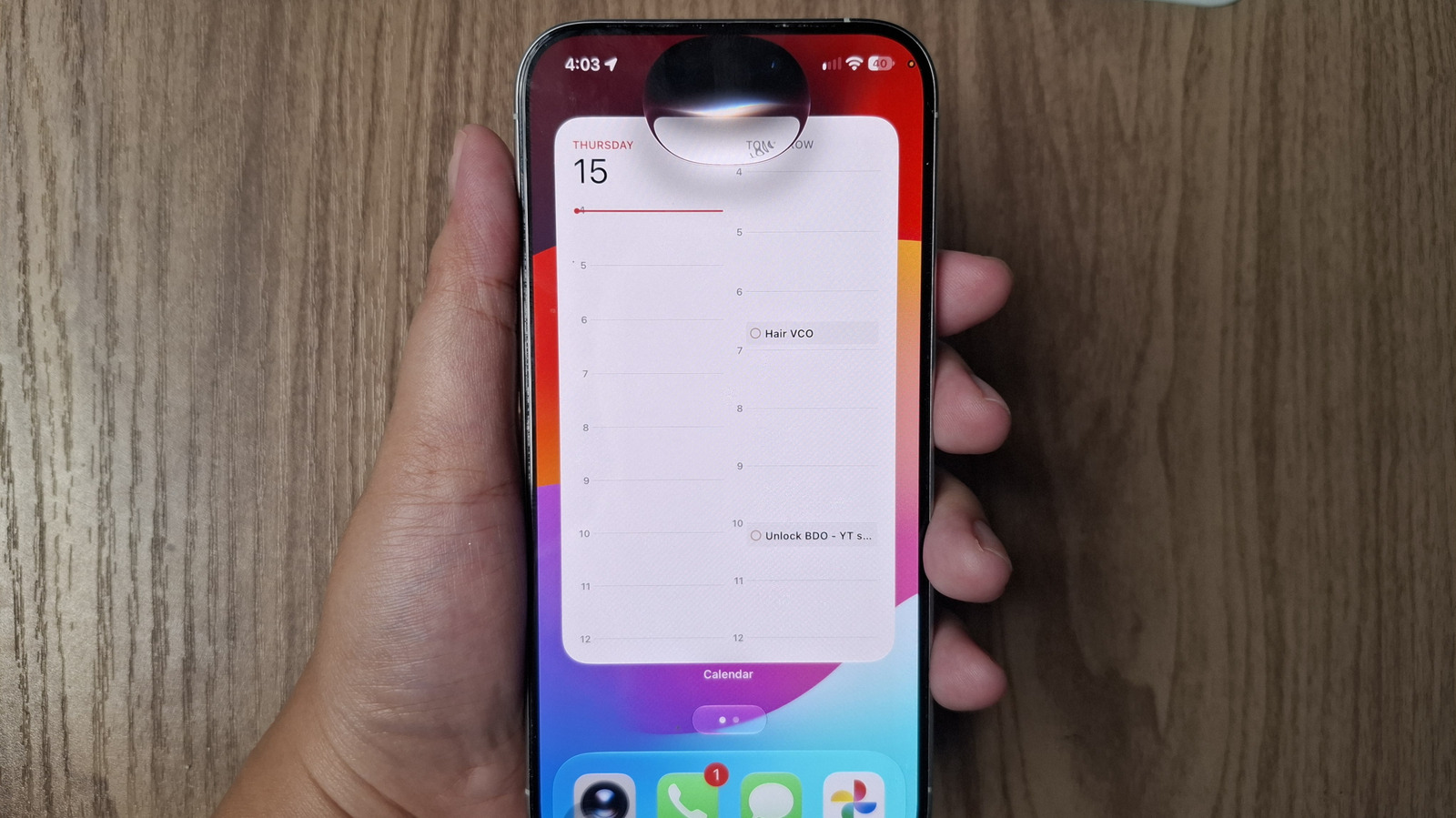
Effortlessly finding appointments with minimal details
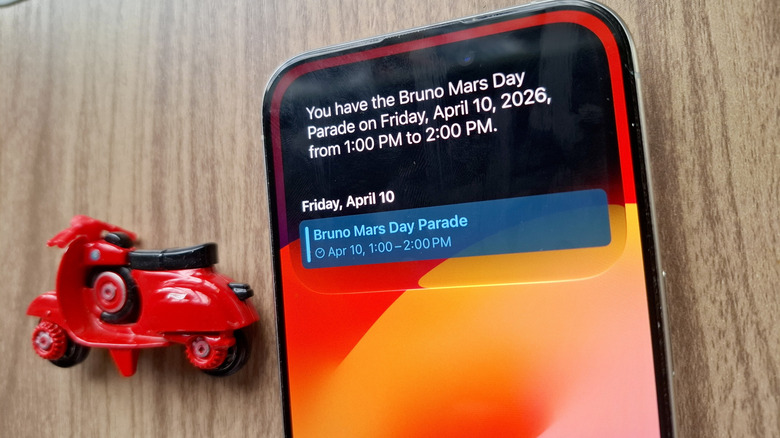
When your calendar is packed with numerous events and commitments, remembering every detail becomes complicated. Instead of wasting time manually scrolling through weeks to find an appointment whose full name you don’t remember, you can rely on Siri’s natural language understanding to reach the desired event even if you provide only one piece of information, such as the name of an attendee, the event location, a single word from the event title, or even the approximate time.
All you have to do is speak naturally and phrase your request as if you were asking a friend, such as saying: “Siri, I don’t remember what my next event is at this location,” or “Siri, when and where is my meeting with Sarah?” while ensuring you pronounce names and locations clearly. Once Siri retrieves the event on the screen, you can tap it to open it directly within the Calendar app to review, edit, or cancel it with ease.
Adding events shown on your screen or via the camera
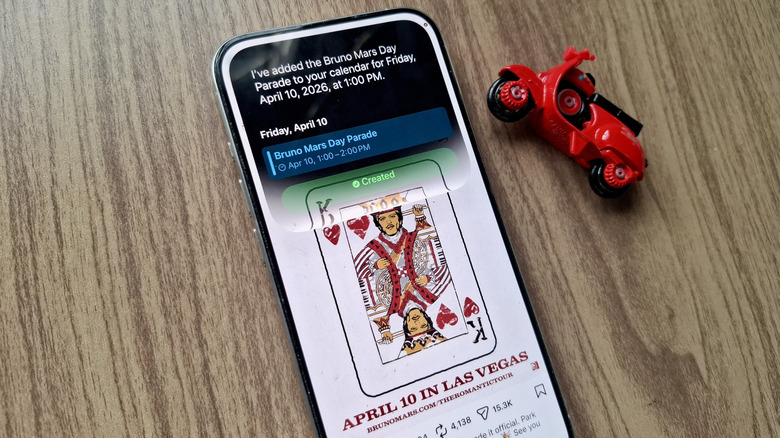
If you are browsing a platform like Instagram and find a promotional poster for a concert or conference you would like to attend, you don’t have to leave the app and manually go to the Calendar to note the date. It is enough for the image containing the date and event name to be displayed in front of you, then ask Siri: “Add this event to my calendar,” and it will automatically read the visual content and include it in your schedule.
This capability also extends to the real world by using Siri in the Camera app on the iPhone. If you come across a paper poster on the street or an advertisement displayed on a computer screen, you don’t even need to take a photo and save it; just point the camera at the event details, and a dedicated button to add the event to the calendar will appear right above the shutter button.
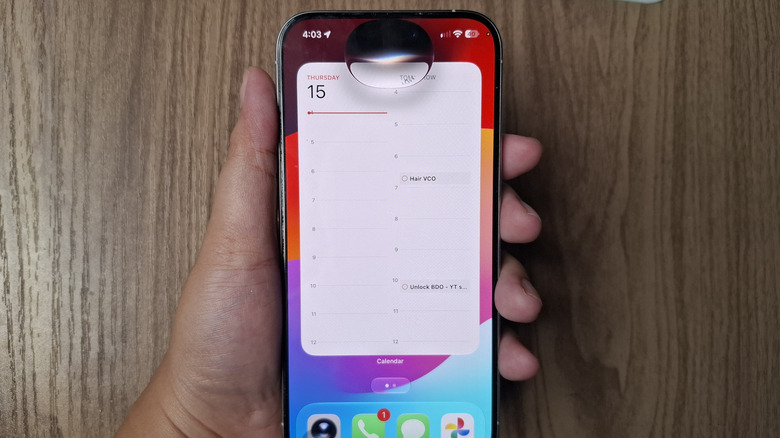
The most prominent feature here is the system’s ability to process multiple simultaneous events via the camera; you can point the phone at an entire schedule of events, and Siri will extract all appointments at once, giving you the option to select specific events or schedule them all in your calendar with a single touch—an experience that highlights the efficiency of visual intelligence within the system.
Editing and deleting saved events with voice commands
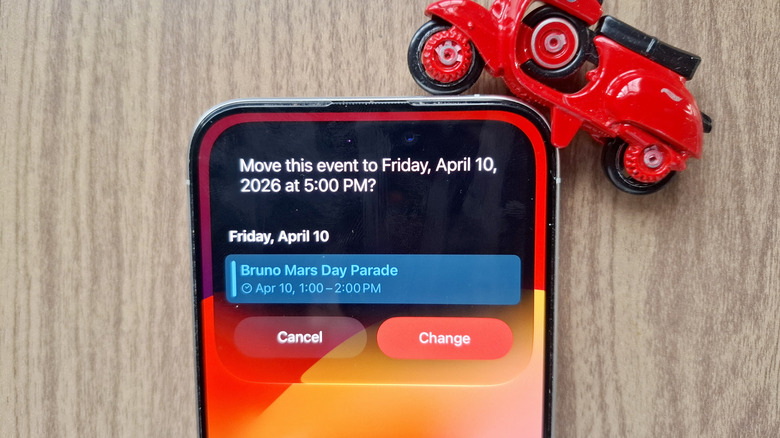
Managing appointments requires constant flexibility to keep up with sudden changes, and Siri allows you to edit the details of any existing event or delete it much faster than navigating manually within the app. You can change the event name, move it to a new day or time, update its location, add a custom description, or turn it into an all-day event.
You can also set event recurrence, whether weekly or monthly, and move it from one calendar to another, such as moving it from a home calendar to a work calendar. If your meeting is postponed, for example, you can simply say: “Siri, move my meeting from 3:00 to 4:00 PM,” and Siri will display the change and ask you to confirm before applying it immediately.
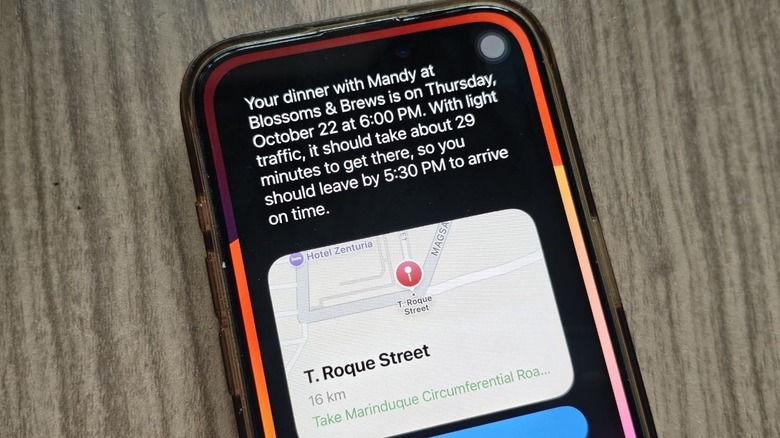
Asking smart questions about your schedule and departure times
Source:



Leave a Reply