When Apple launched iOS 27, it set two primary goals: fixing accumulated bugs to provide a stable experience, and launching the all-new AI-powered Siri. Despite the high anticipation, the update did not arrive as the paradigm shift everyone expected; instead, it brought with it a set of observations and annoying issues that users are complaining about during their daily interactions with their devices.
An update that failed to deliver the expected stability
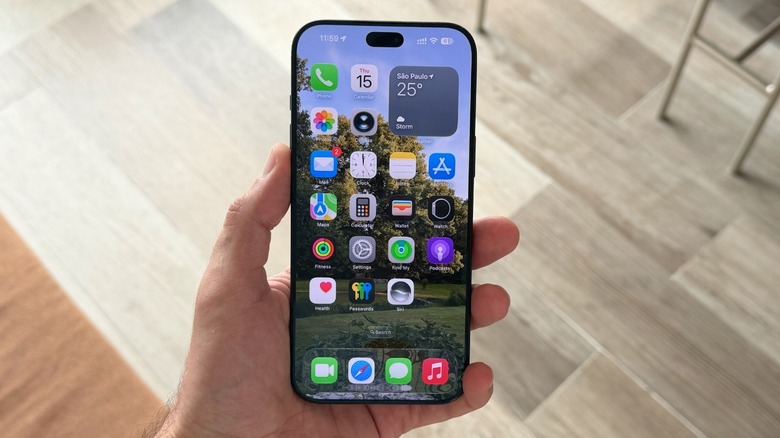
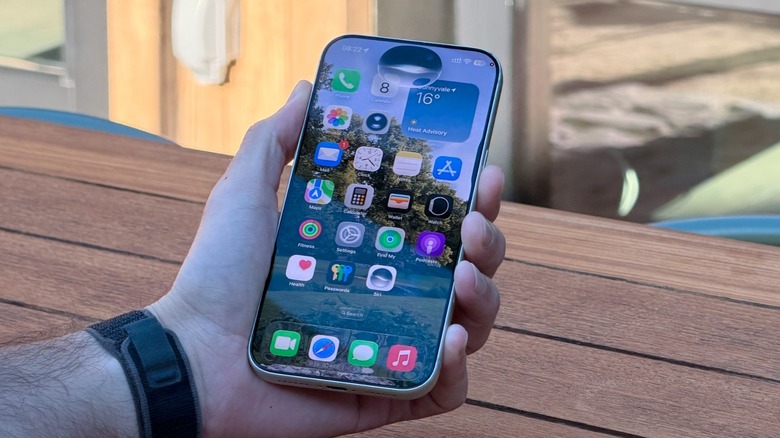
Instead of the system focusing on eliminating old bugs and delivering ultra-smooth performance, users found themselves facing strange behaviors and new software bugs that did not exist before. While some are looking forward to upcoming sub-updates to address these flaws, the current situation reveals five prominent points that are causing widespread dissatisfaction among iPhone owners.
AI-powered Siri: Repeated guessing and a lack of reliability
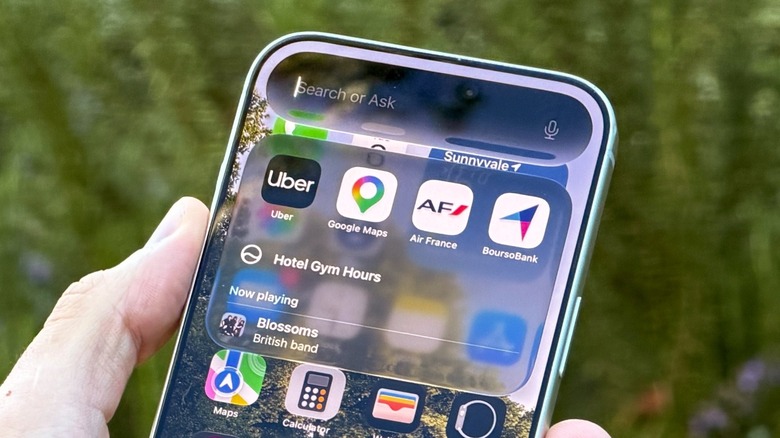
Despite being the most prominent feature in the update, the smart Siri is still far from full maturity. Siri faces clear difficulty in finding accurate and direct information from within core system apps such as Notes, Messages, or Calendar.
The biggest problem lies in the assistant’s tendency to guess and provide incorrect answers instead of admitting it doesn’t know the information, in addition to the visual search feature sometimes struggling to read addresses accurately, and the service repeatedly stopping responding entirely without explaining the cause of the problem to the user.
Continuous indexing and significant battery drain
Indexing device files and information is a normal step that happens in the background after major updates to ensure that search and AI features work, but in iOS 27, the process seems endless. Reports indicate that the system re-indexes after almost every sub-update and on a recurring, periodic basis.
This constant background activity causes noticeable battery drain and device overheating for days after each installation, forcing users to keep their phones connected to the charger for longer periods while waiting for performance to stabilize.
Syncing issues and media delays in iMessage
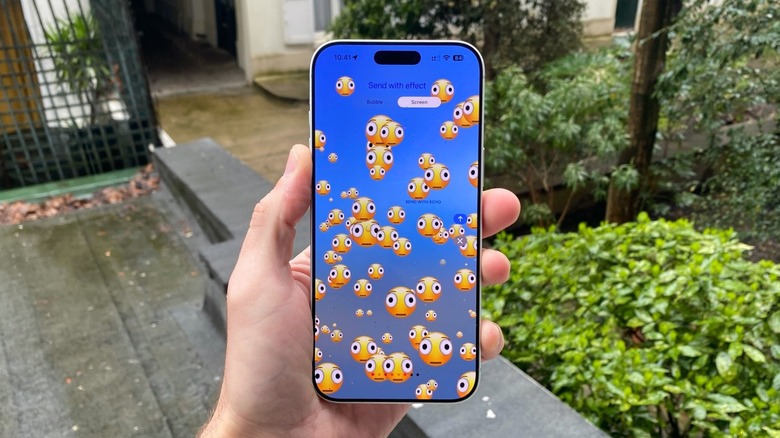
Message syncing errors between different devices have returned to the forefront. New messages appear on the iPhone but do not appear on the iPad, and photos take longer to download due to software adjustments that prioritize text first.
Additionally, users have complained about being suddenly kicked out of group chats as soon as one member changes their device, along with delays in loading old messages and the disappearance of some voice recordings immediately after listening to them for the first time.
Keyboard: Forgetting typing style and confusing autocorrect
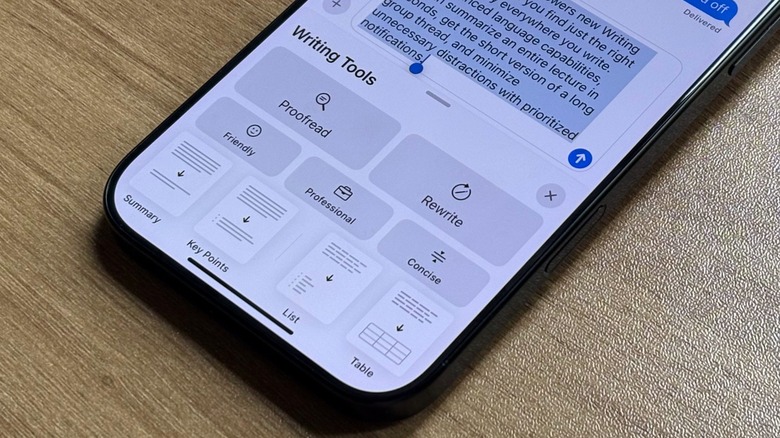
With the transition to the new system, it feels as if the keyboard has completely forgotten your usual words and personal style of expression, as common vocabulary disappears and suggestions revert to their stiff, default state.
The issue becomes even more annoying for those who rely on typing in more than one language; the system often fails to distinguish the intended language in the moment, replacing correct words with vocabulary from another language that does not fit the context of the sentence, leading many to temporarily disable the autocorrect feature to avoid repeated errors.
System stumbles on the iPhone Duo
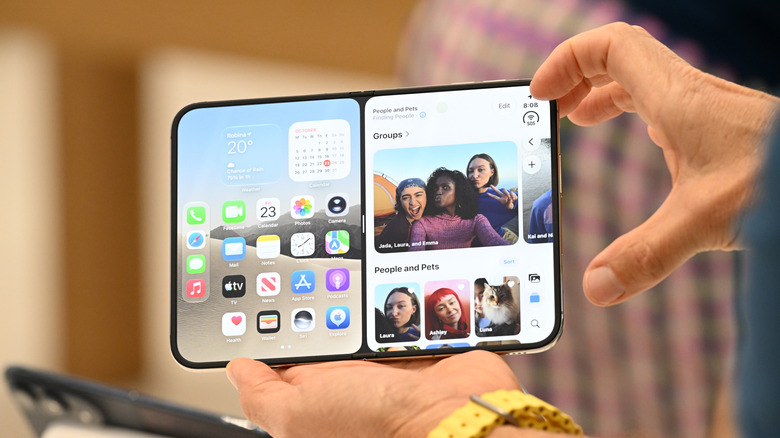
The list of observations is not complete without mentioning the system experience on Apple’s new foldable device, the iPhone Duo. Owners of this phone face interface bugs including overlapping menus, the Apple Watch unlock feature not responding accurately, and incorrect indicators for the location of the Touch ID fingerprint button.
Also, typing on the external screen seems uncomfortable due to the interface dimensions not being fully optimized, and these software issues coincide with individual complaints from some owners about the sensitivity of the device’s internal hinge, making users of this category wait for quick remedial updates to correct the experience.
Source:

Post Comment