Storage space on the iPhone is no longer just for photos, videos, and apps; artificial intelligence features have started to occupy a significant portion of storage, and many users may not be aware of their actual size. With the evolution of Apple Intelligence features, you might find yourself forced to sacrifice several gigabytes of space for features you may not use daily. Fortunately, there is a way to reclaim this space. In this article, we reveal how much space Apple Intelligence occupies on the iPhone and how you can recover a large portion of it with simple steps.

How much storage does Apple Intelligence consume on the iPhone?
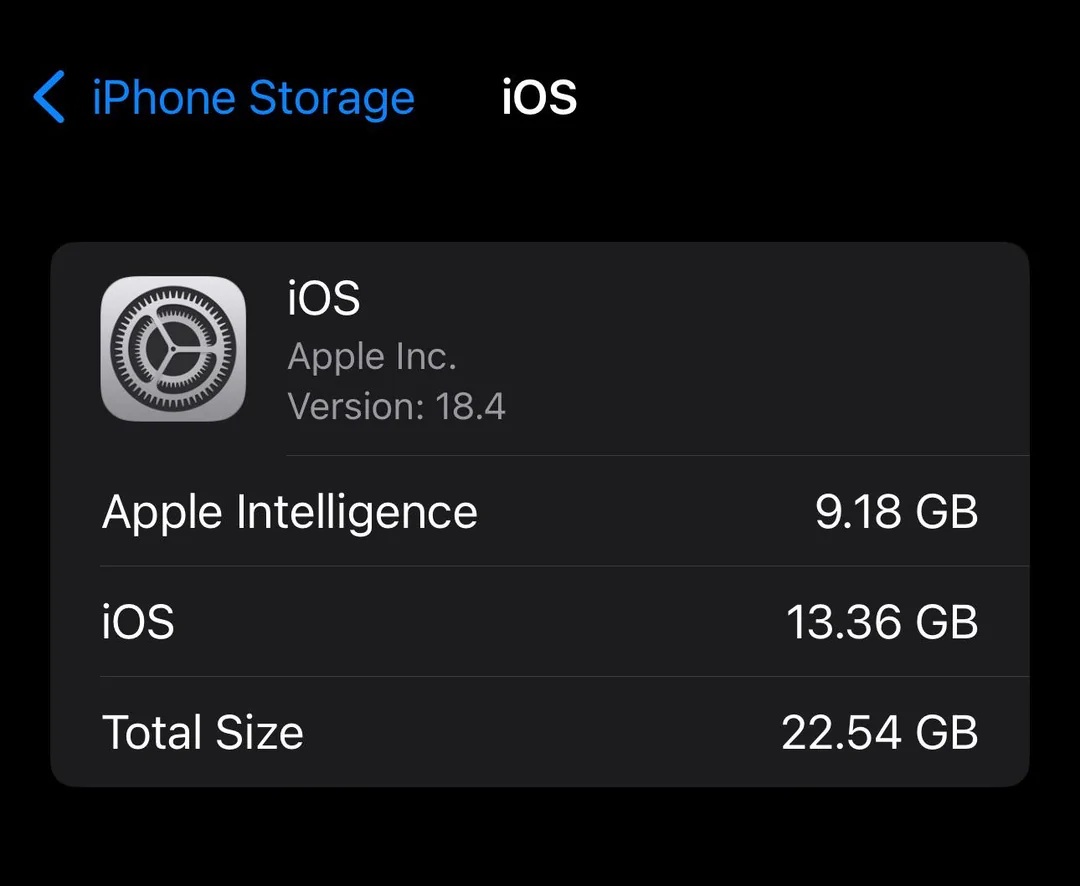
The space required by Apple Intelligence features varies depending on the phone model, reaching up to 14 GB on iPhone Duo, iPhone Air, iPhone 17 Pro, and newer devices, while consuming about 8 GB on other compatible devices. However, some users have reported that Apple Intelligence consumed between 9 and 16 GB on their phones, which is a significant figure, especially for those with a 128 GB iPhone, as it means more than 12% of storage has vanished due to features that are not being used.
How to reduce the space consumed by Apple Intelligence?
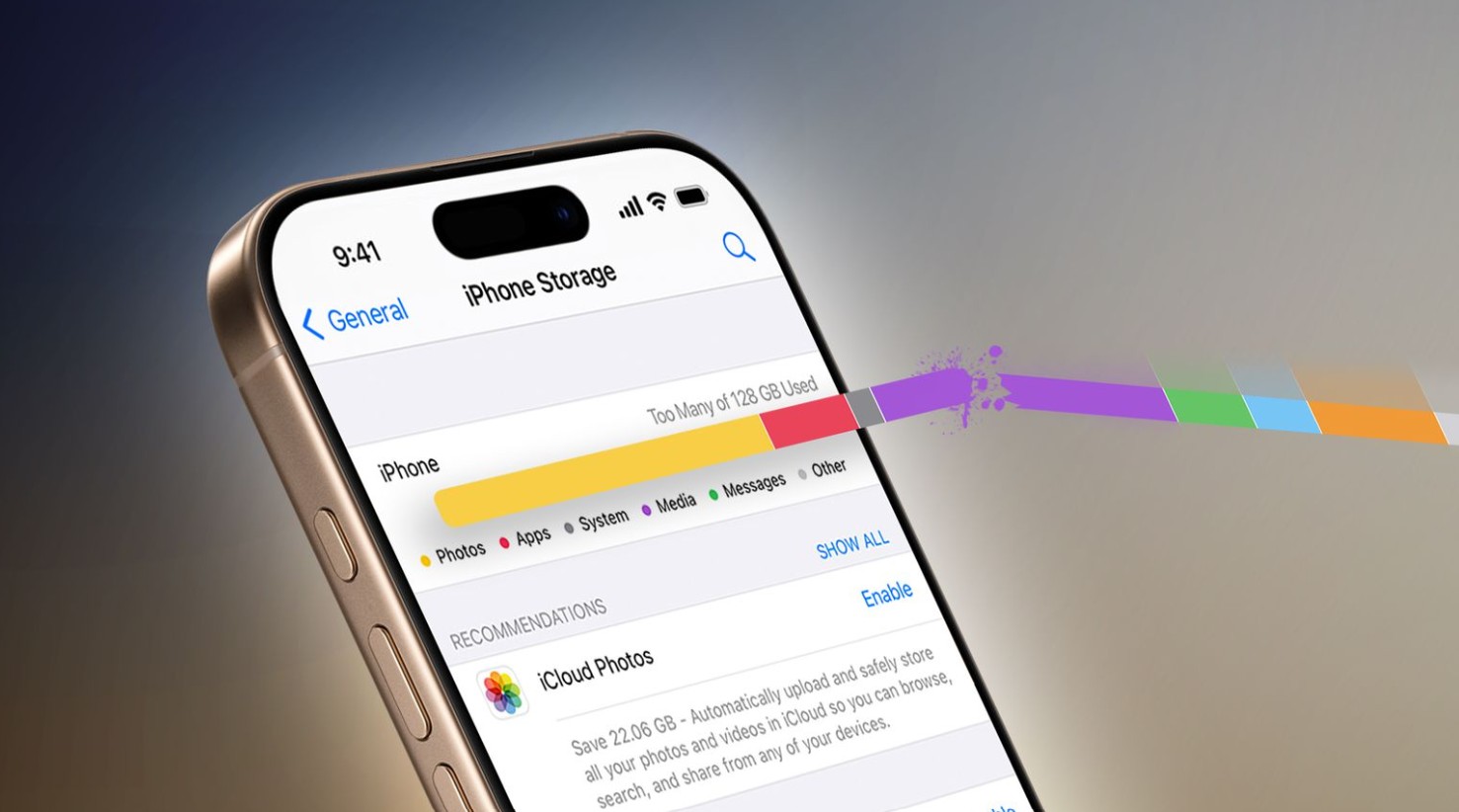
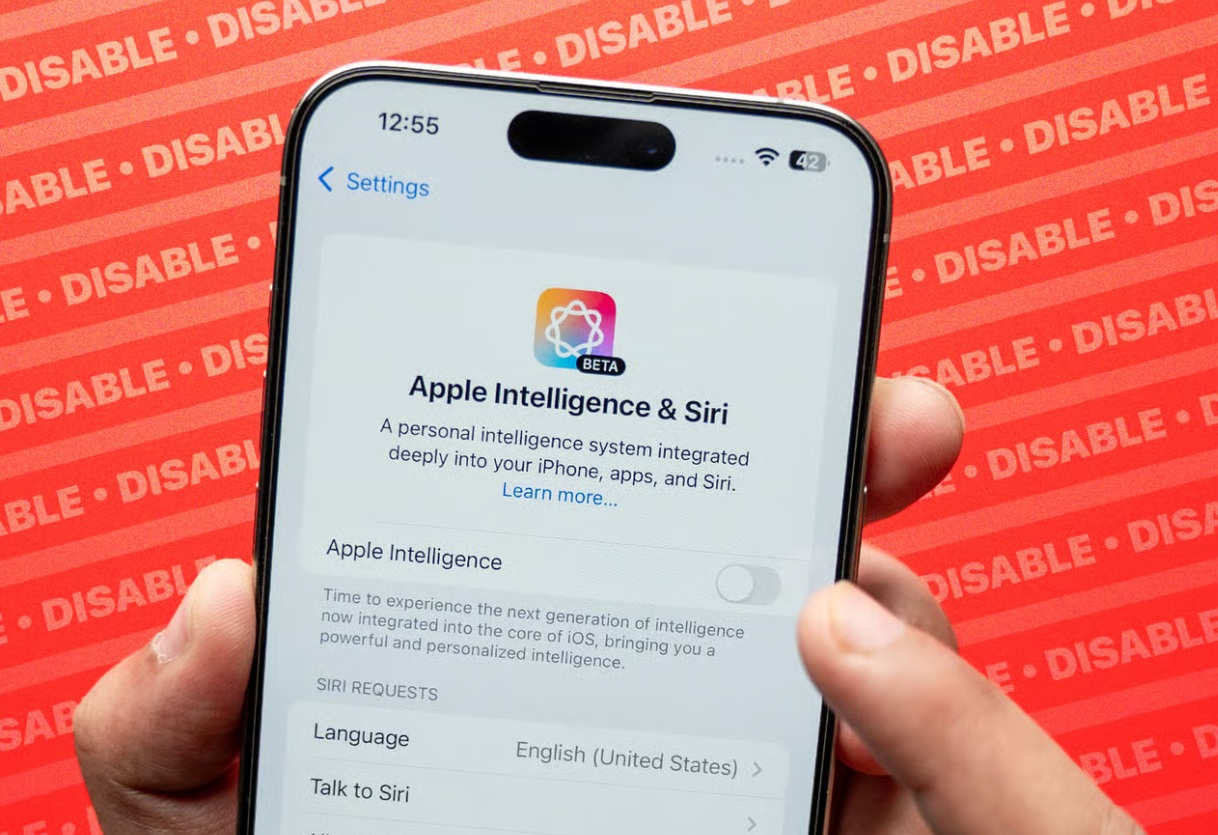
Turning off Apple Intelligence features is no longer enough to reclaim space as it was in the past, as the system retains the files necessary to run them even if you decide to disable them, in anticipation of future use.
However, there is a simple trick that can be used to reclaim space on the phone. The trick lies in the fact that Apple Intelligence features only work when the device language and the Siri voice assistant language are set to the same option.
To use the trick to reduce the space consumed by Apple Intelligence, you need to follow these steps:
- Go to Settings
- Then Siri
- Choose Language
- Select a different version of English, such as Canadian English
Once you restart the phone, you should be able to reclaim the storage space that was occupied by the artificial intelligence files on the iPhone.
Note: This method is not an official solution and may stop working with future iOS updates.
What will you lose when disabling Apple Intelligence?
Giving up Apple Intelligence means losing a set of features that have become more advanced in iOS 27, most notably the new Siri, which is now more capable of understanding the context of conversations, executing tasks within apps, and interacting with the user more naturally.
Siri can also access information such as hotel reservations and flight numbers, search for recent information online, understand what is on the phone screen, and even help you write text. The camera app now offers a Siri-based mode that allows it to identify objects the camera is pointed at or capture photos of them and provide information about them.
Improvements are not limited to Siri; the Photos app has received better tools for removing unwanted elements, Safari is now able to organize tabs by topic, and the Shortcuts app allows for creating commands using natural language. The system also provides automatic text correction across apps and offers information related to conversations during calls, such as flight data and reservation confirmation numbers.
Finally, Apple Intelligence features may be a significant addition that makes using the iPhone easier and smarter, but they consume storage space that cannot be ignored, especially if your phone has limited capacity. Therefore, before considering disabling them, ask yourself: do you actually benefit from these tools enough to justify the space they occupy? Or would reclaiming several gigabytes be more useful to you? The decision ultimately depends on how you use your iPhone, so choose what suits your needs, whether it’s keeping the AI features or reclaiming extra storage space.
Do you think Apple Intelligence is worth the space it consumes on the iPhone? Let us know in the comments!
Source:


Post Comment