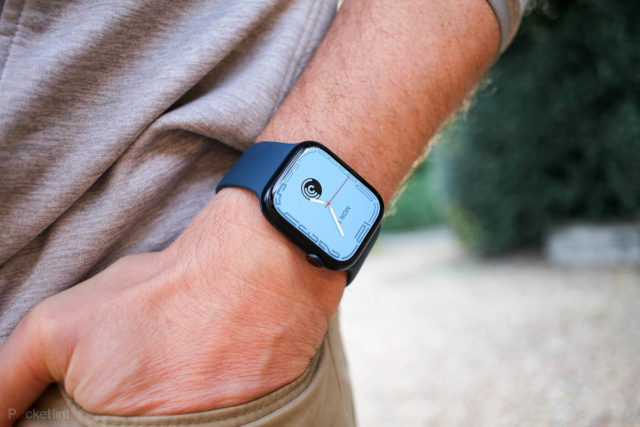
People buy the Apple Watch and use it as an extension of their iPhone, but the Apple Watch can do a lot more than just check text messages and track steps, it can become a trusted travel companion and more, in this article we learn about five unique ways the Apple Watch can do them, and it may be useful to you.
Open your hotel room
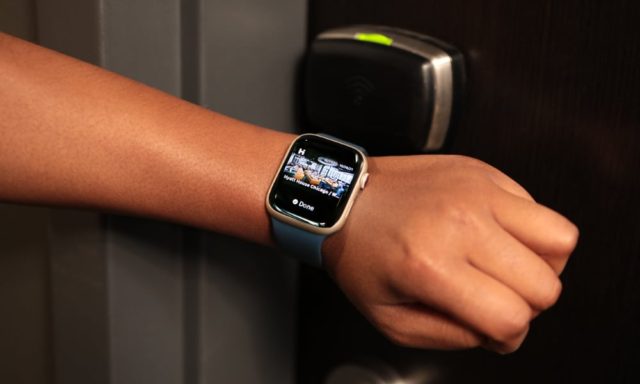
Many hotels support numeric keys, support iOS apps and therefore also have Apple Watch apps support. When traveling, you can use the hotel app to unlock your room, so instead of using your iPhone you can use your Apple Watch to open the door, just make sure you tell the person at the check-in desk that you have the mobile app so they can enable it, then you can access to your room via the clock.
Pointing you in the right direction
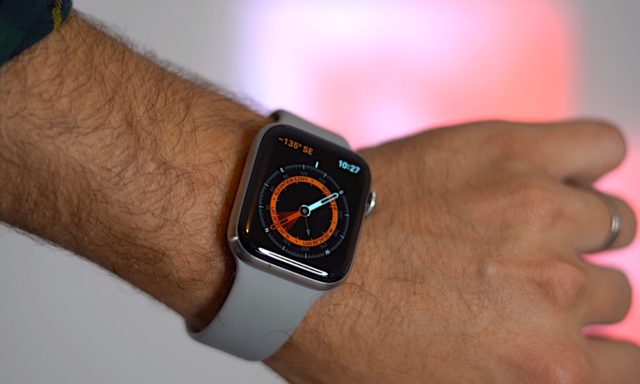
Apple has added a magnetometer to its watches, and starting with the Apple Watch 5, you can use the sensor built into the compass, and you can take advantage of it in Apple Maps, where Apple Maps and third-party location-tracking apps, such as Yelp, also rely on the magnetometer to help you find your way .
These apps use the compass sensor to determine the correct direction. Be careful if you use the watch band with built-in magnets, interference may occur and point you in the wrong direction.
Calculator app trick
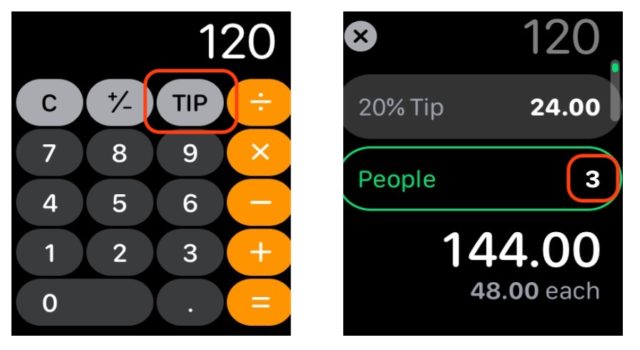
You've likely used the calculator app on your Apple Watch to add your purchases or calculate miles per liter, but did you know you can also use it to calculate a tip? Simply enter the bill cost and click the tip button, then enter the percentage you want to tip as a tip, and the app will calculate how much money you have to leave. There is also an option to split the bill if you share the cost with other people!
Measure the noise around you
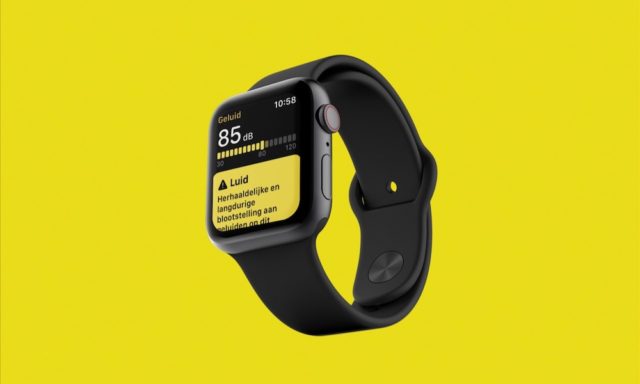
You can check how loud the sounds around you are using the Noise app on the Apple Watch. The noise app measures decibels and lets you know if the volume of your surroundings is safe. You can also set alerts that will regularly measure ambient noise and warn you when levels are too high!
Make time to never be late
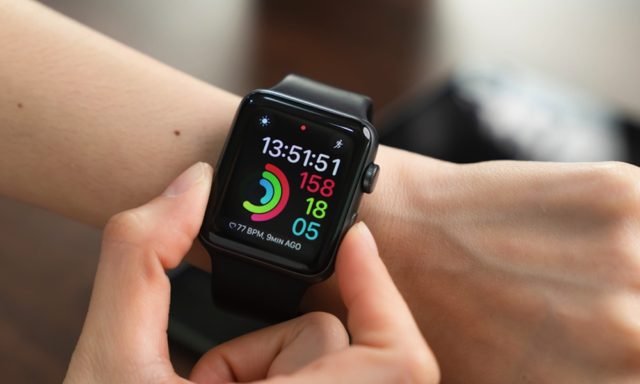
Although it can do many things with your Apple Watch from making a phone call to monitoring your heart health, it is still a watch that is used to tell time, and you can use the time tracking feature to make sure you are always on time with this simple change in your watch settings .
◉ Open Settings on your watch.
◉ Select the hour.
◉ Select +0 minutes.
◉ Rotate the Digital Crown and choose how far you can set your watch.
◉ Select a group.
◉ You can choose to increase your time by 5, 10 or even 15 minutes depending on the delay you want. In this way, you will notice before the official time as much as you have appointed.
Source:


7 comment