In our fast-paced digital world, it's easy for our smartphones to steal us away from our most important daily priorities, especially prayer, which is the pillar of Islam and one of the most beloved acts to God when performed at its appointed time. This is why the "To My Prayer" app was created, offering an innovative and decisive solution to help you maintain your prayers without procrastination. Its unique feature prevents access to other apps on your phone until you have prayed first. Today, we are pleased to announce a new and distinctive update to the app, bringing with it a range of aesthetic and functional features that enrich your experience and make maintaining your prayers an interactive experience befitting Apple's modern system.


How does the screen time for prayer feature work?
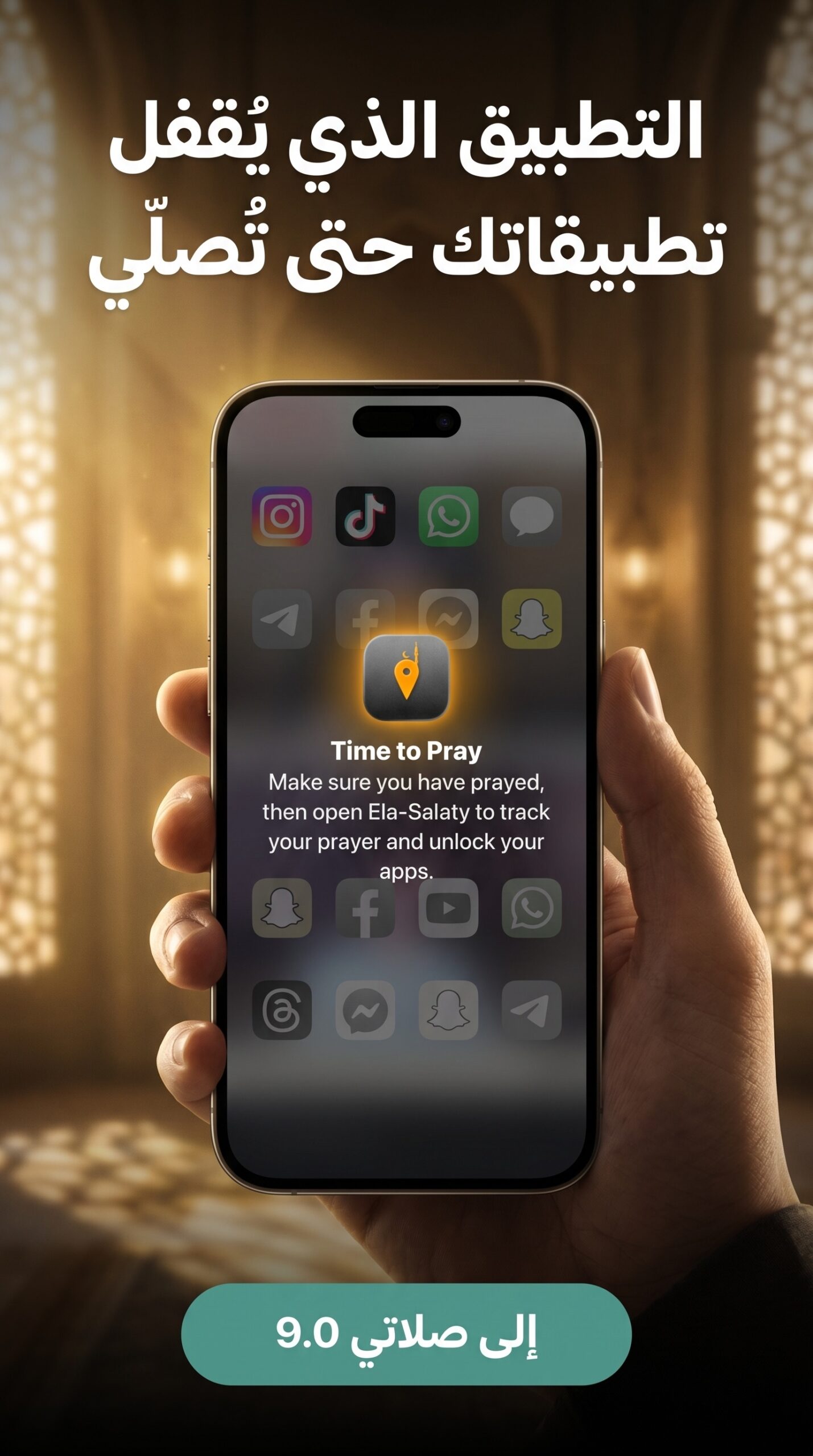
Do you struggle to maintain your prayers on time amidst the constant stream of notifications and the allure of smartphones? We all fall into this trap sometimes, but praying at the beginning of its prescribed time is among the most beloved acts to God, and it is undoubtedly a sign of true faith. Because we live in a highly technological age, the "To My Prayer" app offers the perfect technological solution to help you perform your prayers on time, through a revolutionary feature that effectively blocks your access to distracting apps on your phone until you have fulfilled your religious obligation.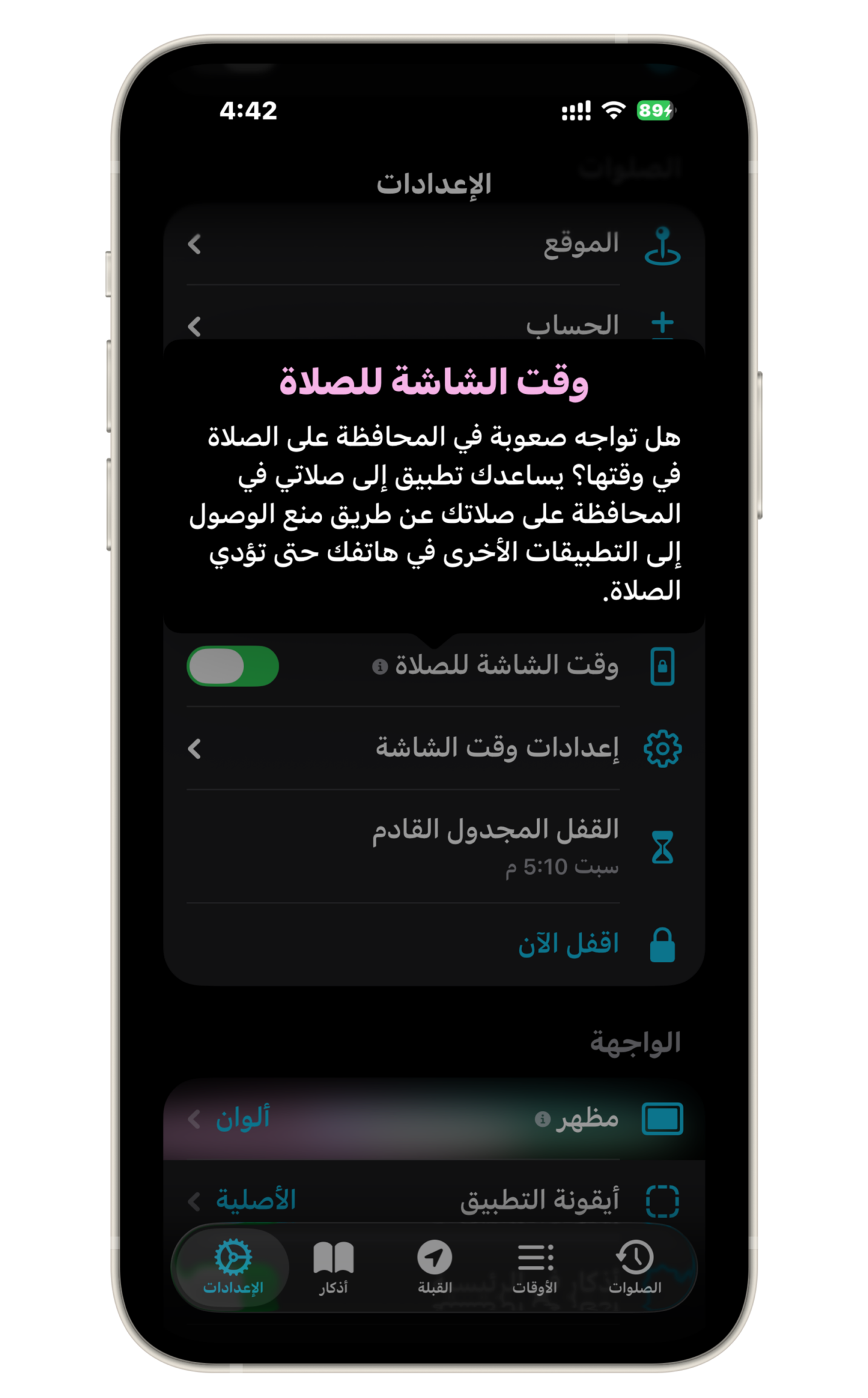 This app isn't messing around; the Prayer Screen Time feature is designed gently but firmly to put your prayers first. It locks apps that are stealing your attention until you've finished praying. You'll only need to activate it once by going to Settings → Prayer Screen Time. A quick setup guide will appear, requesting permission to access Apple's Screen Time feature, which allows the app to lock other apps for you. You can choose which apps or categories of apps you want to lock; the more apps you add, the more effective the feature will be at eliminating distractions.
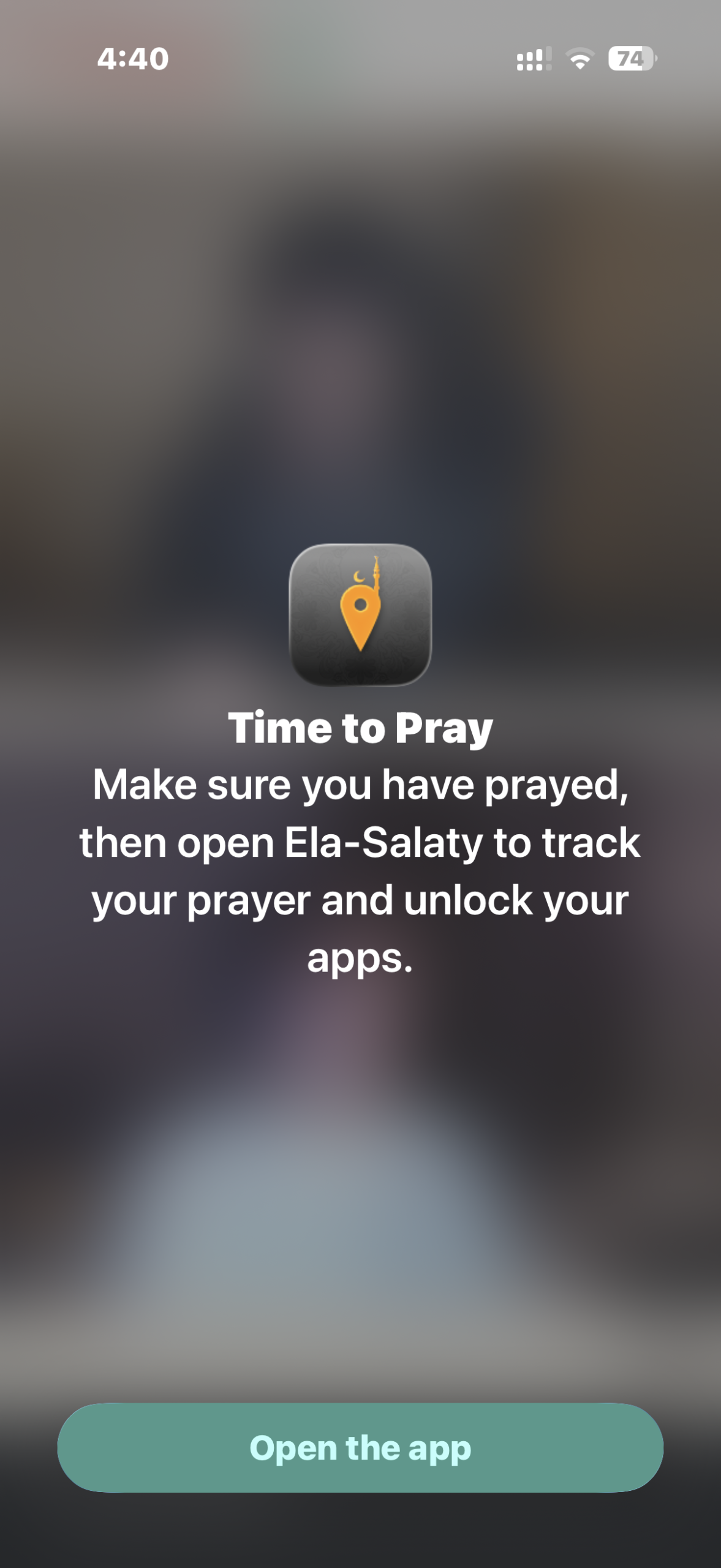
From that moment on, the app will operate automatically and silently. When the time for any of the five daily prayers arrives, the apps you selected will lock immediately at the time of the call to prayer, or a few minutes later if you prefer (the app offers a delay option from 0 to 30 minutes). If you attempt to open any locked app, a quiet screen will greet you with the message "Time to Pray," gently reminding you of your prayer and directing you to open the "My Prayer" app.
Your secret weapon against procrastination: Opening and postponing
Now, how do you regain control of your apps? It's incredibly simple and rewarding. Once you've finished your prayers, open the "To My Prayer" app and log in that you've prayed. In no time, all your apps will unlock and you can use them freely. It's an instant reward after fulfilling your religious duty!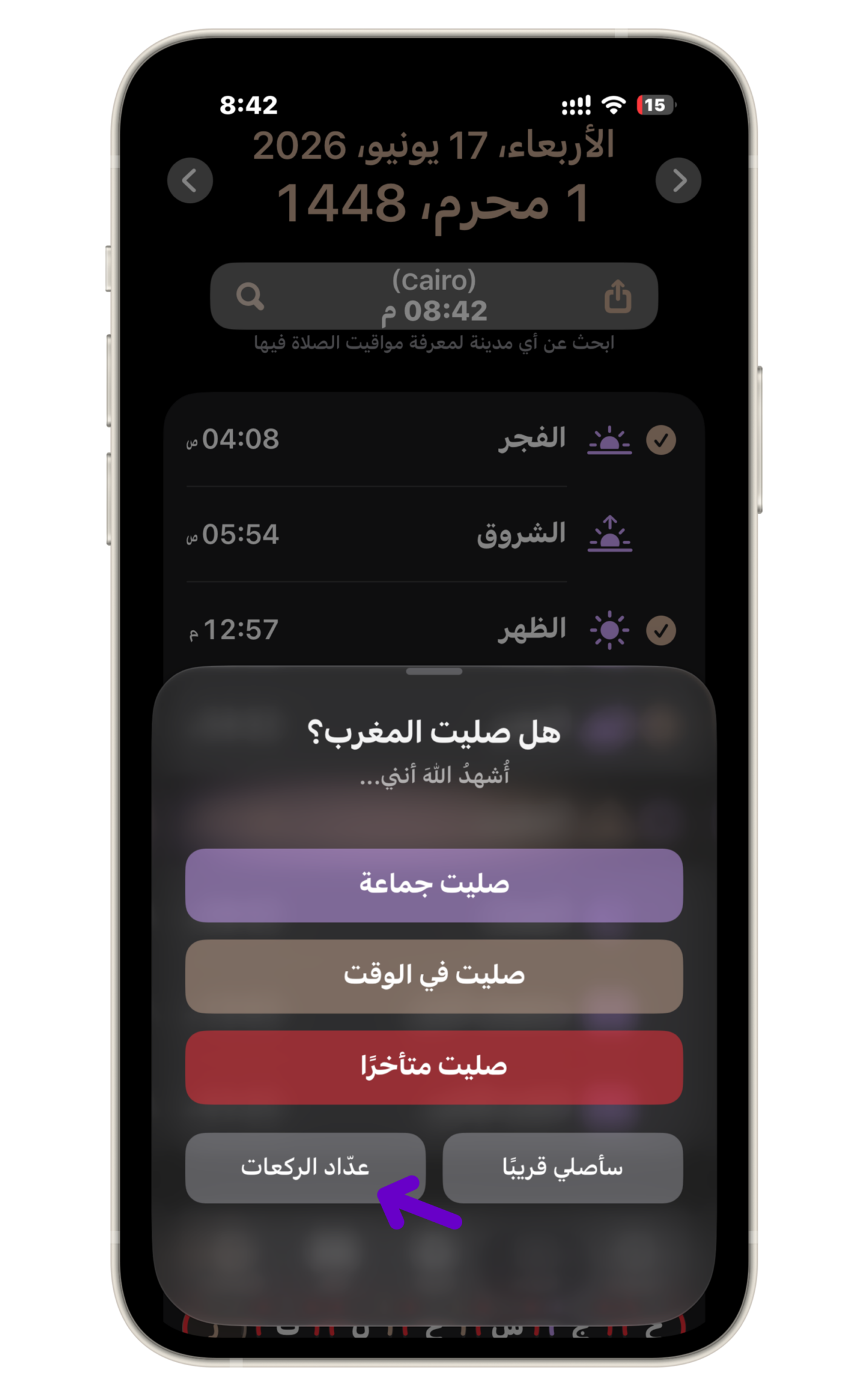 But what if you're not ready to pray at that exact moment? The app offers great flexibility; you can tap the "I'll pray soon" button to keep your apps open for a short period (between 15 and 60 minutes, depending on your choice) before they lock again. Remember, your apps will remain locked until you actually record your prayer in the app. This feature is designed to be a constant reminder and a gentle nudge that you can't simply dismiss by swiping the screen. And of course, you're always in control; you can manually lock or unlock everything from the settings screen whenever you want.
Other features and a classic touch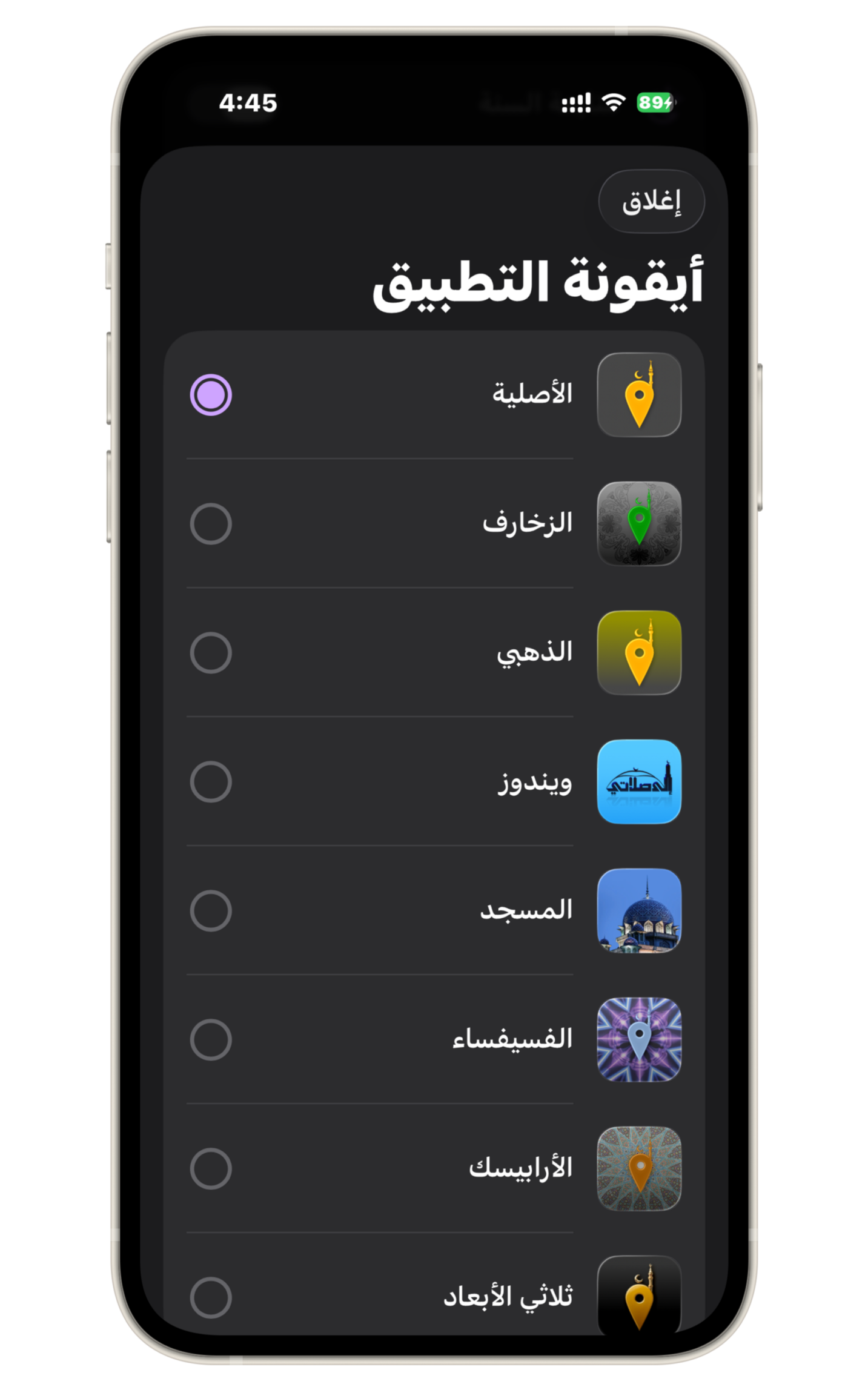
Don't forget that this massive update also comes with other great features, such as the ability to customize the app icon on your home screen (including the classic Windows icon that will bring back many memories for long-time users!), and the ability to share prayer times as stylish cards and videos with family and friends. In addition, there are comprehensive performance improvements and updates to the Clock app and Live Activities. And if you encounter any problems, please don't hesitate to contact us via the "Contact Us" option within the app settings.
the source



10 comment