If you're having trouble maintaining your prayers on time, the new update to the "My Prayer" app offers a great solution. It closes apps during prayer times, and even when you open them, there's a rak'ah counter. This means you should pray, otherwise you can't use your device. But don't worry… the "My Prayer" app guides you without any inconvenience. Let us show you how to use this new feature.
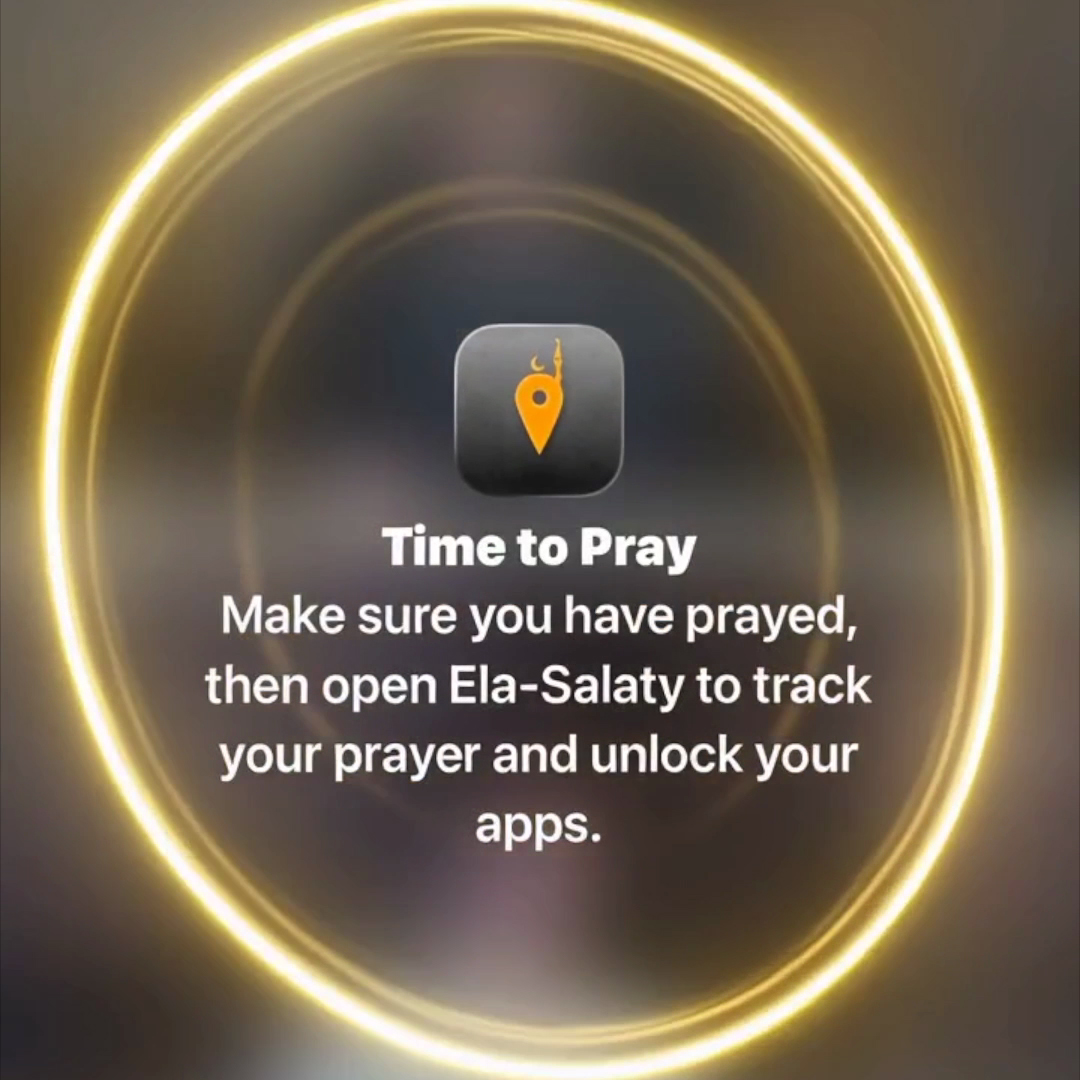
Update to My Prayers app 9.0

First, make sure you have the latest update of the My Prayer app. These features are free, so it's no problem if you don't have the Pro version. We just want to help you maintain your prayers on time, and you will, God willing.
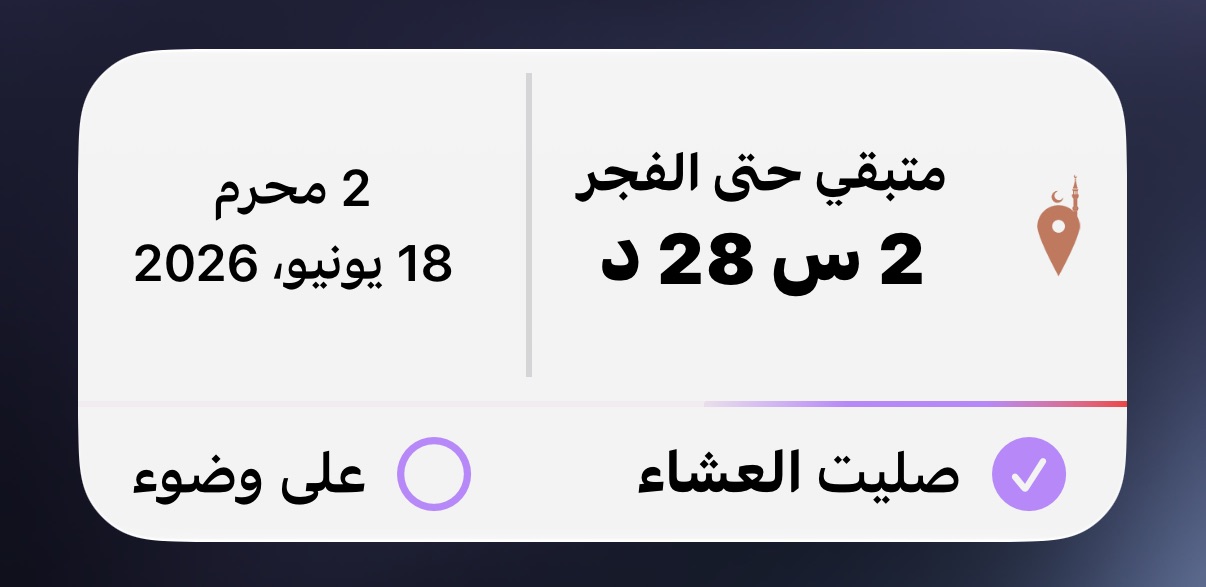
When you open the new update to the My Prayer app, you will find on the times screen that you can now track your prayers and mark them as if you have performed this prayer.
This feature is for those who forget whether they have performed the prayer or not, and there is a widget dedicated to this, so even if you do not want to access the application, you can do this from your device screen.
Prayer time screen activation feature
From the same times screen, you will find a button to activate the prayer screen time. This feature will close applications at a time that you specify in the settings, either immediately at prayer time or ten minutes or half an hour later. You are in control.
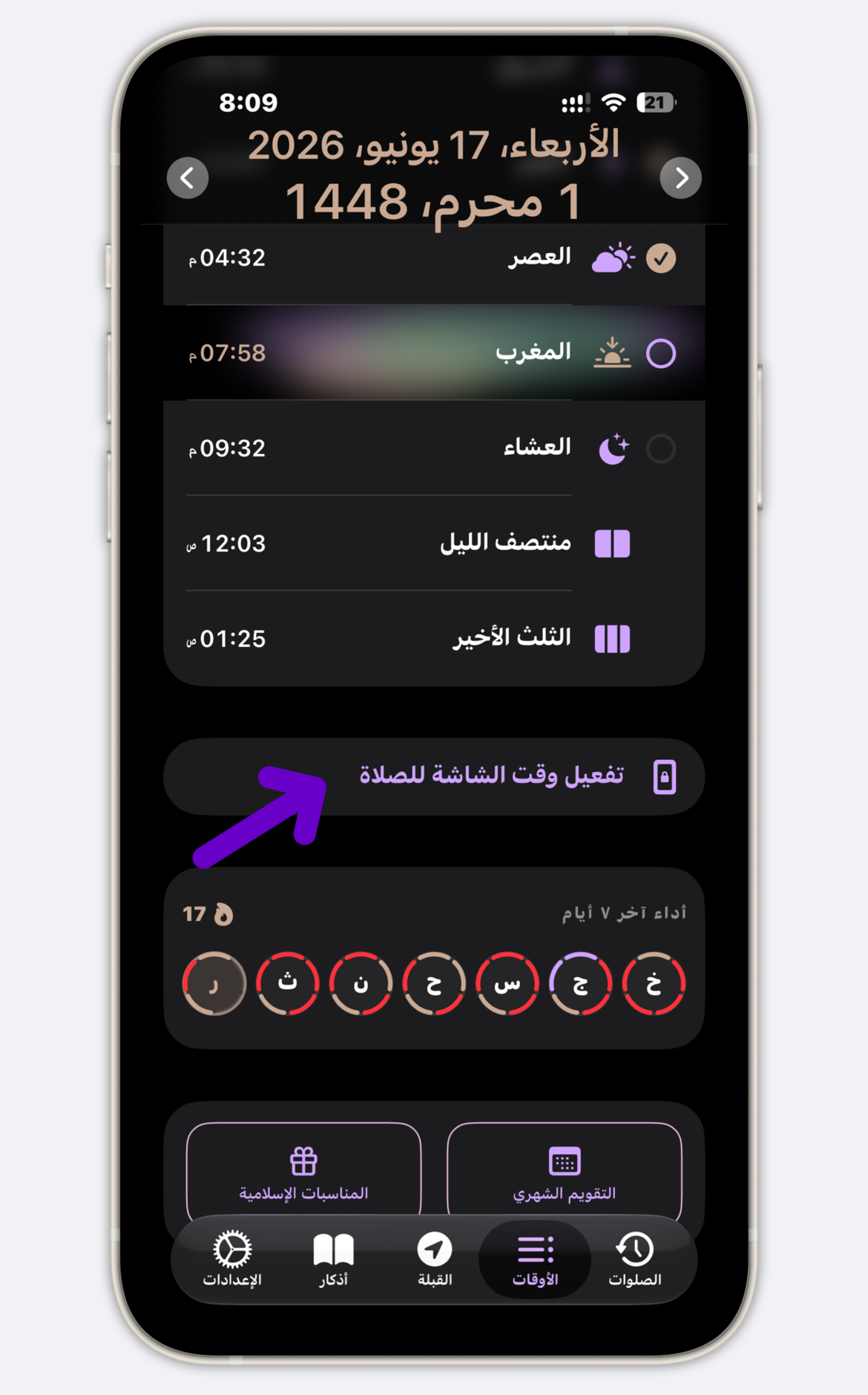
After pressing the button, the settings screens for this feature will appear.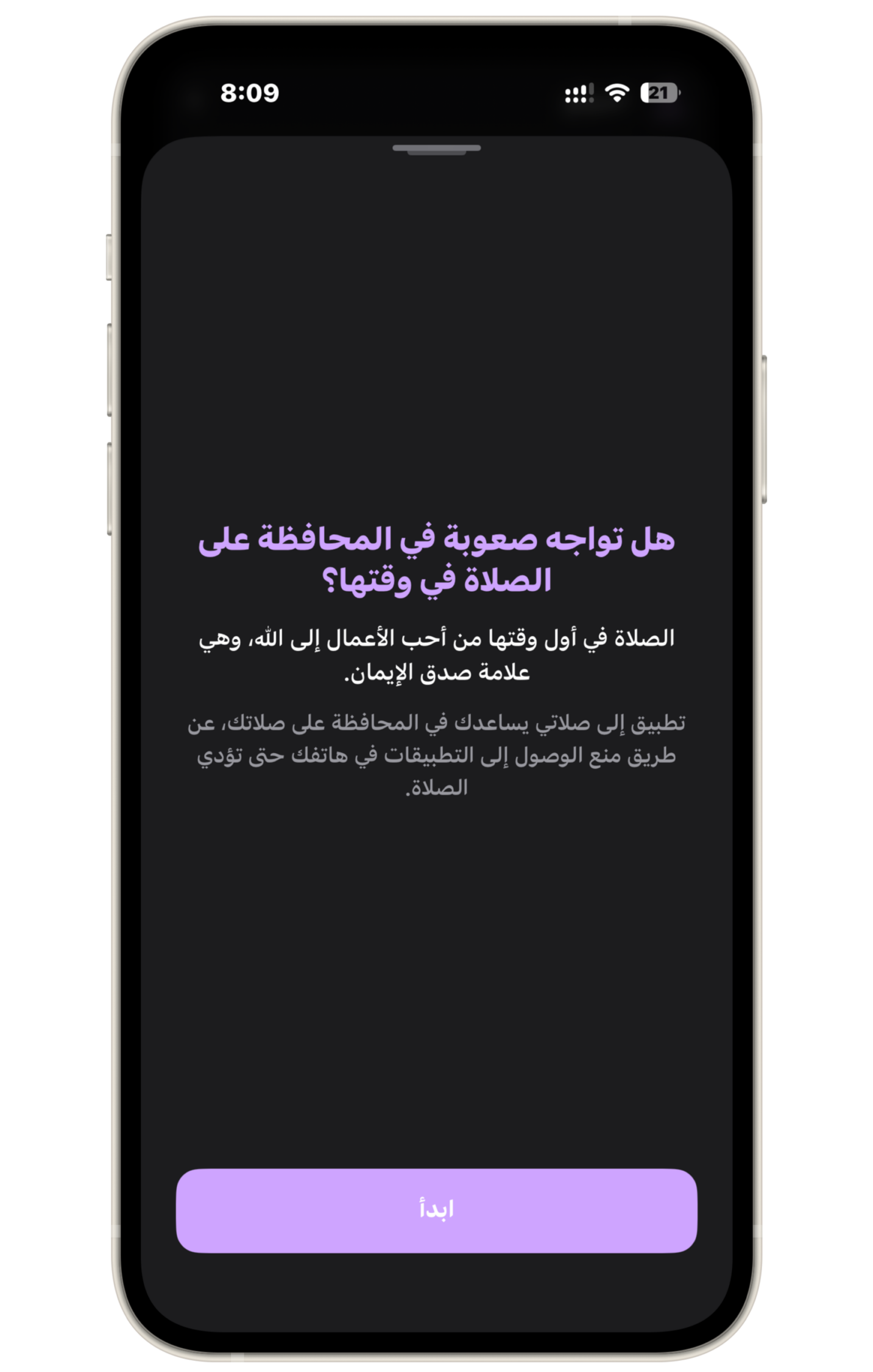
All you have to do is start, and you will be shown the screen time control permission; give the permission.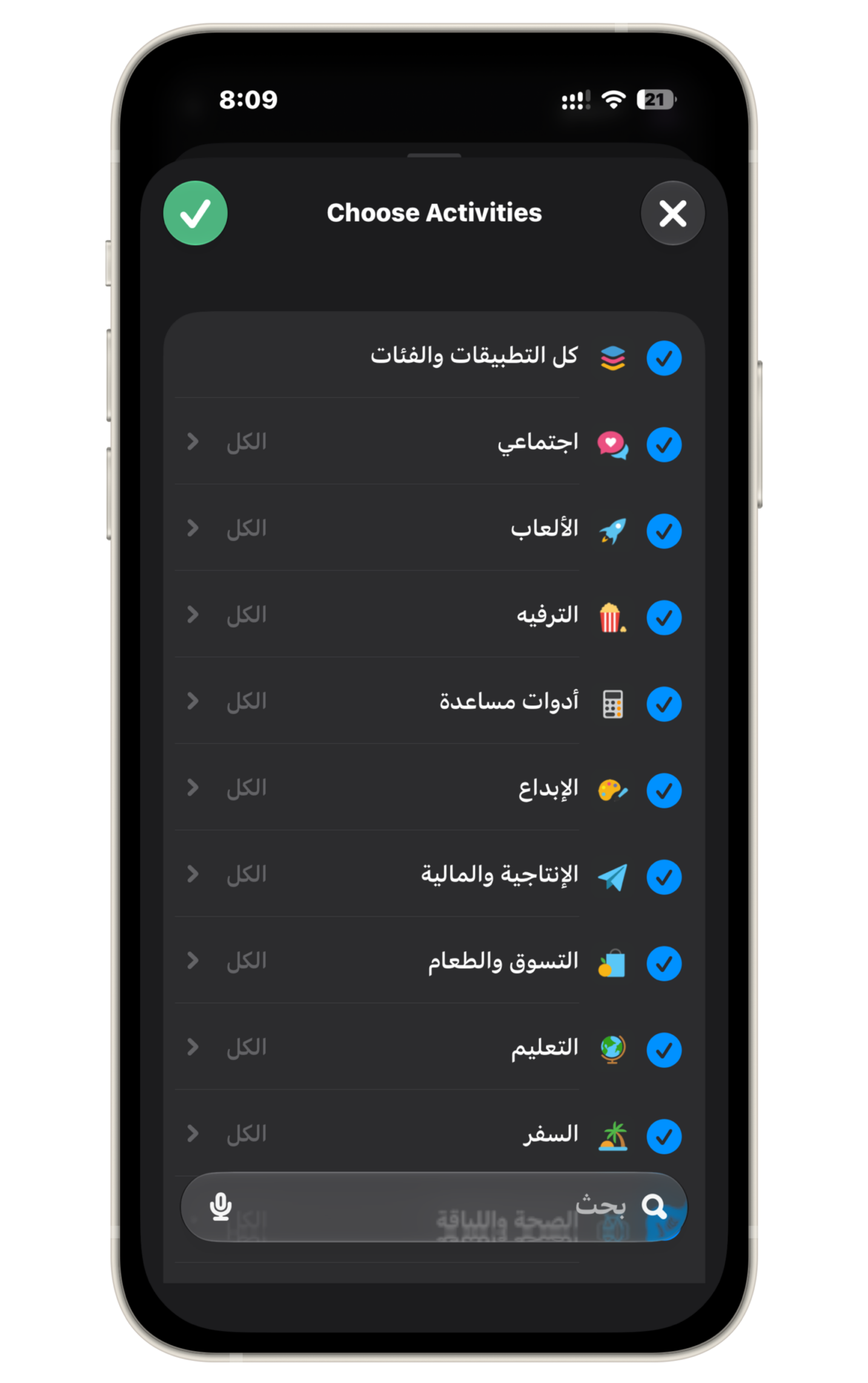
When asked which apps you would like to close, select all apps and categories.
Now you are ready, and at the time of prayer or the time you have specified, all applications will close, even if you are browsing TikTok or Instagram, whatever you are doing, this screen will appear…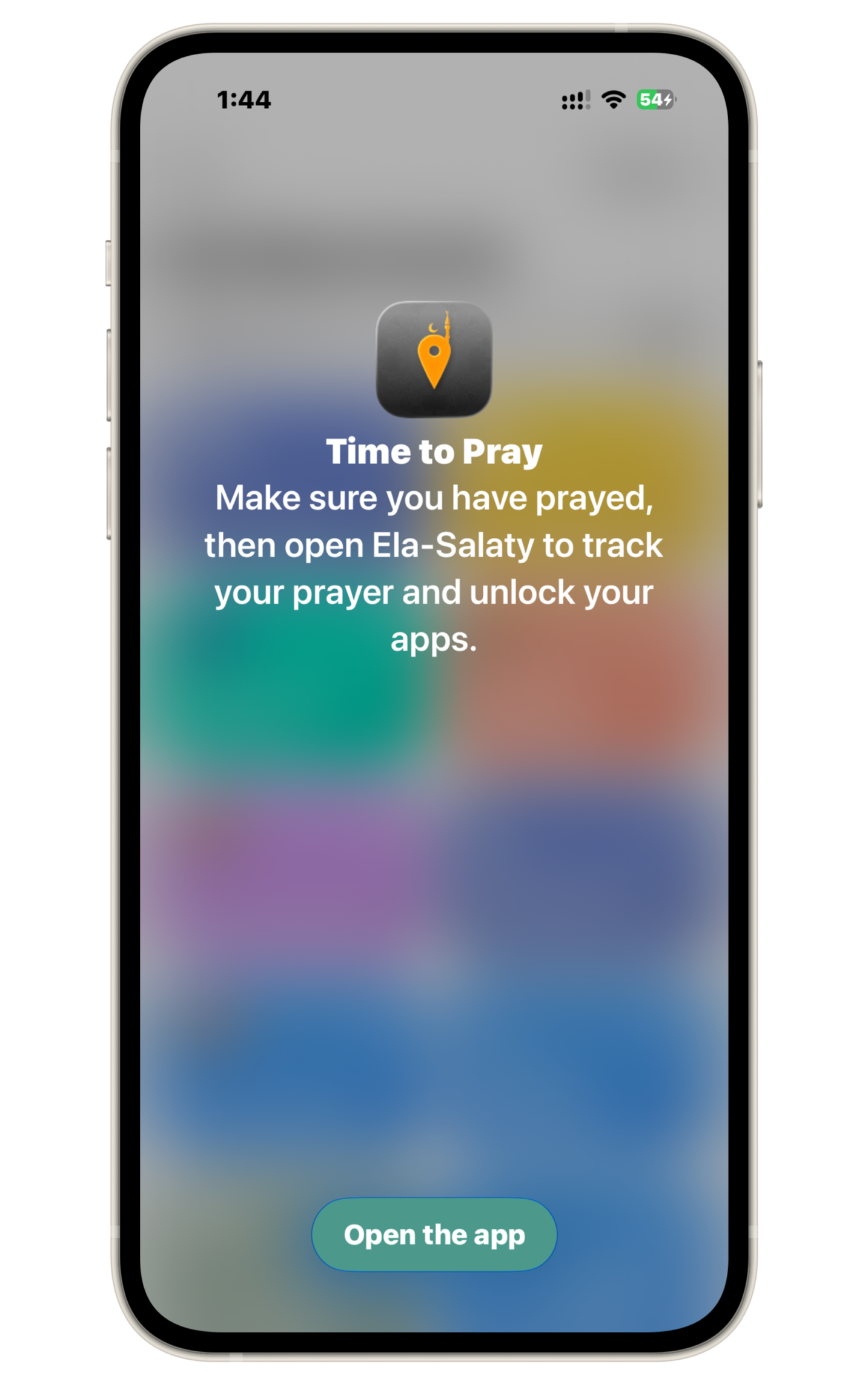 When you open the My Prayer app, a screen will appear asking you, and God is your witness, have you prayed?
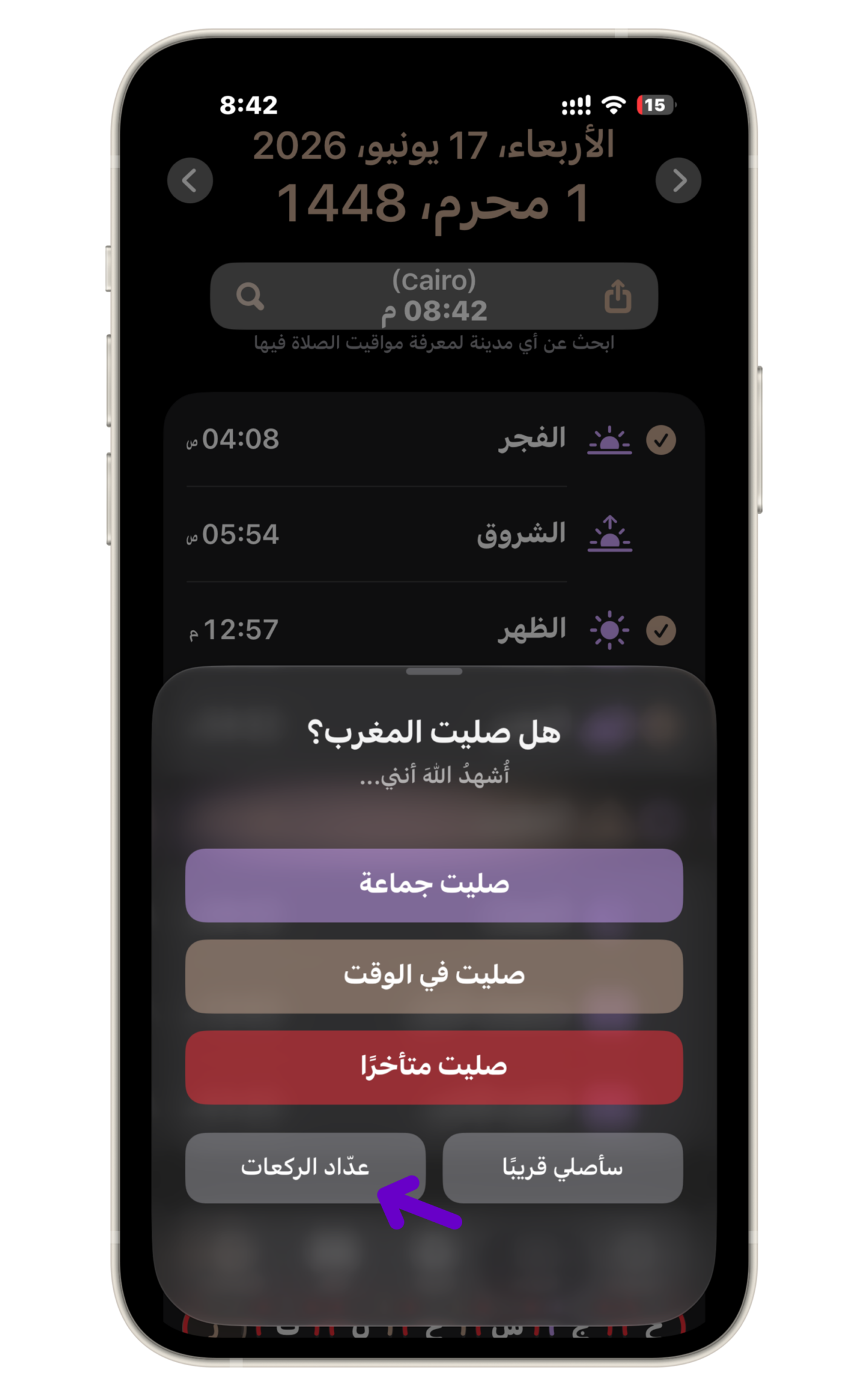
If you want to use the new Rak’ah Counter feature, you can press the Rak’ah Counter button, and only for the first time will screens appear telling you about this feature.
Prayer counter
You might think that the prayer counter inside the “To My Prayer” app is like any similar feature in any other app. In fact, the “To My Prayer” app uses very complex technologies to achieve a truly unique experience, and the first and last goal is not to distract you while you are praying.
The My Prayer app uses the laser sensor in the front camera, so it is the only app that works very smoothly, does not distract you during prayer time, and works even in complete darkness.
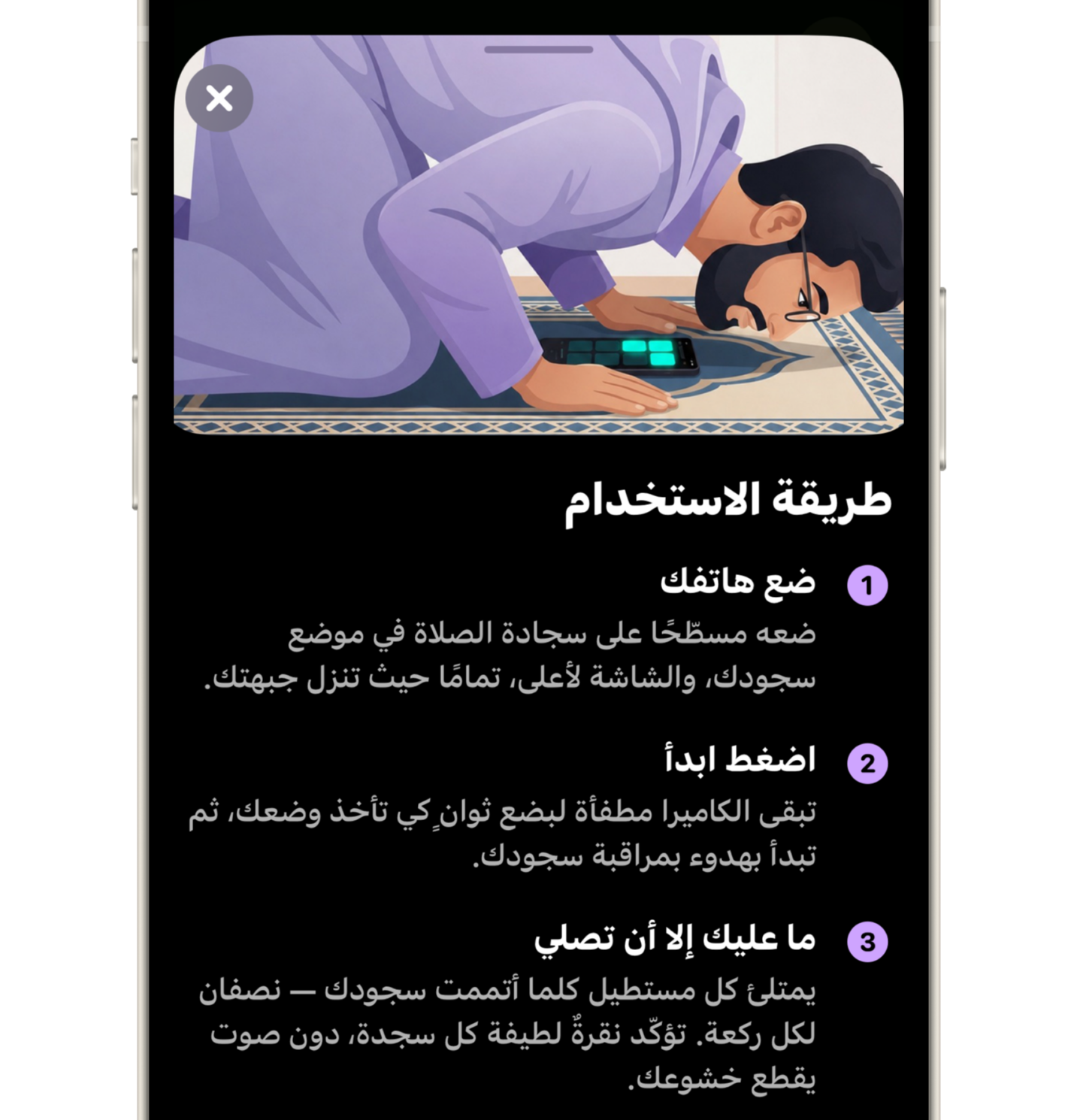
All you need to do is place your phone on the prayer mat so that it is facing your chest during prostration. The laser measures the distance between the phone and you, and if it finds that the distance is close for a certain period of time, it will count as a prostration.
If you try this feature by pretending that you are praying, it will not work for you, because there are mathematical calculations designed to work in the natural way of praying.
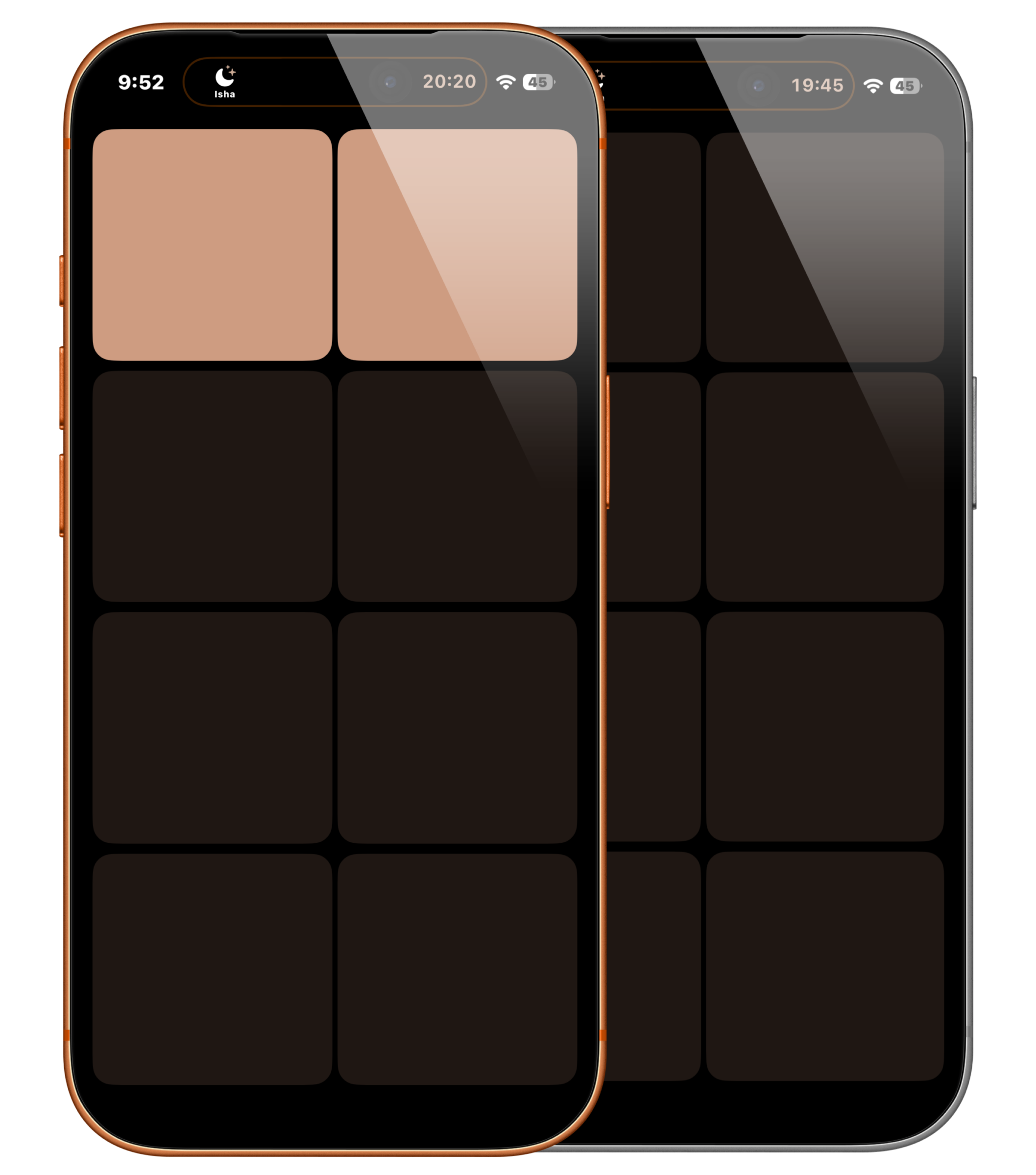
When you prostrate, you will find only squares of a pale color. You will not find any text, and you will not find anything. This is intended so that you will never be distracted by the phone. The color of the square will change when you prostrate once, and the one next to it when you prostrate the second time, and so on until your prayer is completed.
What's great about this feature is that it works smoothly and with amazing accuracy, to the point that after you get used to it you will realize that you don't need to keep an eye on it to see if she has done prostrating to you or not, and you will completely ignore your phone.
After completing the prayer, the prayer time will be calculated for you, the applications will be unlocked, and you can repeat the same thing with the next prayer.
Upcoming updates, God willing
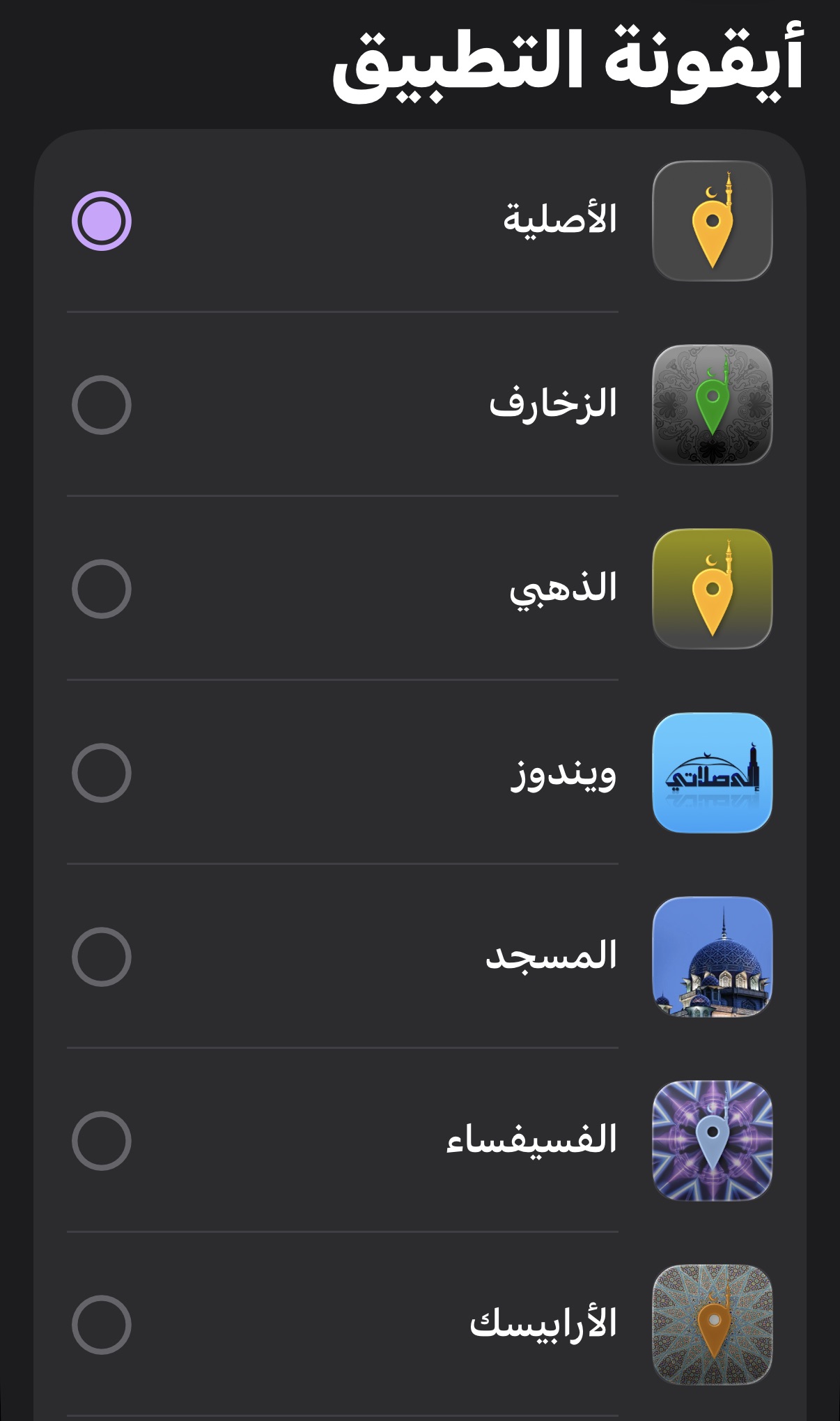
We have ideas to develop these features, and add more useful features. Of course, if you can subscribe to the Pro version, this will help in developing more features and making them free, such as this one. As a thank you, you will be able to change the application icon. You can even use the icon of the first version of My Prayers on Windows for the iPhone application.


25 comment