Apple officially launched its laptop, the MacBook Neo, the cheapest Mac ever, starting at just $599, the same price as the iPhone 17e. It even goes down to $499 for students and teachers. However, this attractive price comes at a cost, as Apple had to sacrifice a number of features we’re used to in other Mac models. In this article, we review the main differences between the MacBook Neo and its closest higher‑end competitors, as well as the MacBook Air, so you can make an informed purchase decision.

Processor and Memory: Sufficient performance for daily use
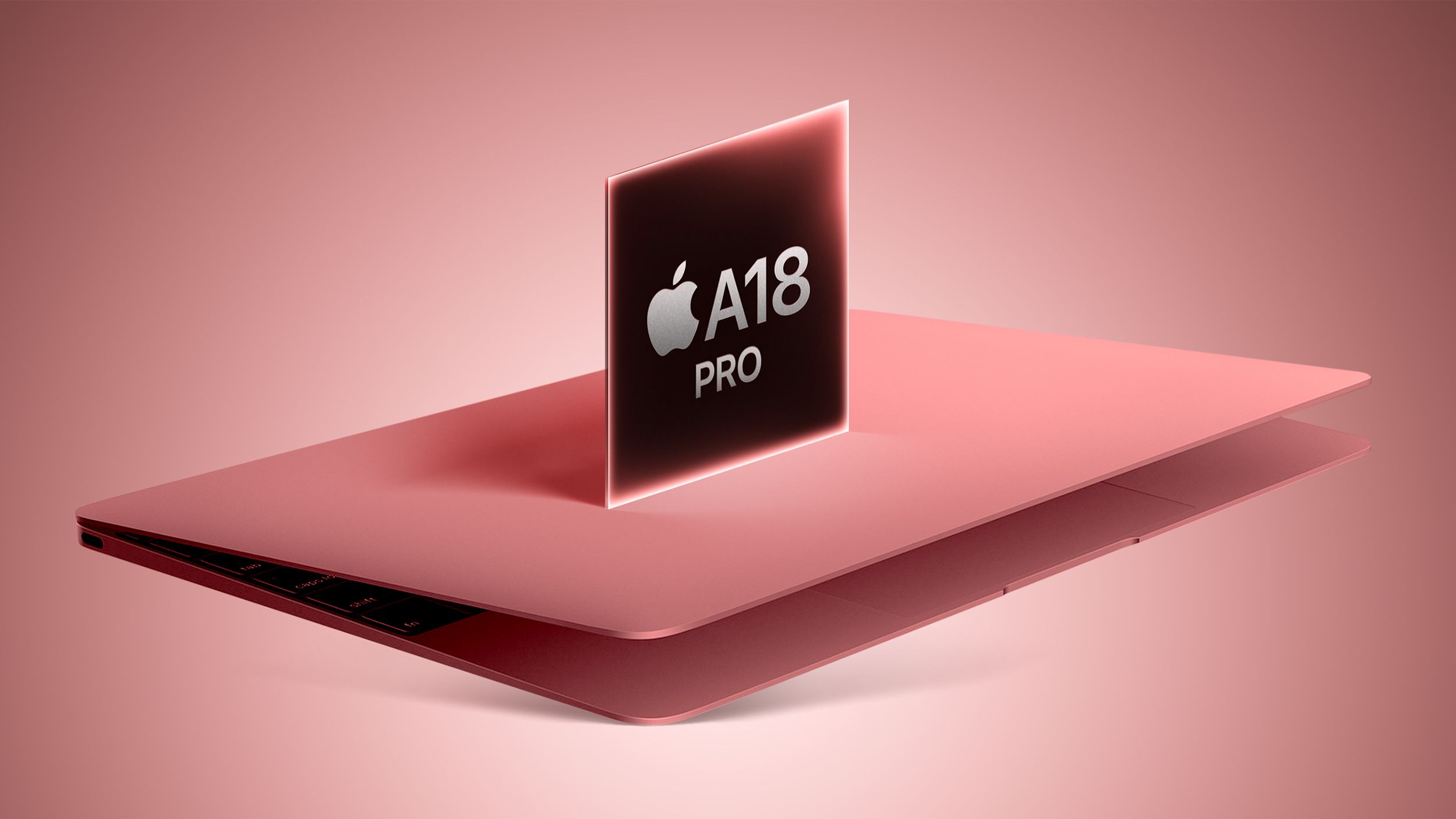
A18 Pro chip instead of the M series
The notable thing about the MacBook Neo is that Apple chose the A18 Pro chip, the same chip launched with the iPhone 16 Pro, instead of the M series chips designed for computers. This chip features a six‑core CPU and a five‑core GPU, compared to six graphics cores in the original phone version.
RAM and storage
◉ RAM: 8 GB only, not upgradeable. Nevertheless, it is sufficient to run Apple Intelligence features.
◉ Internal data transfer speed: 60 GB/s, less than half the speed of the MacBook Air.
◉ Storage: starts at 256 GB, with a single upgrade option to 512 GB.
These specifications make the device suitable for light daily tasks such as browsing, email, and studying, but it is not the optimal choice for heavy workloads like video editing or running local AI models directly on the device.
Battery and charging: Acceptable performance, but!

The MacBook Neo provides up to 16 hours of video streaming, a good number, but less than the 18 hours offered by the MacBook Air. The battery capacity is 36.5 Wh compared to 53.8 Wh in the Air.
Also noteworthy:
◉ No MagSafe magnet; charging relies solely on USB‑C.
◉ The device comes with only a 20‑W charger, without fast‑charging support.
Ports and connectivity: Practical limitations to know
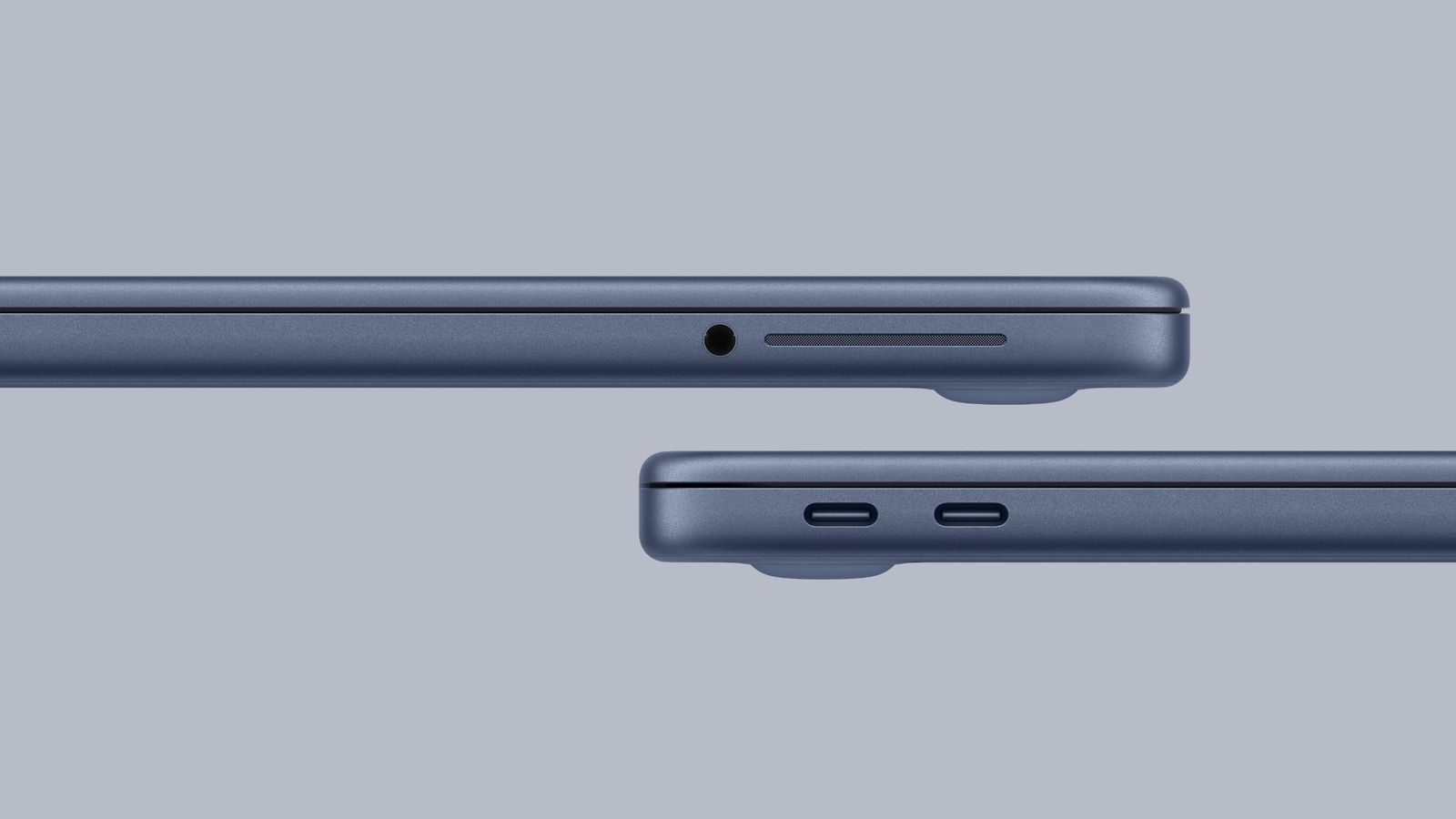
The MacBook Neo has only two USB‑C ports, but they are not equal:
◉ The first port is USB 3 with transfer speeds up to 10 Gb/s, supporting DisplayPort 1.4.
◉ The second port is USB 2 with speeds not exceeding 480 Mb/s.
◉ Notably missing is Thunderbolt support, meaning incompatibility with Apple Studio Display. The device also supports only one external display up to 4K at 60 Hz.
◉ In terms of wireless connectivity, the device supports Wi‑Fi 6E but not the newer Wi‑Fi 7, due to the absence of Apple’s new N1 network chip.
Display and design: Different look with fewer features

Design
The MacBook Neo features a 13‑inch display, the smallest among Mac laptops, with wide classic‑style bezels resembling iPad edges, without any notch. The device thickness is 0.50 in, compared to 0.44 in for the MacBook Air, making it slightly thicker.
Display specifications
The display lacks several technologies present in newer models:
◉ No True Tone, the feature that adjusts color temperature based on ambient lighting.
◉ No P3 Wide Color; the screen colors are limited to the standard sRGB gamut.
◉ No ProMotion; the refresh rate is fixed at 60 Hz.
Keyboard and trackpad: Clear simplification

◉ No backlit keyboard, which could be a real inconvenience when working in dark environments.
◉ Touch ID is not available in the base model, but can be added for an extra $100 on the 512 GB version.
◉ The trackpad is a physical button, not a Force Touch sensor, meaning the pressure‑sensitive feature and Force Click are absent.
Camera and audio: Adequate but not outstanding
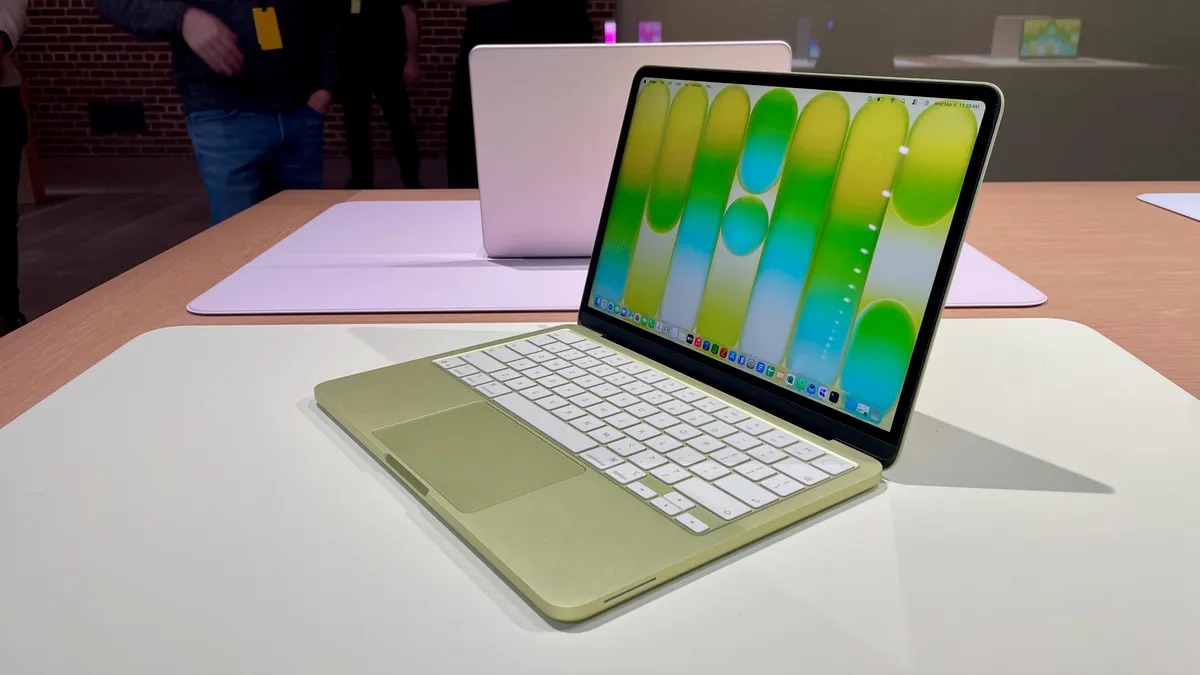
The front camera is 1080p without support for Center Stage or Desk View found in newer devices. There is also no indicator light to alert you when the camera is active; the device only shows a notification in the menu bar.
As for audio, it consists of two speakers only, compared to four in the MacBook Air, though both support spatial audio. Regarding microphones, the device has just two, with Voice Isolation and Wide Spectrum features to improve call quality.
Is the MacBook Neo worth buying?
At $599, the MacBook Neo offers exceptional value for anyone needing a Mac for light daily use. The device is ideal for:
◉ Students who need a reliable computer for studying.
◉ Regular users who browse the web, manage files, and handle correspondence.
◉ Those transitioning from Windows and wanting to enter macOS at the lowest possible cost.
Conversely, if you are a professional in graphic design, video editing, or software development, the MacBook Air, despite its higher price, would be a more suitable choice for your needs.
The device is currently available for pre‑order, with its official launch scheduled for Wednesday, March 11, 2026.
Conclusion
The MacBook Neo is not the best overall, but it is certainly the most affordable. Apple succeeded in delivering an authentic Mac experience at an accessible price, with considered compromises that do not affect core daily usage. The key is to know what you truly need before purchasing.
Source:

Leave a Reply