In today’s fast-paced business world, PDF files have become the backbone of information exchange, from legal contracts and financial reports to academic research and e-books. However, despite this widespread use, the tools available for handling these files have not evolved quickly enough to keep up with the needs of the modern user. Therefore, the UPDF suite of programs and applications, powered by advanced artificial intelligence, has emerged as an ideal alternative solution for managing your files easily and intelligently, taking them to another level, especially after the latest update, UPDF 2.5. Learn about everything new and exciting in this update.
Why do we need a revolution in the world of PDFs?
For a long time, users have suffered from a significant gap in traditional PDF software. Complex and outdated user interfaces make even the simplest tasks a heavy burden, not to mention AI-powered features that, in most programs, seemed like mere secondary, disconnected additions rather than part of the software’s core.
Have you ever tried to deal with a 200-page research document or a long legal contract and found yourself lost among keywords that don’t reflect the context of what you are looking for? Or perhaps you felt frustrated trying to reorganize the pages of a scattered document?
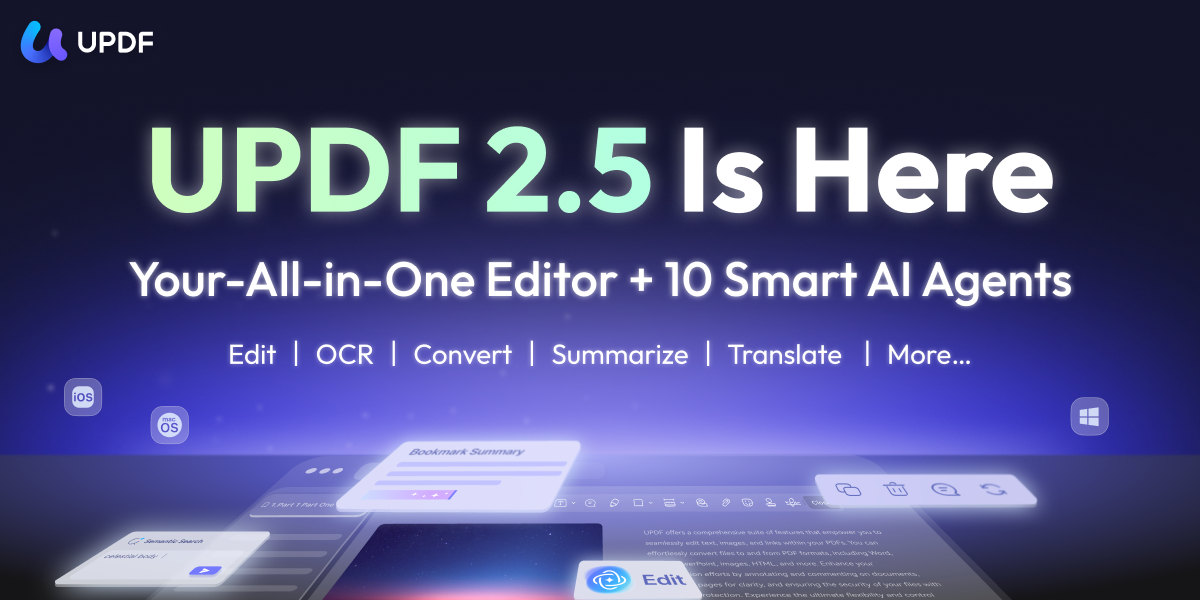
The real transformation starts here: What if your PDF tool actually understood your document and acted on your behalf? This is not just science fiction; it is the reality offered by the UPDF 2.5 release, where AI has shifted from being just a side chat to a core engine driving the entire user experience.
UPDF 2.5: The Striking Power of Integrated AI
In the new UPDF 2.5 version, AI is no longer just an additional feature; it has become the foundation upon which all operations are built. While traditional tools place AI in a separate sidebar, UPDF has deeply integrated it into every step of the workflow. Here is a glimpse of what it can do:
AI Semantic Search
Go beyond the limits of traditional keyword searching. With UPDF 2.5, you can search for “meaning.” If you are looking for “third-quarter financial results” in a huge document, the program will understand the context and extract the relevant information for you, even if those specific words are not explicitly mentioned, saving hours of manual searching.
AI Page Management
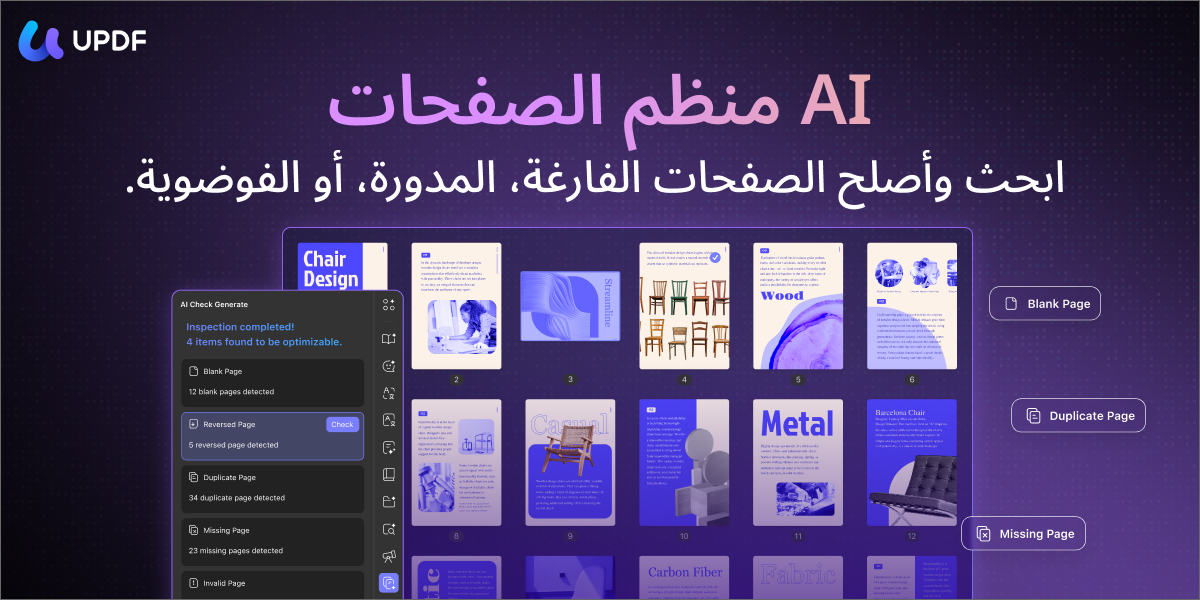
Say goodbye to chaos. UPDF 2.5 automatically analyzes your document to detect unorganized, duplicate, or misplaced pages. With a single click, you can intelligently and professionally reorganize the document.
Advanced Text Editing via AI Agent
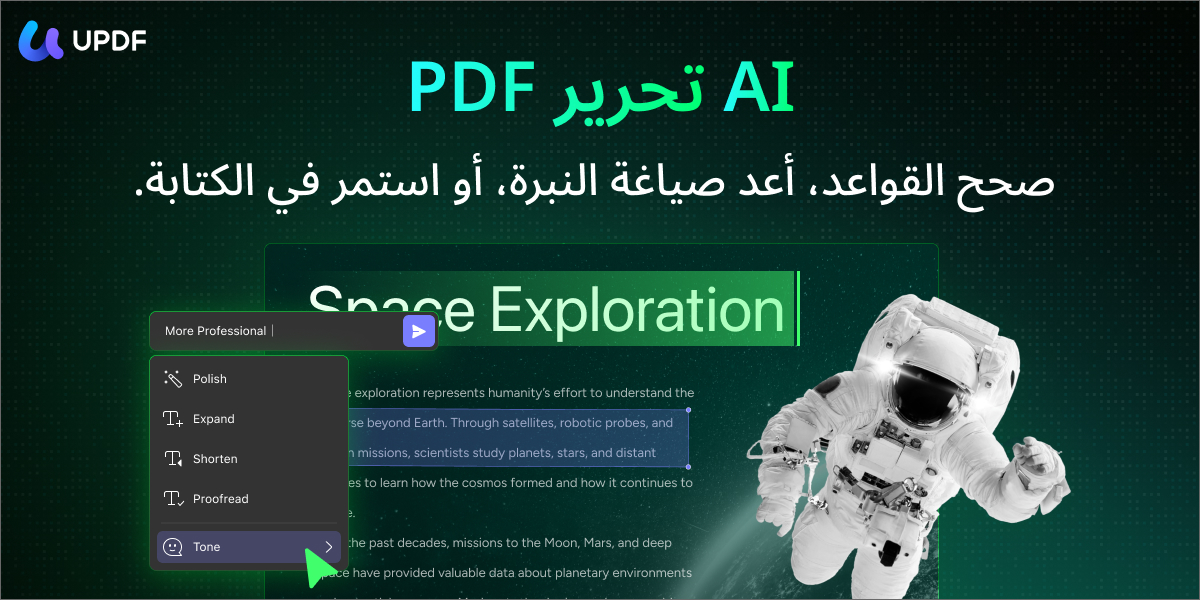
It’s not just about deleting words and typing others. The AI agent in UPDF rewrites text, improves style, and proofreads grammar instantly within the document. No need to copy and paste text into external tools; everything is done intelligently within the program’s interface.
Creating Visual Elements and Backgrounds
Do you want to make your report look more vibrant? You can simply do the following:
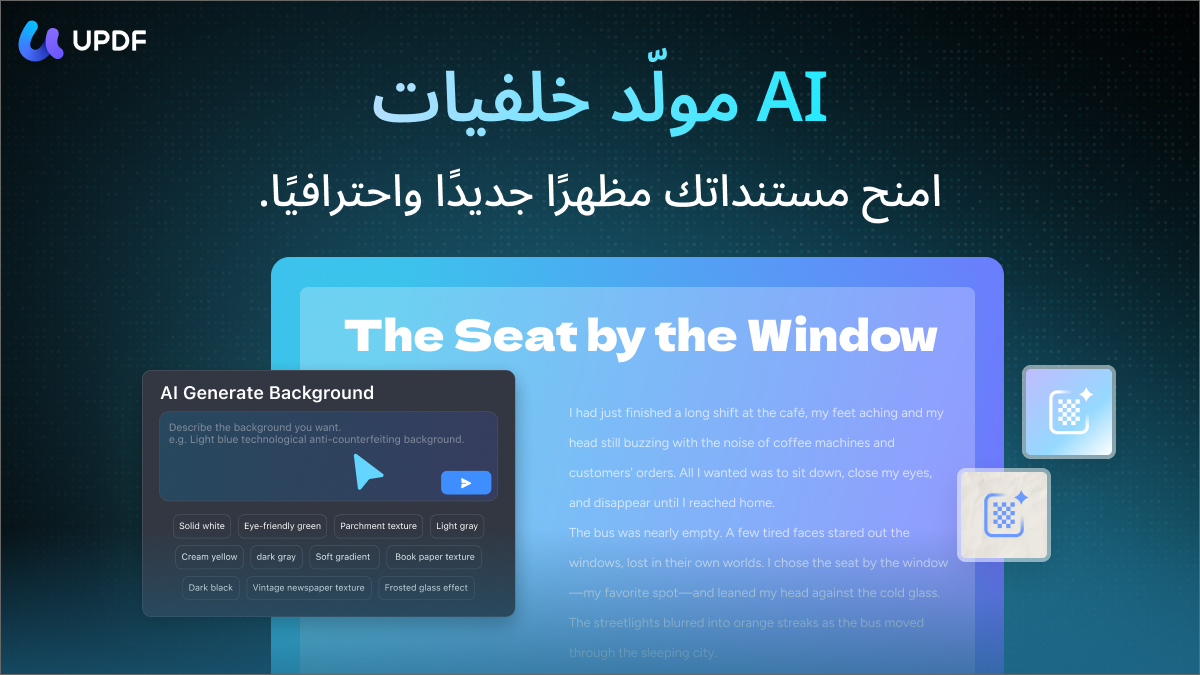
◉ AI Background Generation: You can instantly create professional backgrounds for documents or presentations that match your visual identity.
◉ You can also generate custom stickers, visual elements, and icons via AI to make your files more interactive and engaging.
Security and Authentication with an Intelligent Touch
AI Watermark Creator: You can now create professional watermarks in seconds, intelligently customizing the style and content to ensure your rights are protected.
Smart Signatures and Stamps: Generate personal signatures or official stamps instantly, making it the perfect choice for legal and business workflows.
Smart Summarization and Bookmarking
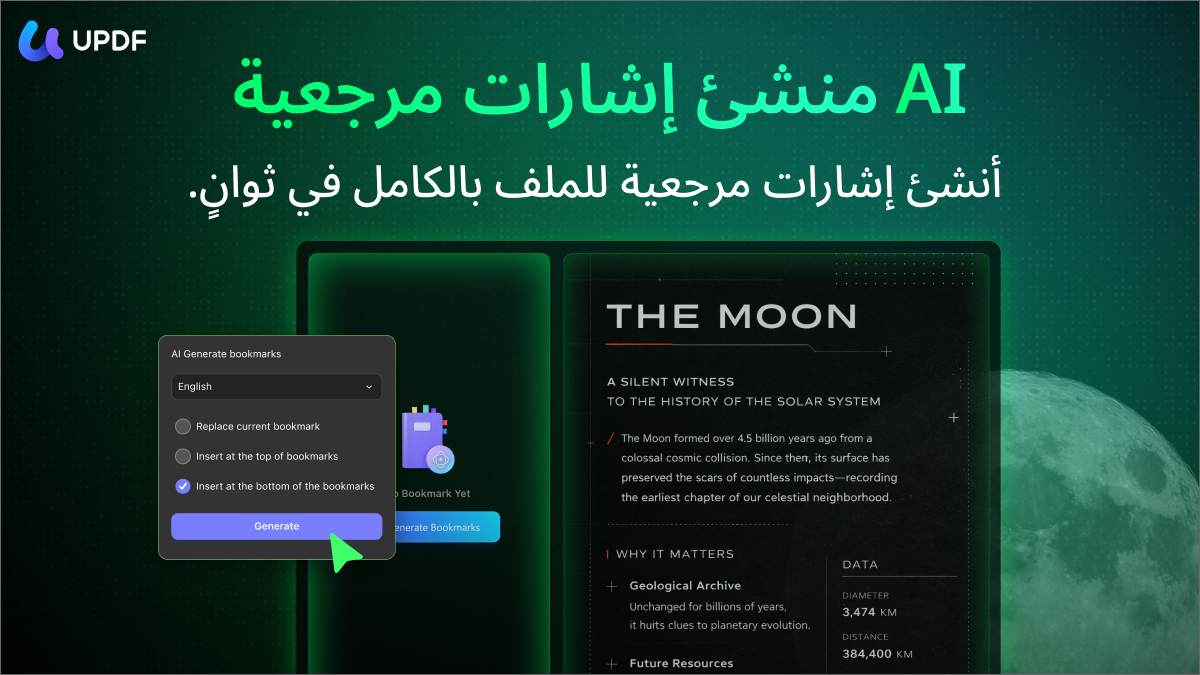
Instead of reading long chapters, UPDF 2.5 automatically generates a smart “navigation tree” of bookmarks. Even more exciting is the AI Bookmark Summary; by selecting any bookmark, the program will instantly create a 3-sentence summary in your native language, giving you the essence of the page in seconds without leaving the sidebar.
UPDF Copilot: Your Personal Assistant
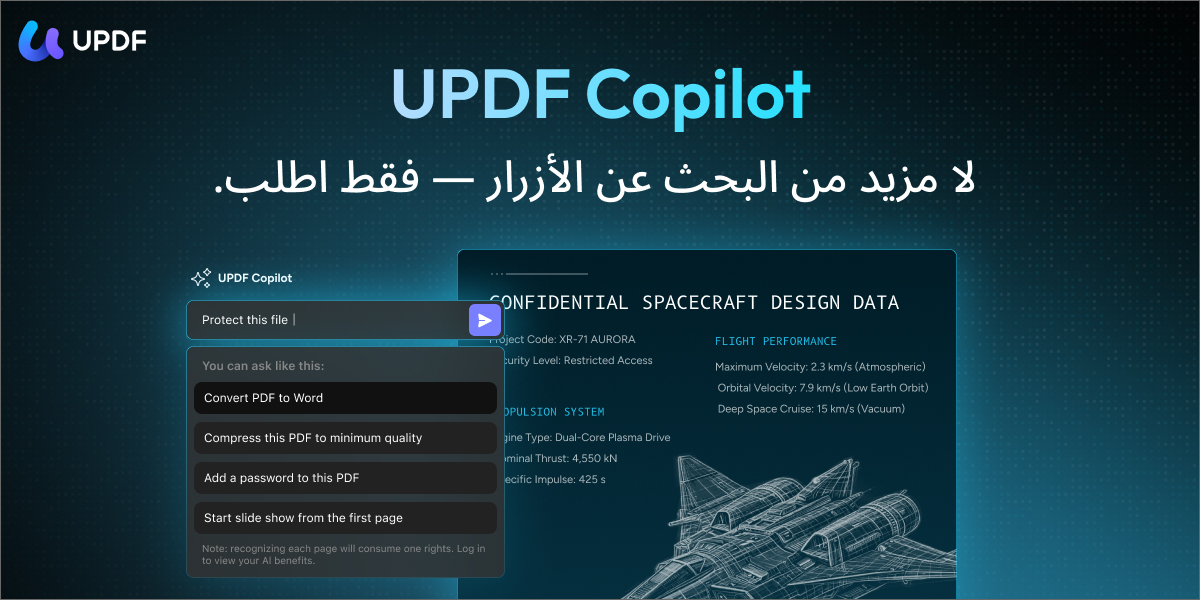
Stop searching for buttons in dropdown menus. UPDF Copilot acts as a personal command center; just tell the AI what you want to do, for example: “Convert this file to Word and protect it with a password,” and it will perform the task.
More Than Just AI… A Comprehensive Integrated Solution

Despite its leadership in the field of AI, UPDF 2.5 still offers the most powerful essential tools that any professional needs:
◉ Editing and Commenting: Edit text, images, and links with ease as if you were using Word. Add comments, sticky notes, and highlights in a streamlined style.
◉ Conversion and OCR: The program supports file conversion with amazing accuracy. If you have scanned documents, the advanced OCR technology converts them into searchable and editable text in 38 languages.
Tip: You can try the online PDF to Word conversion tool for fast and professional results.
◉ Forms and Signatures: Create fillable PDF forms and collect digital signatures quickly and securely.
Why does UPDF 2.5 outperform everyone?
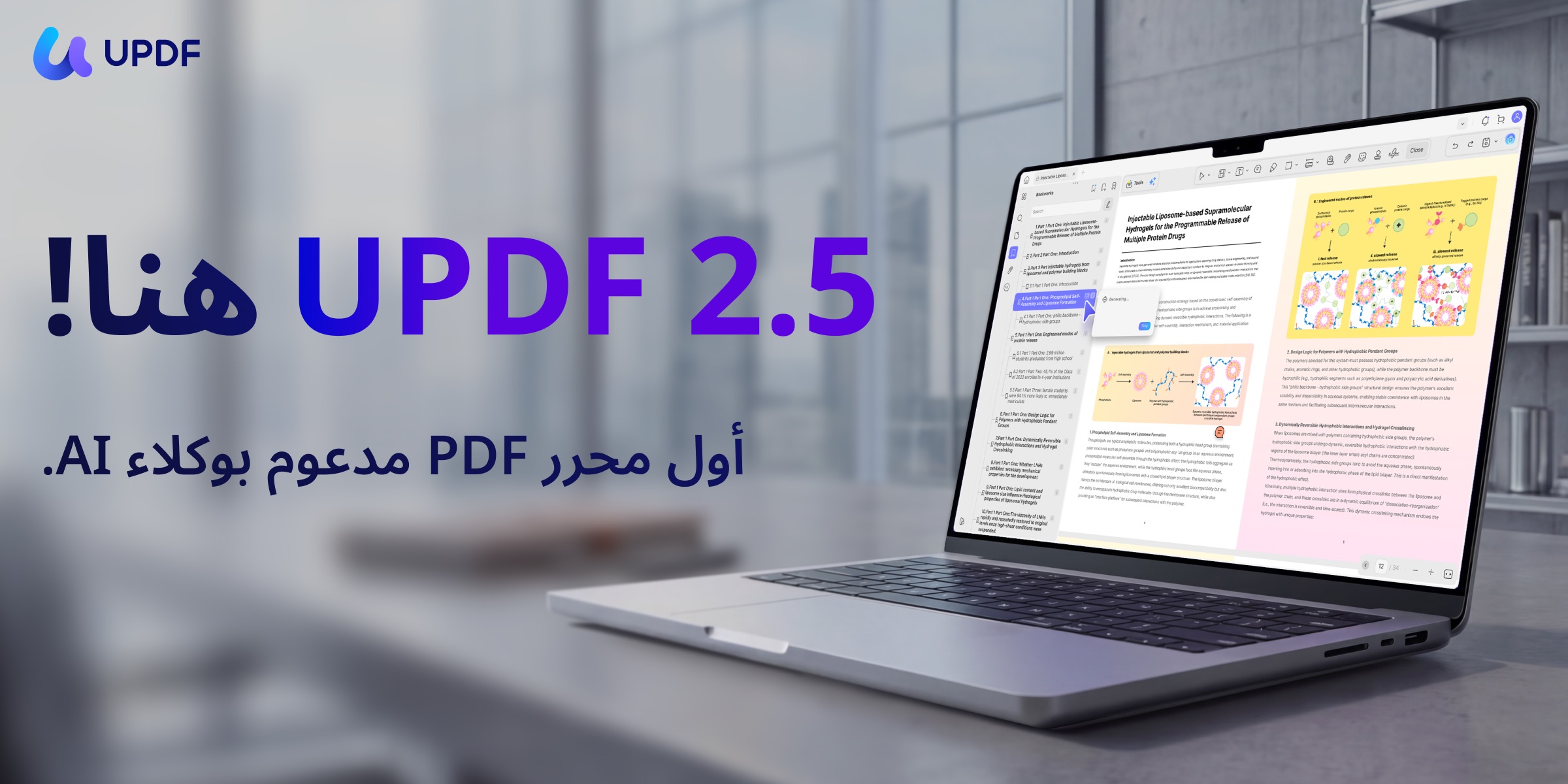
In a market full of options, UPDF 2.5 stands out as the first choice for professionals and companies for the following reasons:
◉ “Semantic” AI First: The accuracy in understanding content is unmatched, making it superior to tools that rely on simple text search.
◉ One price, all devices: Unlike other programs that require separate subscriptions for each device, UPDF allows you to use one license on (Windows, Mac, iOS, Android).
◉ Privacy First: Your data is processed with the highest security standards, ensuring document encryption and protecting the privacy of content analyzed via AI.
◉ The True Alternative to Adobe Acrobat: UPDF provides a smarter experience, a more modern interface, and super speed, all at a fraction of Adobe’s cost. Why pay more for complex tools when you can get the best and simplest?
Start your experience with UPDF 2.5 today!
Don’t let your documents hold you back. Experience the future of PDF management now with UPDF 2.5 and discover how AI can elevate your productivity to new horizons.
Special Offer for a Limited Time
Get a $10 discount when subscribing to monthly or quarterly AI plans. Rest assured, your experience is risk-free, as you can get a refund for 30 days if the program does not meet your expectations.
Click here to get the exclusive UPDF offer and start your journey now!
Leave a Reply