Over the past few weeks, you may have heard the term “binned” when discussing the processors inside the upcoming iPhone 17e or the Neo MacBook. But what does this technical term, which sounds strange, actually mean? Simply put, “binning” is the process of taking a whole batch of something and separating it based on specific characteristics to be sold or used differently. Imagine it like a farmer collecting an apple harvest; the perfect apples are placed in the “premium” basket to be sold at the highest price, while apples with some visual defects are placed in another basket to be sold at a discounted price to juice factories, for example. Apple does exactly the same thing, but with billions of transistors instead of fruit!
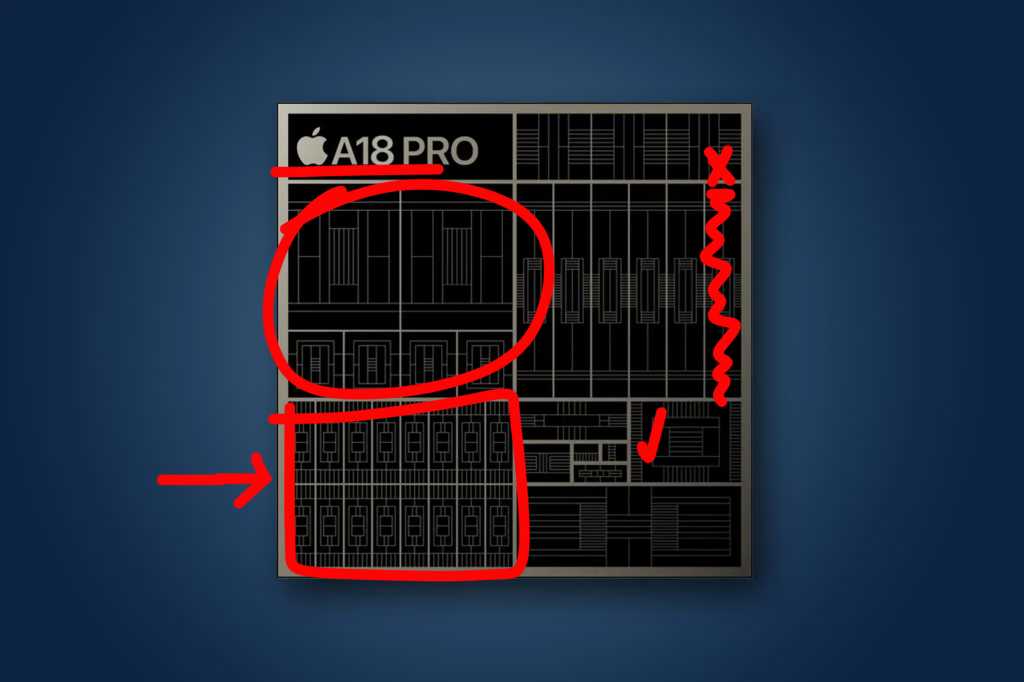
How does the “chip binning” process work technically?
Processors are classified in two ways: clock speed or the presence of design defects. Chips are tested at different frequencies and voltages, and those that pass the test at high speeds are separated from those that operate at lower speeds. Apple does not usually disclose the frequencies of its chips, but the final speed depends heavily on the device’s ability to dissipate heat.
The most common method for binning is “disabling” parts of the chip to salvage products that would otherwise have failed in manufacturing. Modern processors contain tens of billions of transistors, and the precision required to manufacture them is so incredible that even a speck of dust can ruin a small part. Instead of throwing the entire chip in the trash, Apple “shuts down” the damaged core, either via software or hardware, so that a chip that was supposed to have 6 graphics cores becomes a chip that works with 5 cores perfectly.
Apple’s long history with binned chips
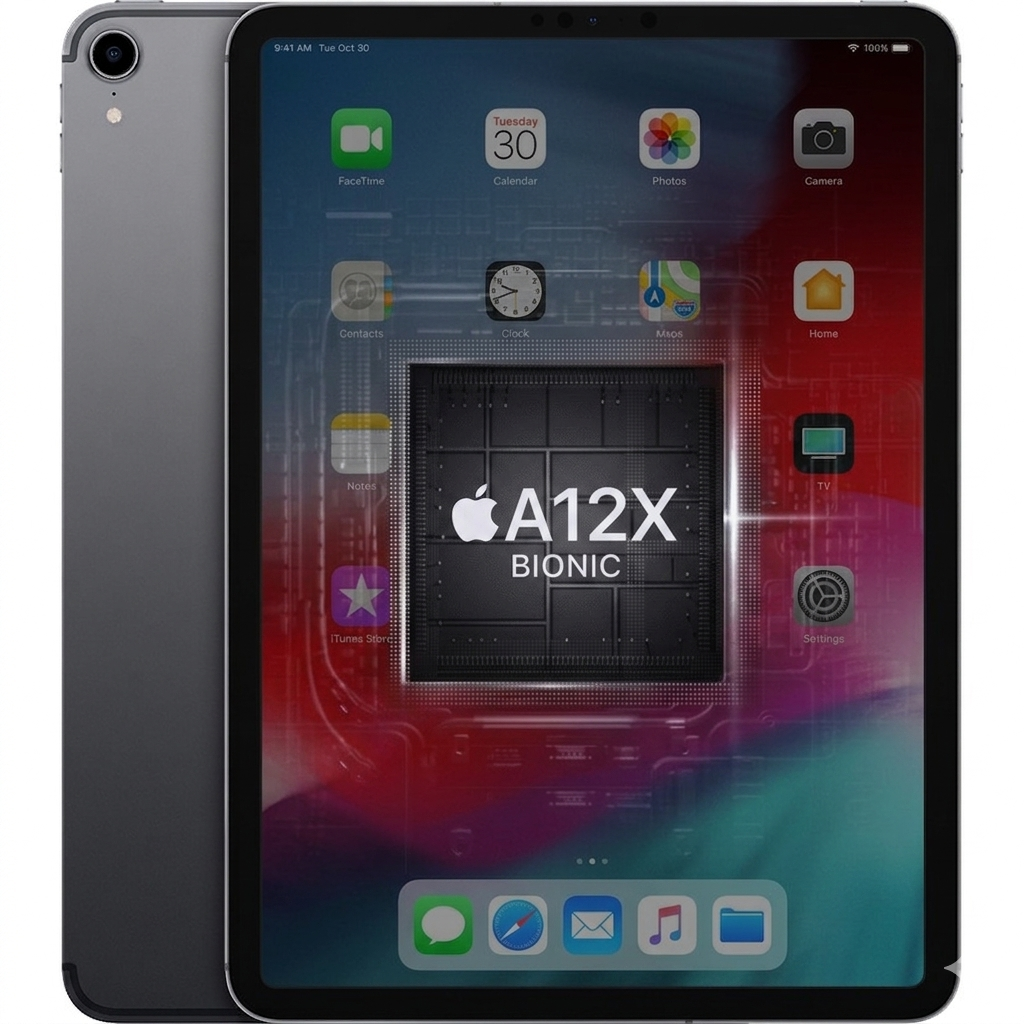
Apple has been using this strategy for about a decade. Do you remember the third-generation iPad Pro in 2018? It was powered by the A12X chip, which had 7 graphics cores, while the original design had 8 cores. Manufacturing defects were common back then, so Apple decided to disable one core in each chip to reduce costs. By 2020, when manufacturing quality improved, Apple released the A12Z, which was the exact same chip but with the eighth core enabled!
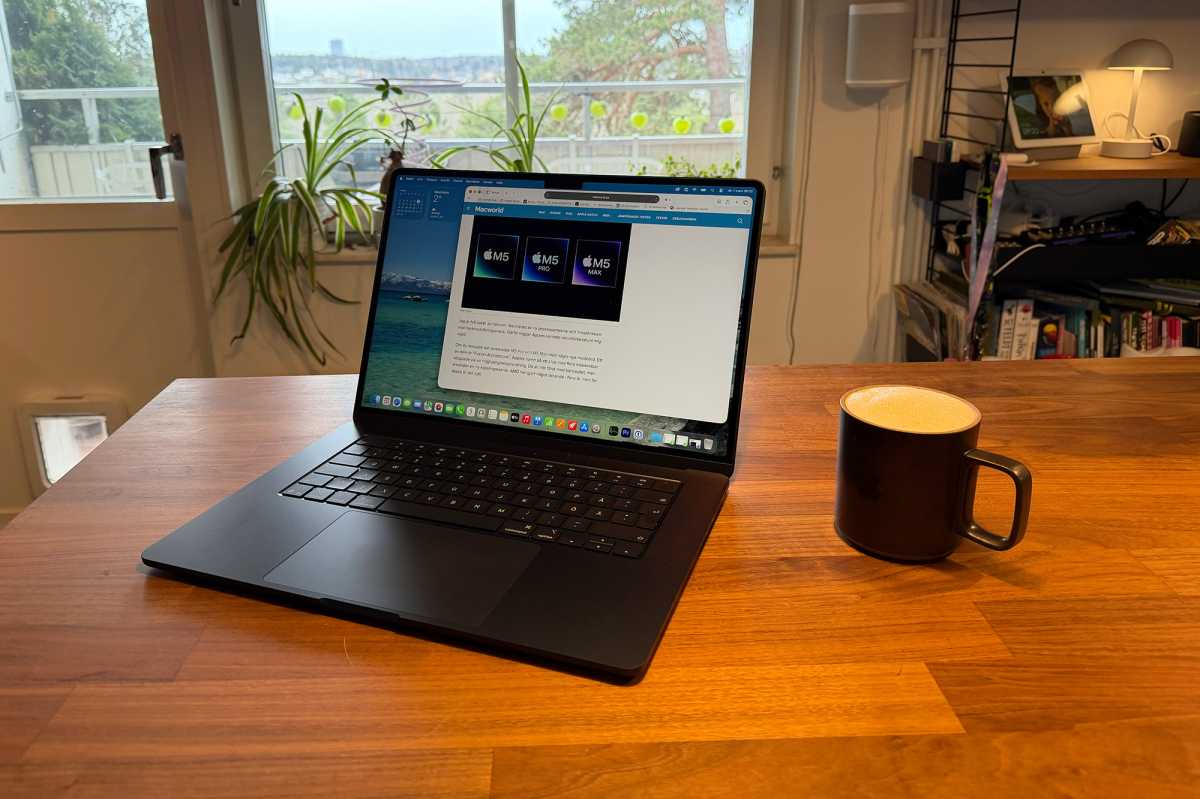
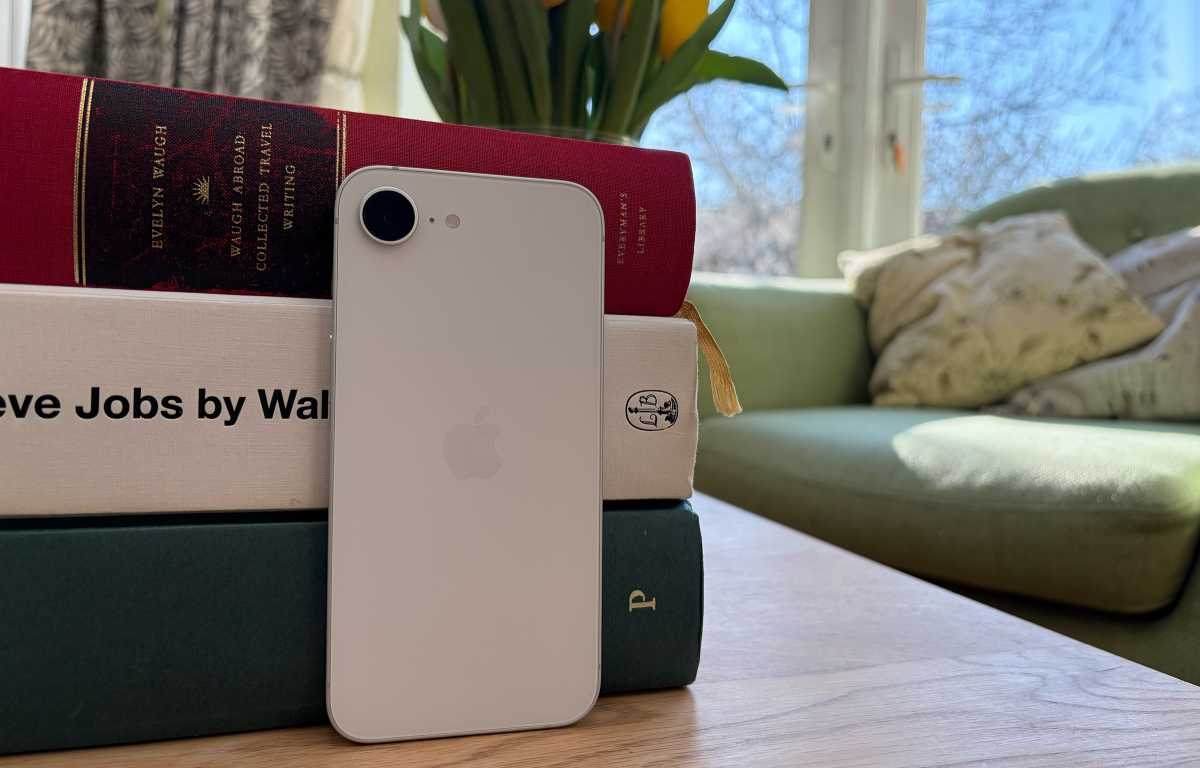
Today, we see this clearly in the iPhone 17e, which uses a “binned” version of the A19 chip with only four graphics cores instead of five. Also, the base model of the MacBook Air M5 comes with two disabled graphics cores (8 instead of 10). This smart move allows Apple to improve the “yield” of silicon chips, meaning fewer wasted chips and lower production costs, which ultimately reflects in the price of the device you buy.
Does this binning affect your device’s performance?
However, performance does not depend on the chip alone; cooling, RAM speed, and how the system manages power play a huge role. The chip binning process is not a trick to make you pay more for less, but rather a standard industry practice that gives Apple a huge advantage in controlling its costs and offering various options that suit different budgets. So, the next time you buy a “cheaper” device, remember that you might have a “Pro” chip, just with a little humility in the number of cores!
Source:


Leave a Reply