A weak battery can make even an excellent iPhone feel like a relic from the Stone Age. Suddenly, apps start running at a snail’s pace, your device shuts down unexpectedly, and you find yourself constantly hunting for a charging outlet before midday. The good news is that replacing an iPhone battery is usually much cheaper than buying a new device, and a new battery can breathe life back into your old phone, making its performance stable and fast again without having to pay a fortune for a new phone.
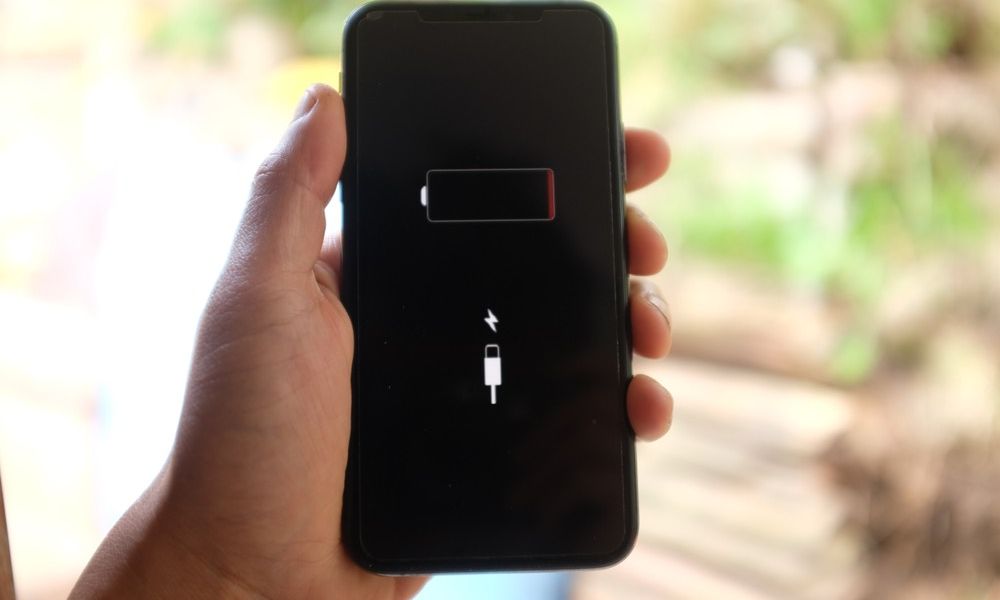
1. The iPhone battery is draining unusually fast compared to before
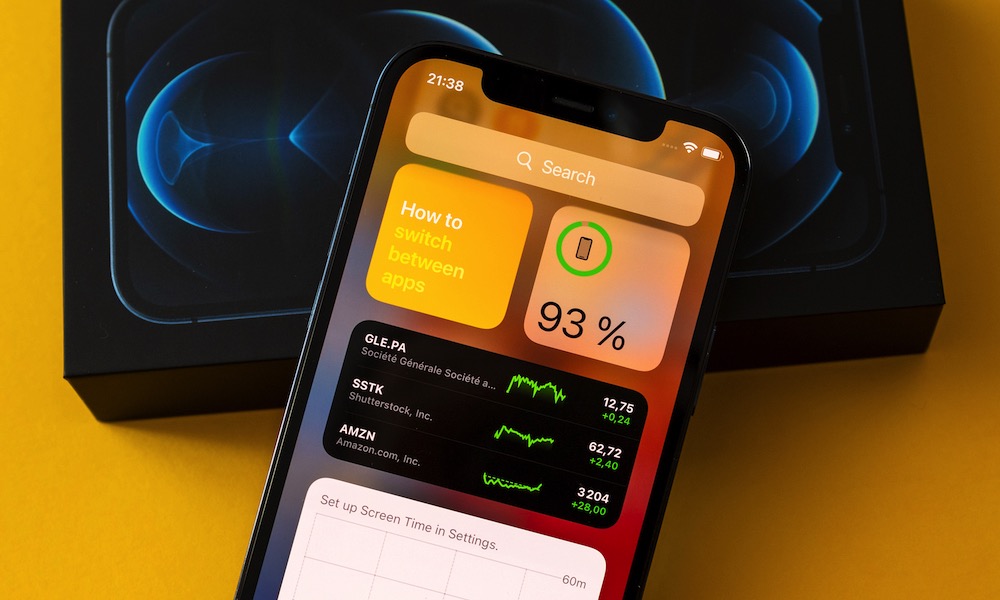
One of the clearest indicators of a failing battery is its shortened daily lifespan. Your iPhone might function perfectly fine, but you will notice it doesn’t last long between charges. This happens because lithium-ion batteries naturally degrade over time, and as they age, they lose their ability to hold the same amount of energy they held when they were new.
You may notice a rapid drop in charge percentage while browsing the internet, sending messages, or taking photos. Even when you leave the phone unused, you might be surprised by a noticeable drop in charge. If you used to end your day with 30% and now find yourself needing to charge it before lunch, the battery is definitely the primary suspect.
2. The iPhone shuts down suddenly and randomly
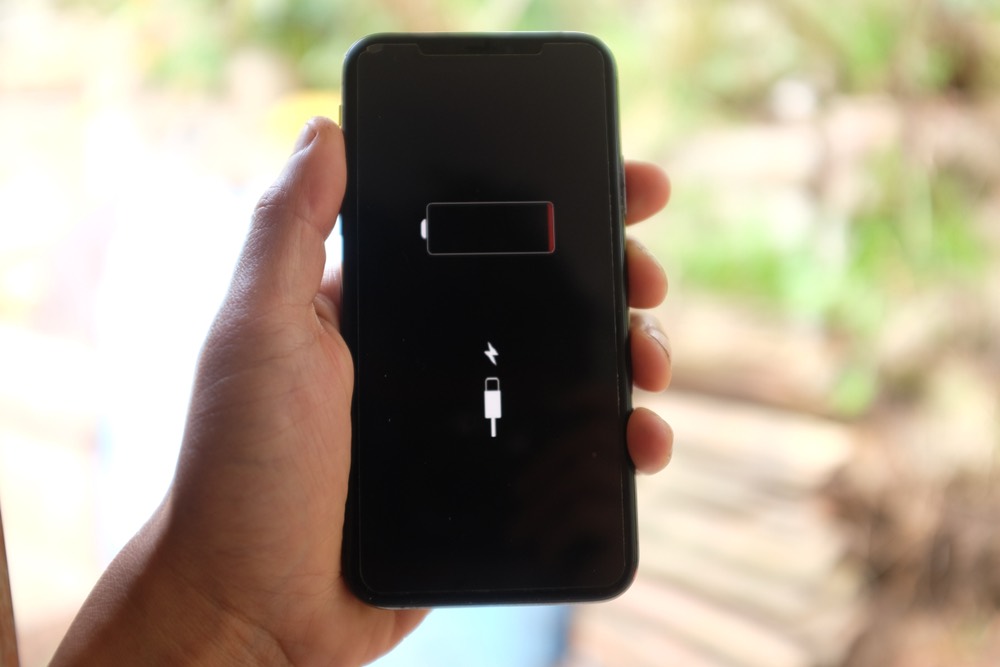
Your device shutting down suddenly and randomly is a glaring sign that the battery is on its last legs. This behavior is completely different from a normal battery drain at the end of the day. When a battery fails, it becomes unable to provide sufficient and stable voltage during moments when the processor requires intensive power.
As a result, the iPhone might shut down suddenly even if the percentage shows 15%, 20%, or more. This often happens during heavy tasks like gaming, video recording, or even when using the phone in very cold weather, where the chemical efficiency of batteries decreases in low temperatures.
3. The iPhone has become slower than usual
It is normal for electronic devices to slow down over time due to system updates or a large number of apps, but a failing battery plays a hidden role in this decline. To address the sudden shutdown issue, Apple incorporates power management features that intentionally slow down the processor to avoid drawing more current than the degraded battery can handle.
Because of this performance reduction, you may notice keyboard lag, slowness when opening or switching between apps, and sometimes stuttering in animations and transitions. Replacing the battery here not only extends daily runtime but also gives the processor the freedom to operate at full power again.
4. The iPhone heats up frequently and for no apparent reason

It is normal for a user to feel some warmth when running heavy games, using navigation systems under the sun, or during a system update. But when the iPhone becomes annoyingly hot while performing simple tasks like browsing a social media app, or even while it is on the charger without being used, there is a real problem.
Old and worn-out batteries face greater internal resistance to generating power, which causes a large portion of this energy to be converted into excess heat. This heat doesn’t just bother your hand; it is the sworn enemy of the iPhone’s internal components and accelerates the degradation of the battery itself, trapping you in a vicious cycle that can only be broken by replacing it.
5. Maximum battery capacity has dropped below 80%
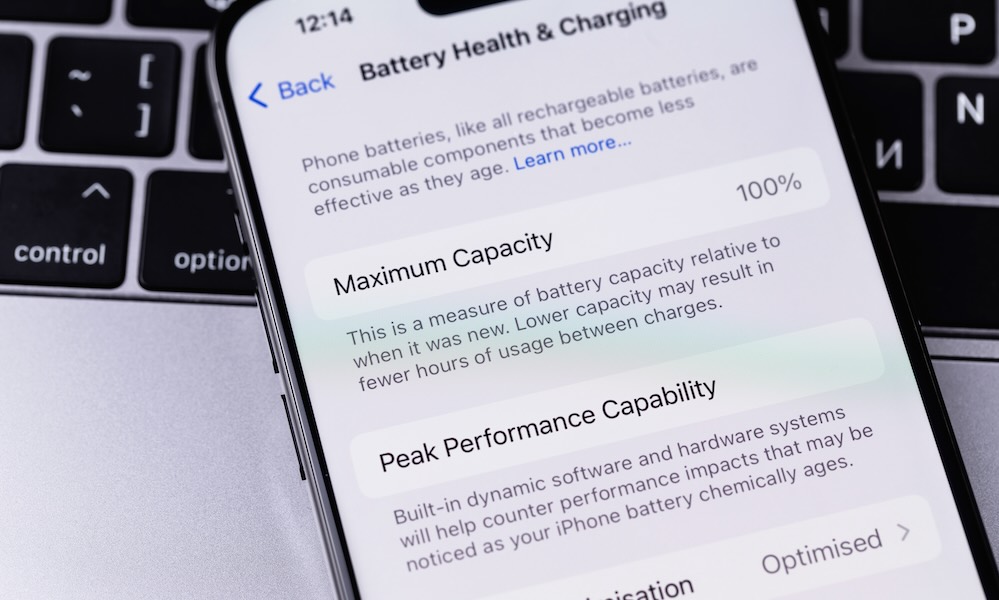
If you want definitive numerical proof, go immediately to Settings, then Battery, then Battery Health & Charging. The magic number here is 80%; Apple designs its batteries to retain up to 80% of their original capacity after a certain number of full charge cycles under normal conditions.
A drop in maximum capacity below this threshold means the chemical components have significantly degraded. This doesn’t mean the iPhone will stop working immediately at 79%, but it certainly means you will notice the changes we mentioned earlier, such as performance decline and rapid drainage. If your phone meets your other needs, replacing the battery at this point is the best and most economical decision rather than sacrificing the whole phone and buying a new one.
Conclusion: A new battery can revive your old device
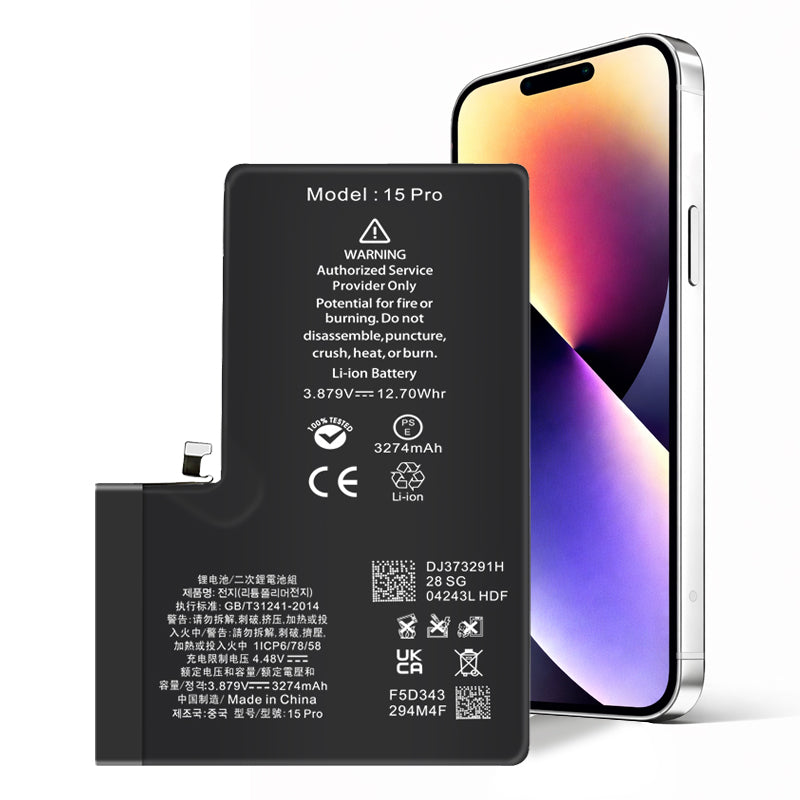
Before you decide to abandon your phone and incur the cost of buying a new device, be sure to check your battery health first. Often, the fault is not in the processor or the device itself, but in this small component that gives the phone life. Replacing it with a new, original battery will save you hundreds of dollars and bring back the smooth, fast user experience you had the day you first took your iPhone out of its box.
Source:

Leave a Reply