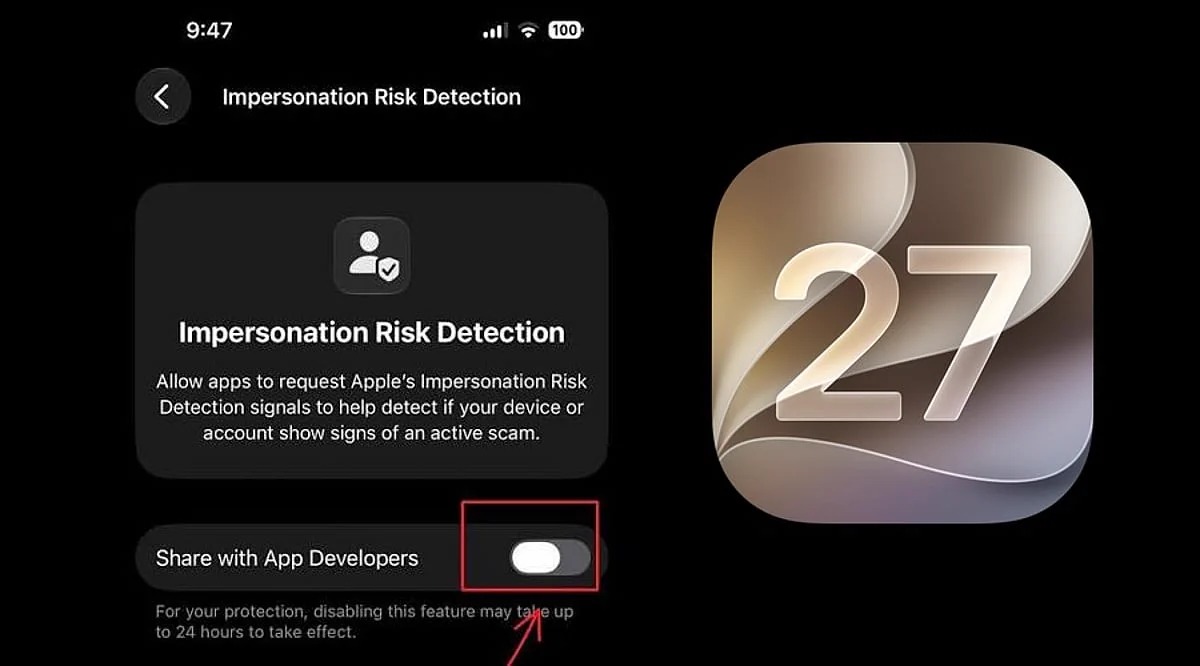
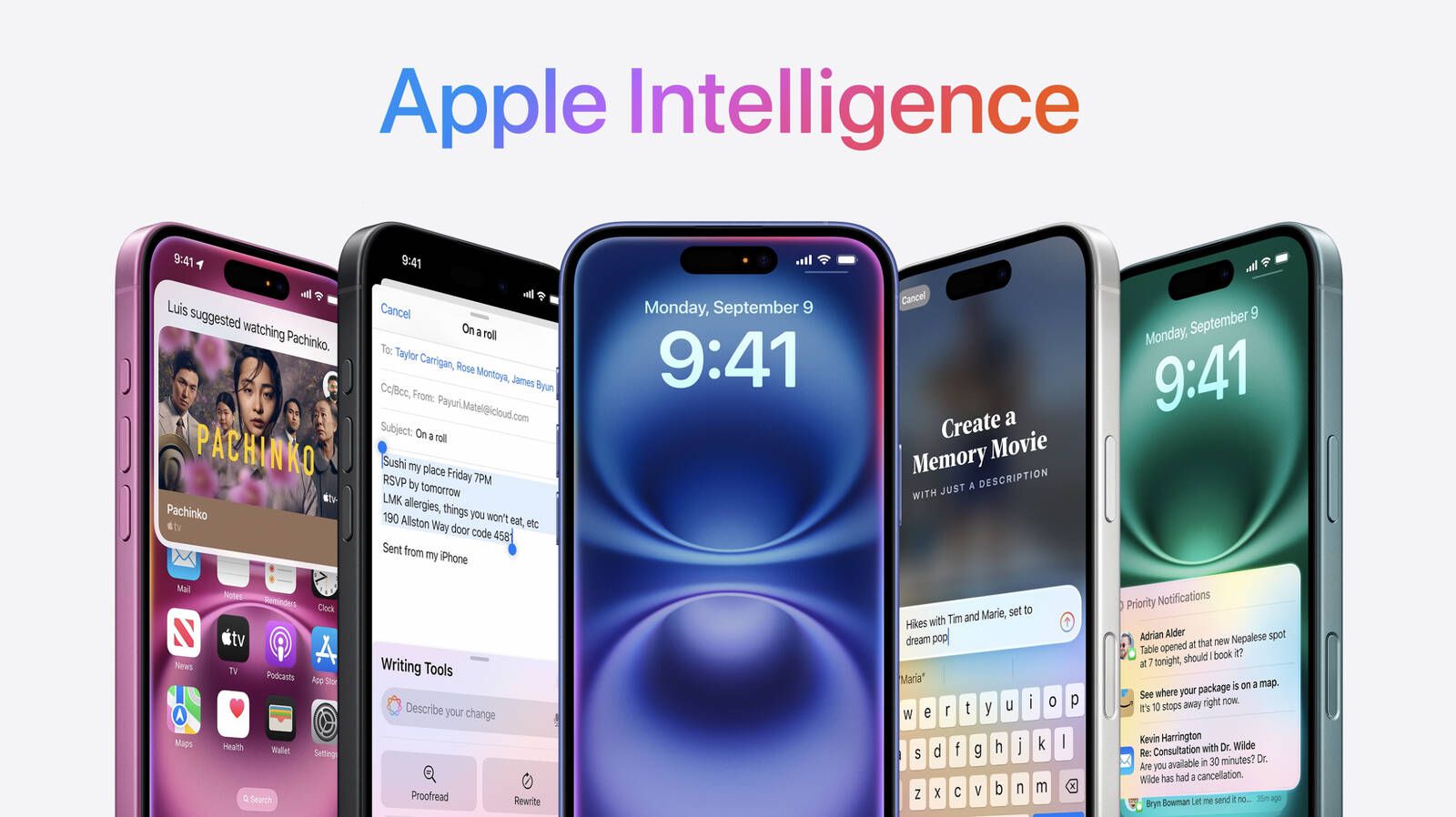
The public beta version of iOS 27 has finally reached users’ hands, and while it doesn’t include all the groundbreaking features Apple showcased at the developer conference, it carries a true qualitative leap. The new update focuses heavily on making built-in apps smarter and more efficient thanks to Apple Intelligence capabilities. From the browser to Photos and Shortcuts, here are the top 6 improvements you can try yourself right now on your iPhone.
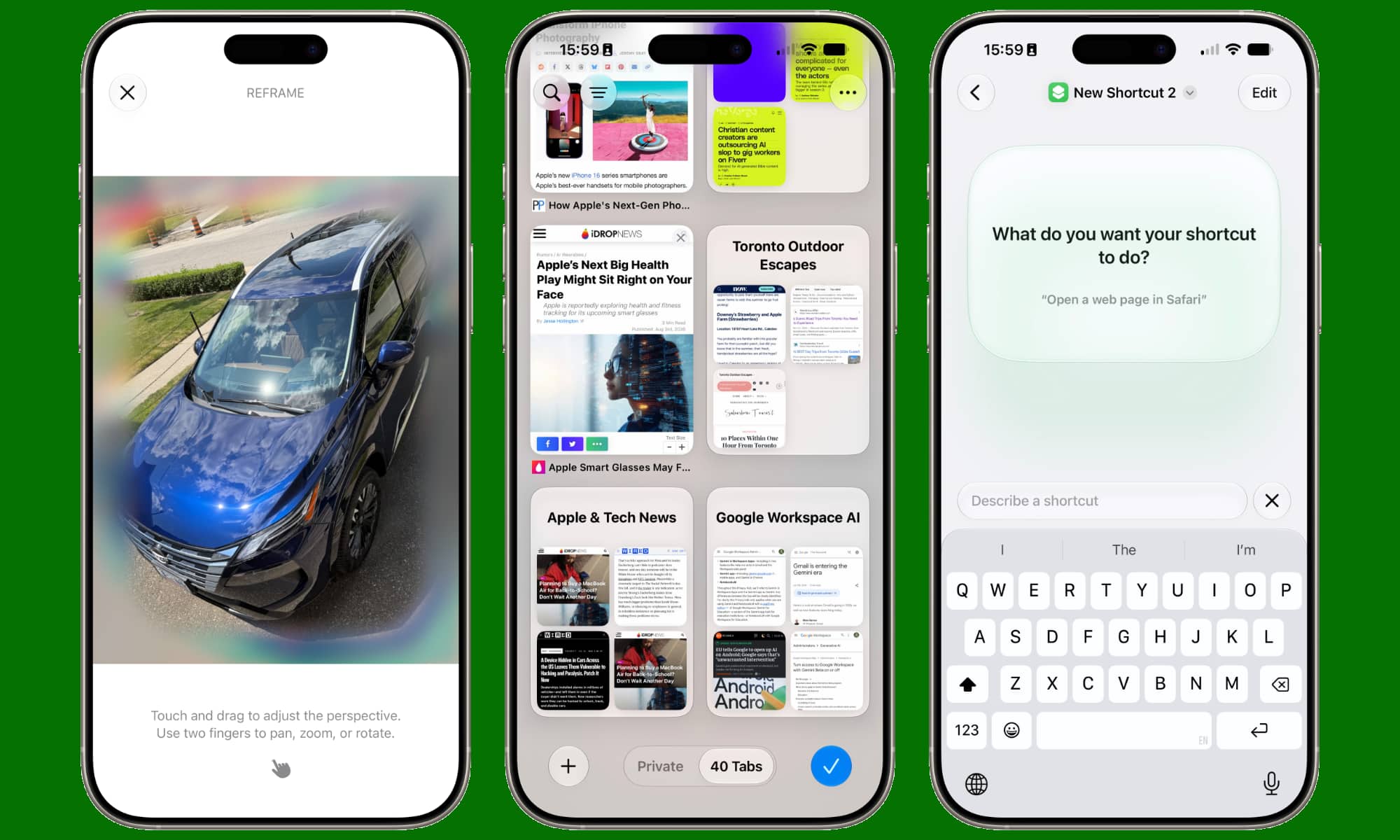
Photos App: Professional AI Editing Tools
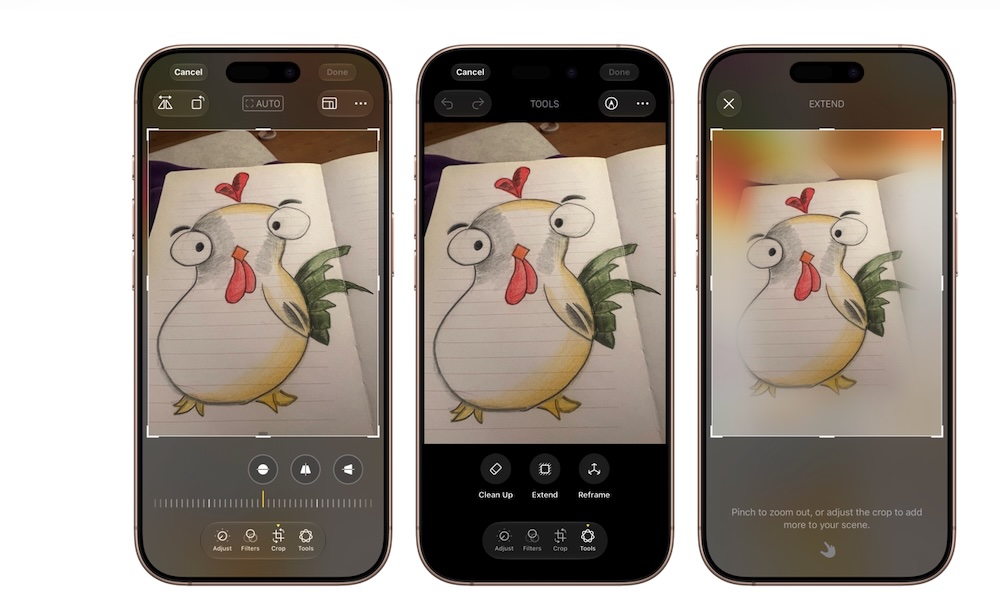
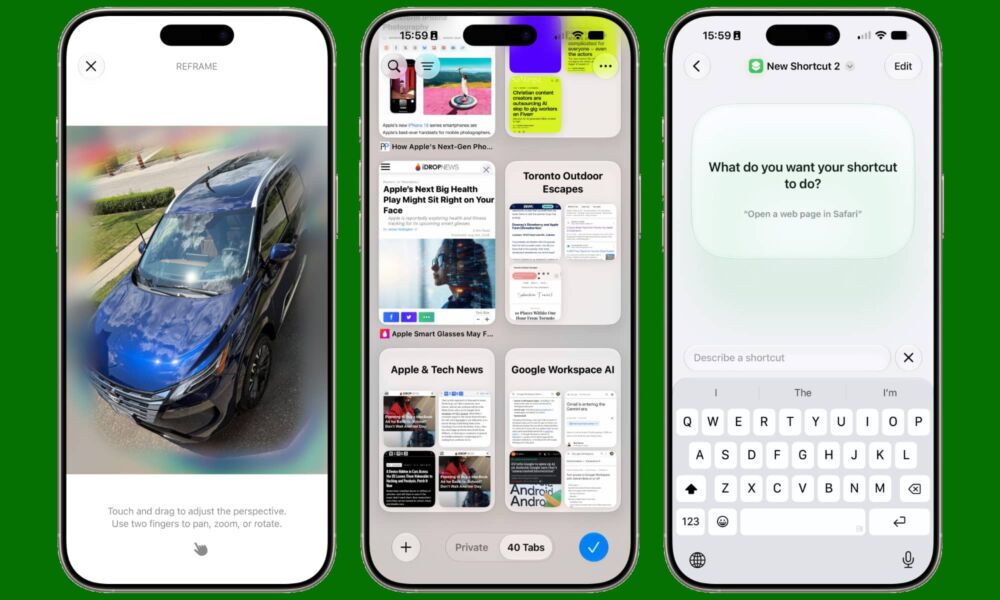
The Photos app in iOS 27 has received an amazing upgrade that makes editing shots incredibly smooth. The first of these tools is the “Spatial Reframing” feature, which allows you to change the angle of a shot after it has already been taken! You can drag the image and preview it as if you were standing in a completely different spot while shooting, as the system regenerates the background and surrounding dimensions in a very natural way.
The second tool is “Extend,” which solves the problem of tight shots. If you framed a photo too tightly or want to change its aspect ratio to be wider, this tool generates a matching background that completes the edges in mere seconds. Additionally, the “Clean Up” tool for cleaning photos has become more capable of removing large objects and intrusive people from complex backgrounds without leaving annoying traces.
Safari Browser: Smart Organization and Custom Notifications
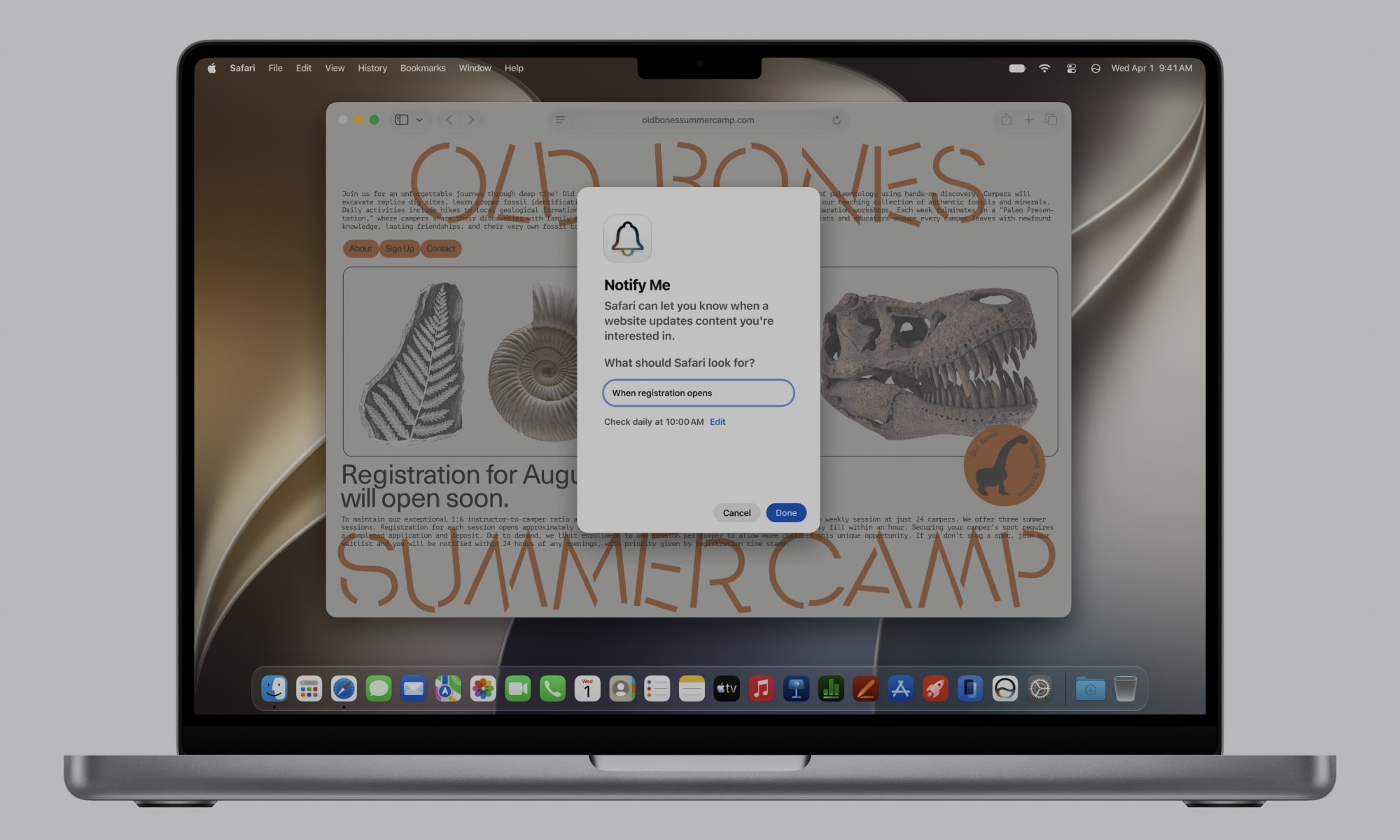
The Safari browser has undergone a restructuring to make daily tab management less chaotic. One of the most notable new features is automatic tab organization, where the browser understands the nature of open pages and automatically groups them by topic. For example, if you are planning a trip, Safari will group flight and hotel bookings into one set, while keeping shopping and work tabs separate without any intervention from you.
Apple also added the “Notify Me” feature, which saves you the trouble of refreshing pages to follow updates. You can request to be notified as soon as a specific product becomes available in an online store or if the content of a page changes. Furthermore, there is the “Describe an Extension” feature, which allows you to write what you need in simple language, and the browser will attempt to create a mini-extension that performs that task immediately.
Passwords App: Automatic Fix for Compromised Accounts
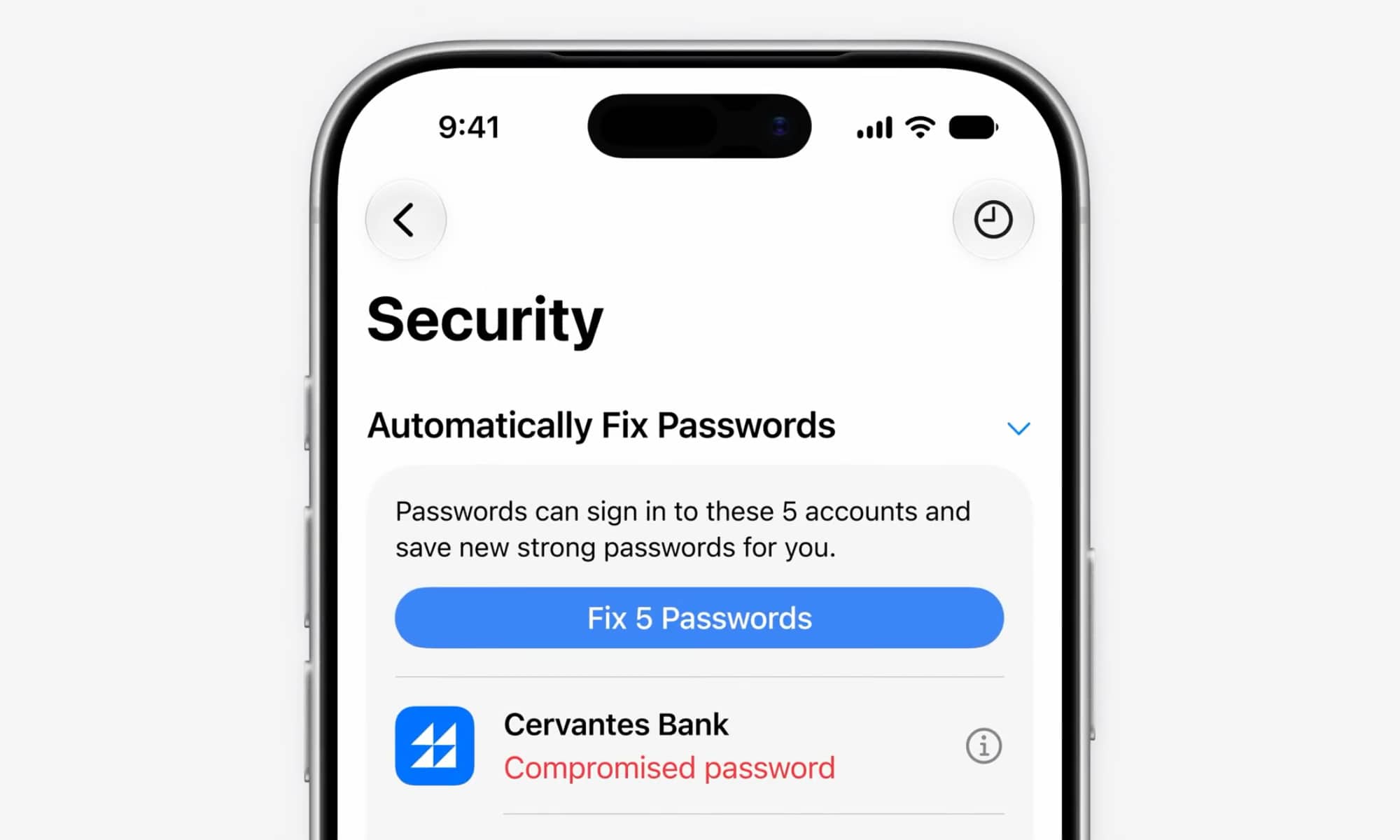
The Passwords app is one of the newer additions to Apple’s ecosystem, and in iOS 27, the app handles security threats more effectively. Previously, the app would only alert you when one of your passwords was leaked, requiring you to visit the site and change it manually in a process that could be complex and tedious.
Now, thanks to the integration between Apple Intelligence and the Safari browser, the app can automatically change a compromised or weak password! All you have to do is select the target account, and the system will log into the site, generate a new, strong password, and save it immediately to your account. Although the feature may not support all external sites initially, it represents a huge security leap.
Image Playground App: Realistic Images and Advanced Editing Capabilities
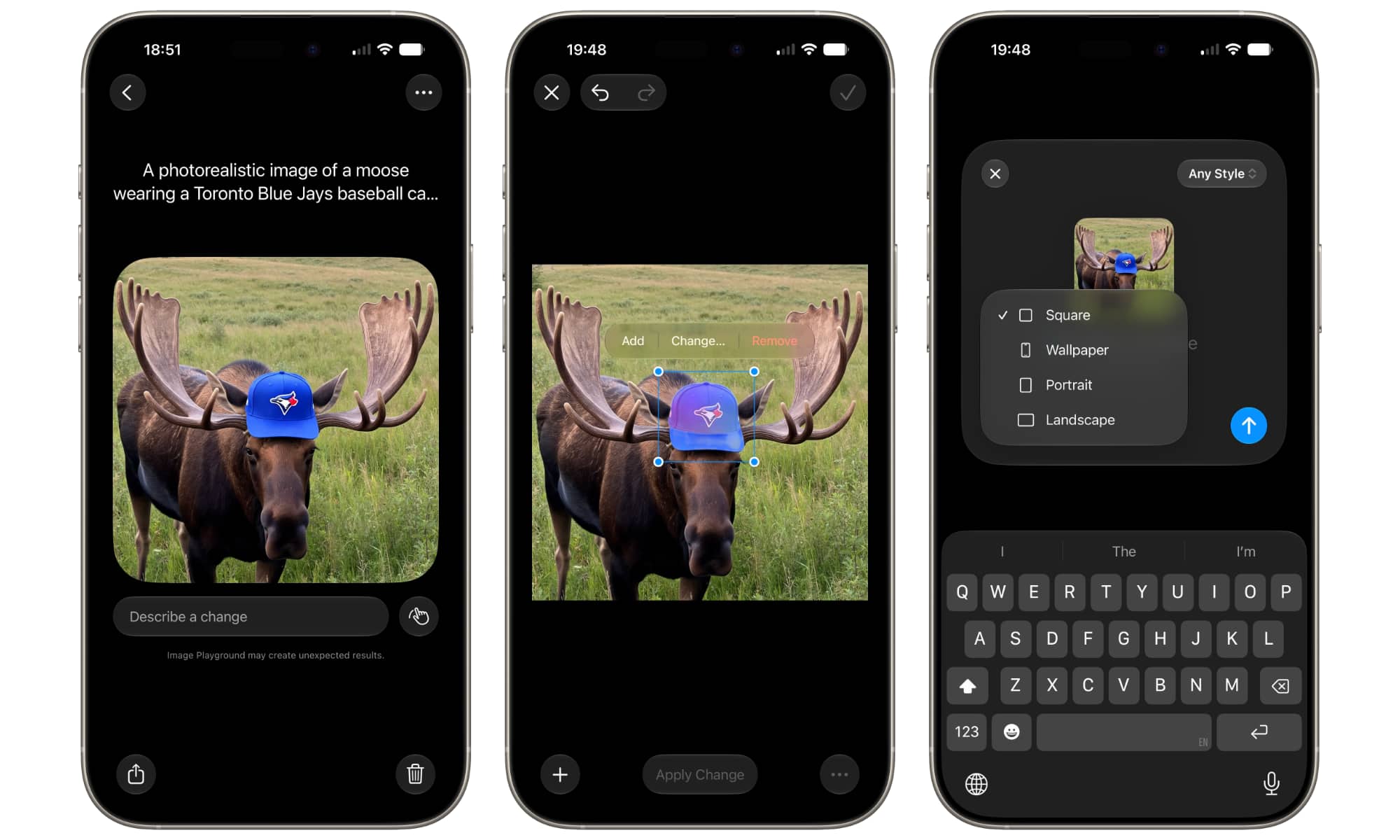
When Apple first launched the Image Playground app, the output was limited to cartoons and illustrations, which restricted its practical uses. In the iOS 27 update, the app has been revitalized to support the generation of high-precision photorealistic images, thanks to reliance on Apple’s Private Cloud Compute.
The improvements didn’t stop at generation; they also included flexible and easy editing of existing images. You can now tap on any element within an image or circle it, then describe the desired edit in everyday language for the app to execute with extreme precision, making it a true competitor to the most powerful generative AI tools.
Messages App: Contextual Suggestions and Replies That Mimic Your Writing Style
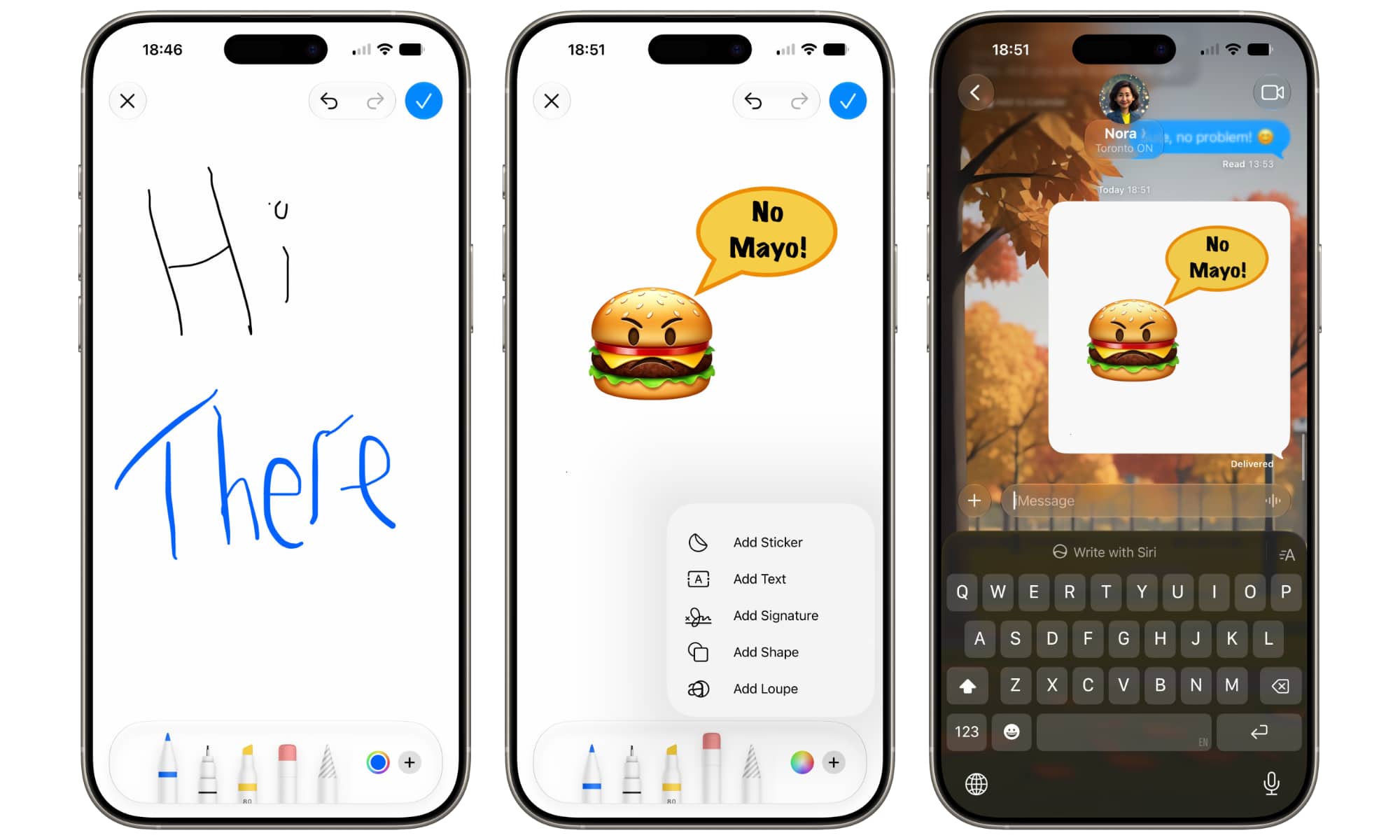
The Messages app has received smart touches that make conversations more effective and fun. The system now understands the context of the conversation and displays smart suggestions linked to other apps; if a friend sends you an invitation to a specific event, your iPhone will suggest adding the event immediately to the Calendar app or saving the note in the Reminders app.
The “Smart Reply” feature has also evolved to analyze your own writing style and mimic it, making suggested replies seem more personal and natural. We shouldn’t forget the addition of the live drawing option with finger touches, allowing you to send quick and fun sketches to your friends in an engaging, interactive way.
Shortcuts App: Creating Automation in Simple Language
The Shortcuts app has always been a powerful tool for professionals, but the complexity of linking actions was a barrier for the average user. With the iOS 27 update and the “Describe a Shortcut” feature, this has become easy; you simply explain to the system what you want to do in plain words, and the AI takes care of building the entire shortcut.
For example, you can request a shortcut that sends a specific message to your family members, or opens a reading app and activates Focus mode while setting a timer with a single tap. This step will open up the horizons of automation for everyone without the need for prior technical experience, and it saves a significant amount of time even for professionals when building complex automations.
Promising Updates Awaiting Final Release
The iOS 27 update has provided a comprehensive set of targeted improvements that make the iPhone experience smarter and smoother. Although the system is still in the public beta stage and under constant development, what Apple has presented so far promises an exceptional update upon its official release.
If you are planning to try the beta version yourself now, we always recommend taking a full backup of your device and installing it on a secondary device if possible, to avoid any unexpected issues in daily use.
Source:
Leave a Reply