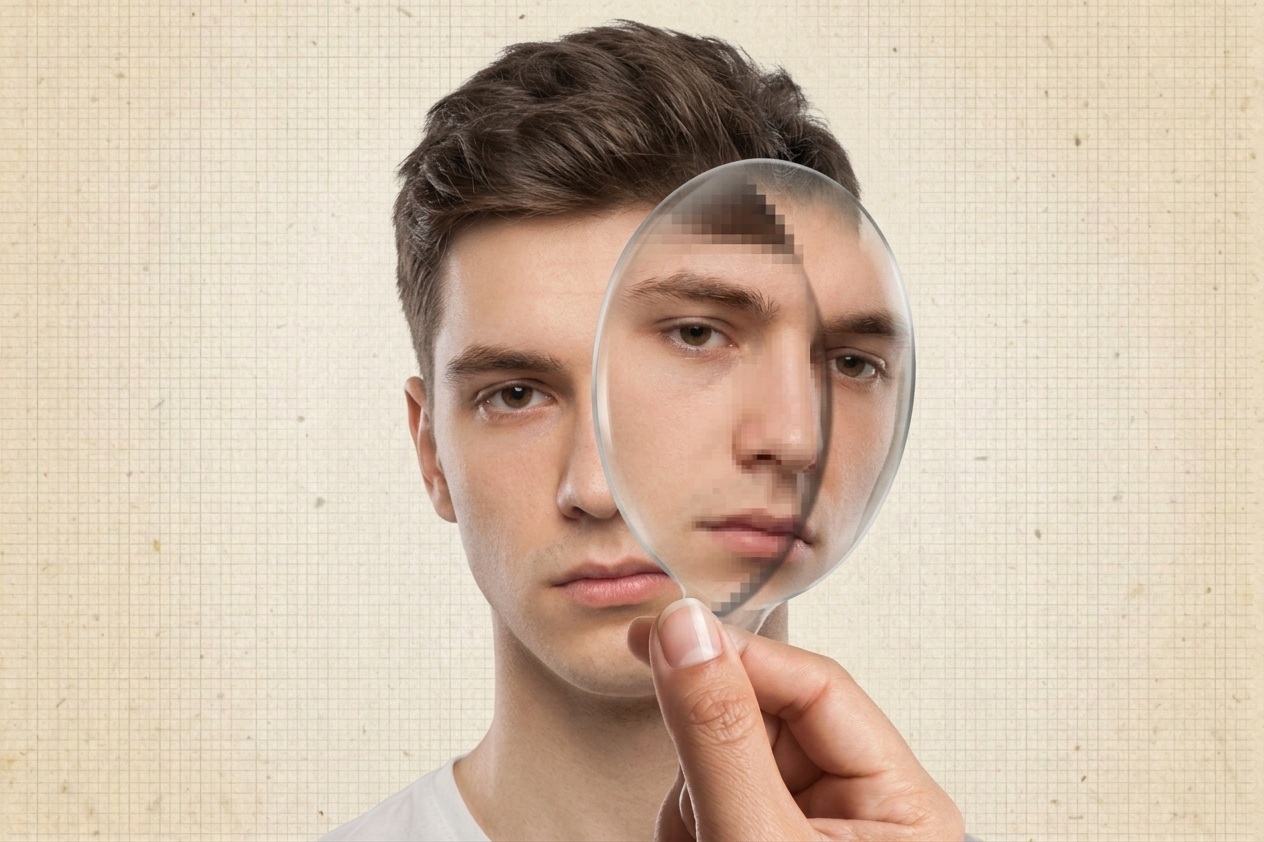
There is a famous English saying, “A picture is worth a thousand words,” but in our current time, where artificial intelligence can create illusions that look like reality, a picture alone is no longer enough to tell us the truth. For this reason, and because it always cares about its users’ privacy and strives to protect them, Apple has announced the Apple Reference Image feature. Its function is to prove the authenticity of images, confirming they were actually captured by a real camera and that their content has not been modified or falsified by AI. In the following lines, we will take you on a quick tour to explore how Reference Image technology works in the iPhone 18 Pro, and what makes it capable of documenting the authenticity of images and protecting them from manipulation.
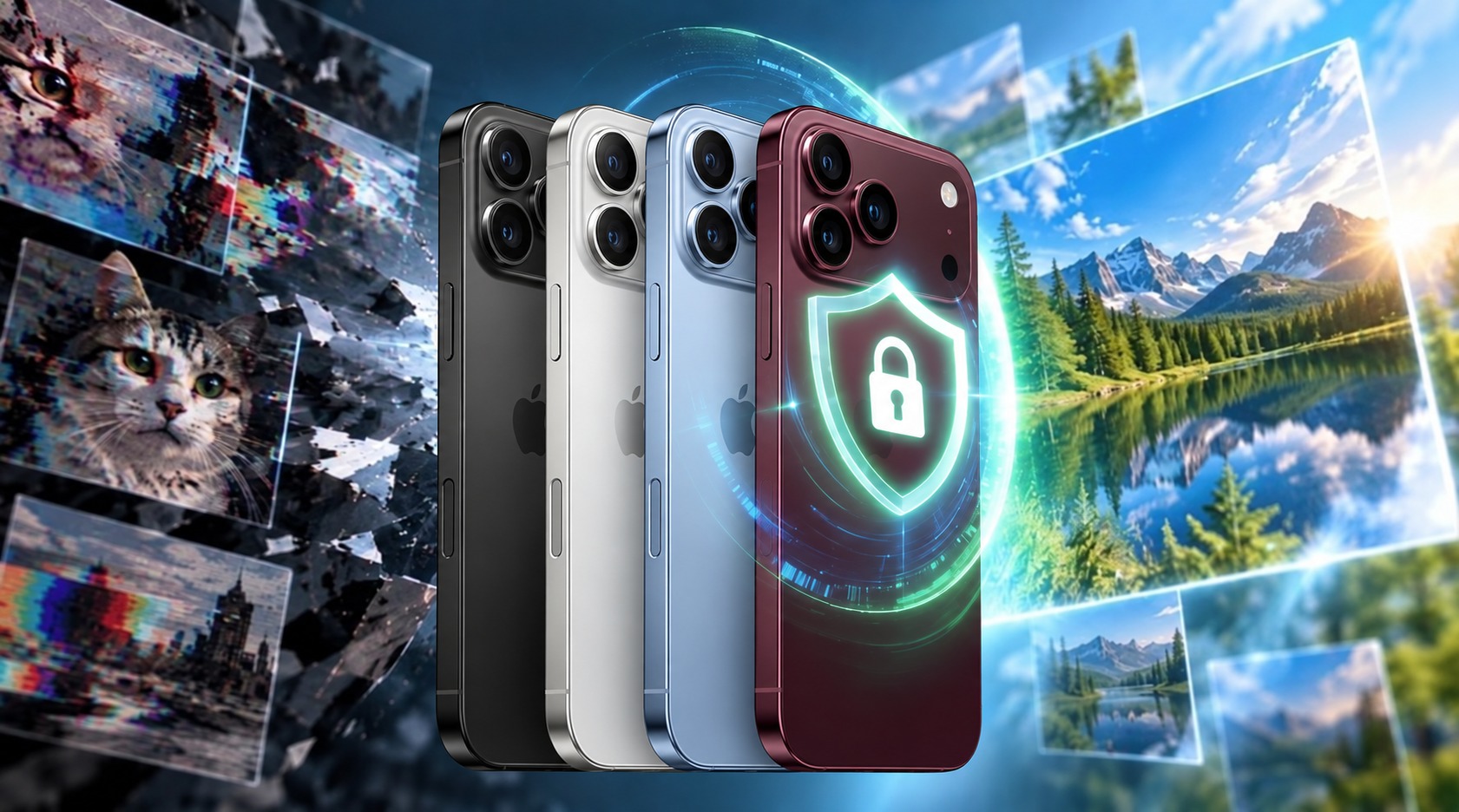
What are Apple Reference Images?
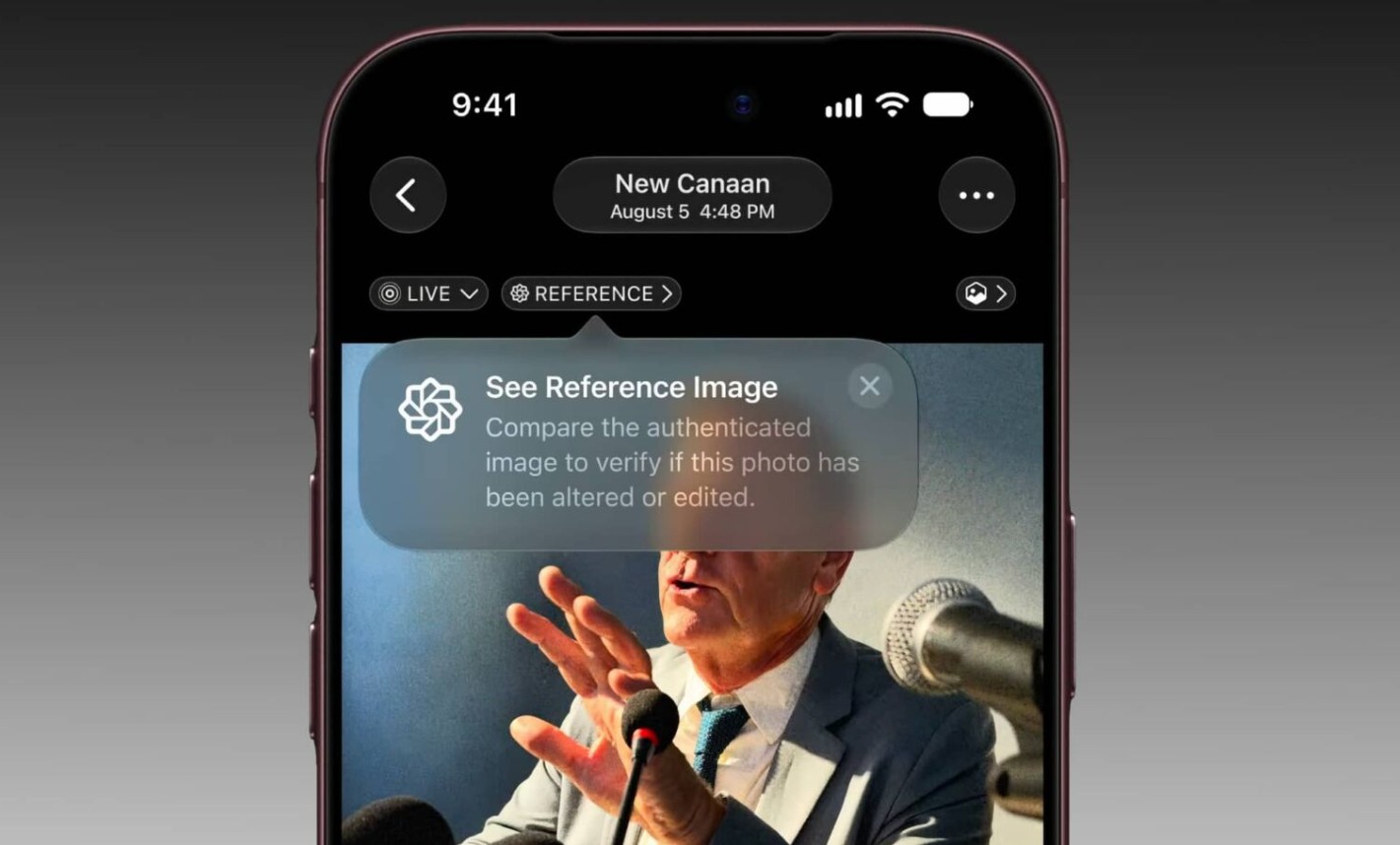
The Reference Image feature on the iPhone 18 Pro allows for proving the authenticity of captured images based on a new sensor in the main camera that can sign image data at the pixel level. Apple’s cloud computing then processes the signed data and converts it into a protected, uneditable reference copy. In this way, you have a version that acts as a digital negative, which can be referred to in order to verify the source of the original image.
The technology is not limited to proving that an image is real; it is also designed with user privacy in mind. It does not reveal the photographer’s identity, allow for tracking images, or link them to a specific device. It also does not prove ownership of the image; it only confirms that it was captured by a real sensor in the iPhone and is not an AI-generated image.
Why is the technology limited to the iPhone 18 Pro?
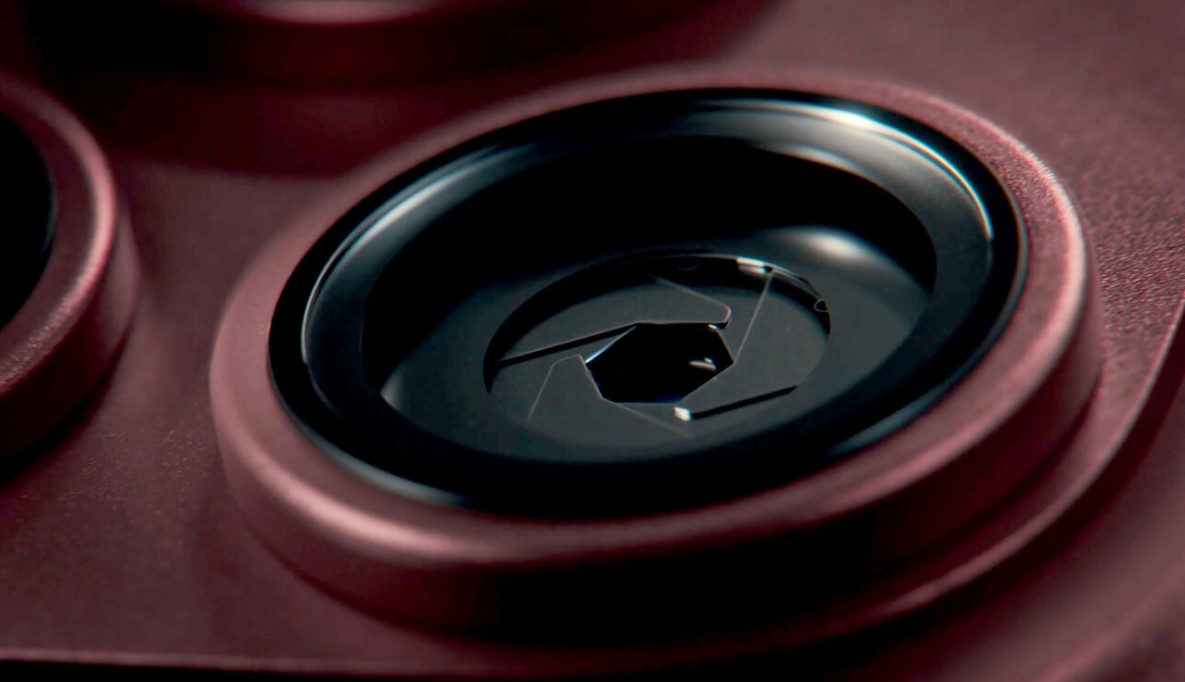
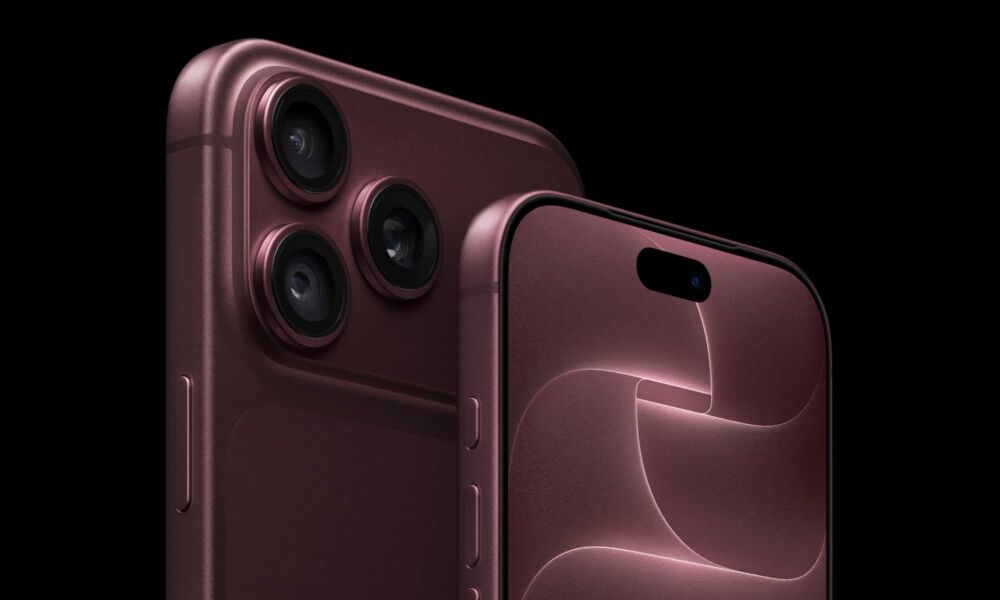
Reference Images are available exclusively for the iPhone 18 Pro and Pro Max only. Even the foldable iPhone Duo does not have this feature. It appears that the technology requires a camera sensor designed to store the data necessary to create a signature that is immune to any tampering. This process requires specific components that are not available in all iPhone devices.
Furthermore, the technology will only work with images captured by the main camera sensor, i.e., the Wide lens. This is the only sensor equipped with the new technology. According to Apple’s blog, the Reference Image feature relies on protecting the image from its source, rather than adding data that documents its origin after capture as happens in the C2PA standard, which reduces the possibility of image manipulation before it is documented.
Reference Images outperform current methods, such as the open standard of the “Coalition for Content Provenance and Authenticity” (C2PA). This is because Reference Images protect the image from its source. The C2PA standard only adds metadata about the image source after it has been captured, which opens the door to the possibility of manipulating the image before it is documented.
How to use the Reference Image feature?
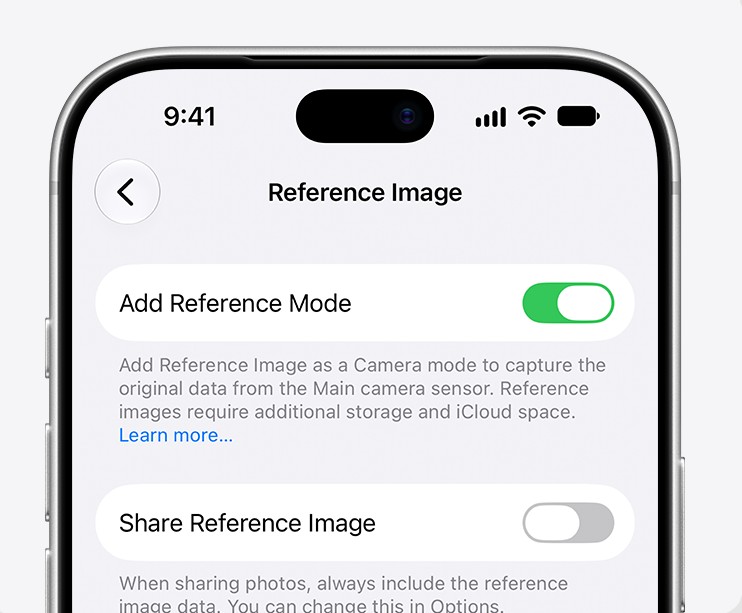
To activate the feature, you will need to do the following:
- Go to Settings, then Camera, then Reference Images
- Tap on Add Reference Mode
- Reference Images will appear as a new shooting mode within the Camera app.
To compare the reference image with the photograph, you need to follow these steps:
- Open the photograph in the Photos app
- Then tap the reference badge in the top left to view the reference version
- Tap the image to toggle between the reference version and the photograph
Any edits to the image will appear, including any cropping, color manipulation, or changes using AI tools. The reference image may appear less saturated and contrasted because it contains less processing compared to the photograph.
How does Apple prevent tampering with the image time?
The Reference Image feature handles the image capture timing in a way that differs from the traditional method, as it does not rely on the time set by the user in their phone settings. Instead, the timing is obtained from an encrypted time service managed by Apple. Since this service may not provide accuracy down to the second or even the minute in all cases, the system stores a minimum time limit and a maximum time limit within the signed data.
Thus, the image does not necessarily provide an exact moment in time down to the second, but it contains a documented time range that helps prove the period during which the image was captured, without relying entirely on the device’s changeable clock. This design adds another layer of trust to the reference image because it makes the timing part of the data that is subject to protection and signing.
Verifying images on other Apple devices

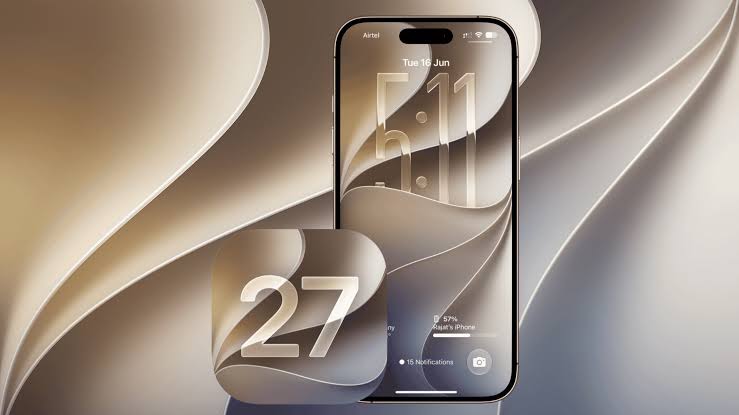
Although creating reference images is currently available on the iPhone 18 Pro and Pro Max, the process of verifying, viewing, and sharing images will not be limited to these devices. Users can verify, view, and share reference images via the Photos app on iPhones, iPads, and Macs running iOS 27, iPadOS 27, or macOS 27. When opening a reference image, a button will appear allowing the viewer to send it to Apple’s Private Cloud Compute (PCC) service, where the image verification process is performed. The result is a display of what came out of the sensor in its original form, allowing the viewer to examine the content and verify its authenticity, instead of relying on a version that may have been edited or re-exported.
Protection against future threats

Apple did not stop at applying traditional encryption methods in Reference Images; it also used composite encryption resistant to future threats related to quantum computing. The feature relies on combining RSA-3072 and ML-DSA-87 encryption technologies to enhance long-term protection. This approach is similar to what Apple previously followed in the iMessage app, when it adopted the PQ3 protocol two years ago to protect conversations from the risk of future decryption as cryptographic technologies evolve over the coming decades. Choosing this type of encryption reveals Apple’s trend toward designing a verification system that does not focus only on protecting images at the present time, but also tries to maintain their reliability against future challenges.
Here we have reached the end of our article, after learning about Apple’s Reference Image feature and its role in verifying the origin of an image from the moment it is captured. With the rapid development of AI tools, generated images have become realistic to the point where it is sometimes difficult to distinguish them from real images with the naked eye. This is where the importance of Apple’s technology emerges, as it adds a layer of documentation that helps determine whether the image actually came from an iPhone camera or was created or digitally manipulated. If the technology proves its effectiveness on a large scale, it may contribute to changing the way we deal with digital images, so that judgment is not based only on their appearance, but on the presence of reliable data that helps ensure they are not AI.
What do you think of Apple’s Reference Image technology? Tell us in the comments!
Source:
Leave a Reply