It is almost a miracle in the world of technology for any new flagship phone launch to pass without some technical hiccups here and there, and the iPhone 18 Pro and iPhone 18 Pro Max are no exception to this usual annual rule. After Apple rushed a few days ago to release the iOS 27.0.1 update to address a Face ID bug that caused the device to restart suddenly when failing to recognize the user, in addition to fixing color distortion in photos taken under specific conditions, it seems that a new problem has begun to surface and worry users: unusual crackling and popping sounds coming directly from the top earpiece.
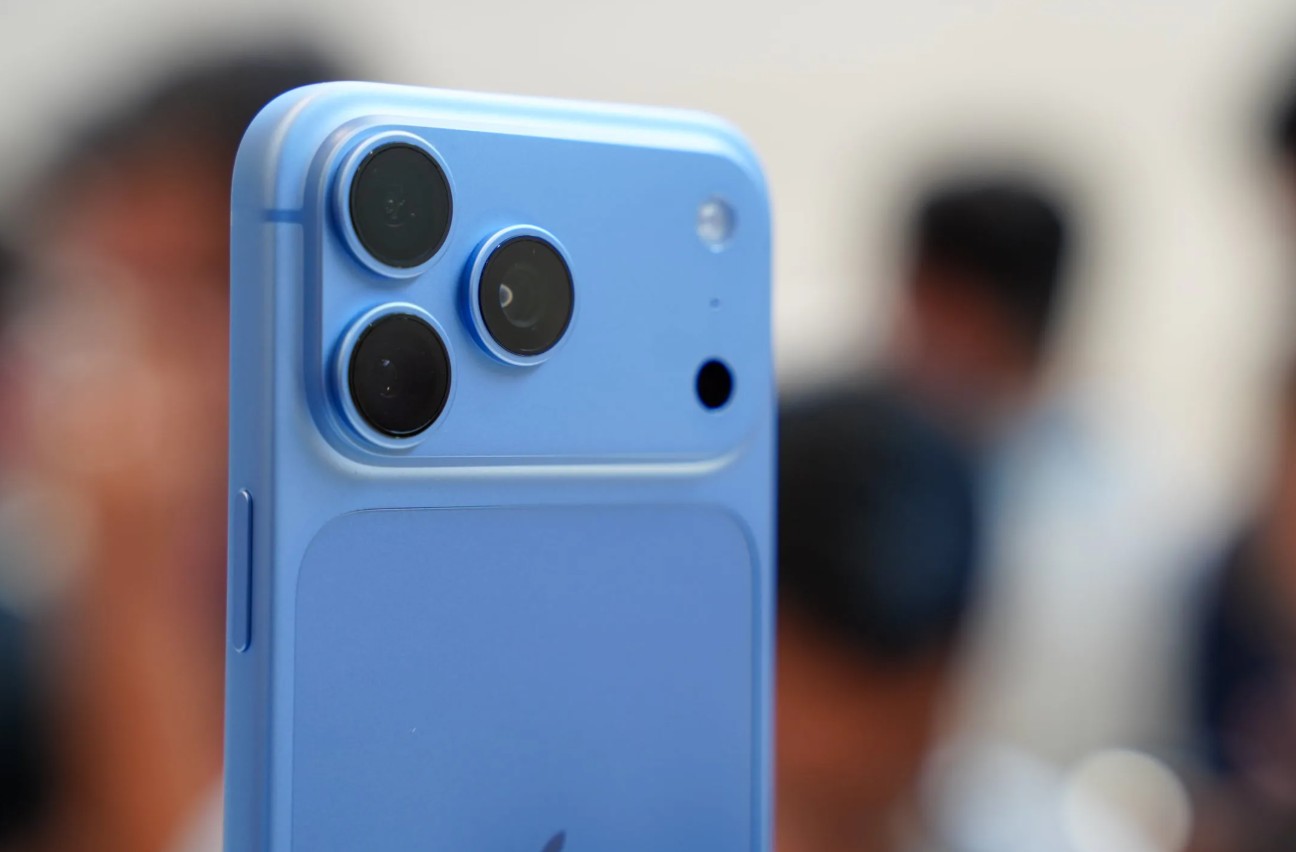
Escalating complaints and sudden popping in the earpiece
The details of the problem began to emerge through increasing discussions on Reddit and the famous MacRumors forums, where a number of iPhone 18 Pro and iPhone 18 Pro Max owners expressed their annoyance at hearing a light, sudden crackling or popping sound emanating from the top speaker intended for calls. The matter does not seem faint at times; one affected user pointed out that the sound was sharp enough to hurt their ear when it occurred suddenly while lifting the phone.
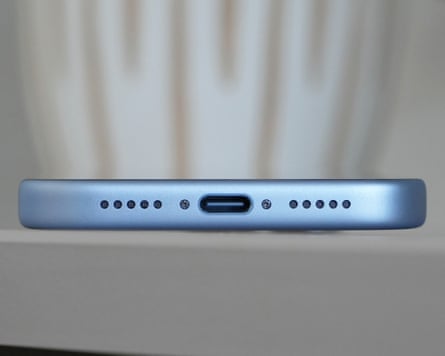
What is remarkable is the significant variation in the behavior of this problem; while some users reported hearing this sound repeatedly for no apparent reason, others noticed it only while performing specific routine actions, such as scrolling through websites, the moment the keyboard opens, receiving notifications, during a cellular call, or even when switching to Airplane Mode or quickly lowering and raising the brightness. This great variety in triggers makes it difficult to establish an accurate scenario to reproduce the bug, although many devices—fortunately—work perfectly normally without these sounds appearing.
Is the defect in the hardware or is it a temporary software nightmare?
The first question that jumps to the mind of anyone who pays a respectable amount for a flagship phone is: Have I received a faulty speaker that requires opening the device or replacing it? The good news here is that all indicators strongly suggest it is a purely software bug. According to several recorded experiences, some users went to Apple stores and replaced their devices with new phones in their boxes, only to be surprised that the replacement phone made the same crackling sound immediately after setting it up.
It also turned out that the latest iOS 27.0.1 update did not address this symptom, which is normal as the update log did not mention it at all, meaning Apple was busy putting out the Face ID fire first. What further reinforces the software hypothesis is the arrival of reports from users who encountered the same problem on older models such as the base iPhone 17 immediately after upgrading to iOS 27, which proves that the problem lies in the way the system processes audio signals directed to the top speaker and is not a manufacturing defect in the new speaker.
Temporary solutions and advice before visiting technical support
If you are currently facing this crackling in your phone, the best decision you can make is not to rush to technical support branches to request a replacement; waiting in lines will often only result in you getting another phone that carries the same software behavior until Apple releases an official update that addresses the root of the problem. However, in the meantime, there are some temporary solutions that have mitigated the problem for some users:
- Full restart: Some users reported that turning the iPhone off completely and then turning it back on helped hide the sound for a while, although it may return later.
- Disable Voice Isolation: Other users indicated that turning off the Voice Isolation feature during calls contributed significantly to reducing the frequency of the popping, even if it did not eliminate it completely.
In the end, it seems we are in for an upcoming quick update, perhaps under the name iOS 27.0.2, to close the file on these annoying sounds and let iPhone 18 Pro owners enjoy their phones in complete silence.
Source:
Leave a Reply