With the arrival of the iPhone Duo and its all-new design that redefines usage patterns thanks to its foldable screen and multiple orientation options, it seems developers have found a new playground to unleash their wild imaginations. This current wave reminds us of the early days of the App Store when the original iPhone was launched; back when simple, fun apps raced to utilize motion and touch sensors in clever ways. Today, the charm of skeuomorphic design is back in the spotlight, with apps that turn the foldable phone into stunning classic devices and unconventional simulators that ingeniously exploit every corner of the hinge and the two screens.
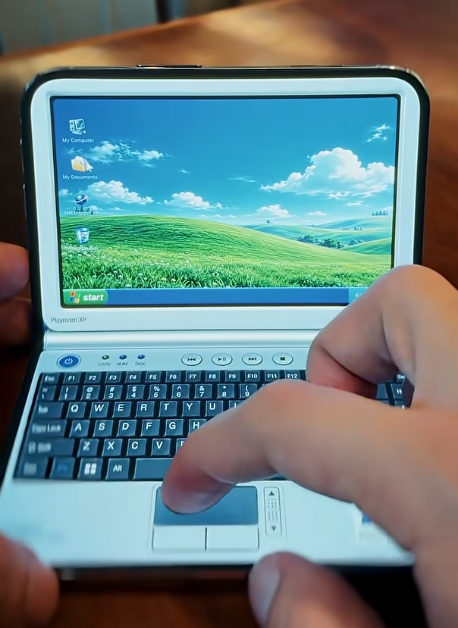
Miniature Classic Macintosh Computers: Tiny Computers App
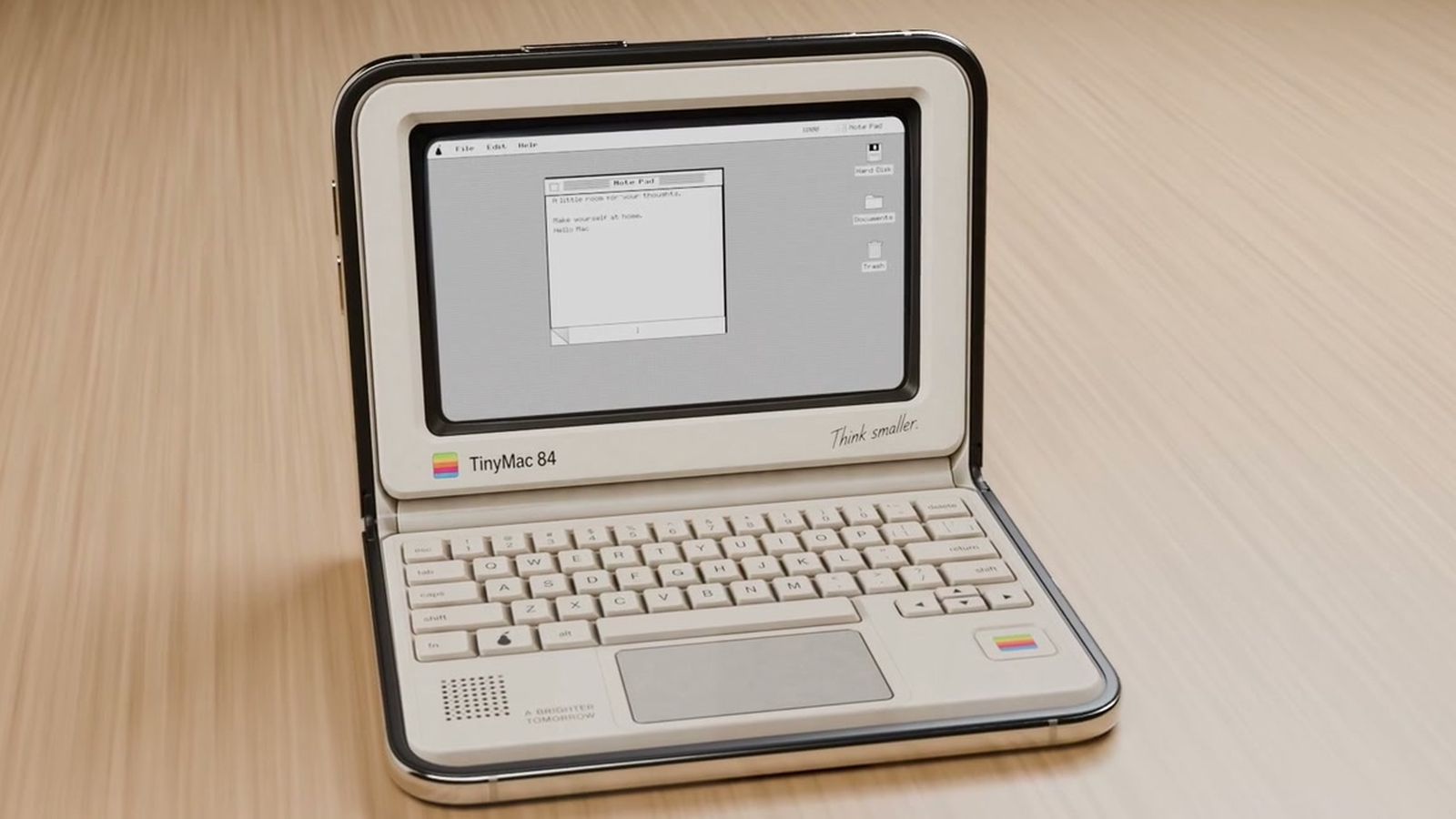
The Tiny Computers app offers an exceptional concept that takes you on a nostalgic journey; it transforms the iPhone Duo into a miniature classic desktop computer. The app includes designs inspired by historical devices such as the original Macintosh, the Commodore 64, the Amiga 500, as well as iconic Apple devices like the iMac G3 and iBook G3. The app works best when the device is placed at a right angle like a laptop, with the top screen becoming the display and the bottom screen turning into an interactive keyboard.
The app isn’t just about looks; the miniature computers include keyboards that emit analog mechanical clicking sounds, primitive drawing software, and classic desktop games, along with hidden files, digital secrets, and fun surprises that prompt you to explore every system, simulated with precision and great attention to historical detail.
Interactive Folding Art: Fold & Squish App
From the same creative developer comes the Fold & Squish app, which reinvents childhood games and the famous Rorschach art test with a unique technical twist suited to the nature of the iPhone Duo. The app’s concept is based on drawing a design or placing paint splatters on one half of the phone’s inner screen, then closing the device completely and running your finger over the outer screen to “squish” and press the digital paint. When you open the phone again, you are surprised by a stunning, symmetrical piece of art resembling colorful butterfly wings.
The app is available for free download with the ability to try basic tools, and there is an option to purchase an additional pack that allows the use of glittery colors, rainbow effects, and guide lines to help you draw complex and intricate shapes, embodying how the dual screen and hinge can be utilized for unprecedented sensory experiences.
A Toaster and a Nintendo Console: Toastie and Delta
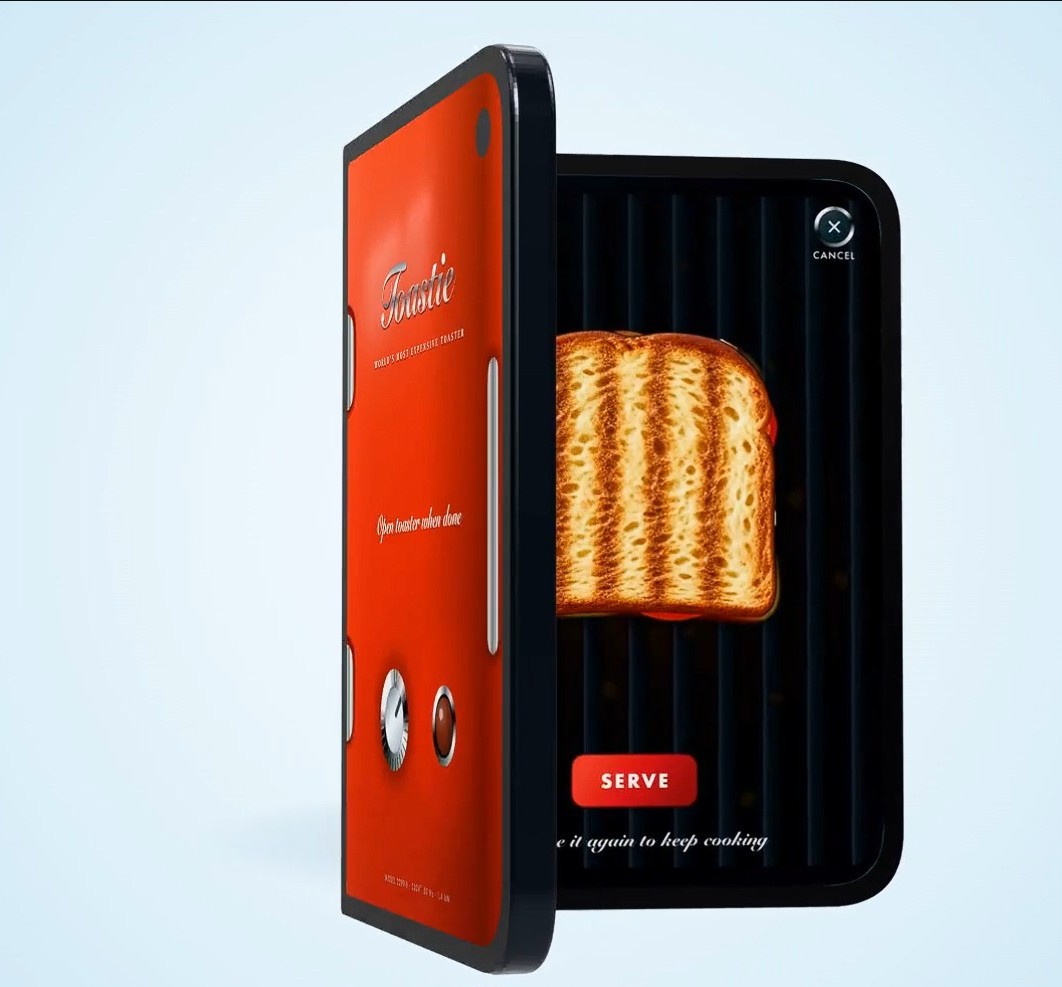
If you think the uses for a foldable phone should always be serious, the Toastie app will definitely change your mind. The game turns the iPhone Duo into the world’s most expensive toaster for making grilled cheese sandwiches; you start by preparing the sandwich ingredients on the open screen quickly, then fold the two screens together and close the phone to start the toasting process. Timing here is the key to success, and you must open the phone at exactly the right moment before the sandwich burns.
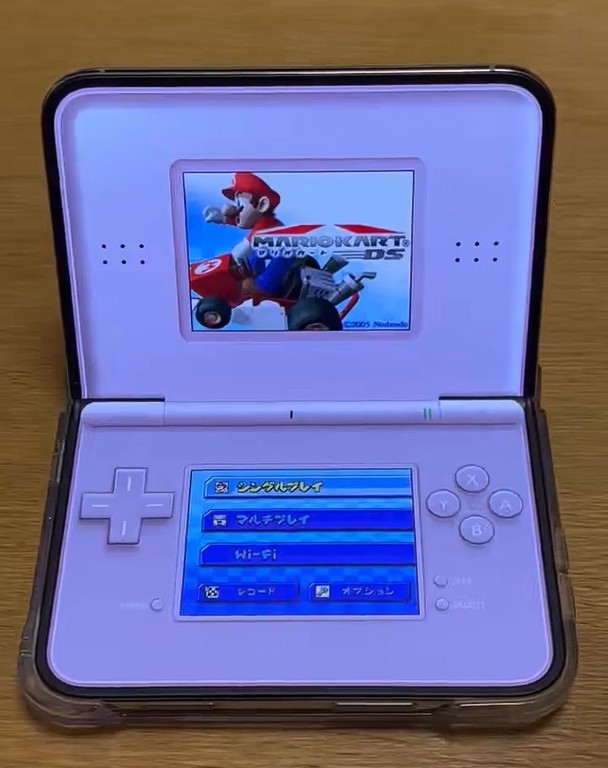
On the other hand, the famous game emulator Delta has received a dedicated update for the iPhone Duo, effectively turning it into the iconic Nintendo DS console. The top screen displays the game and its main interface, while the bottom screen transforms into the touch screen and classic control buttons. Even better, as soon as you close the device, the exterior appearance changes to resemble the classic console’s shell, putting the game directly into automatic sleep mode, just as we used to do in the past.
Creativity and Digital Notebooks with Apple Pencil: Lake and TypeDraw
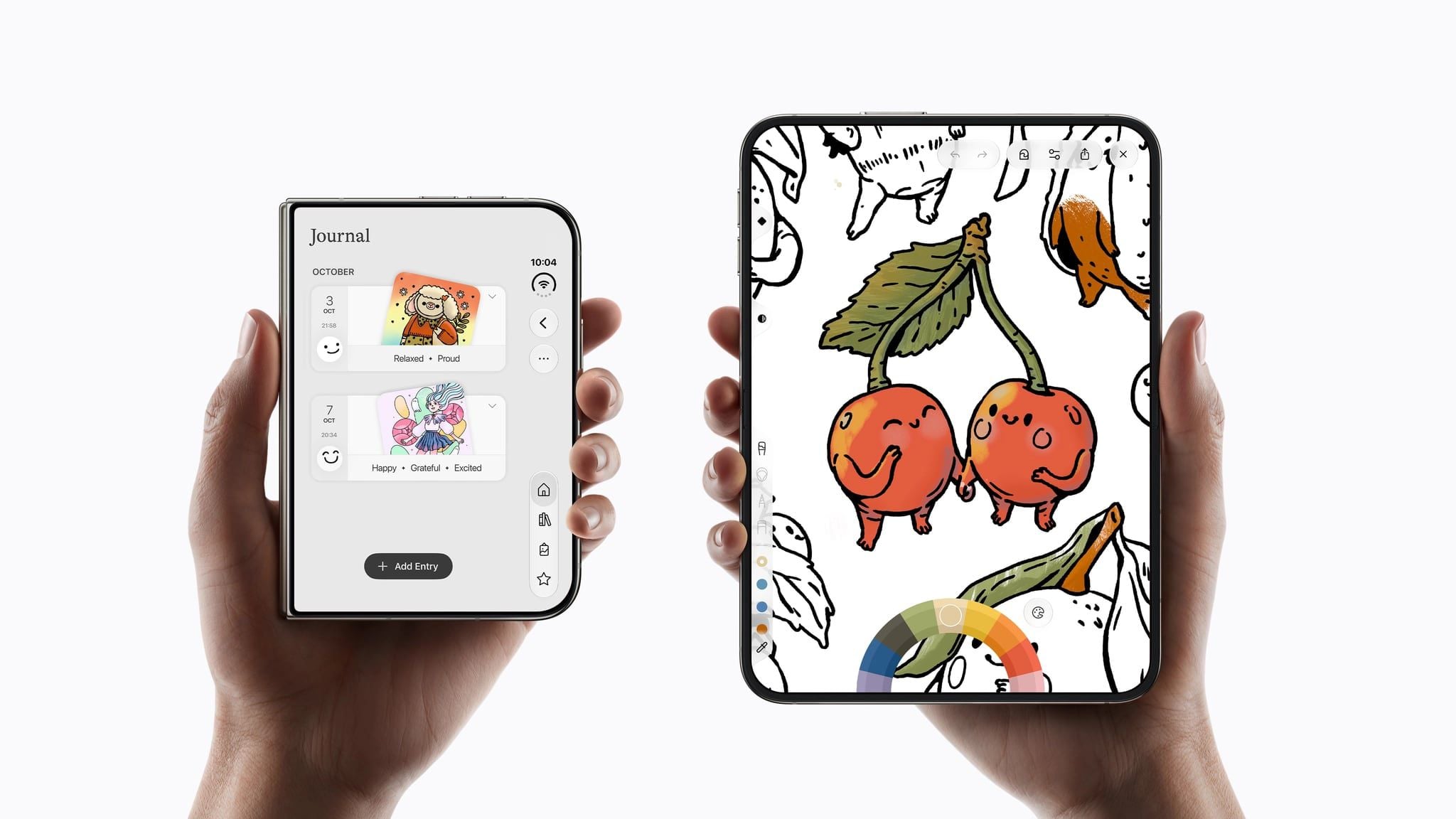
For those with artistic inclinations, the famous coloring book app Lake has received a comprehensive upgrade that takes advantage of the iPhone Duo’s screen space. When holding the phone in the open vertical position, the app gives you a full space resembling real paper coloring books with artistic drawings created by international artists. More importantly, the developer is working on an update that allows full support for using the Apple Pencil, making drawing and shading an extremely precise and comfortable experience.
In a similar context, the TypeDraw app turns the device into a personal notebook resembling luxurious leather-bound journals. When the phone is closed, it appears as an elegant notebook cover, and when opened, you transition to interactive pages that allow you to write and take notes freely. The app supports Apple Pencil and offers multiple customization options, including choosing fonts, colors, and even simulating your natural handwriting to make your pages look as if they were written with real ink.
Relaxing Vibes and “Tent Mode”: Portal and Living Earth Apps
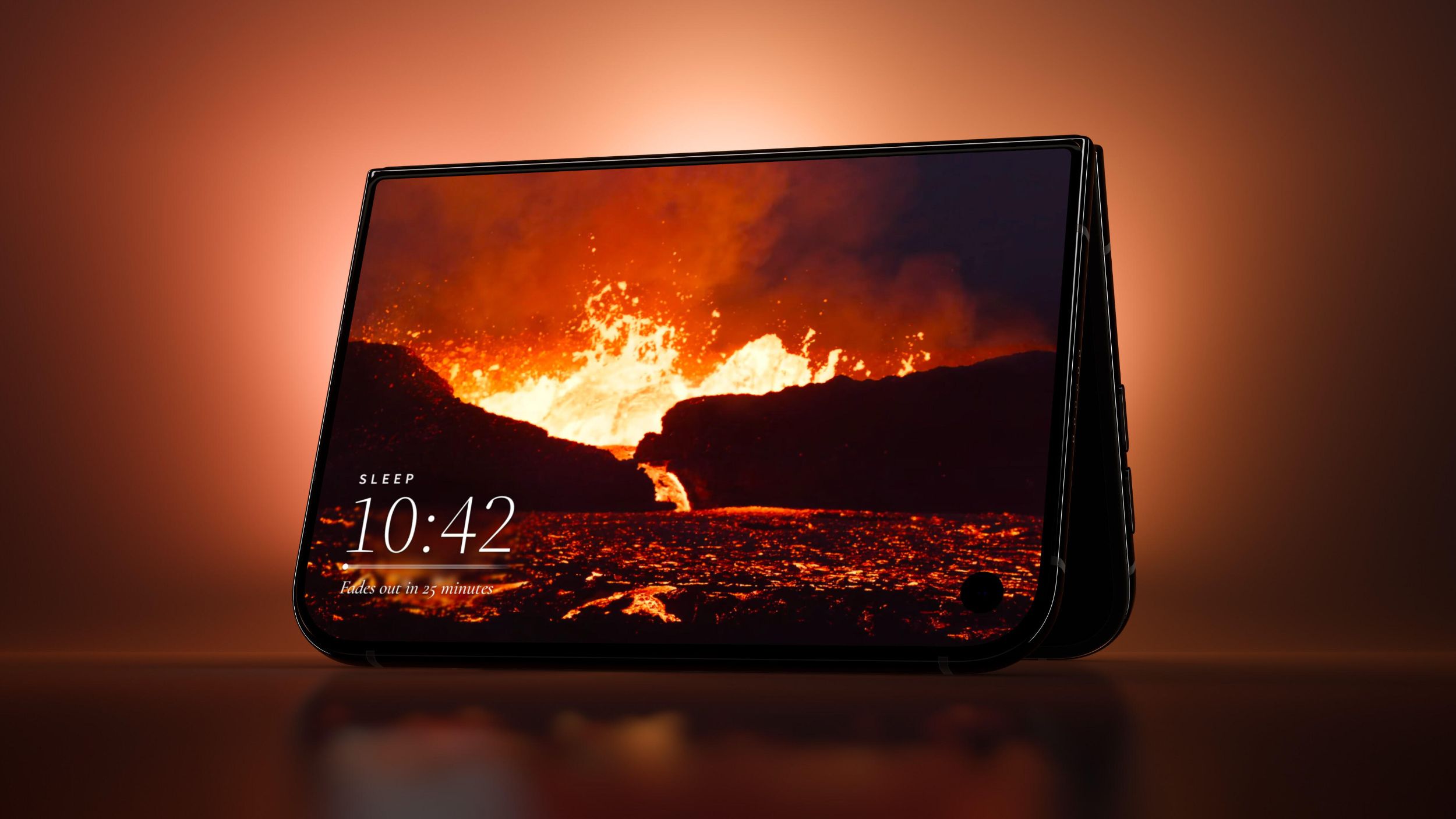
One of the most prominent usage modes for the iPhone Duo is “Tent Mode,” where the device rests on its edges at a half-open angle to stand on its own without the need for any external stand. The famous meditation app Portal has brilliantly utilized this feature to provide visual and audio portals that take you to over 100 natural environments around the world, from the tropical forests of Costa Rica to the lava rivers of Iceland, complete with calming breathing exercises and timers for sleep and focus.
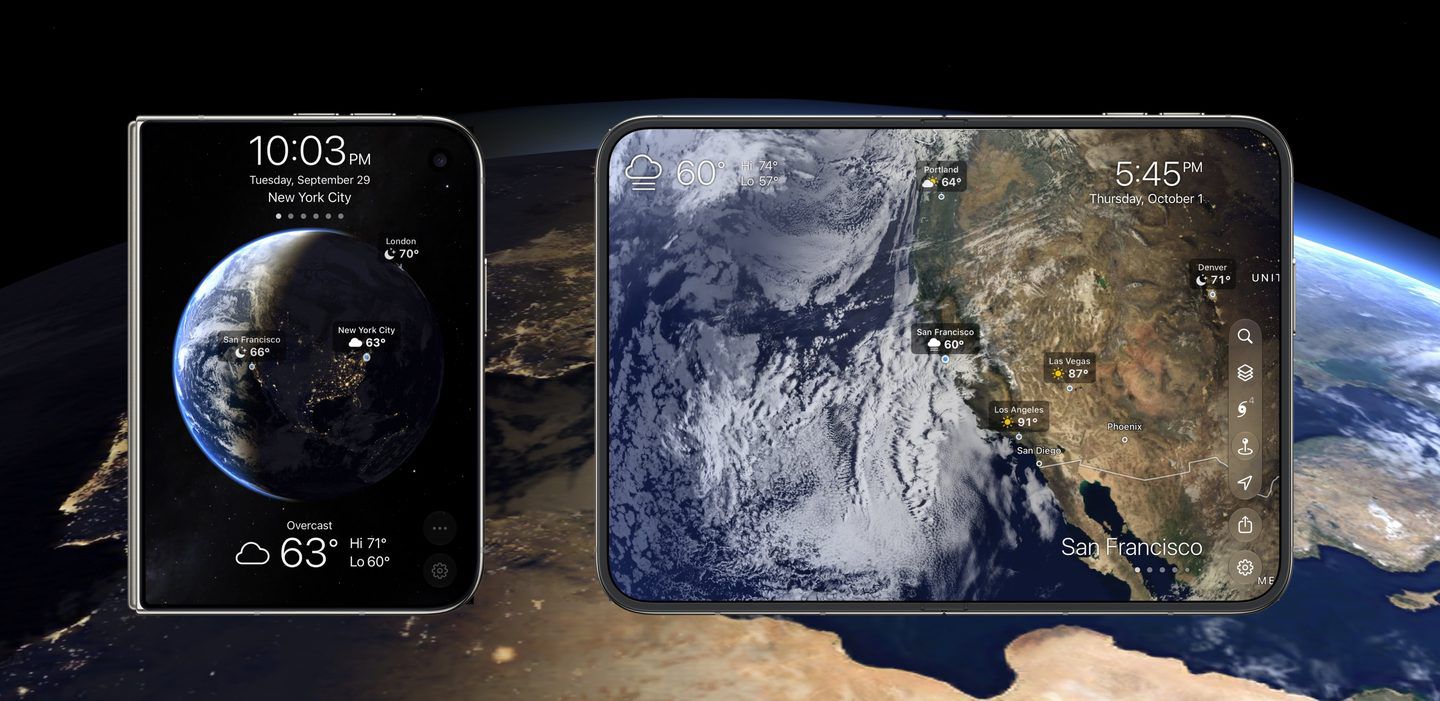
The Living Earth app is the perfect companion for a desktop or bedside table thanks to Tent Mode as well. The app displays a 3D globe that rotates with extreme smoothness, showing live cloud movement, storms, hurricanes, and climate maps around the world moment by moment, in addition to displaying the time and local weather. When the screen is fully opened, the globe expands to cover the entire space with stunning visual details.
Musical Nostalgia and Musical Instruments: Deck-Man and Fold Accordion
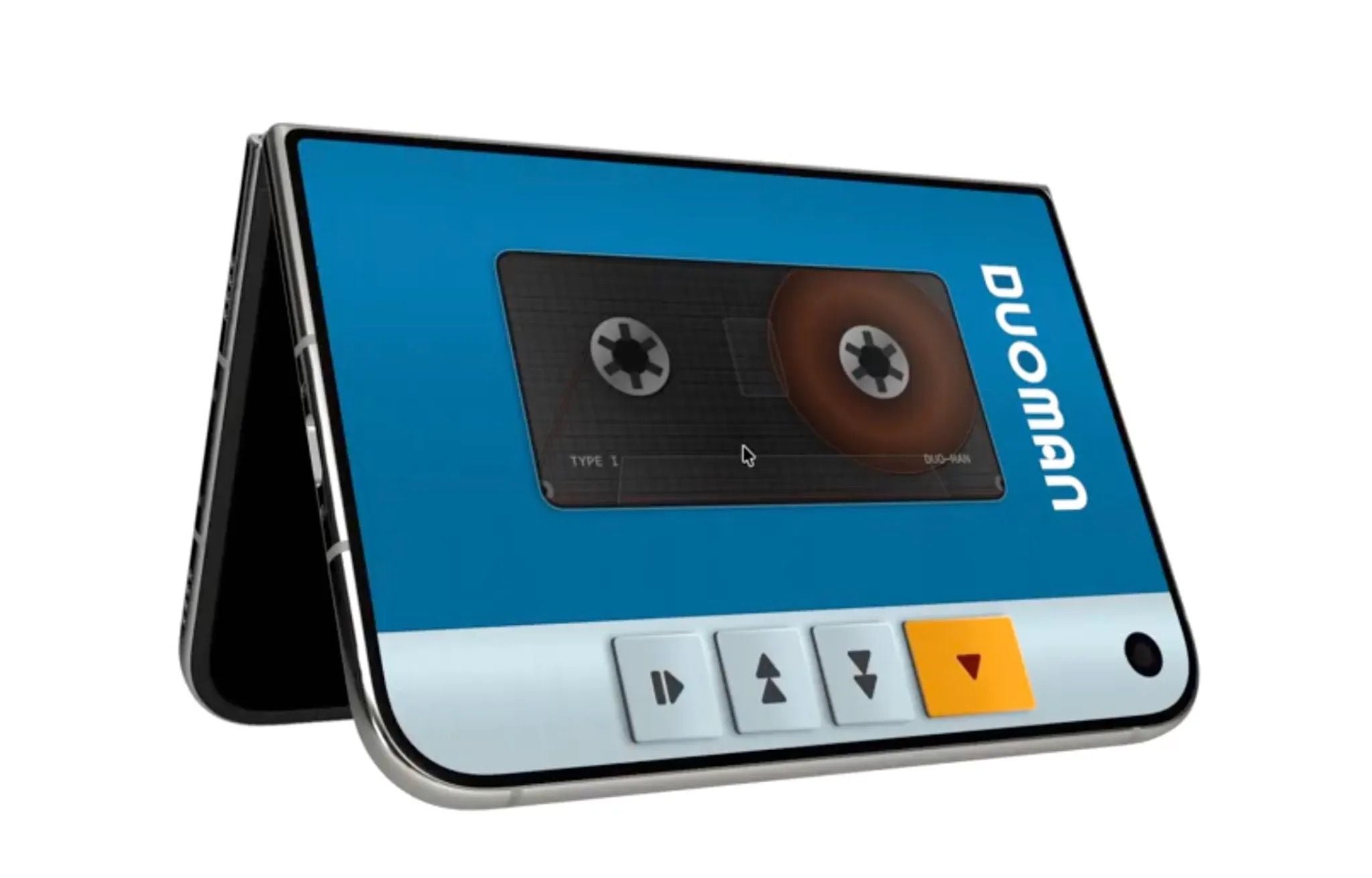
Fans of old recording devices will find what they are looking for in the Deck-Man app, which reinvents the experience of analog cassette players in a unique way. You open the iPhone Duo to select the music tape and place it inside the digital slot, then fold the phone and close it so the reels start spinning and the music begins to play with a satisfying mechanical click.
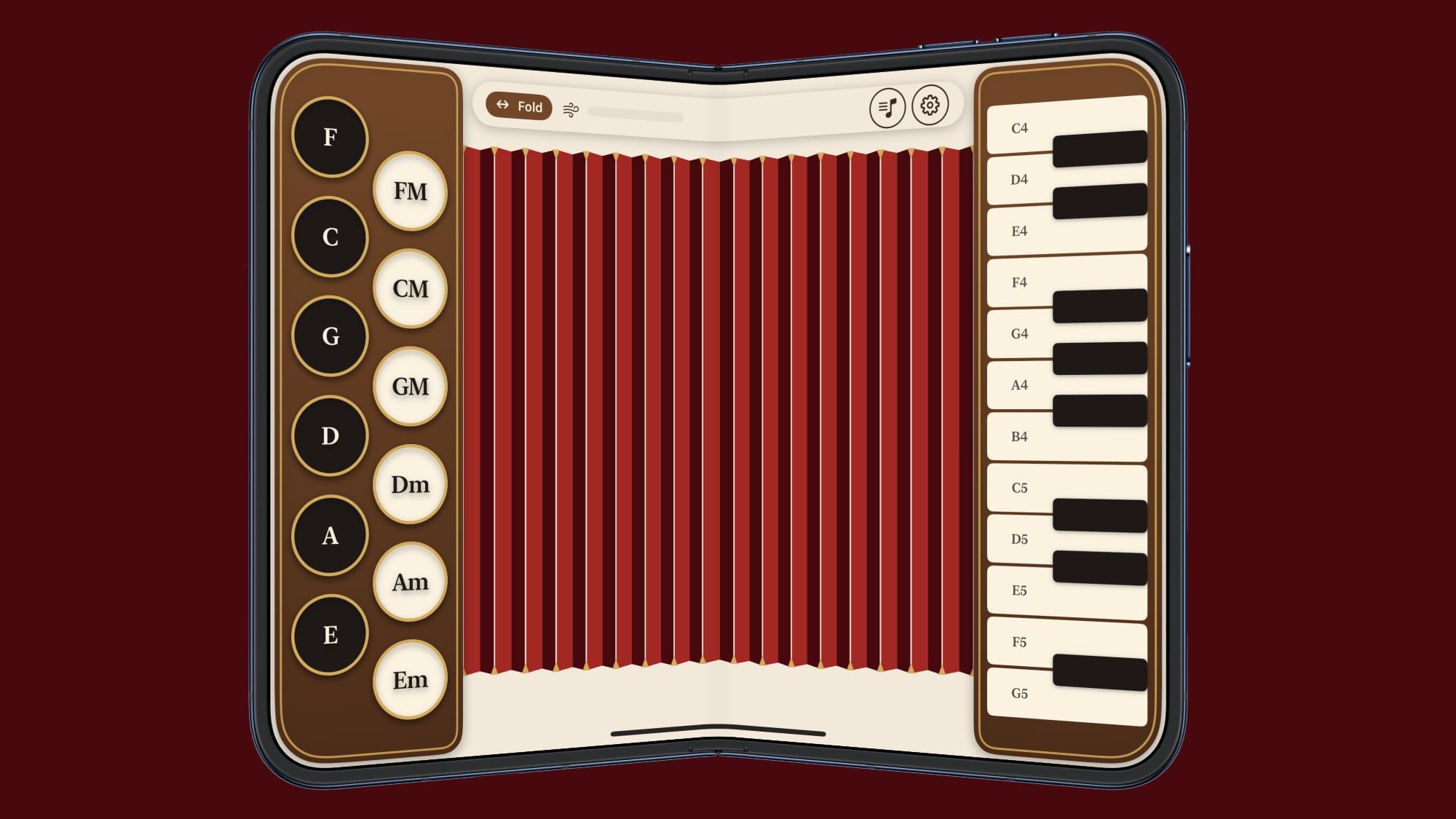
As for the Fold Accordion app, and similarly the Foldissimo app, they turn the foldable phone’s hinge into a real air bellows for an accordion. The idea of playing is based on constantly opening and closing the iPhone Duo to pump out notes, while pressing keys that light up to teach you musical segments step-by-step, offering an experience that combines physical movement with smart programmatic interaction.
Geometric Puzzles and Impressive Programming Ideas
These experiences prove that foldable screens are not just larger screens, but a gateway to entirely new physical interaction styles. We see this clearly in other games and apps such as:
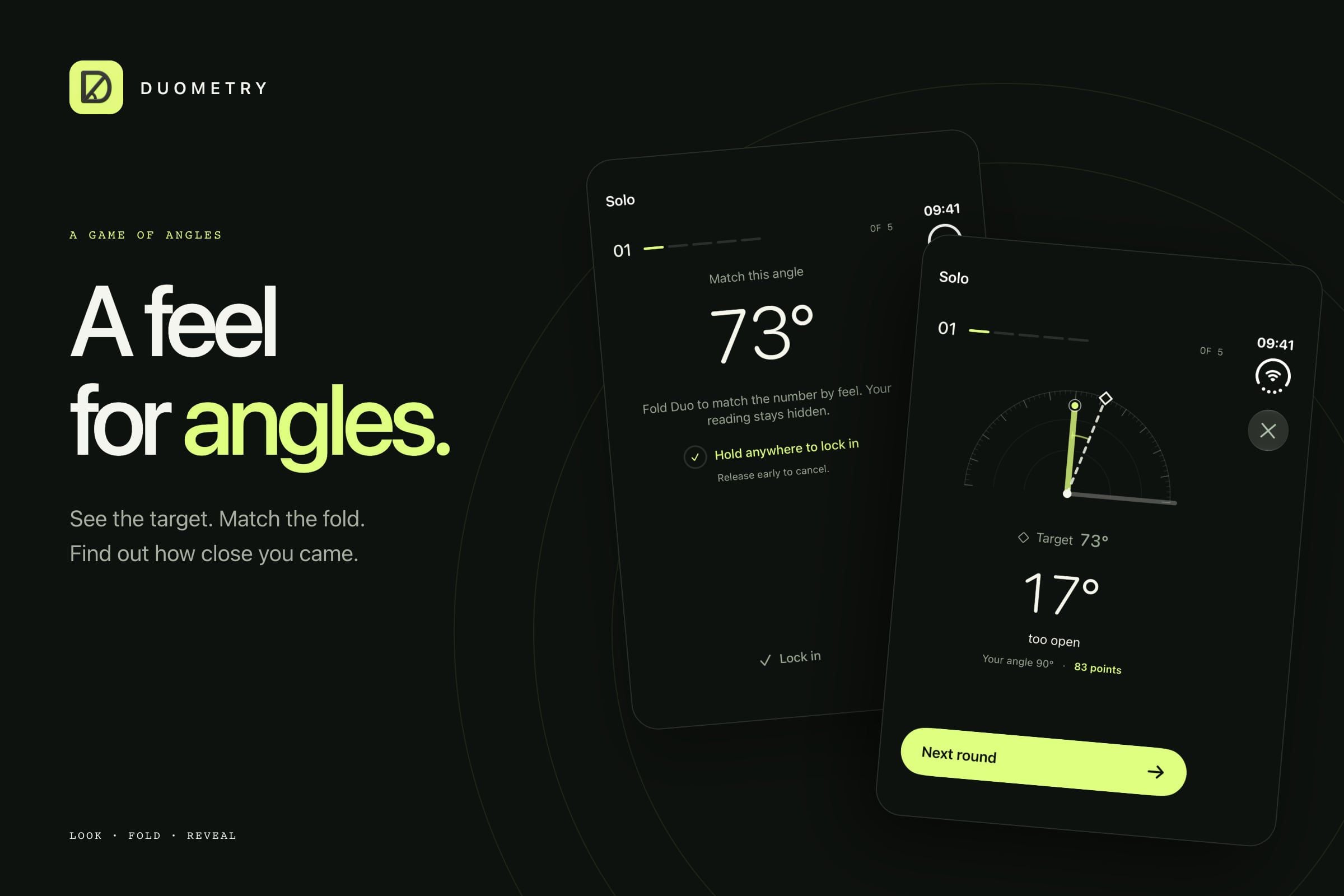
- Duometry: A geometric puzzle game that asks you to guess the required angle accurately by folding the iPhone Duo screen to varying degrees and holding it to see how correct your estimation is.
- Orisuji: An interactive paper maze that you start solving on the inner screen, and overcoming its obstacles requires folding the device toward the outer screen to open new paths.
- Fold Focus: A Pomodoro technique time-management app that rewards you for keeping the iPhone Duo folded and closed while studying or working; closing the device builds thriving digital cities as long as the phone remains off.
- Foldfish: An innovative fishing game where you open the phone to cast the fishing line, touch the screen to pull, and then fold the phone to secure the catch.
Source:

Leave a Reply