Apple devices are famous for their superior build quality and their ability to last for many years compared to competitors, but this durability does not mean they are indestructible or that they will work forever without care. The truth is that the iPhone or MacBook you have in your hands needs a little attention to keep working with the same smoothness you experienced on its first day; batteries wear out over time, dust accumulates inside fans and ports, and even a simple detail like a charging port can hinder the use of an otherwise perfectly functional device if neglected.
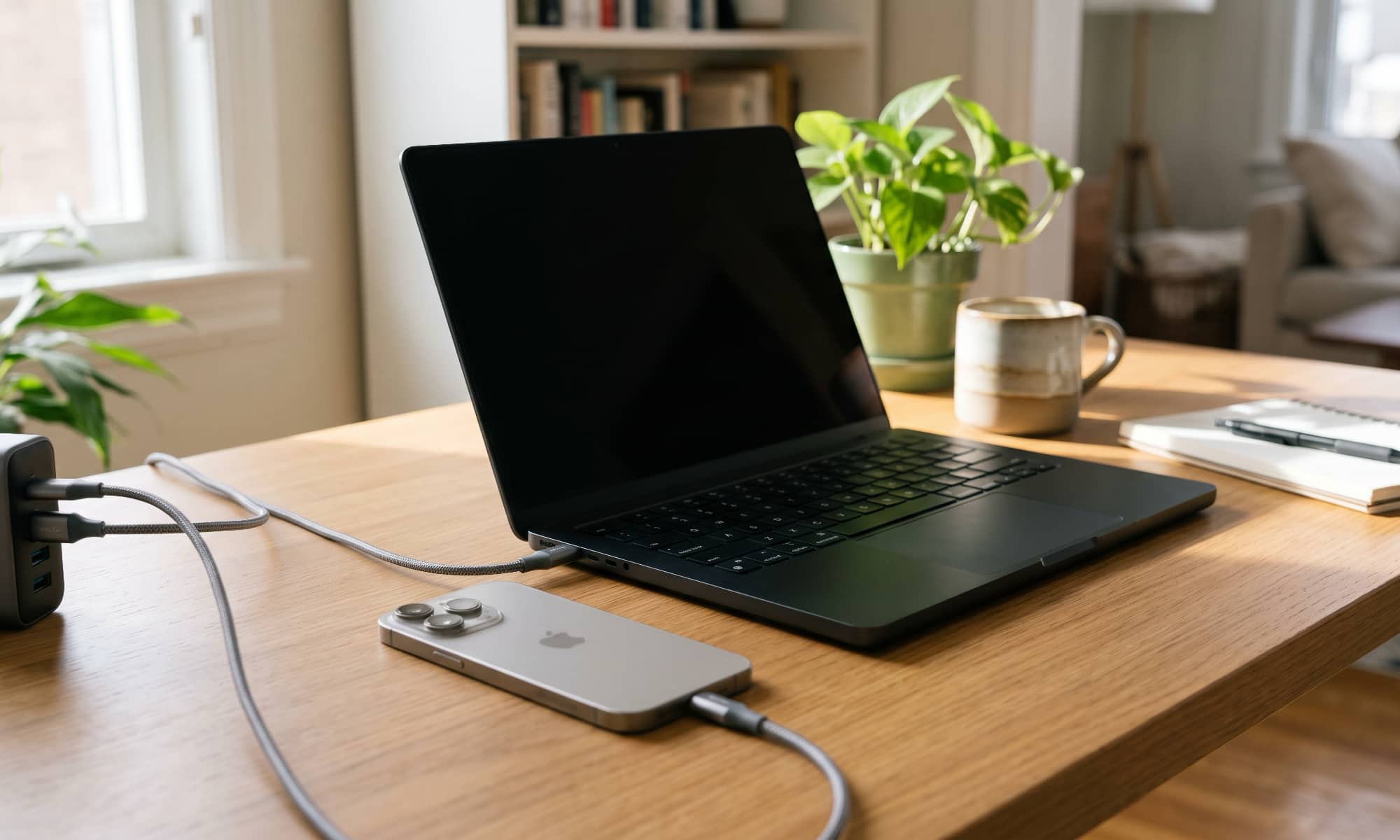
The Sustainability Equation: Why do Apple devices need your care?
When we invest in the Apple ecosystem, we naturally expect these devices to serve us for several years to come without major issues. This confidence is fully justified, as extended update support and powerful hardware grant devices a long lifespan, but this does not mean neglecting daily maintenance. Extending the life of your devices does not require obsessive behavior or complex measures that take away the joy of using them; rather, it is enough to adopt a few simple habits that make a radical difference in the long run.

Minor changes in our daily behaviors with technology determine whether your device will last with you for four or five years in excellent condition, or whether you will be forced to visit repair centers or consider replacing it early due to problems that could have been easily avoided.
Battery and Ports: Hidden enemies threatening device stability
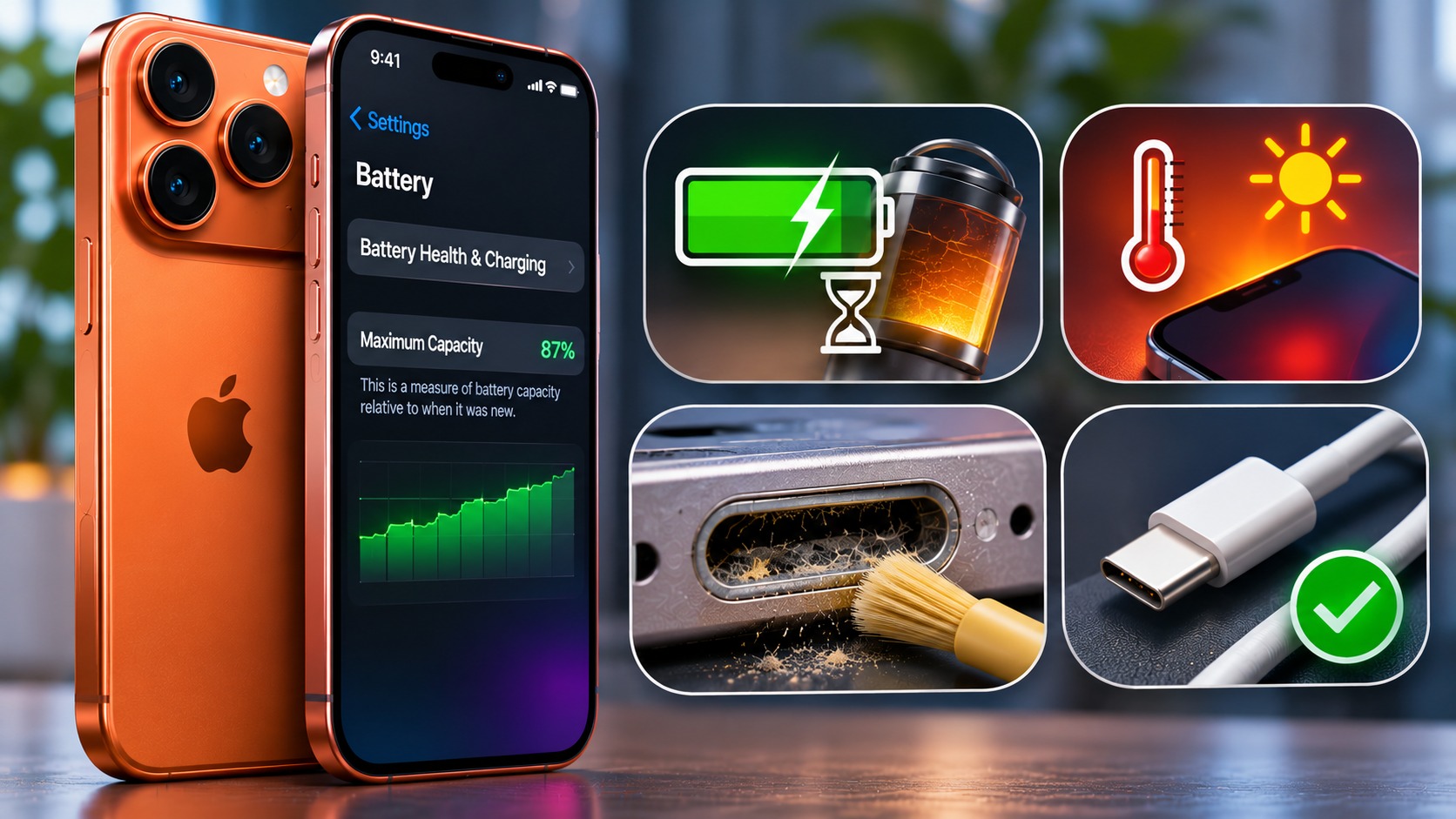
The iPhone battery is one of the first components to show signs of aging, as the chemical degradation of batteries is a natural and inevitable process over charge cycles. However, how you handle charging and temperatures can significantly slow down or accelerate this degradation. Maintaining the battery does not require constant monitoring of charge percentages around the clock, but rather understanding that high heat and constant stress are the primary enemies of its efficiency.
On the other hand, many overlook the charging port; even minor damage or the accumulation of solid debris in the connection port can render an excellent device unable to charge or transfer data, leading the user to believe the device is broken when the problem lies solely in the port. Gentle handling of charging cables and regular inspection of ports saves you from unnecessary and costly problems.
Dust accumulation and the environment surrounding Mac devices
MacBook devices, despite their tight and precise design, are always exposed to dust and dirt particles entering through vents and ports over time. Internal dust accumulation may not be immediately visible to the naked eye, but it hinders the device’s natural cooling cycle, forcing the processor and fans to work twice as hard, which consequently leads to high temperatures and poor performance with long-term use.
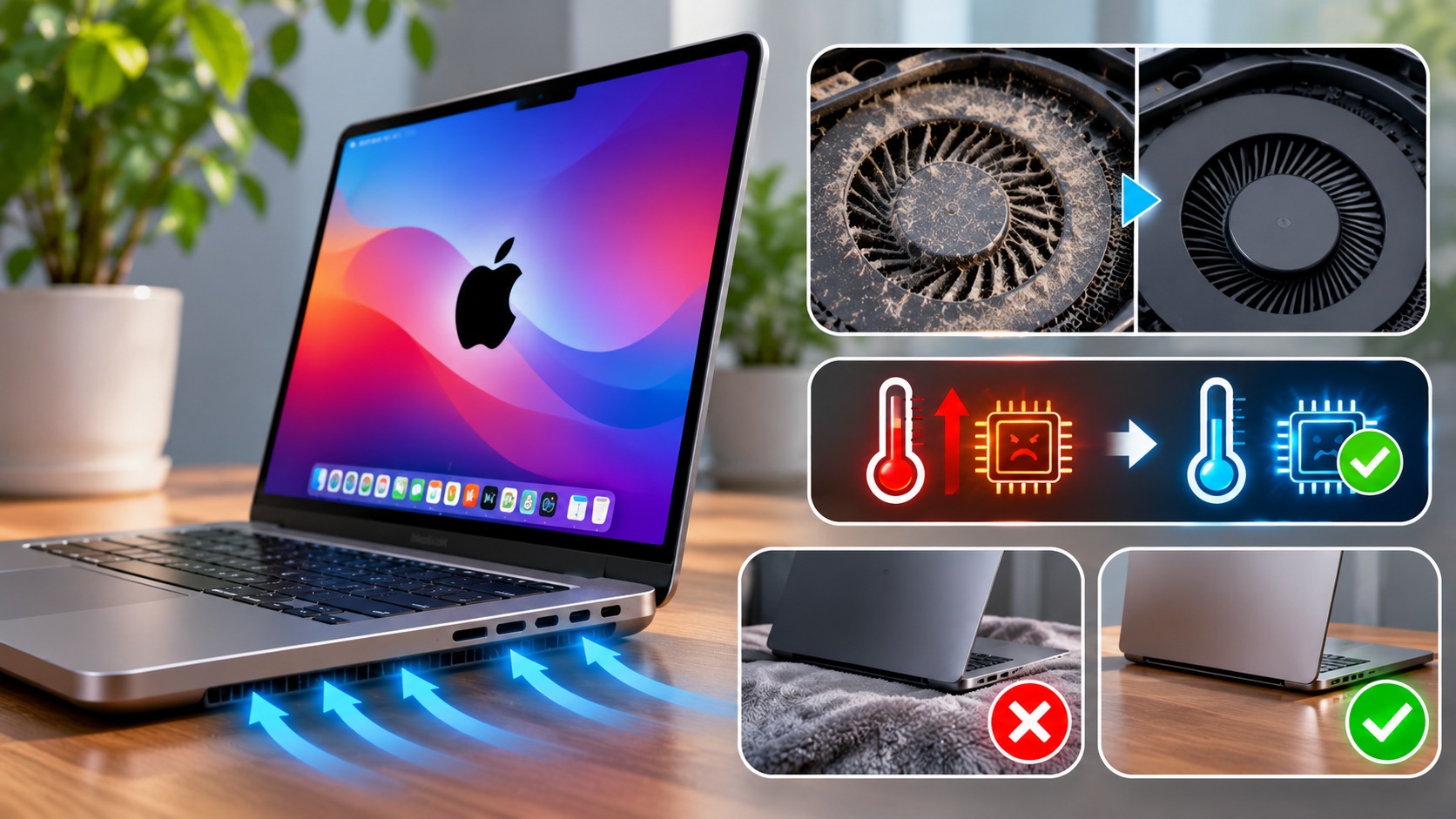
Making sure to place your devices on clean, flat surfaces, and avoiding the use of laptops on blankets or fabric surfaces that block airflow and collect fibers, is a fundamental step to protect sensitive internal components from unnecessary thermal stress.
Small habits that mean an investment that lasts for years
The basic idea of maintaining Apple hardware is not to restrict your usage, but to enjoy the full power of these devices without damaging them. Changing your device charging pattern, using certified accessories and cables, and cleaning devices gently from time to time are all easy practices that require negligible effort, but their returns are clearly visible after several years when you find your devices still retaining their value and speed.
In the end, technology is designed to serve us and make our lives easier, and a little conscious care ensures you get the best possible return on your investment in your favorite Apple devices.
Source:



Leave a Reply