When Apple first unveiled the StandBy mode feature in iOS 17, it was a nice and welcome addition that transformed the phone’s screen while placed horizontally on a charger into an elegant desk clock or a mini-display for widgets. However, with the launch of the foldable “iPhone Duo,” Apple decided to redesign the feature from scratch, turning it into a full-fledged smart display with a rich gallery of faces inspired directly by the Apple Watch. Because the iPhone Duo features a unique design that allows it to stand on its own on any surface, it was believed that this advanced visual experience would remain exclusive to it. However, Apple decided to surprise everyone in the first beta version of the iOS 27.3 update by bringing this entire new system to the rest of the iPhone family.
Goodbye to static interfaces: An infinite face gallery
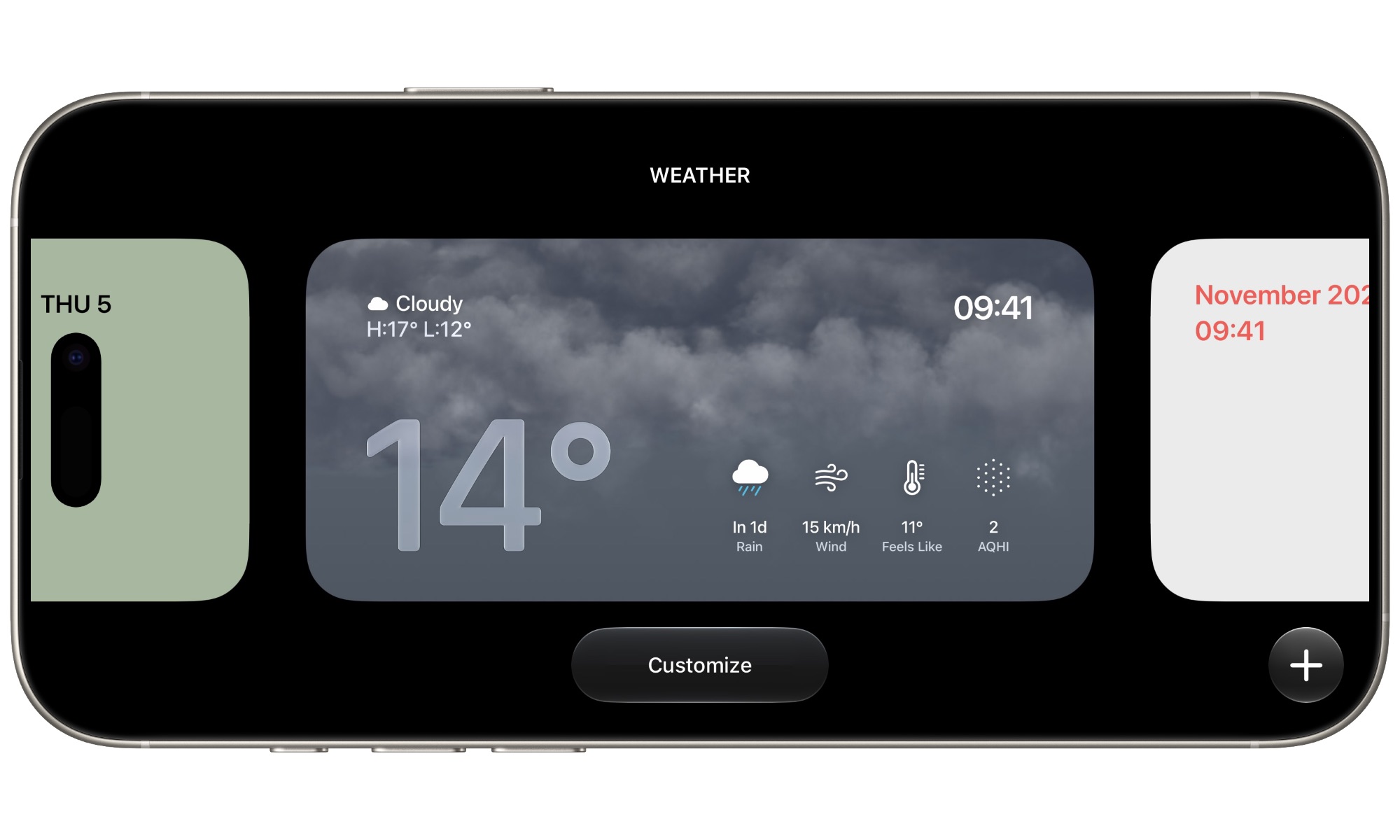
The most notable change brought by the iOS 27.3 update is the abandonment of the rigid, traditional style of the StandBy feature. Previously, the user was confined to three pre-defined interfaces that could not be bypassed: the widget interface, the photo interface, and the full-screen clock interface. Now, Apple has completely dismantled those restrictions, replacing them with a fully open system of faces that looks very similar to Lock Screens and Apple Watch faces, where you can create and customize an seemingly unlimited number of faces and switch between them with a smooth swipe.
The experience within the beta system proved that users can add more than 25 custom faces without encountering any obstacles or visible limits. This number far exceeds the needs of most users, but it reflects the absolute philosophy of customization that Apple has recently begun to adopt to give you a desk screen that suits your mood and daily needs, whatever they may be.
Seven new categories to suit all tastes
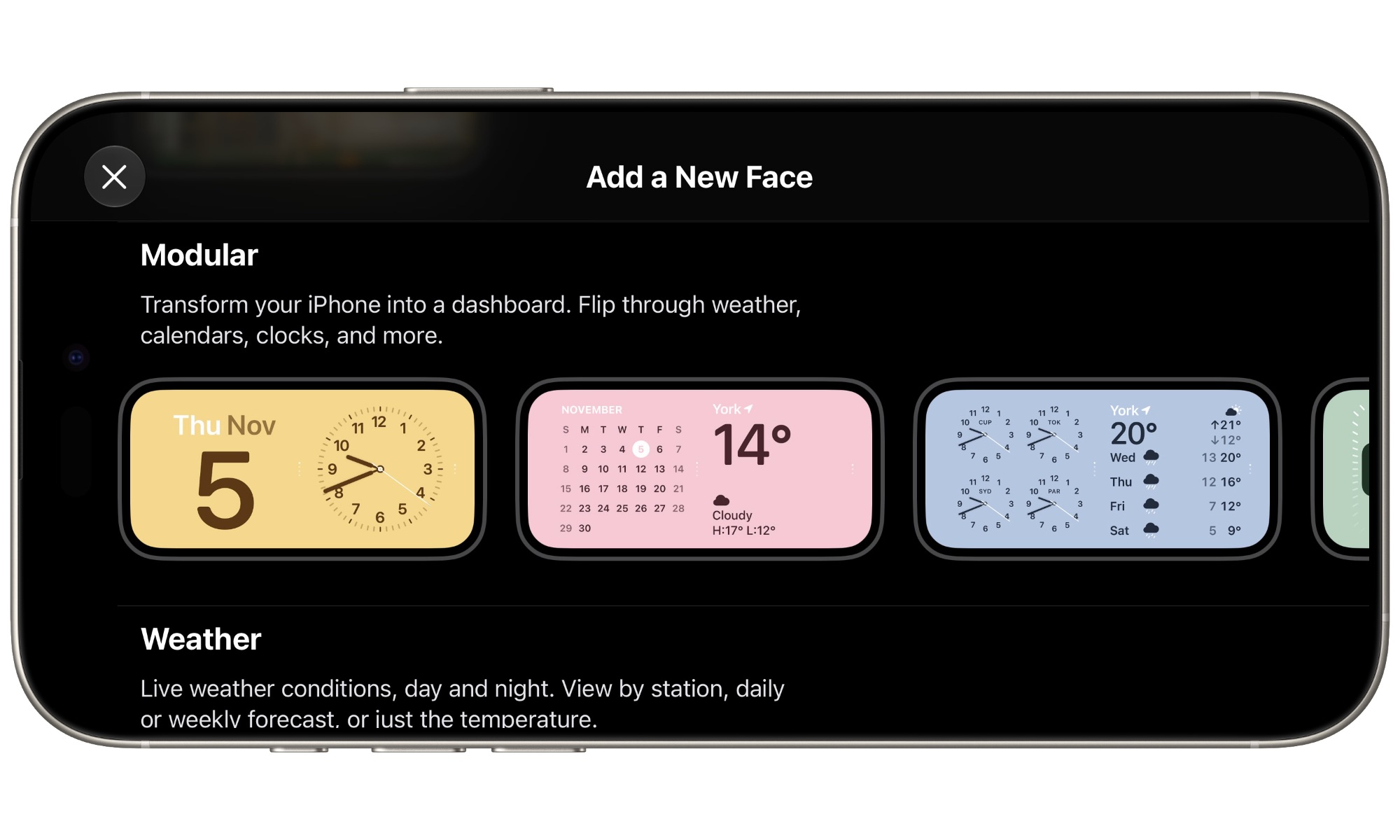
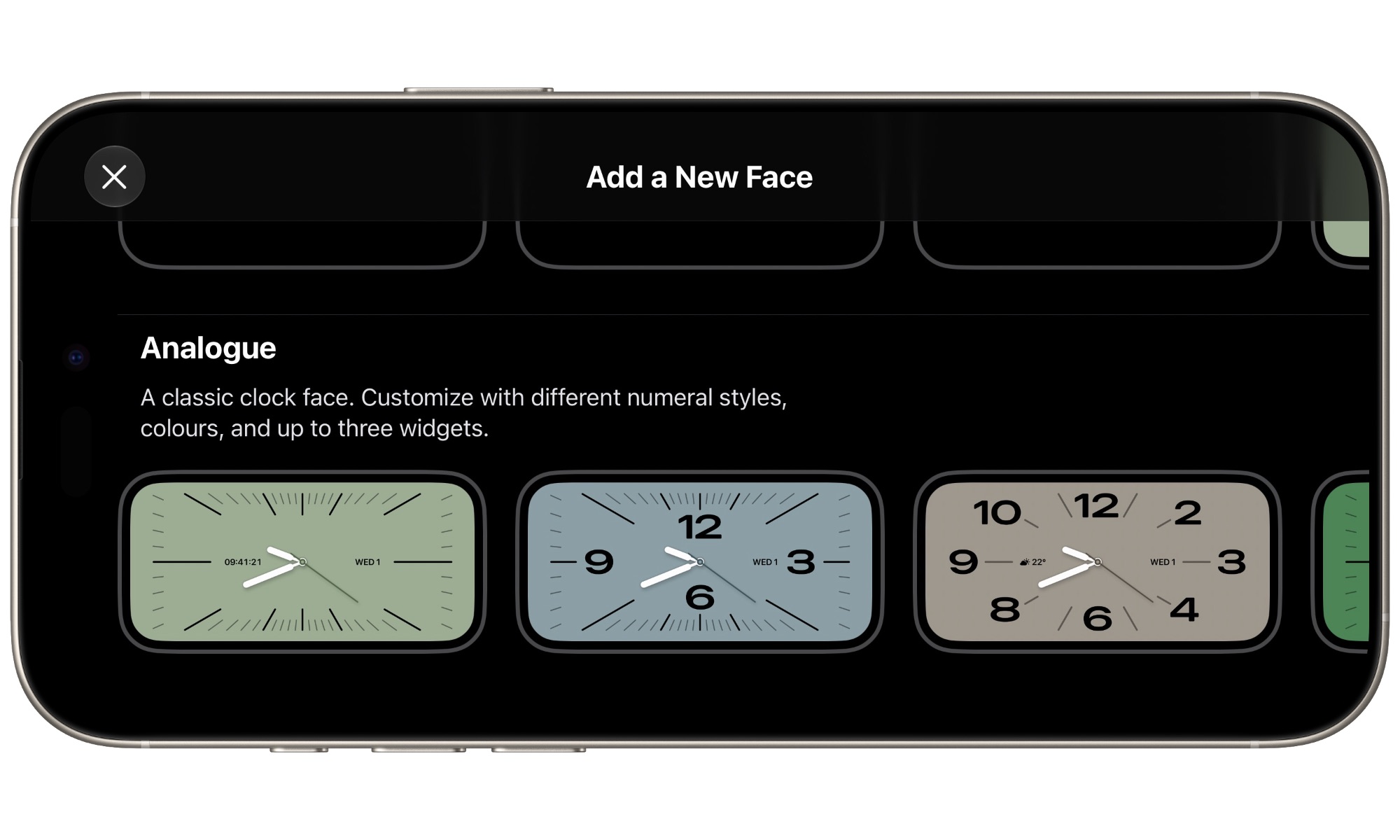
Apple has divided the new faces in iOS 27.3 into seven main categories that cater to various daily uses, including: Photos, Memories, Modular, Weather, Calendar, Digital, and finally the classic Analog style. The latter two categories represent wide clock faces with multiple designs, while the Weather and Calendar categories provide comprehensive and focused data at a quick glance.
The most interesting category is undoubtedly “Modular,” which serves as a direct replacement for the old dual-widget interface. The advantage here is not limited to the modern design, but it also provides full support for custom color themes that completely change the character of the screen to match the surroundings of your desk or room.
Although the Modular interface still allows stacking several square widgets and scrolling through them vertically as we are used to, the ability to create multiple modular screens side-by-side and switch between them horizontally will change the way you manage data. You will no longer have to stack dozens of items on top of each other within a single screen; instead, you can dedicate one screen for work, another for the smart home, and a third for sports and financial tracking.
Deep customization and complications like the Apple Watch
When diving into the gallery settings, you will notice that the ready-made screens offered by Apple are just a starting point. You can long-press on any face to edit fonts, accent colors, and change the shapes of hands and numbers. Even better is the support for adding mini-widgets that mimic the complications of the Apple Watch screen, giving you highly useful shortcuts for connected devices or reminders.
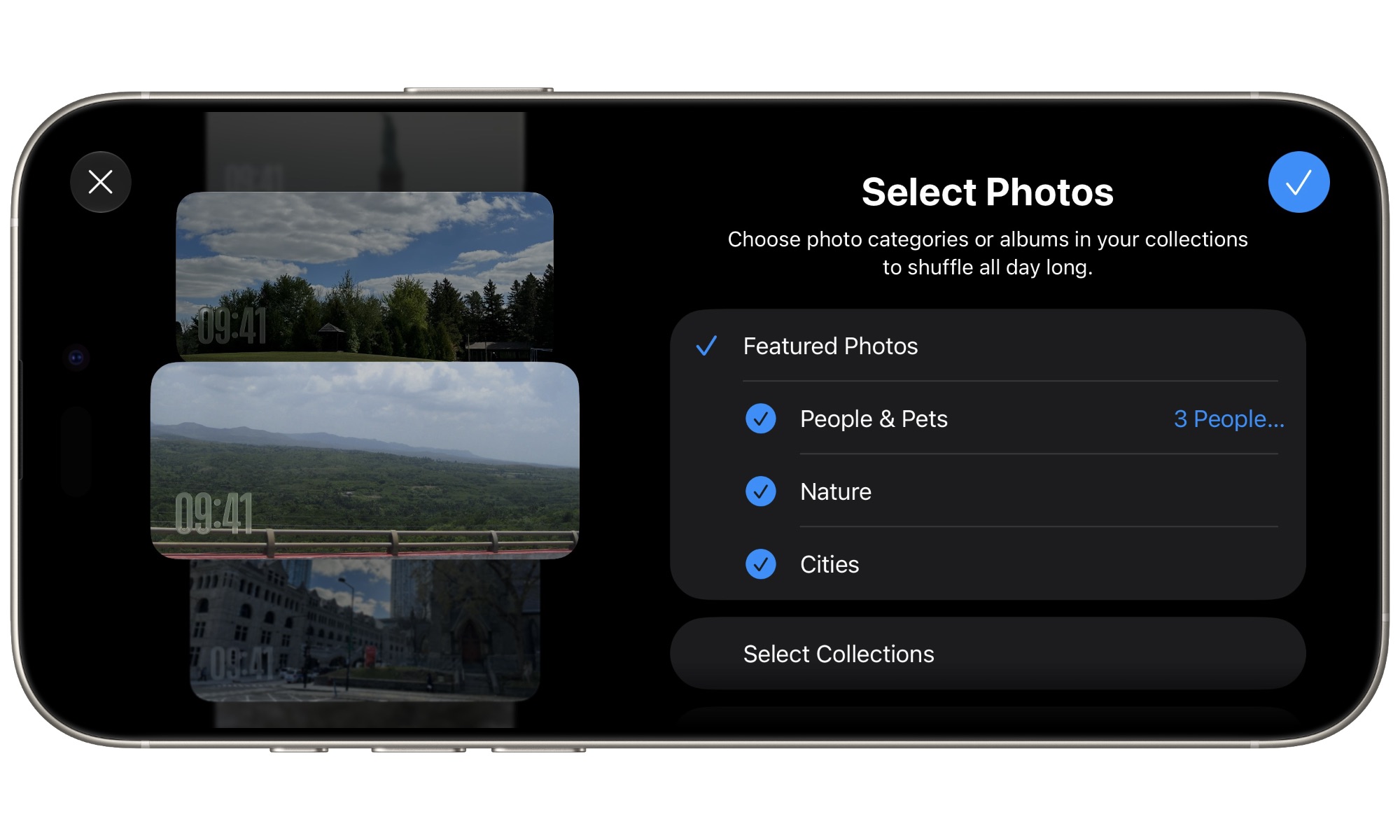
As for the photo and memory screens, although they focus on simplicity by showing the time in a light font over the background to act as a moving digital frame, they have received a long-awaited feature. You can now drag and display photos directly from “Shared Albums,” allowing you to share live family memories and have them automatically updated on your desk phone screen without any intervention from you.
Compatible devices and operating requirements
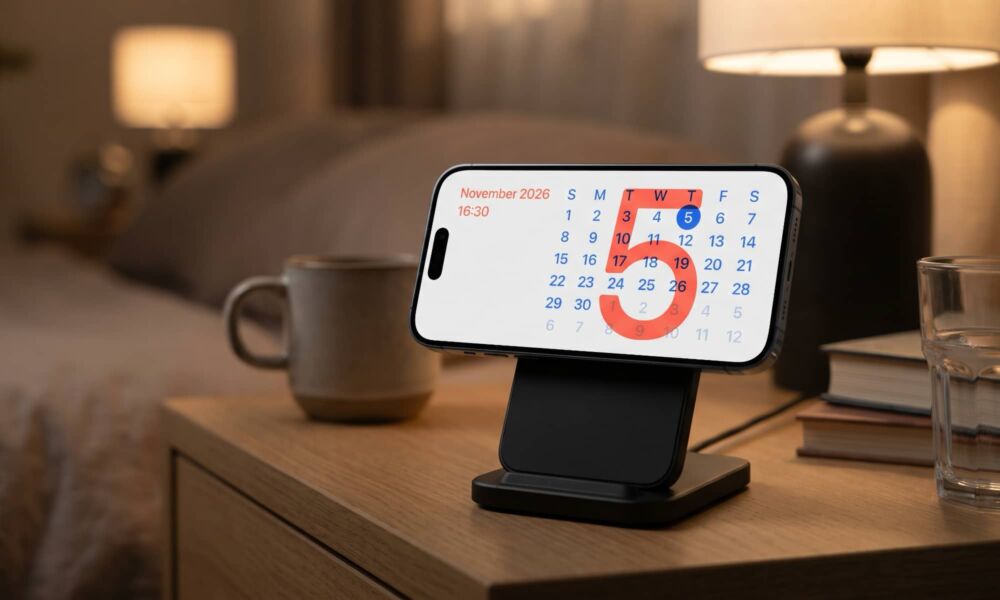
The good news is that Apple has not limited this new gallery to its latest flagship phones; it will be available to all devices capable of running the iOS 27.3 update, starting from the iPhone 11 and later. However, there has been no change to the requirements for activating the feature itself; you still need to place the phone in landscape mode on a compatible charging dock for the feature to kick in, leaving the only difference in favor of the “iPhone Duo” being its mechanical structure that allows it to work as a standalone screen without the need for any external accessories.
Source:

Post Comment