Nothing ruins the joy of preparing a delicious meal faster than hands covered in dough or oil when you desperately need to check the next step in a recipe or set a precise timer for the oven. Instead of washing your hands over and over to touch the screen, the voice assistant on your iPhone turns into a tireless personal sous-chef; Siri provides advanced voice tools that make kitchen management a seamless and fully interactive experience without you ever having to lift your hands from what you are making.

Setting Multiple Timers with Custom Names

Setting a timer is the most intuitive function for anyone in the kitchen, but the real benefit lies in Siri’s ability to manage multiple timers in parallel and name each one precisely to avoid any confusion. With a single command, you can say: “Siri, set a chicken timer for 30 minutes,” and follow it up with another command: “Set a pasta timer for ten minutes.”
Active timers appear with their explicit names on the lock screen, and at any second, you can ask by voice: “How much time is left on the chicken timer?” or command Siri to stop or extend a specific timer without affecting the rest of the active ones.
Reading Recipe Steps Without Touching the Screen
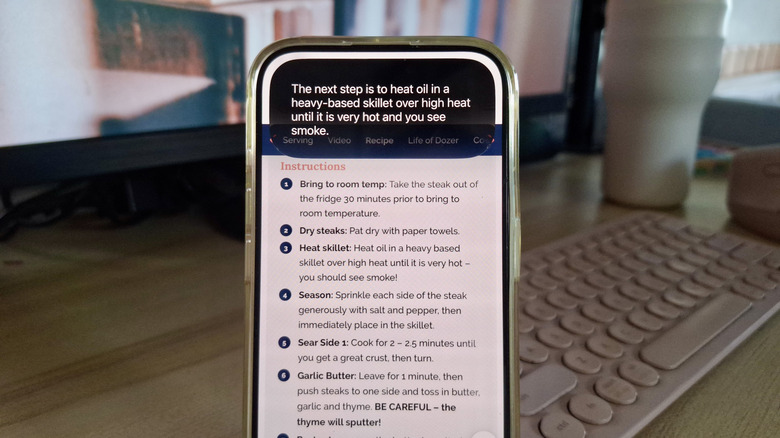
Following ingredients and steps directly from your phone while cooking can be straining on the eyes and forces you to stop to flip pages. However, through the screen awareness feature, Siri can read what you are browsing in the Safari browser or even read instructions from a photo of a recipe you captured earlier.
After completing a certain step, simply ask the assistant: “Siri, for this recipe, what is the next step after browning the onions?” and it will read the next step in a clear voice. The Siri interface remains ready for your next command with the phrase “What’s next?” until you finish the meal, keeping in mind that you may need to scroll down if the recipe details extend beyond the displayed screen area.
Converting Measurements Accurately Based on Ingredient Type

You often encounter recipes that use measurement standards unfamiliar to you, such as Fahrenheit and ounces or grams instead of cups. Doing manual calculations while you are busy is a burden, and this is where Siri steps in to give you the immediate result by voice.
Suggesting Quick Substitutes for Missing Ingredients
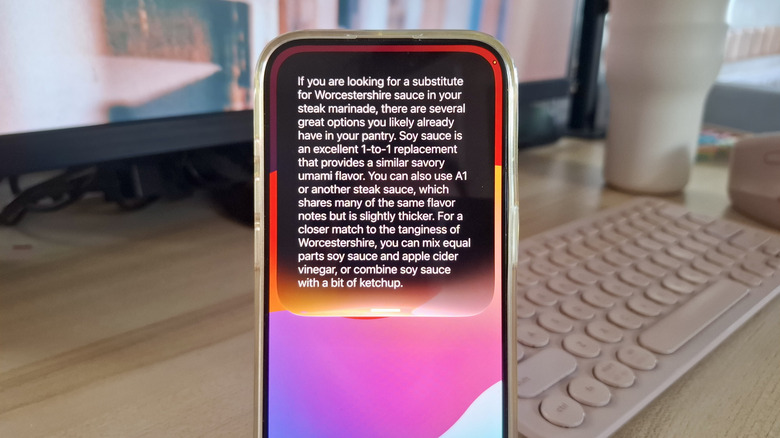
It is a common situation to discover you are out of a key ingredient after you have actually started cooking. Thanks to its extensive knowledge base and artificial intelligence, Siri saves you from leaving your pan for a long search on the internet, as it suggests available alternatives and their appropriate adjustment ratios.
Recording Missing Items Immediately in the Shopping List
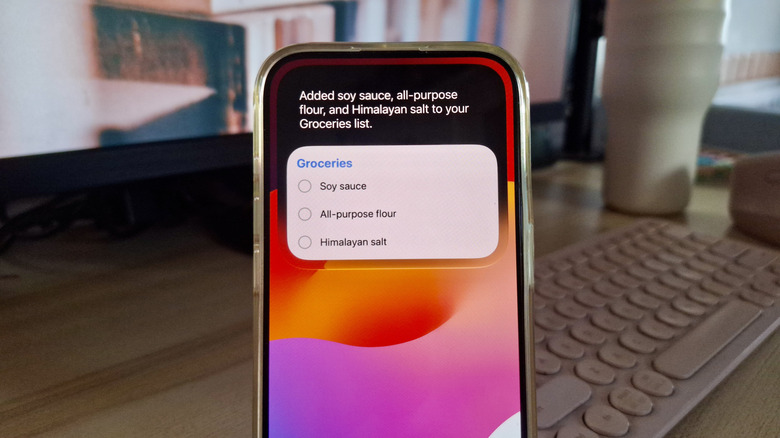
The moment you use the last egg or empty the olive oil bottle is the best time to write it down before it slips your mind. Instead of trying to remember it later, use the direct command: “Siri, add olive oil to the shopping list.”
Siri adds the ingredient to the shopping list within the Reminders app, which automatically categorizes items according to supermarket sections such as dairy, spices, or fruits and vegetables, saving you time and effort during your next shopping trip.
Source:



Post Comment