One of the confusing situations many users encounter is when your iPhone rings at an inconvenient time when you cannot answer. Naturally, you look for the call decline button, but to your surprise, it has completely disappeared! You might think there is a problem with your iPhone. However, there is a simple trick behind this that we will explore in the following lines as we examine why the call decline button sometimes appears and disappears at other times on the iPhone.
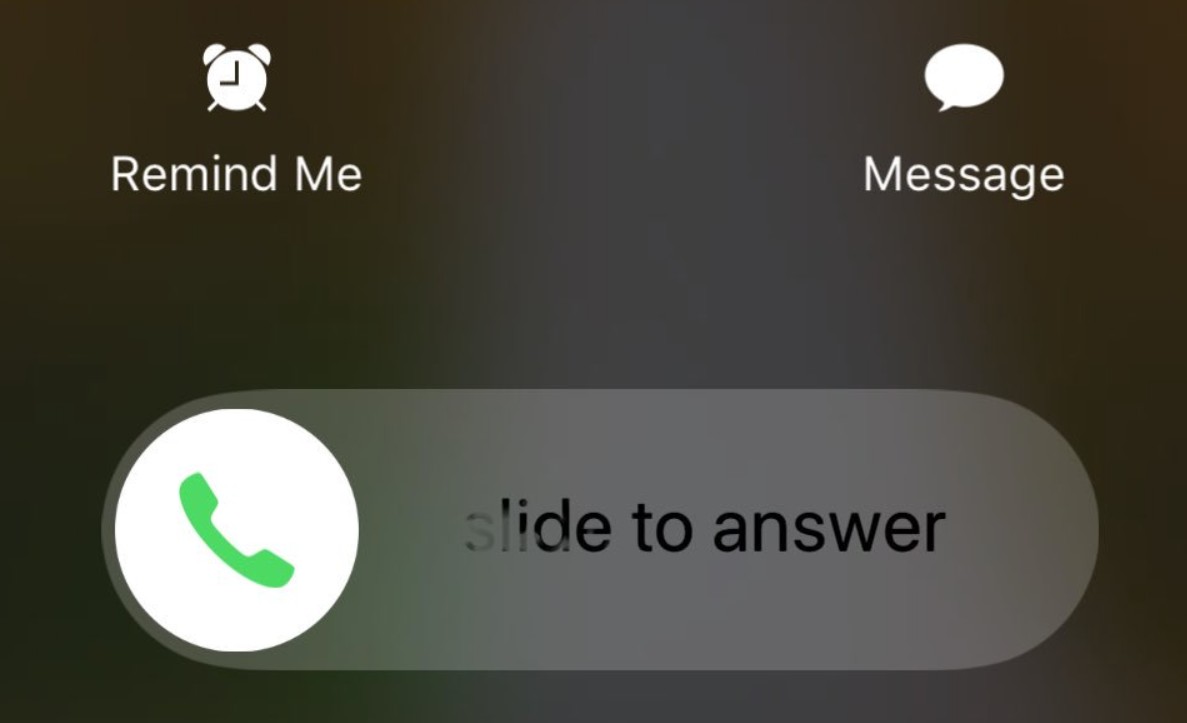
Why does the call decline button suddenly disappear?
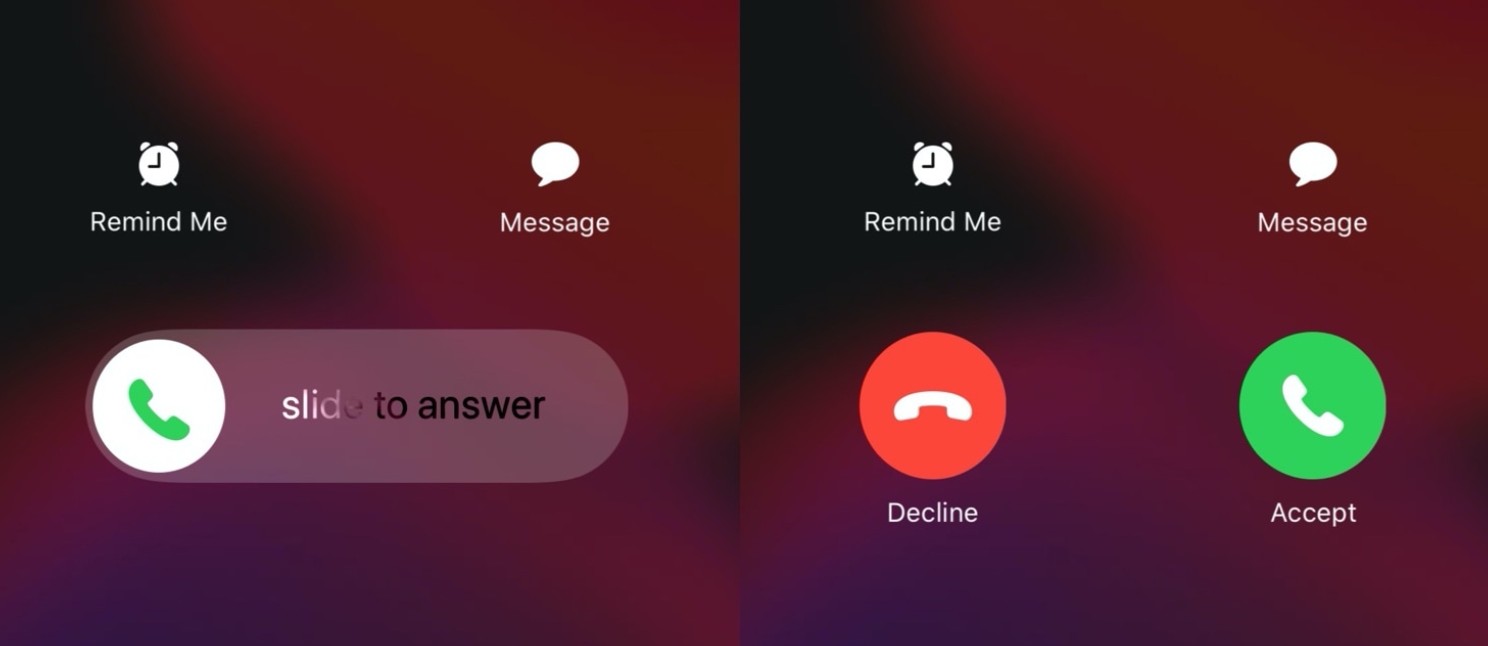
You might think that the iPhone intentionally hides the decline button the moment you need it most. But it is neither a sudden malfunction nor a mistake you made in the settings; it revolves around a simple detail in how the operating system handles incoming calls, which many users are unaware of.
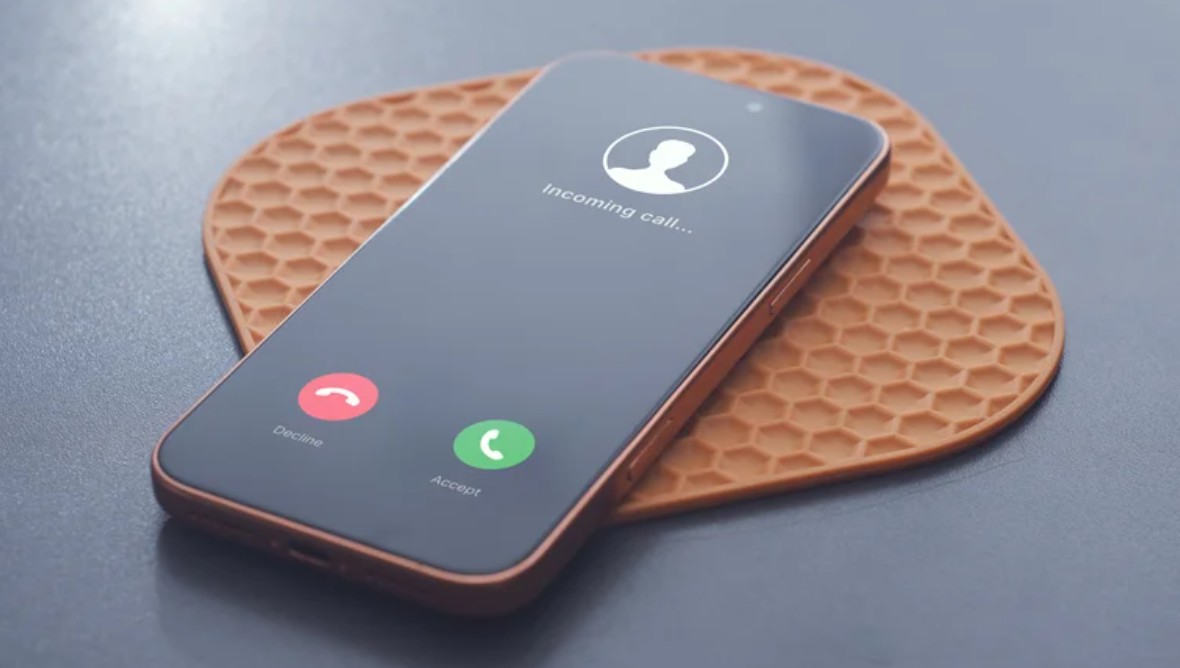
When the iPhone is locked, the system displays an interface that only includes a slider to answer the call, instead of showing both accept and decline buttons. However, if the phone is unlocked, you are presented with two options: either answer the call or decline it. Both options remain available whether the call appears in a small banner at the top of the screen or across the entire screen.
How to decline a call when the decline button does not appear?
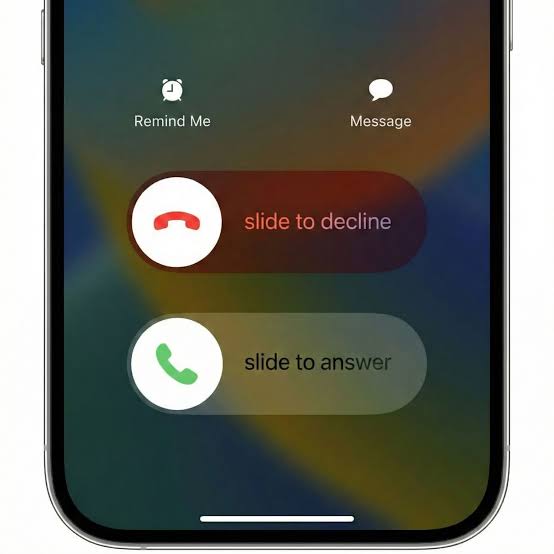
After explaining why the decline button sometimes disappears and appears, it can be said that this is how the iPhone has always worked. But this does not mean you won’t be able to decline a call when the button is missing. The iPhone allows you to make adjustments to this method without any issues.
If the decline button is unavailable, you can press the side button twice in quick succession to end the call and send the caller directly to voicemail. Pressing either of the volume buttons will silence the ringer without declining the call, and both methods can be used whether the screen is locked or unlocked.
How to handle an incoming call without declining it?
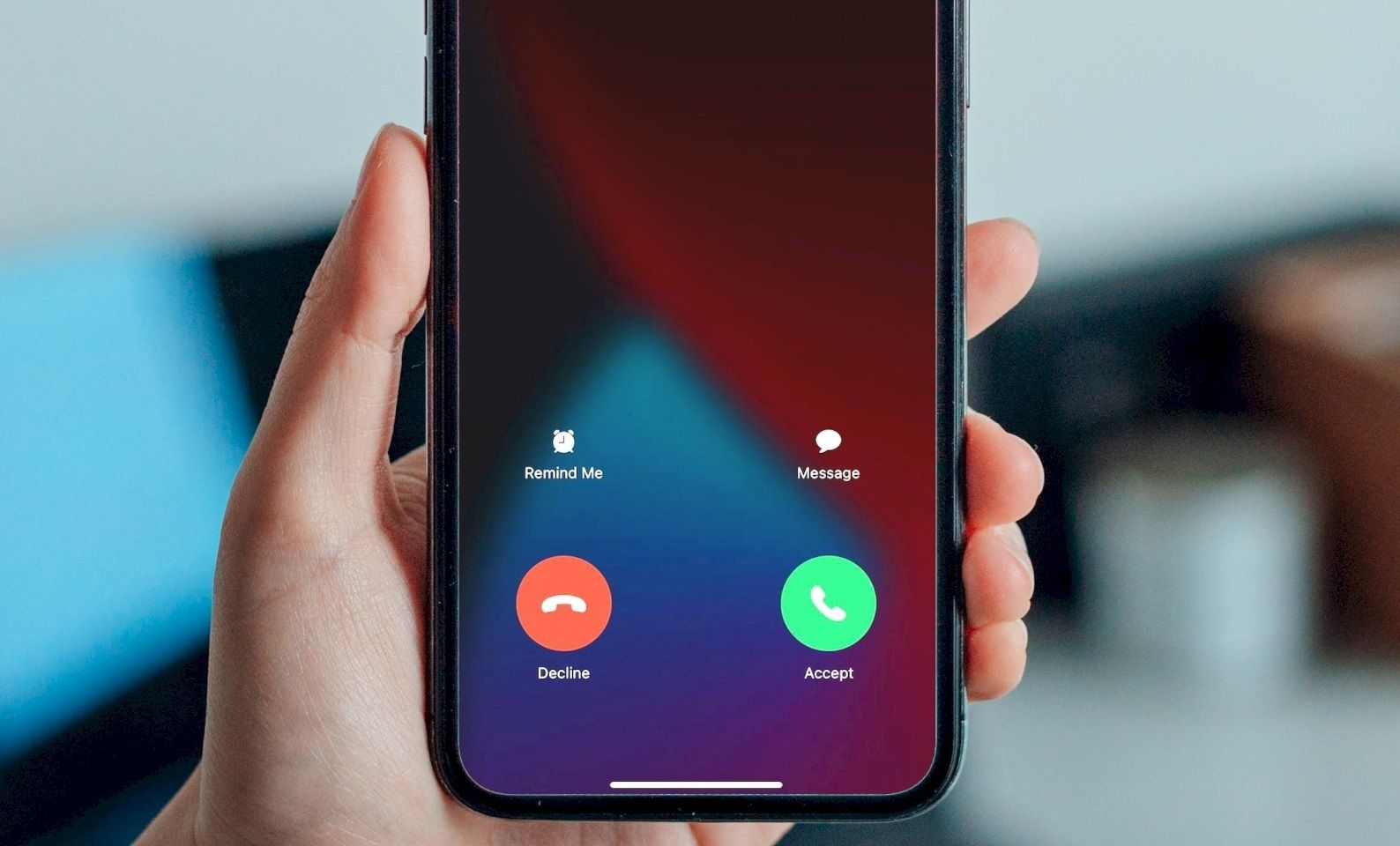
If you cannot answer but do not want to decline the call without explaining why, you can rely on the call interface, which provides you with the option to send a text message instead of accepting the call. When the call appears as a notification at the top of the screen, tap it to view additional options, then select “Message.” You can then use a pre-written response or write a custom message via the “Custom” option.
What distinguishes the iOS system is that you won’t need to type the same message every time, as it allows you to edit pre-written responses in advance by going to Settings, then Apps, and then Phone. Then, select “Respond with Text.” You can replace the default phrases with responses that suit you, such as “I am busy with work right now” or “Send me a message, I am busy.”
How to get rid of annoying and unknown calls
You can block any annoying number after declining its call by opening the recent calls log, selecting the number or tapping the info button next to it, then scrolling down and selecting “Block Caller” and confirming the action. You may need to repeat this if the caller continues to bother you from a different number.
If you wish to reduce incoming calls from unknown numbers, iOS 26 and later versions offer additional options that can be accessed from Settings, then Apps, then tapping Phone, and then choosing “Screen Unknown Callers,” where you will find three options:
- Never: This means the phone will ring for incoming calls from unsaved numbers.
- Ask Reason for Calling: The caller will be asked for the reason for their call before your iPhone rings.
- Silence: The phone will automatically silence the call and send it to voicemail.
Thus, we have reached the end of our article, having learned why the call decline button appears sometimes and disappears at other times on the iPhone. It can be said that this is not related to a malfunction in the phone, but rather to how calls are displayed based on the screen status. With knowledge of alternative ways to decline a call or silence its ringer and send a message to the caller, you can now handle incoming calls easily, even when the decline button does not appear.
Has the call decline button ever disappeared from your iPhone screen? Share your experience in the comments!
Source:
Post Comment