With the release of the iOS 27 update, Apple headphones have received a distinctive set of new features, with the AirPods Pro 3 receiving the lion’s share. The update was not limited to minor improvements; it transformed the headphones into a smarter device that is more integrated with your various daily devices and gym equipment.
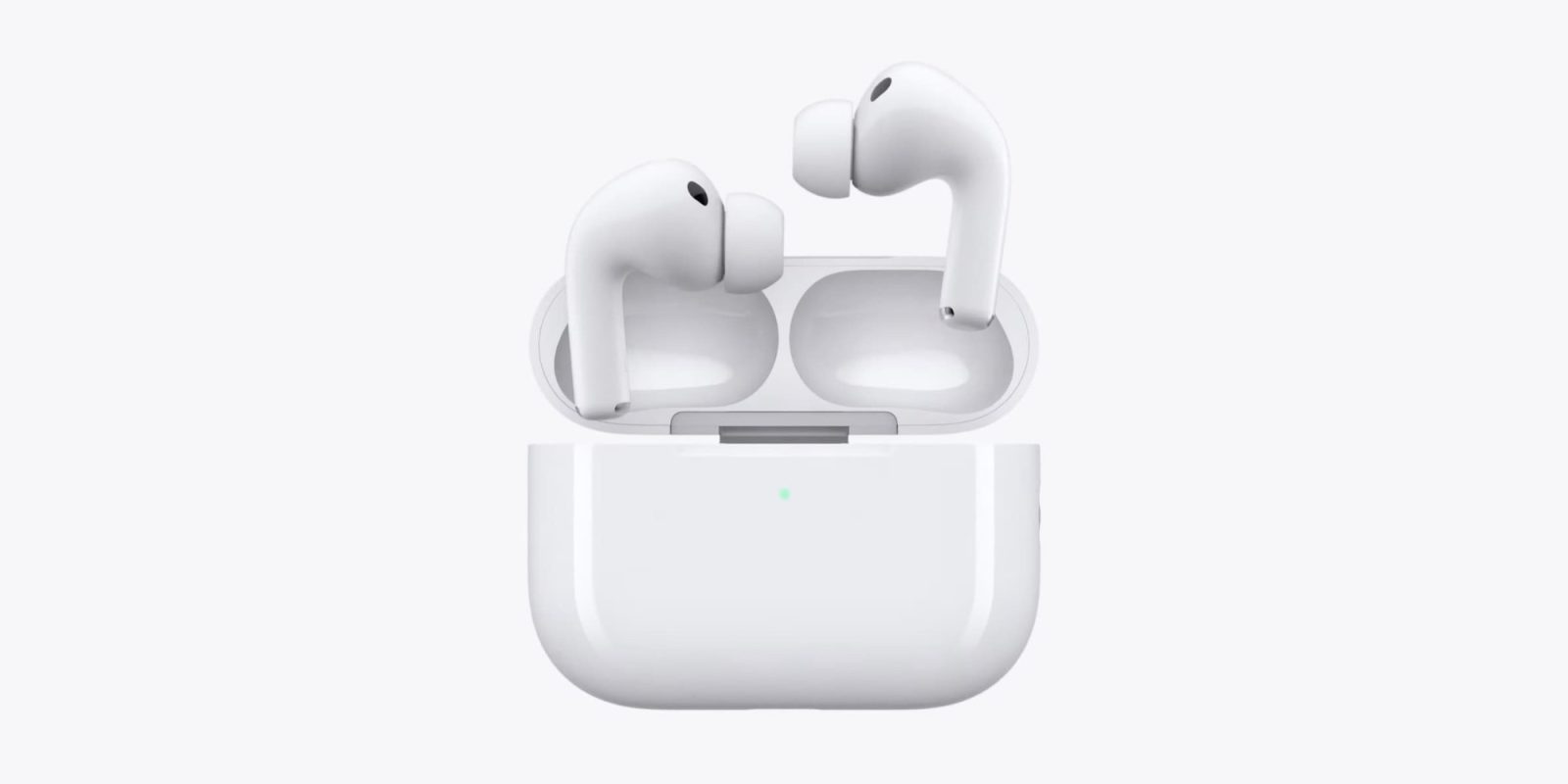
Custom EQ for sound profile adjustment
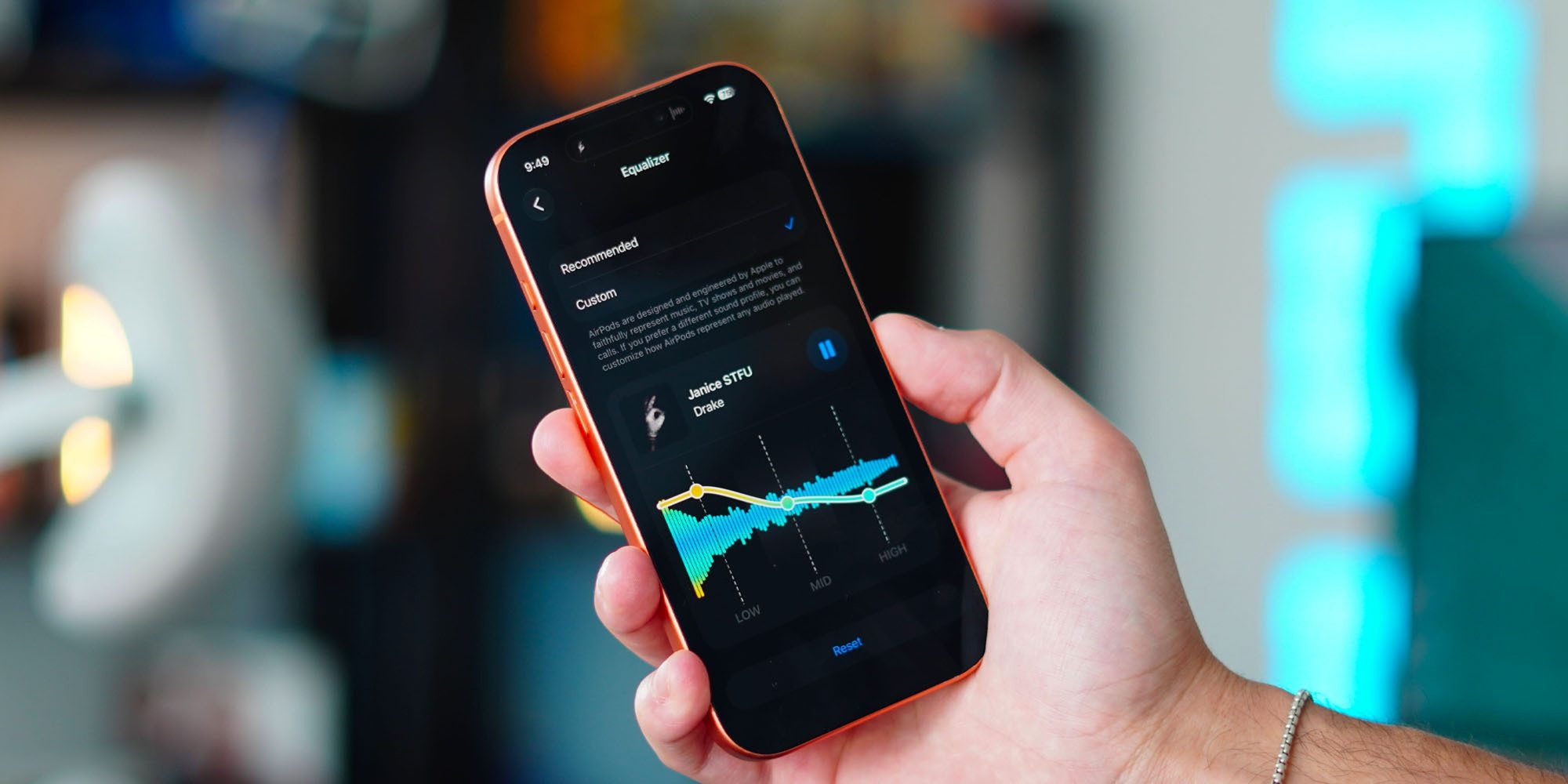
Apple has long adhered to tuning sound according to its engineers’ vision, but it has finally responded to user requests by adding the Custom EQ feature in the iOS 27 update. This feature allows you to manually adjust the sound profile and tune low, mid, and high frequencies with complete freedom.
To access this feature, go to the headphone settings on your iPhone, then select Audio & Routing, then Equalizer, and choose Custom. The feature is available for AirPods Pro 3, AirPods Pro 2, AirPods Max 2, as well as AirPods 4 and AirPods 5.
Heart rate synchronization with gym equipment via GymKit

For years, Apple’s GymKit platform was limited to the Apple Watch for syncing workouts with gym equipment like treadmills and stationary bikes. However, with iOS 27, the feature has expanded to support the iPhone by relying on the heart rate sensor built into the AirPods Pro 3.
Simply bring your iPhone near the gym machine to start your workout; the treadmill receives heart rate data directly from the headphones, while it sends distance, incline level, and calorie burn data to the iPhone, with all data saved privately within the Fitness app.
AI-powered Siri: The headphones turn into a smart companion
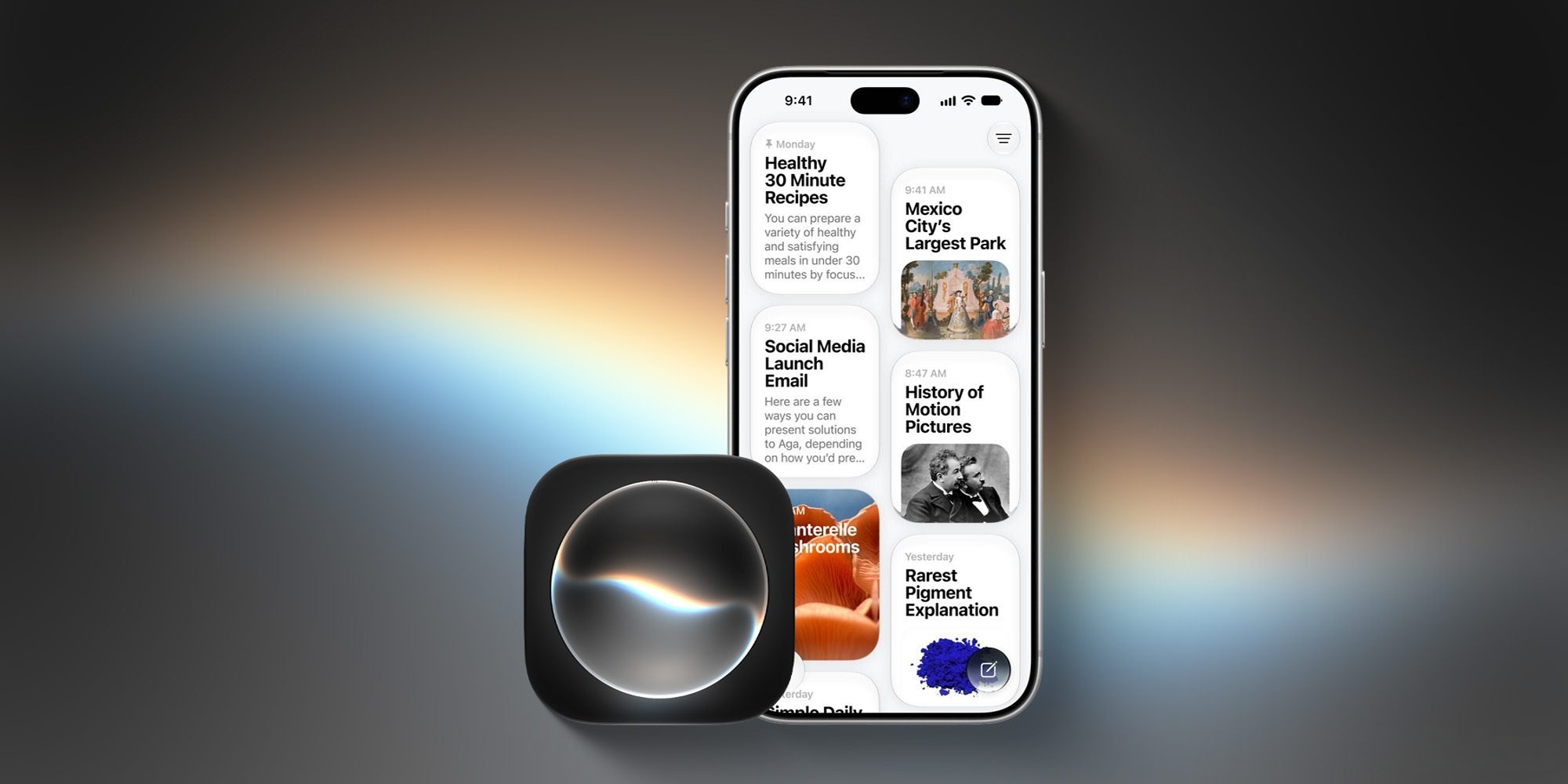
The major upgrade in the update is the integration of the new AI-powered Siri (Siri AI). This shift makes the headphones a complete voice-based AI device that stays with you all day without needing to look at your phone screen.
You can have natural, continuous conversations, brainstorm ideas for your projects, or ask for real-time, updated information from the internet. Siri now also understands your personal context; you can ask her to find an old photo or search for a specific email simply and quickly.
Precision Finding via Apple Watch and organized settings menus
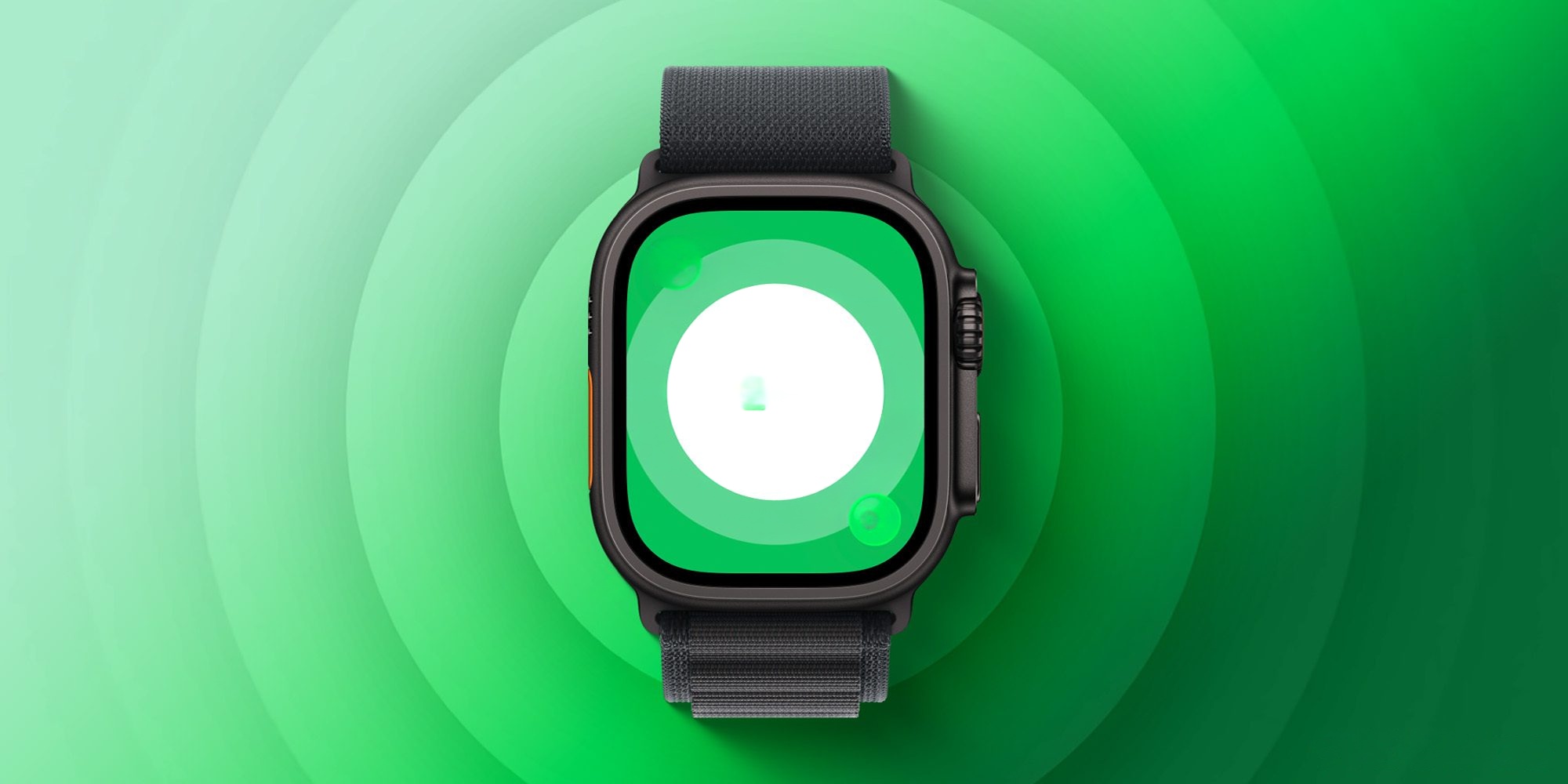
After Precision Finding via Apple Watch was previously limited to AirTag 2 devices, the feature has now arrived for the AirPods Pro 3 case thanks to its inclusion of the second-generation Ultra Wideband (UWB) chip, allowing you to track the case and pinpoint its location with extreme accuracy directly from your wrist.
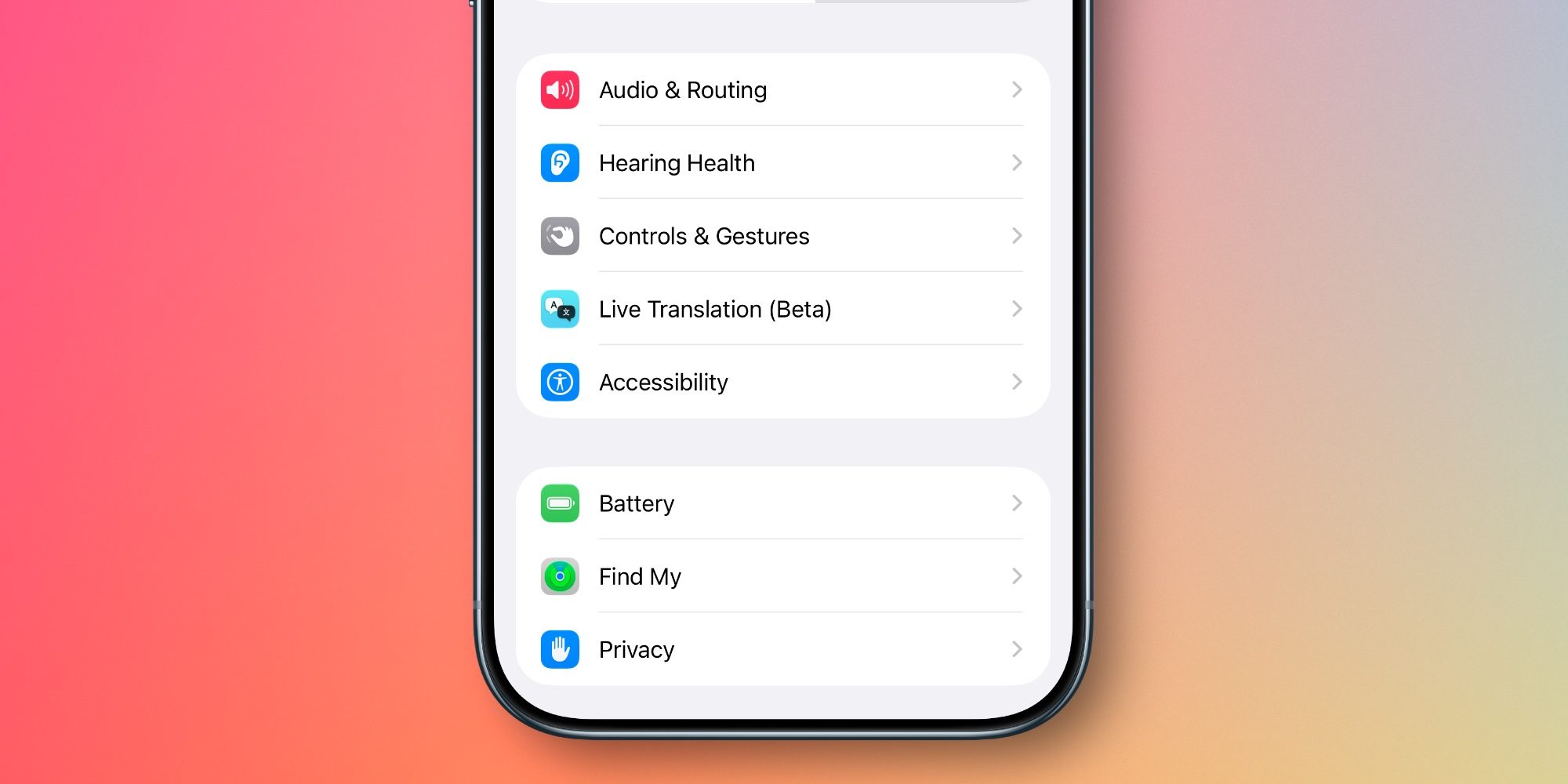
To keep up with this wealth of features, Apple has completely redesigned the headphone settings screen in the Settings app. Options have been organized into clear categories and sub-menus accompanied by colorful icons for easier access, making it much faster and easier to customize your listening experience and manage features.
These updates demonstrate how Apple continues to enhance the value of its devices through software updates, as AirPods Pro 3 have transformed into a more powerful and intelligent sports and audio tool thanks to iOS 27.
Source:


Post Comment