We have officially entered the era of the M5 processor, and with this new update, Apple placed both the MacBook Air and the (budget) MacBook Pro on the same starting line in terms of raw performance. If you feel confused, that’s completely normal; the fine details are what make the difference now. With the arrival of the “MacBook Neo” as a new player in the budget segment, the MacBook Air occupies a middle ground between simplicity and professional performance, while the MacBook Pro remains the hidden beast for those who need more than just processing speed.
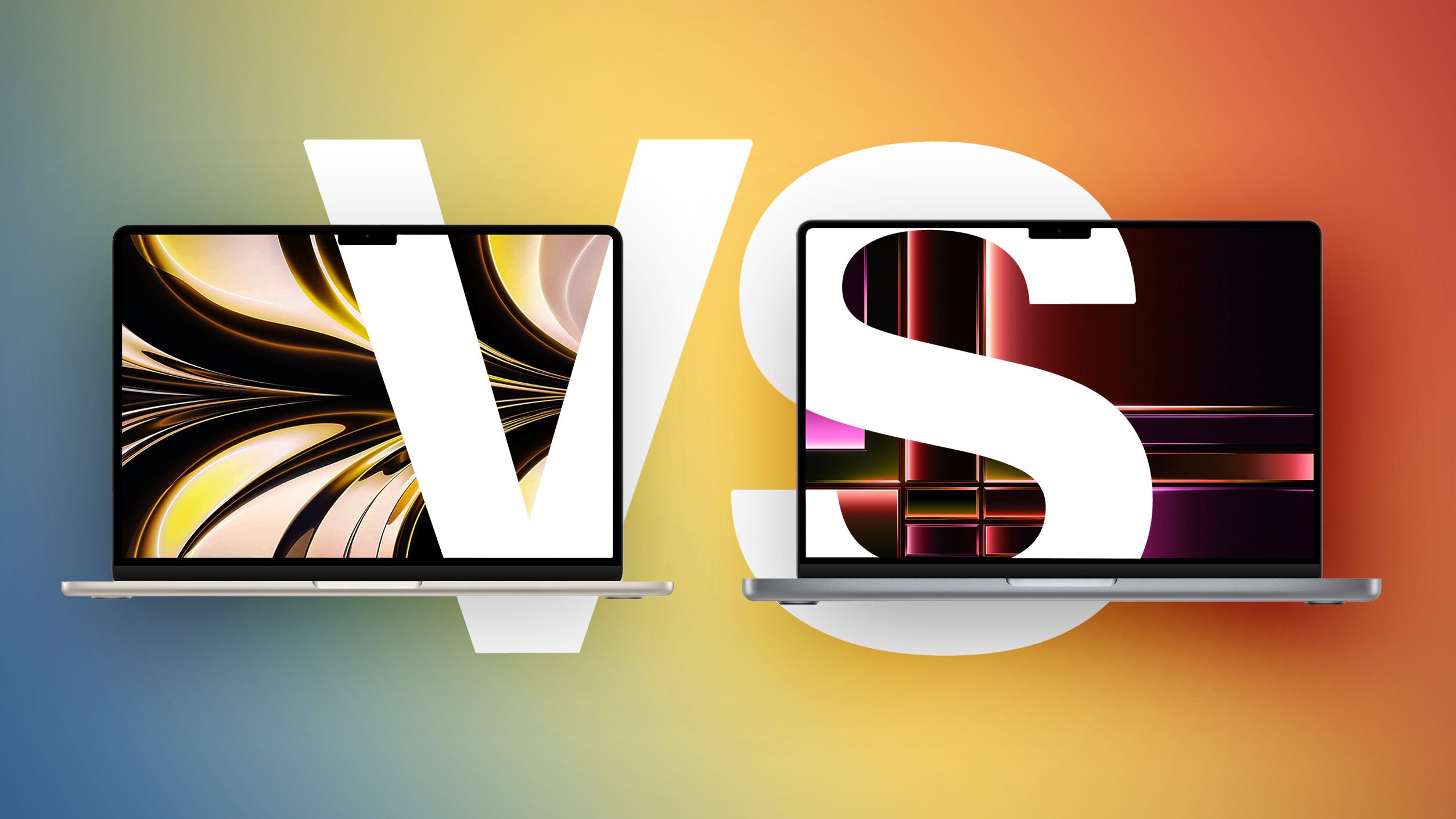
Display: Where the real differences appear
You might think the display is just a space to show content, but Apple wants you to see the difference with your own eyes. The MacBook Air comes with a stunning Liquid Retina display with its usual sharpness and brightness up to 500 nits, which is more than enough for daily tasks and web browsing. However, once you move to the MacBook Pro, you’ll encounter Mini‑LED technology that provides brightness up to 1000 nits (and 1600 nits for high‑dynamic‑range HDR content).
And that’s not all; the ProMotion technology in the Pro version offers a refresh rate up to 120 Hz, making motion on the screen look buttery smooth. If you’re into photography or video editing, or even if you appreciate ultra‑smooth scrolling, the Pro’s display will make you feel that the Air’s screen belongs to another era, despite its high quality.
Performance and the Tale of the Missing “Fan”
Both devices house the powerful M5 processor, but the difference lies in how they handle heat. The MacBook Air relies on passive cooling (no fans), making it completely silent—as quiet as a tomb—which is great for moderate tasks. The MacBook Pro, on the other hand, comes with active cooling (fans), allowing the processor to run at full power for extended periods without throttling due to heat.
| Feature | MacBook Air (M5) | MacBook Pro (M5) |
|---|---|---|
| Display | Liquid Retina (LCD) | Liquid Retina XDR (Mini-LED) |
| Refresh Rate | 60 Hz | ProMotion (up to 120 Hz) |
| Maximum Brightness | 500 nits | 1600 nits (HDR) |
| Cooling | Silent (fanless) | Active (with fans) |
| Ports | 2 Thunderbolt 4 | 3 Thunderbolt 4 + HDMI + SDXC |
| Battery Life | 18 hours | 24 hours |
If your work involves exporting long videos, developing massive applications, or intensive AI processing, the fan in the Pro version is not just a mechanical part; it’s a safety valve that ensures sustained high performance without interruption.
Ports and Battery: Do You Need More Than Just USB‑C?
Simplicity is the hallmark of the MacBook Air, which sticks to two Thunderbolt ports. But in the professional world, we sometimes need to go back to basics. The MacBook Pro gives you an HDMI 2.1 port and an SDXC card slot, meaning goodbye to annoying dongles when you want to connect an external display or offload camera photos. The Pro also excels in battery life, reaching up to 24 hours, making it an ideal companion for long work trips.
We also can’t ignore the audio and microphones; the Pro offers a six‑speaker high‑fidelity sound system and studio‑quality microphones. If you spend half your day in video meetings or care about audio quality while watching movies, the difference will be markedly in the Pro’s favor.
Source:
Leave a Reply