Apple introduced a pivotal development in the user interface with the iOS 26.4 update, specifically with the “Liquid Glass” design that has become a hallmark of the system. This update is not limited to the aesthetic look we all love, but brings a wide range of customization options, accessibility improvements, and features that focus on user needs, reflecting an intelligent shift in Apple’s design priorities. While Liquid Glass has long been a distinctive feature of Apple’s visual identity, iOS 26.4 redefines its role, emphasizing practical functionality and a personal touch each time you touch your device’s screen.
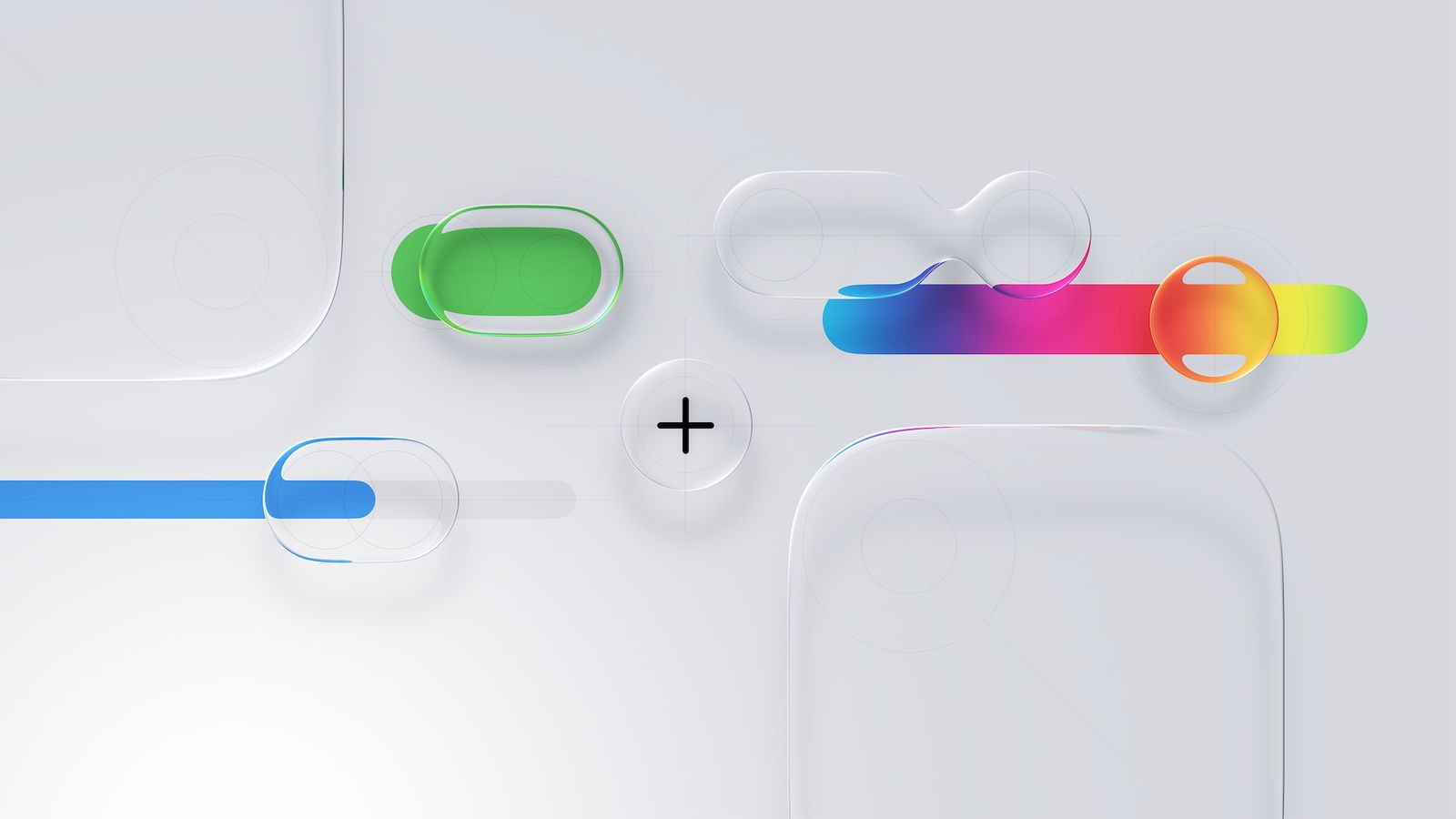
Customization Options We’ve Never Seen Before
iOS 26.4 provides unprecedented control over the Liquid Glass design, allowing you to fine‑tune its appearance to match your personal taste. Within the “Display & Brightness” settings, you can now adjust the opacity and the intensity of Liquid Glass effects on the lock screen. Whether you prefer the fully transparent classic look that clearly shows your background, or the more mysterious and subdued Frosted Glass effect, the update ensures the interface reflects your personality.
Furthermore, the notification appearance settings have been expanded for greater flexibility; you can now switch between clear or colored notification effects, allowing you to customize their visual impact on your Phonegram’s interface. These updates not only enhance the aesthetic appeal of the Phonegram, but also improve usability by letting you create a more cohesive and practical interface, as if Apple handed you the keys to its own design lab.
Accessibility Features at the Heart of Design
With iOS 26.4, Apple continues its deep commitment to inclusivity by introducing new accessibility features designed to make the interface more comfortable for everyone. A notable addition is the “Reduce Bright Effect” option found in the “Accessibility” menu. This feature addresses the intense brightness that can sometimes accompany Liquid Glass interactions, such as navigating menus, using the keyboard, or adjusting quick‑control toggles.
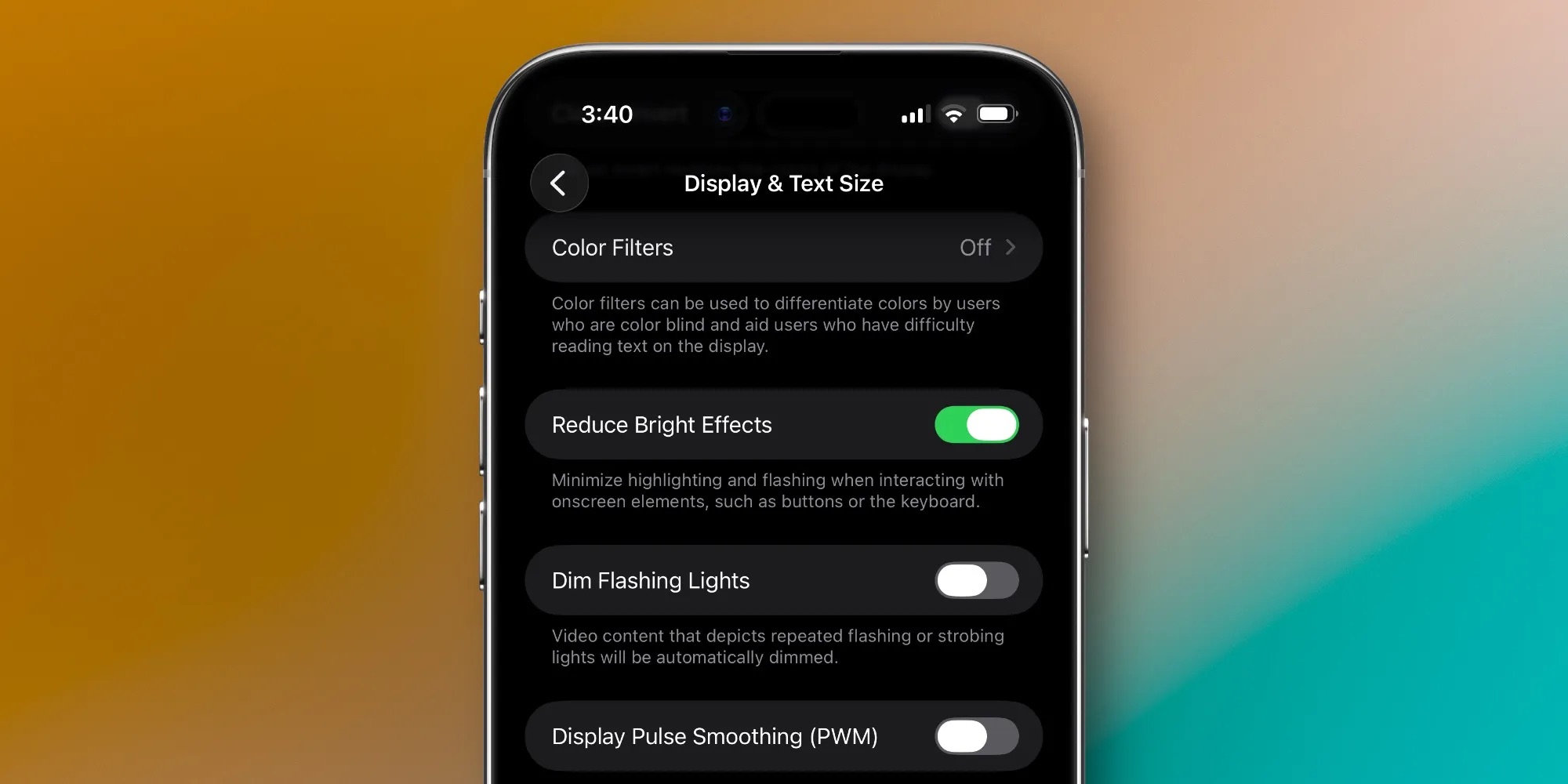
By reducing or eliminating these sharp visual effects, Apple lessens visual strain and improves clarity, ensuring a very comfortable user experience, especially in low‑light conditions or for users who prefer a less noisy interface. These improvements show that Apple fully understands that technology should be beautiful, functional, and accessible to everyone without exception.
Fundamental Shift in Apple’s Design Philosophy
The changes in iOS 26.4 represent a broader shift in Apple’s design philosophy; Liquid Glass is no longer just a static digital décor element, as Apple has begun prioritizing functionality and empowering users by providing precise controls over the system’s appearance and behavior. It seems the company has finally decided to give us, the users, the final say in how we view our phones.
This evolution reflects an increasing focus on customization and accessibility, allowing you to adapt the interface to your unique preferences. While the original vision of Liquid Glass centered on immersive aesthetics, the new approach strikes an intelligent balance between form and function. This shift confirms Apple’s emphasis on practicality without compromising the visual elegance that has long distinguished the Phonegram from other phones.
Source:
Leave a Reply