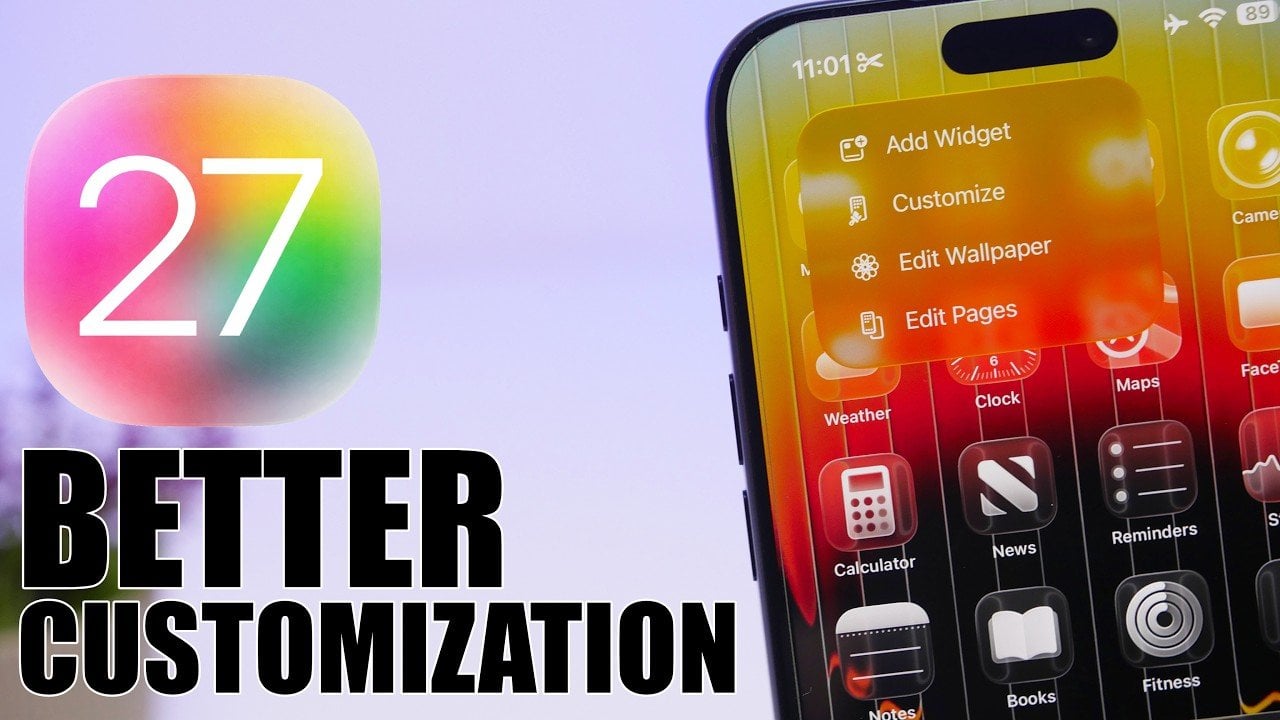
It seems Apple has finally decided to give us the full keys to the kingdom of customization in the upcoming operating system. iOS 27 leaks reveal a massive update aimed at radically changing the way we interact with our devices, with an intense focus on making the iPhone adapt to you, not the other way around. By integrating artificial intelligence into every corner and improving usability, it seems we are looking at a version that will make both the average user and the professional feel as if the device was designed specifically for them.
Camera App: Professional Control with a Simple Touch
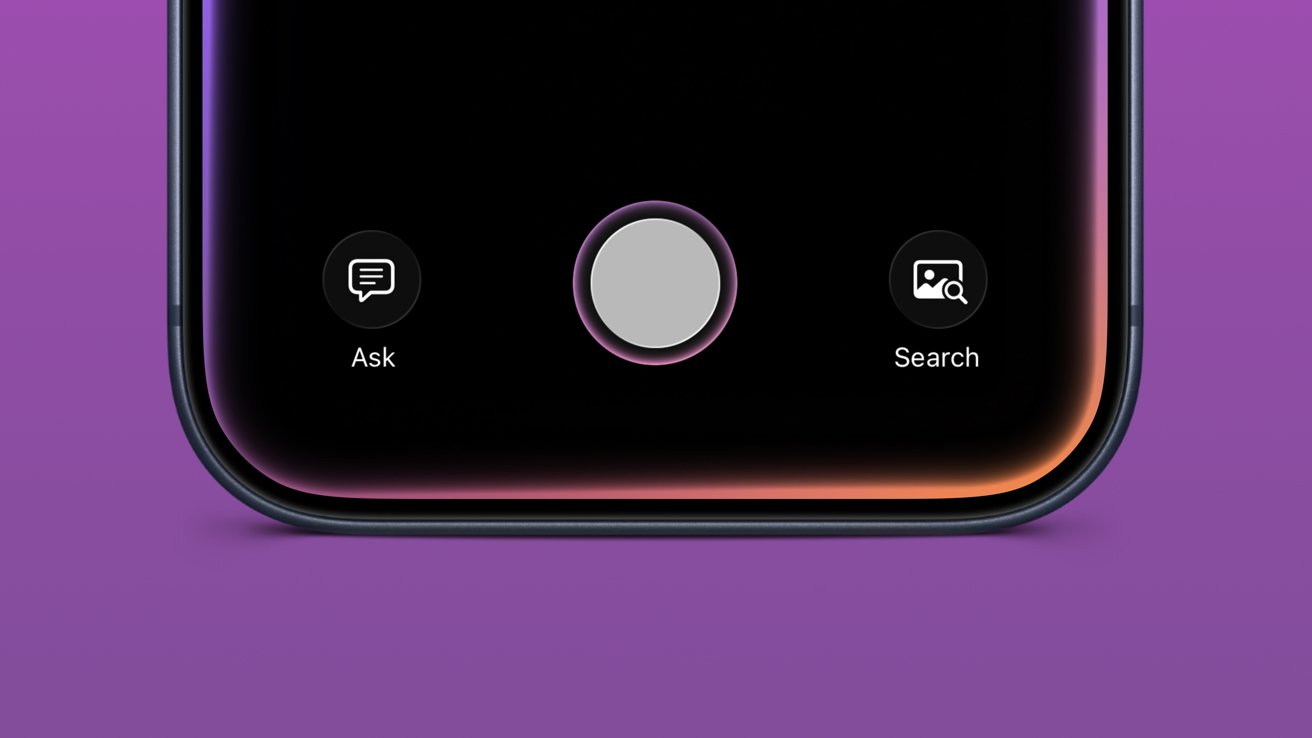
The camera app in iOS 27 has received a comprehensive redesign that gives users greater control and flexibility than we have ever seen before. The new interface allows you to arrange controls as if they were widgets, meaning the features you use most—such as color filters, exposure adjustments, or focus settings—will always be right under your thumb. This intuitive design makes capturing professional photos incredibly easy.
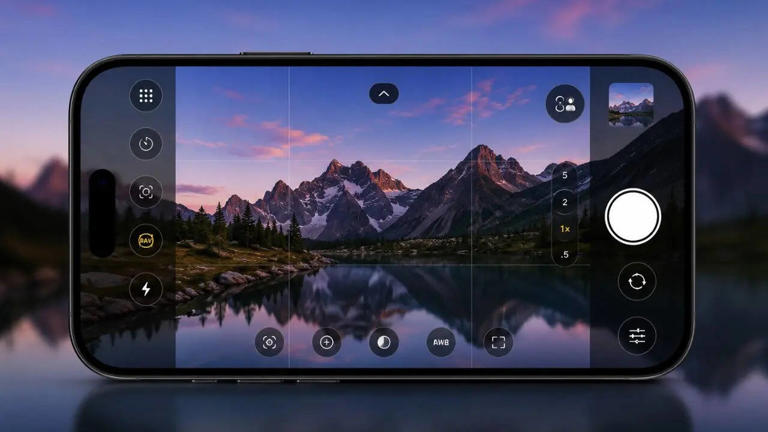
But the real magic lies in the “Visual Intelligence” powered by Siri. Siri will analyze your surroundings as soon as you open the camera to automatically optimize photo and video settings. Whether you are shooting in low light, capturing fast-moving objects, or even shooting a wide landscape, these enhancements will ensure impressive results without the need for advanced photography skills.
A Smarter, More Responsive Typing Experience
Typing on iOS 27 will become more natural and fluid. The keyboard has received subtle animations for every keystroke, providing visual haptic feedback that enhances the overall typing experience. These small details are what make interacting with the device feel more alive, whether you are typing a quick message or working on a long email draft.
It doesn’t stop at aesthetics; the autocorrect has received a massive upgrade. It now offers smart suggestions based on the context of the sentence and your own writing style, similar to advanced correction tools like Grammarly. This ensures that your messages and documents are error-free and more professional, making communication via iPhone more effective.
Home Screen: Finally, Undo and Redo Buttons!
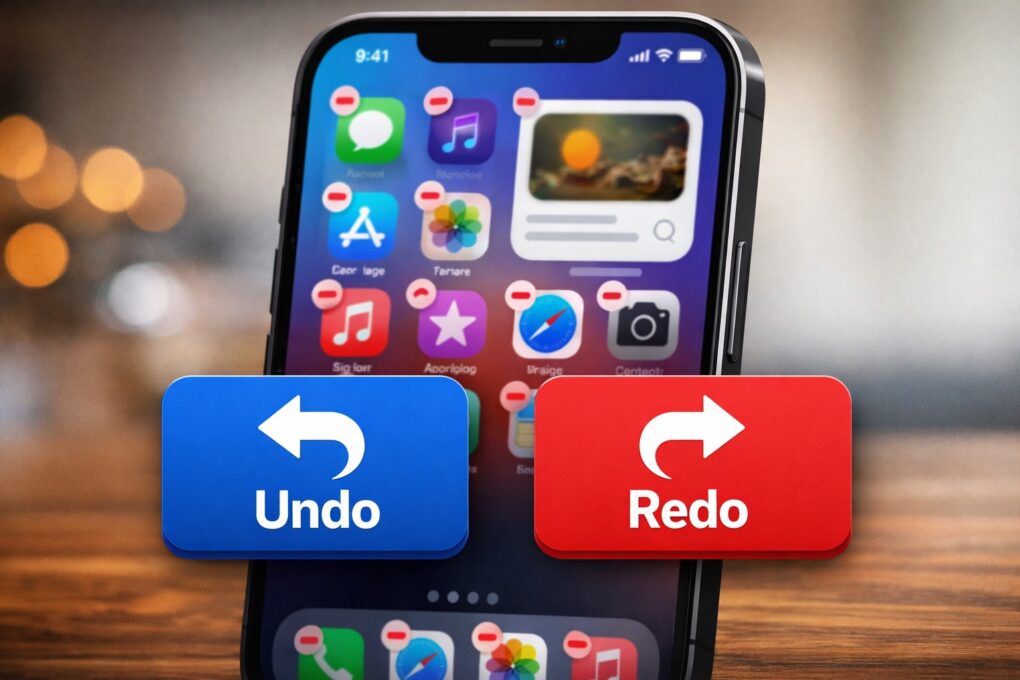
iOS 27 takes Home Screen customization to a whole new level. The most impressive feature is the addition of “Undo” and “Redo” buttons. Now you can experiment with arranging apps and widgets with complete freedom without the fear of losing your old layout; if you don’t like the new arrangement, one tap restores everything as it was.
In addition, there are advanced options for widgets, dynamic wallpapers that react to time and movement, and better tools for organizing apps. These updates ensure that your phone screen reflects your personality and practical needs simultaneously, making navigating between apps a visually enjoyable and practically organized experience.
Safari and Photos: Artificial Intelligence Everywhere
The Safari browser has become more organized thanks to the automatic category tabs feature, where the browser groups open pages by content type (news, sports, shopping, tech). This feature significantly facilitates multitasking and saves you the trouble of searching through dozens of open tabs.
As for the Photos app, it has become an integrated editing studio thanks to generative AI. With one touch, you can improve lighting and color balance. The truly amazing feature is the ability to “expand images” beyond their original frame; the AI imagines and completes the missing details around the photo, opening up entirely new horizons for creativity in editing your old and new photos.
Siri Transforms into a True Assistant
In iOS 27, Siri evolves to become a more capable and intelligent assistant. With the introduction of an independent chatbot for Siri, you can now have deep conversations to ask for help with complex tasks, set smart reminders, or retrieve information with extreme precision.
Siri’s multitasking capabilities have also been expanded to integrate more deeply with third-party apps. You can now control multiple apps at once through complex voice commands, which speeds up workflow and saves time significantly, whether you are managing your smart home or completing your daily work tasks.
Source:


Leave a Reply