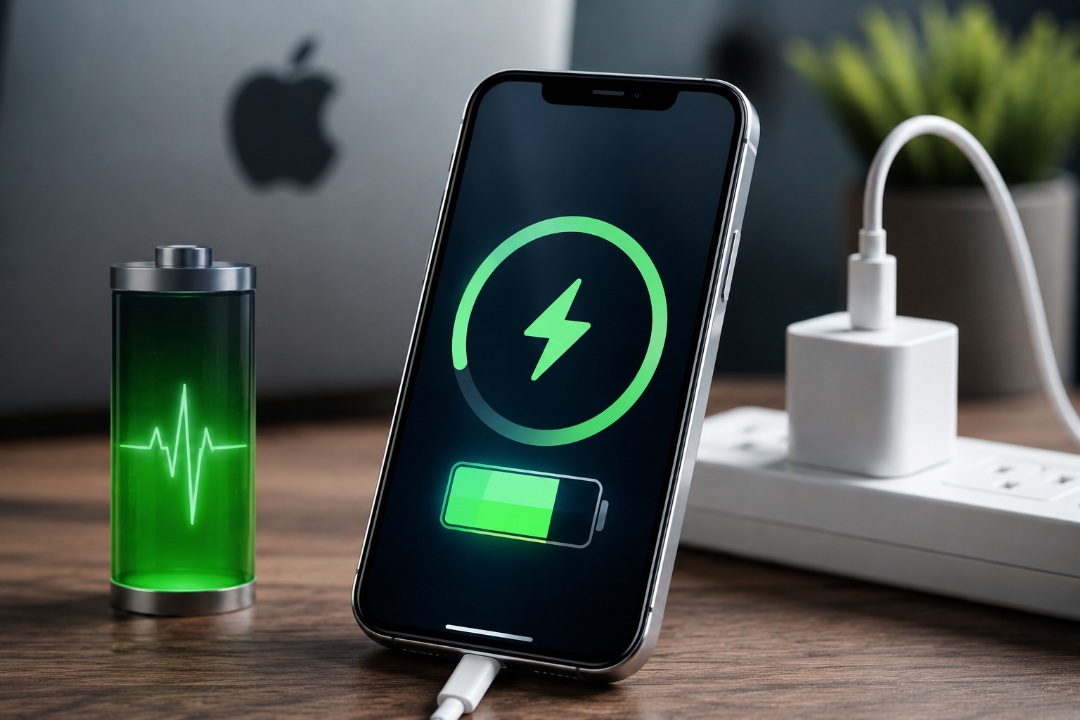
Many iPhone users believe that reaching 100% battery capacity is the main reason for its degradation over time, so some avoid full charges thinking it preserves battery health. However, the reality is more complex than just a number on the screen; the decisive factor is not about reaching a full charge, but rather what happens afterward. In this article, we will take you on an interesting tour to explore what happens inside an iPhone battery when it reaches 100%, and we will distinguish between scientific facts and common misconceptions among users.
Why does the iPhone battery deteriorate?
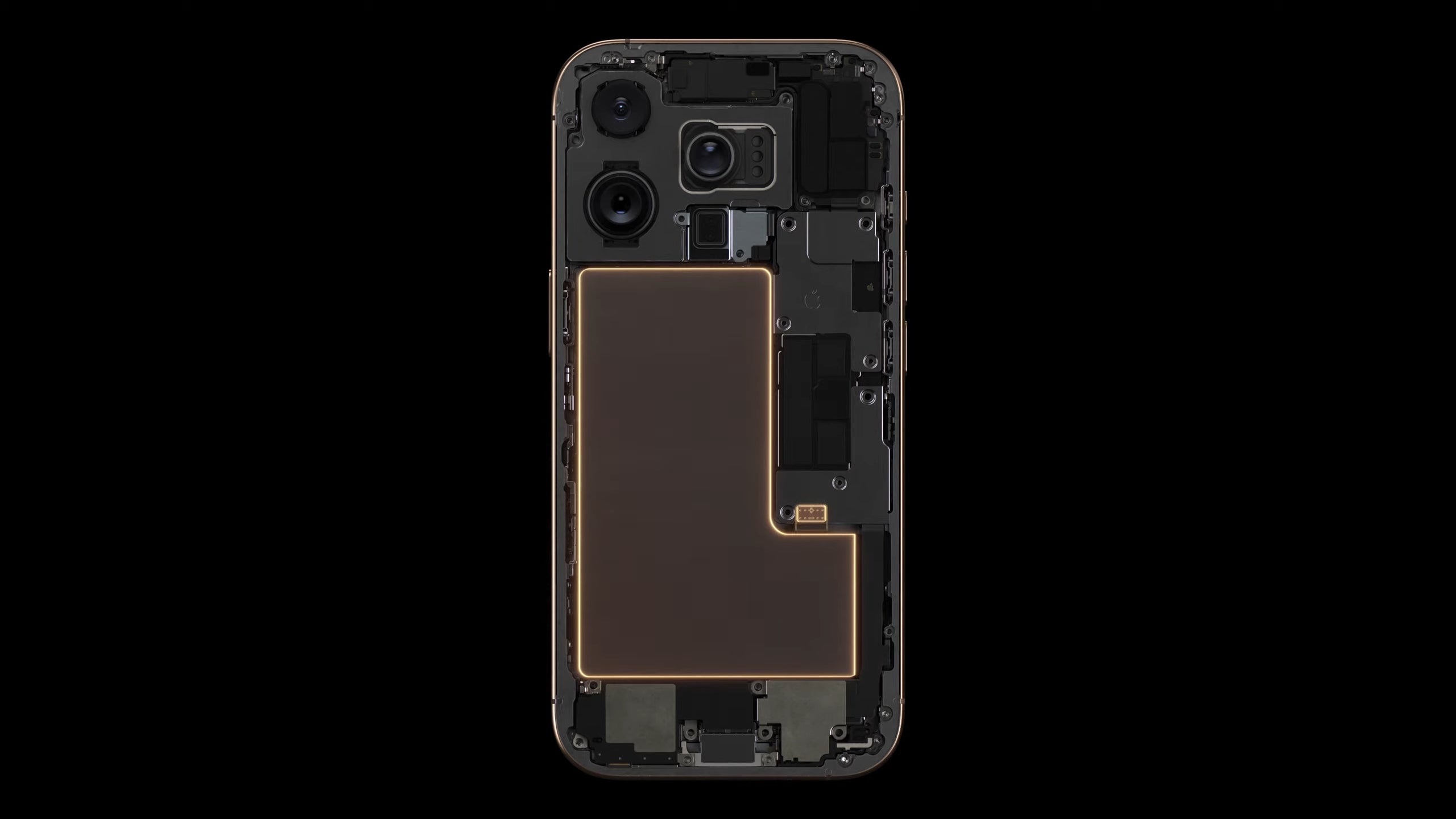
All iPhones rely on lithium-ion batteries, which are characterized by high efficiency and fast charging, but they gradually lose part of their capacity with normal use and aging. Apple measures this decline using what are known as “charge cycles.” A cycle means consuming the equivalent of 100% of the battery’s capacity, whether done in one charge from 0% to 100%, or over several times across different days.
Apple indicates that batteries in the iPhone 15 and older models are designed to retain about 80% of their original capacity after 500 charge cycles, while batteries in newer models have a longer lifespan of up to 1000 charge cycles before reaching the same percentage. For most users, this figure equates to 3 to 5 years of daily use before battery health drops below 80%. It is important to know that battery degradation does not happen at a constant rate; its health may drop quickly during a certain period and then stabilize for another, depending on temperature, usage patterns, and charging habits.
Is charging to 100% the problem?
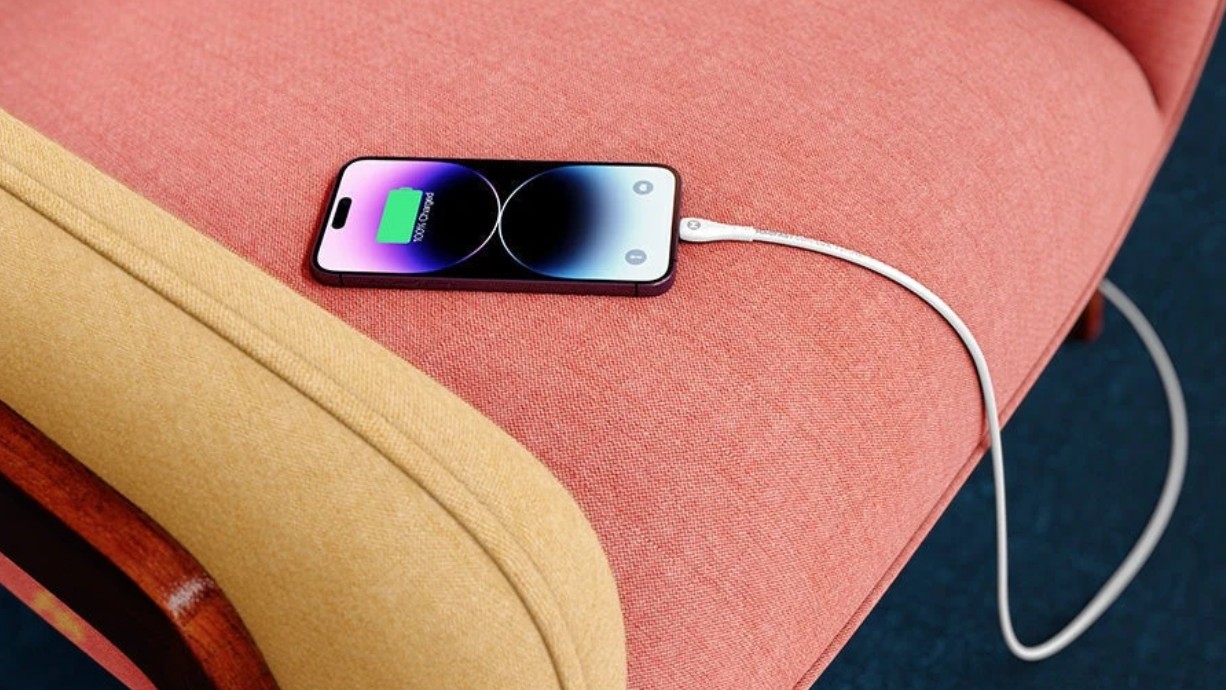
The short answer is no. Reaching 100% does not cause direct or immediate damage to the battery, because Apple designed its phones so that the charging process is safe even when reaching a full charge.
However, the problem arises when the phone stays at 100% for long hours while still connected to the charger. In this case, the lithium battery cells are subjected to greater chemical stress, especially if the phone’s temperature is high, which accelerates natural wear and tear over time.
Therefore, charging the phone to 100% before going out or when needed is normal, while leaving it connected to the charger for long periods repeatedly is what deserves attention.
How does Optimized Battery Charging help protect the battery?
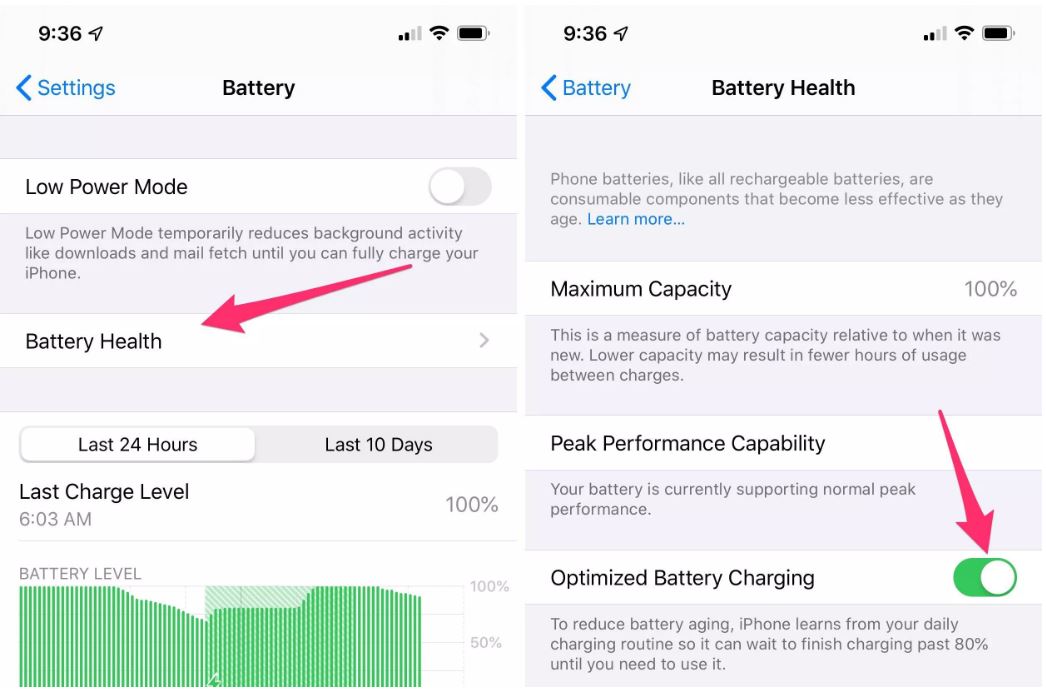
To prevent battery degradation due to that habit, Apple introduced the Optimized Battery Charging feature, which relies on machine learning to understand your daily usage routine. When enabled, the iPhone charges the battery to 80% and then pauses, before completing the charge to 100% just before the expected time to disconnect the phone from the charger. In this way, the phone spends less time at full charge, which helps reduce stress on the battery and extend its lifespan.
Heat is the number one enemy
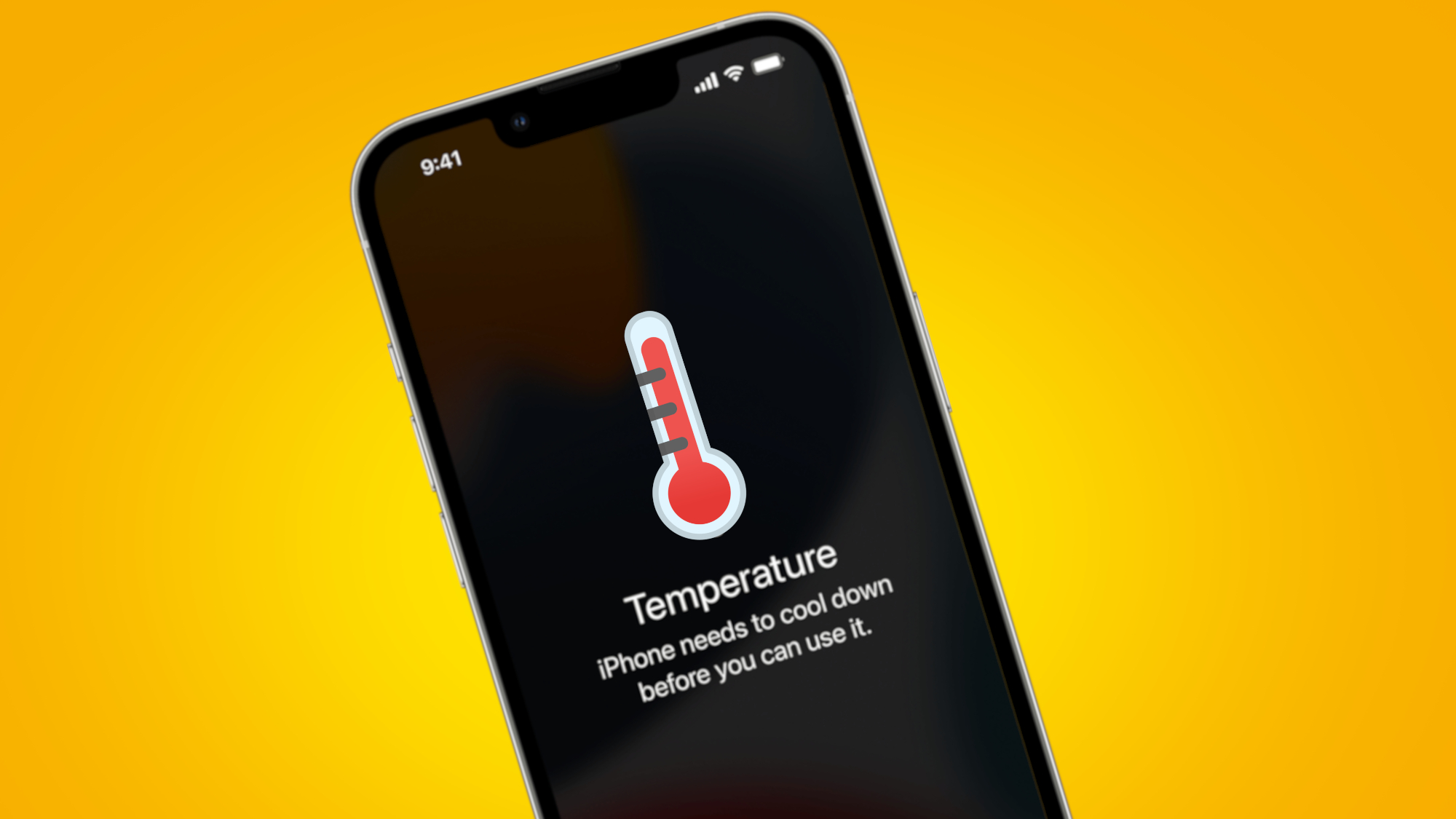
Despite the heavy focus on the charge percentage, Apple confirms that temperature is the most influential factor in battery life. For this reason, the iPhone performs best within a range of 0 to 35 degrees Celsius, while exposure to higher temperatures may permanently reduce the battery’s lifespan.
To avoid iPhone overheating, the following is recommended:
- Do not charge the phone under direct sunlight.
- Avoid leaving the iPhone inside a car exposed to heat for long periods.
- Refrain from running games or heavy applications while charging, as they raise the device’s temperature.
- Use certified, high-quality chargers and cables, as fast charging and wireless charging naturally produce higher heat.
What does it mean when battery health reaches 80%?
Apple considers an iPhone battery to be degraded when its health drops below 80%. At this stage, the battery may not be able to provide the maximum power required under heavy processor load, so the system may temporarily reduce phone performance to prevent sudden restarts or device shutdowns. For this reason, Apple recommends replacing the battery before reaching this percentage.
How to maintain iPhone battery health
If you want to extend battery life, follow these steps:
- Make sure to enable the Optimized Battery Charging feature in battery settings.
- Try to keep the charge level between 20% and 80% as much as possible.
- Do not leave the phone connected to the charger for long hours after it reaches 100%.
- Keep the phone as cool as possible while charging.
- Use reliable and certified chargers and cables.
Conversely, there is no need to worry if you need to charge your device to 100% every now and then, as this falls within the normal usage that the iPhone battery is designed to handle without any problem.
Finally, we can confidently say that reaching 100% with an iPhone battery is not a risk in itself, while maintaining healthy charging habits, avoiding high heat, and not using the device while charging remains the real key to extending battery life and making it last as long as possible.
Do you make sure to charge your iPhone to 100% or do you prefer charging at 80%? Let us know in the comments!
Source:



Leave a Reply