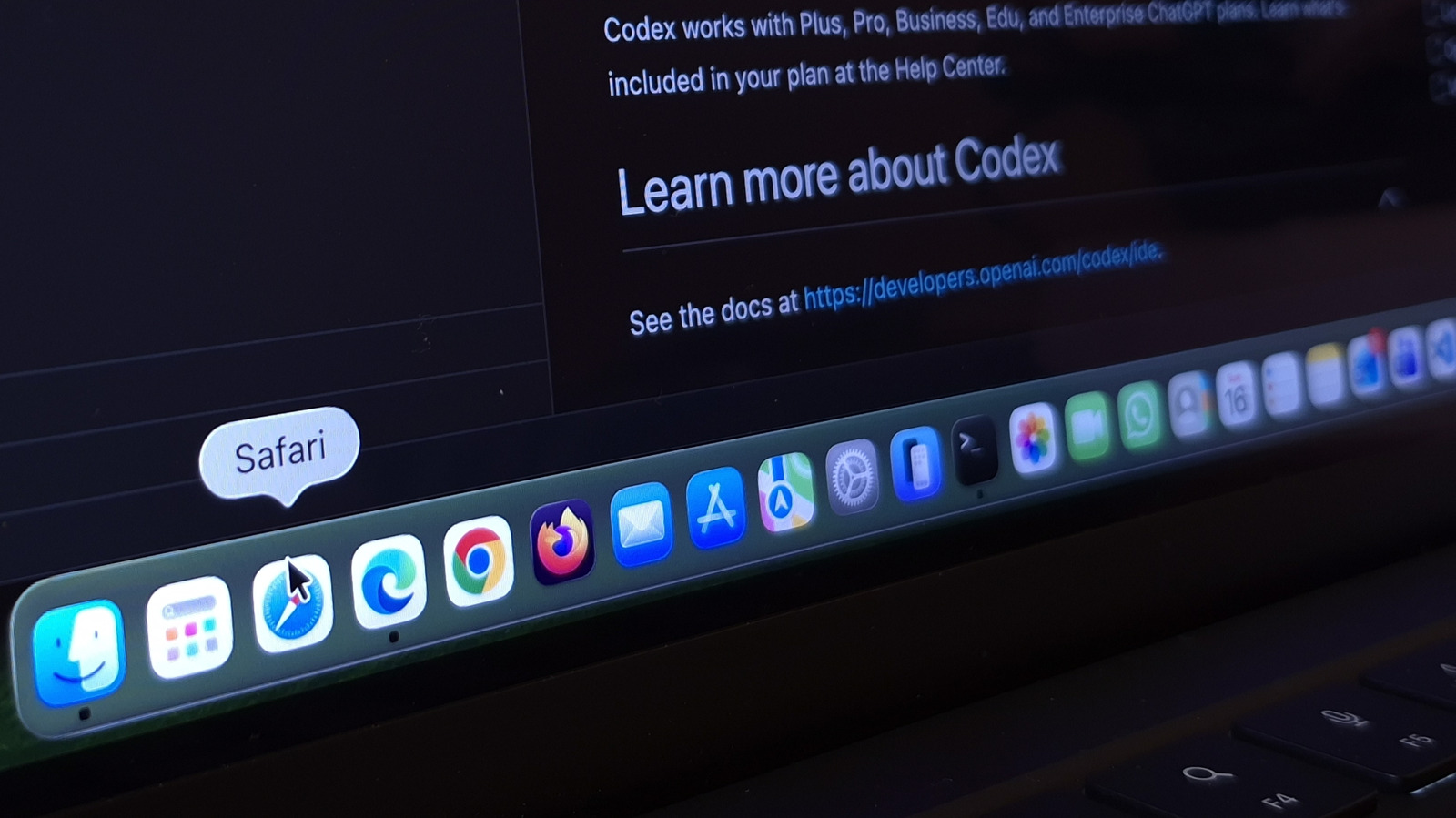
MacBook computers have long been famous for their incredible ability to manage power and keep their batteries running for long hours, but have you ever thought that a single application might be devouring this advantage without you noticing? If you are a Mac user and rely on the Google Chrome browser as your default choice, you might be sacrificing precious working hours of battery life every day. As part of its latest marketing campaign, which carries the slogan “Switch to Safari,” Apple has revealed official data proving that simply replacing the Google browser with the built-in Safari browser can grant you up to 5 extra hours of video playback on a single charge, placing users before a decisive choice between old habits and true efficiency.
5 extra hours and tangible speed: Details of Apple’s laboratory tests
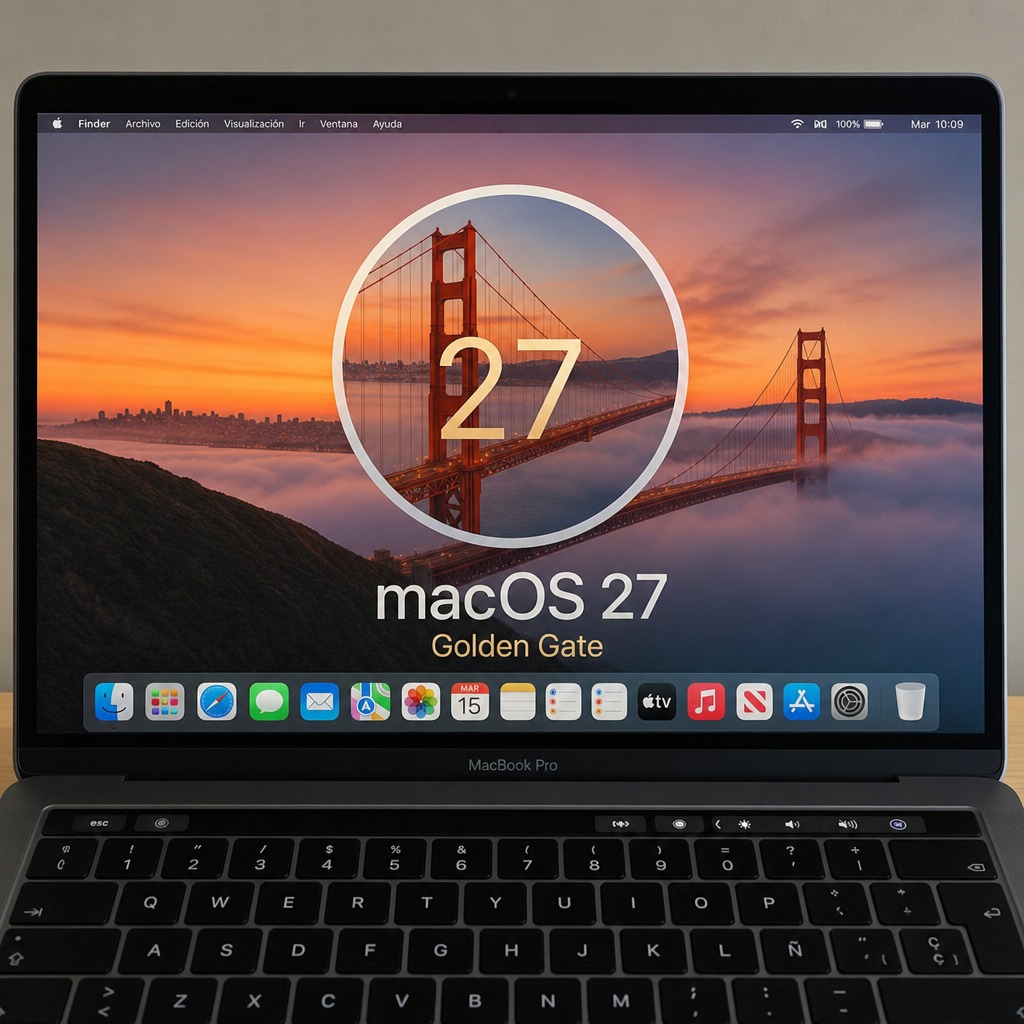
Apple did not present this massive figure arbitrarily; rather, it relied on precise tests conducted in August 2026 on 15-inch MacBook Air devices equipped with the M5 chip and 16GB of unified memory, running macOS 27, known as (Golden Gate). The company subjected the devices to a continuous real-world test based on streaming 1080p video directly via the device’s battery, with screen brightness set at approximately 50% (equivalent to eight clicks from the minimum), and compared the performance of Safari 27 with the latest version of Chrome. The results showed that the Safari browser continued to operate for 5 extra hours after the battery of the device running the Chrome browser had completely drained.
Apple did not stop at power consumption; it also focused on responsiveness and the daily browsing experience. The test results confirmed that Safari outperforms Chrome in loading speed for frequently visited websites by up to 35%. This difference was measured by simulating a unified network environment to open 12 of the most globally visited sites. The reason for this clear superiority is not magic, but because Safari is developed entirely within Apple’s halls to harmonize with extreme precision with the Apple Silicon chip architecture, while Chrome remains constrained by the need to maintain software that runs across diverse hardware environments.
Privacy and the data battle: The fundamental difference between Apple and Google
Behind the battery and speed figures lies a deeper battle regarding each company’s philosophy in handling user data. The Google Chrome browser was built to be a major data collection gateway that fuels Google’s advertising empire and supports its massive expansion in artificial intelligence, to the point where Chrome has recently been installing AI models locally on users’ devices without sufficient notice to many of them, with the aim of studying their browsing behaviors.
In contrast, the Safari browser is based on a completely different security architecture, as it works by default to block digital tracking tools and hide tracking identifiers used by advertising companies to build a personal profile that follows you wherever you go. Even with the integration of the deep “Apple Intelligence” system into the core of the browser, privacy remains the cornerstone, as your history or queries are not transferred to advertising servers or exploited to train third parties, making Safari a clean browser that protects your privacy and saves your device’s resources at the same time.
Why does Chrome remain the leader despite Safari’s superiority?
Despite the logic of Apple’s arguments, Statcounter statistics indicate that Chrome still dominates the global market share with approximately 66.36%, compared to only 18.27% for Safari. This large gap is due to practical reasons; the Safari browser remains trapped within Apple’s closed ecosystem, while Chrome is present on every platform you can imagine, from Windows, Linux, and Android to iOS, iPadOS, and macOS, providing instant synchronization of passwords, browsing history, and bookmarks across multiple operating environments.
In addition, Chrome enjoys a giant extensions store that is unmatched in its richness, as well as Google’s continuous efforts to improve software performance; Chrome recently scored 469 points in the JetStream 3 test for measuring JavaScript command execution speed, and 61 points in the Speedometer 3.1 test for web application responsiveness. However, if your top priority when using a MacBook on the go is to enjoy the longest possible battery life and avoid monitoring of your activity, then opening Safari might be the best free upgrade you can give your device today.
Source:
Post Comment