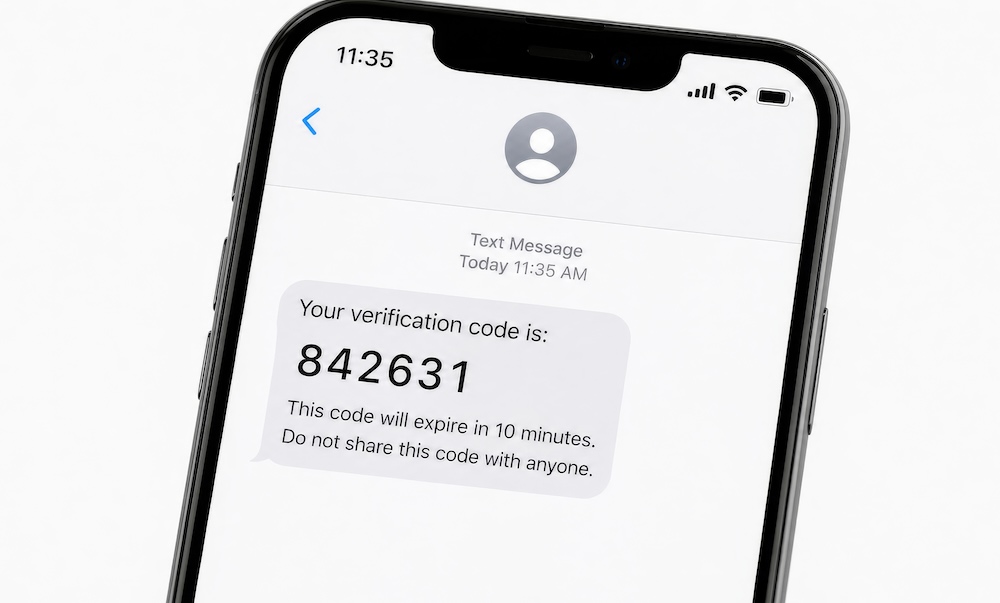
Text message scams have become a massive industry generating hundreds of millions for fraudsters. Perhaps the most common bait involves fake notifications about pending parcel deliveries or shipping fees. In a moment of haste or while waiting for a package, you might find yourself tapping a suspicious link without thinking. If this happens to you, there is no need to panic; it happens daily to even the most cautious users. The real difference is made by acting quickly to contain the situation before any financial or security damage occurs.
Step One: Stop immediately and close the page
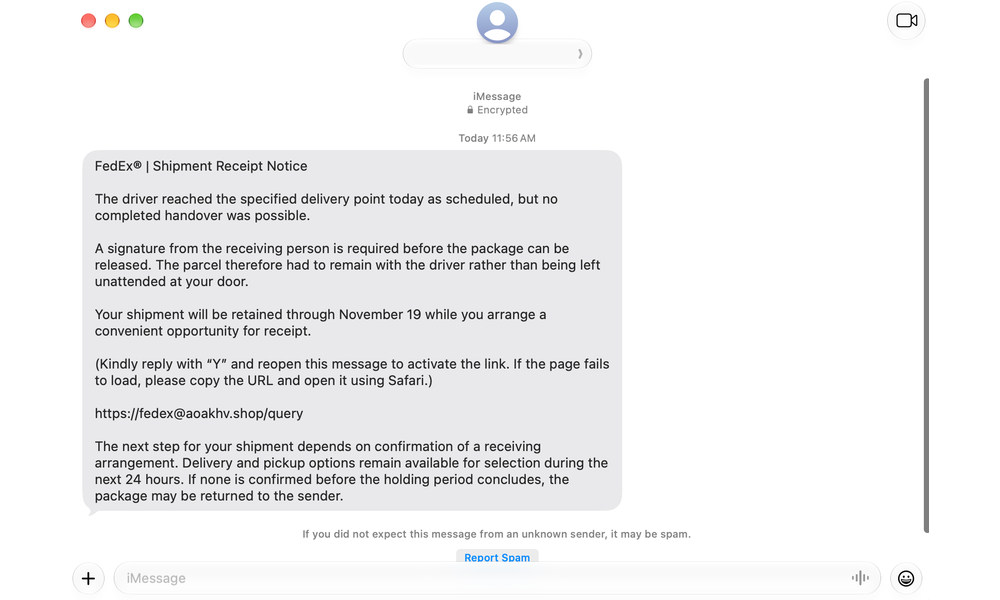
As soon as you feel the site you opened is suspicious, take your hand off the screen immediately and do not fill in any fields. Do not just return to the home screen or swipe Safari up in the app switcher, as the page will remain open and reload later. Instead, tap the tabs button at the bottom of Safari and then tap the (X) to close the tab permanently.
Avoid replying to the text message entirely, even with words like “cancel” or “stop.” Replying confirms to the scammer that your number is active and ready to interact, making you a target for further attacks. Take a screenshot of the message to document it if you wish to report it, then delete it.
Step Two: Secure what you have shared
If you only opened the link and closed it without entering any details, you are likely safe, as simply viewing a page rarely compromises your device. However, if you interacted with the site and entered data, the action depends on the type of information leaked.
If you entered your credit or debit card numbers, call your bank immediately using the number printed on the back of your card. Request to cancel the card and issue a replacement with a new number, and carefully review your statement to dispute any unrecognized transactions. If you entered a username and password, go immediately to the official app or website and change them at once. Don’t forget to change them on other accounts that use the same password and enable two-factor authentication.
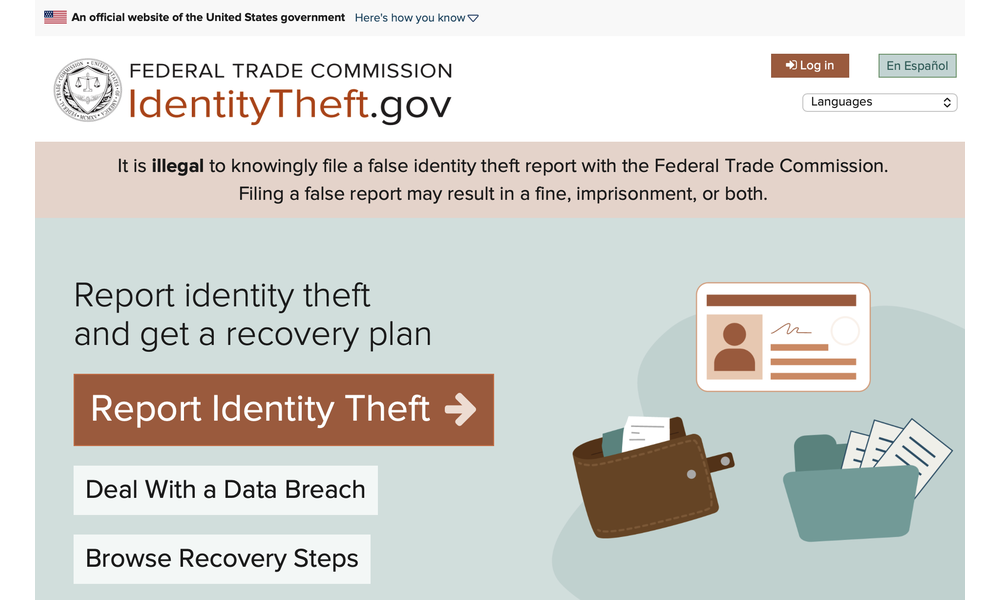
In severe cases, such as sharing ID card numbers or sensitive government information, you must report the incident to the relevant cybercrime authorities to document the event and monitor your credit reports to protect yourself from future identity theft.
Step Three: Check and secure your iPhone
The iPhone system is protected against traditional viruses, but phishing pages may try to trick you into installing suspicious files. Ensure the system’s integrity by going to Settings, then General, then VPN & Device Management. If you find any unfamiliar profile that you did not install intentionally, delete it immediately.
Also, make sure to update the operating system to the latest version to patch any software vulnerabilities that may have been exploited. Delete any strange apps you recently downloaded, then go to Settings, then Apps, then Safari, and choose Clear History and Website Data to ensure no trace of the scam site remains.
Step Four: Report and avoid falling into the trap again
You can always report scam numbers to your mobile carrier or to official cyber fraud prevention agencies in your country. Reporting helps track scammers and block their numbers to protect other users.
To avoid these troubles later, always remember the simplest rule: do not click on any link you receive in an unsolicited message. If you have doubts regarding a package or a bank account, open the official website or app for the service yourself and verify directly from there.
Source:



Post Comment