Apple has finally released the iOS 26.4 update to the public. While we were eagerly awaiting this update in hopes of seeing the “new” Siri, Apple decided to make us wait a little longer. However, don’t let the disappointment make you forget that the update is packed with features that will make your iPhone experience smarter and more enjoyable, especially in the Music app, which received the lion’s share of new AI features.
Playlists and Musical Intelligence
The highlight of this update is the Playlist Playground feature (in its beta version), which allows you to create full playlists just by writing a simple description of what you want to hear; the system will handle writing the title, description, and selecting the appropriate tracks. Apple didn’t stop there.
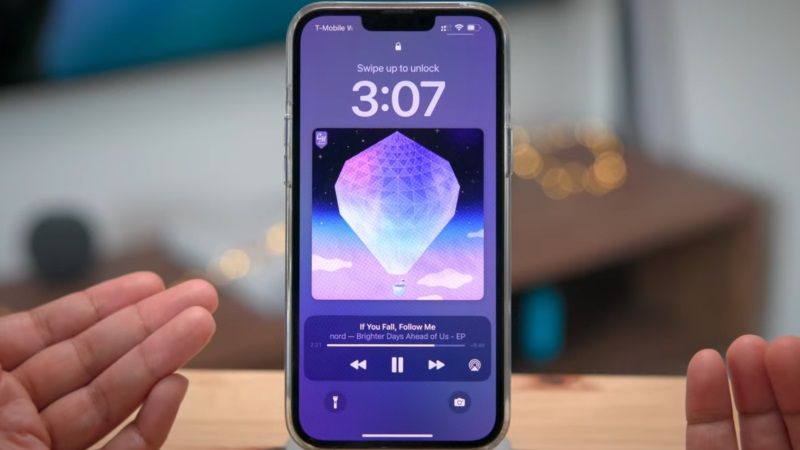
Additionally, the Control Center has gained an offline music recognition feature, where the system identifies the song and saves it to notify you of the result as soon as connectivity returns. For customization enthusiasts, the Apple Music interface now offers full-screen backgrounds that give albums a more immersive look, along with the new Ambient Music widget designed for sleep, relaxation, and productivity.
New Emojis and System Improvements
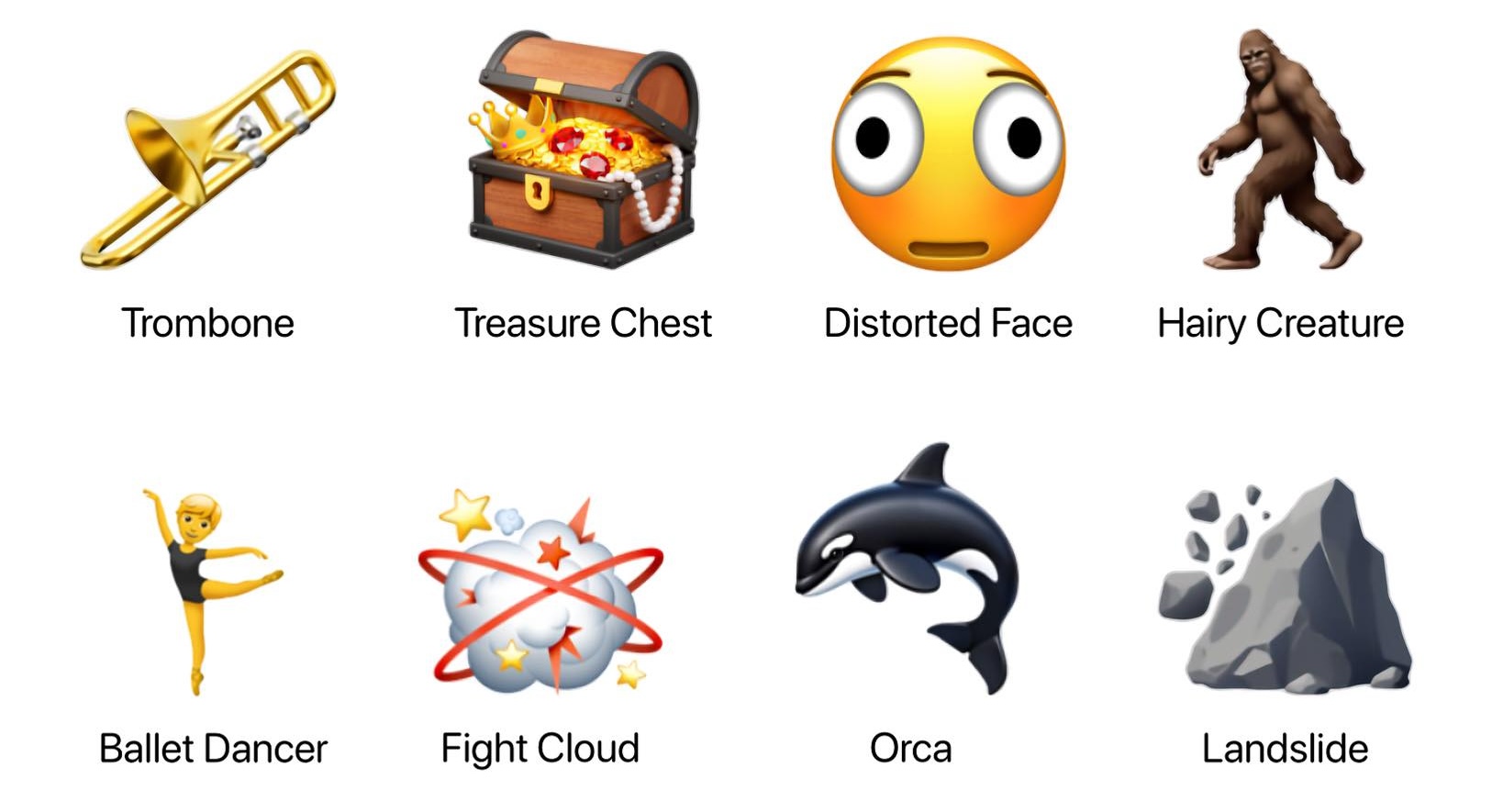
For emoji lovers, Apple has added 8 new emojis, including an orca, a trombone, a landslide, a ballerina, and a distorted face. The Freeform app also received advanced tools for creating and editing images and has joined the premium content library in Apple Creator Studio.
Among the important improvements in this release is the Purchase Sharing feature, which now allows adult family group members to use their own payment methods instead of relying entirely on the family organizer. You can also now mark reminders as “Urgent” directly from the quick toolbar to ensure you don’t forget critical tasks.
Accessibility and Typing Accuracy
Apple always pays attention to accessibility details, and in iOS 26.4, they added a setting to reduce bright light effects when pressing buttons. They also made it easier to access subtitle and caption settings while watching media via a dedicated icon that makes customization and previewing faster. The Reduce Motion feature has also been improved to handle Liquid Glass effects more reliably for users sensitive to screen motion.
And for those who complain about typing speed outpacing system accuracy, Apple has improved keyboard precision to keep up with your fast fingers without annoying typos, making the messaging experience smoother than ever.
Where is the Upgraded Siri?
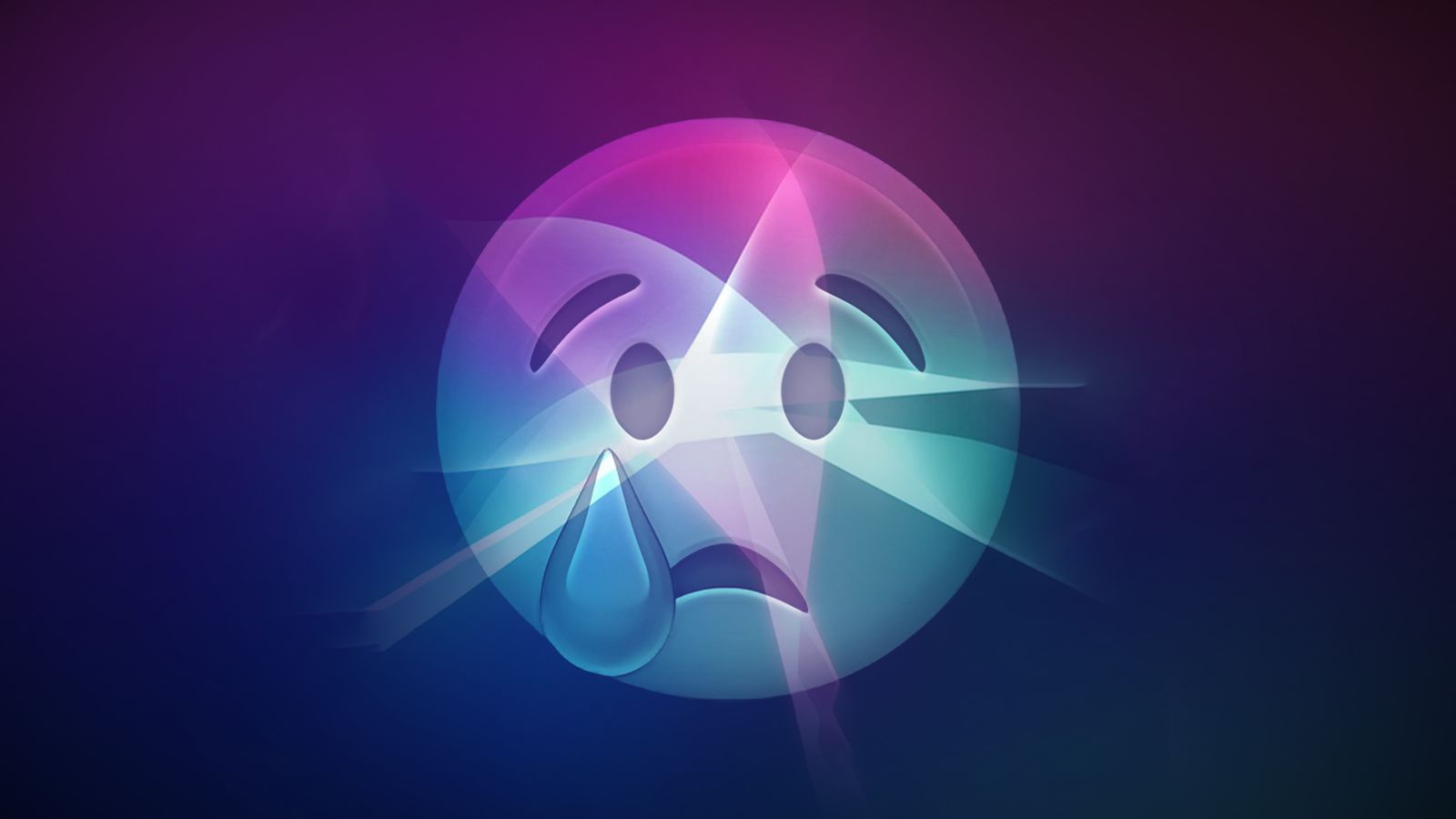
Here lies the surprise; despite all the leaks that suggested for months that iOS 26.4 would be the launch date for the upgraded Siri, it was completely absent from the scene. It seems we have to wait until the iOS 26.5 update or perhaps iOS 27 next fall to see if Siri will get its share of the AI revolution or remain in “searching” mode.
How to Install
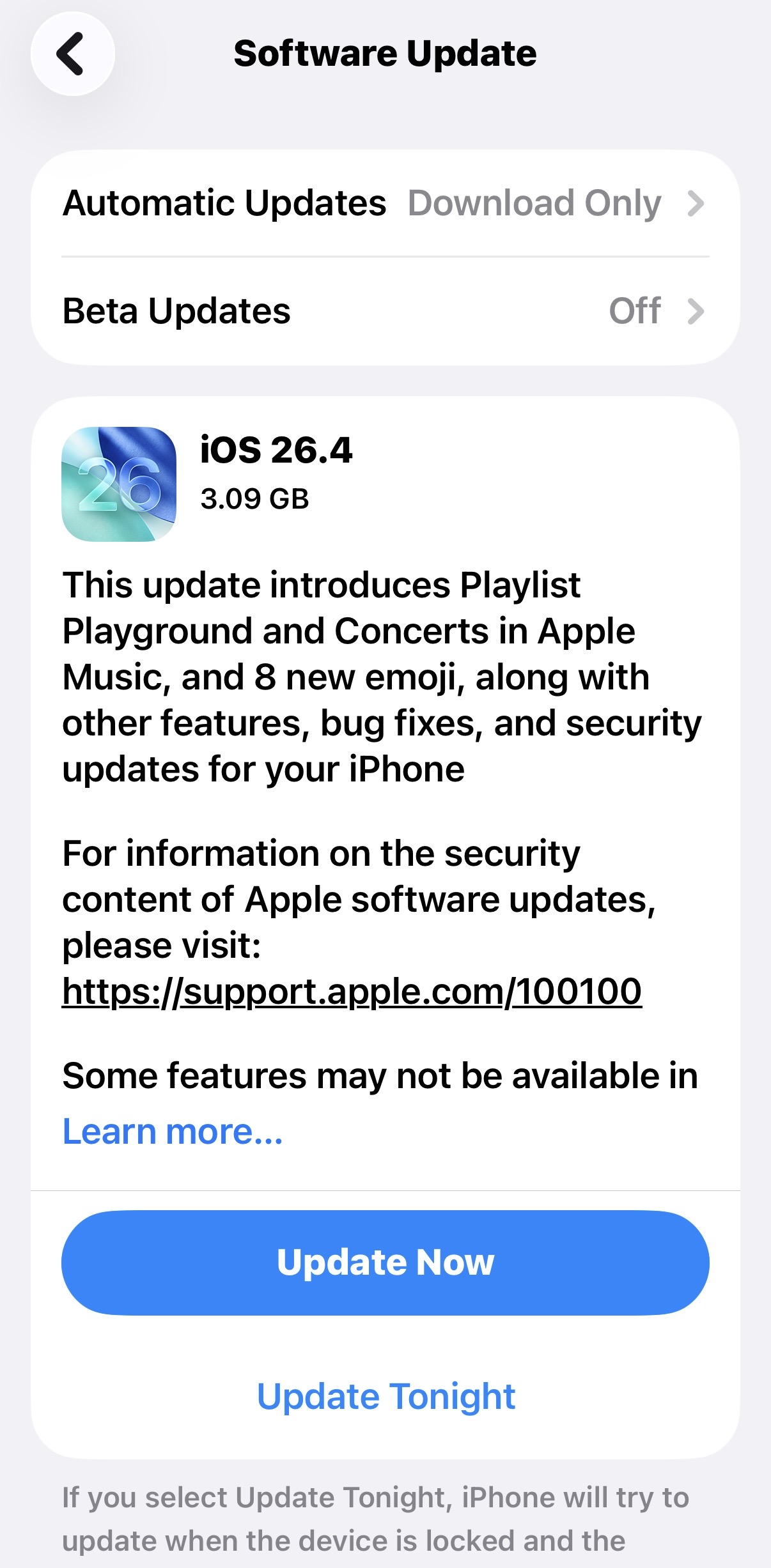
As usual, you will receive the update notification soon, but if you are the type who doesn’t like to wait (just like me), you can head over to Settings > General > Software Update now and follow the on-screen instructions. Just make sure you have enough space and a charged battery before starting this software journey.
Source:
Leave a Reply