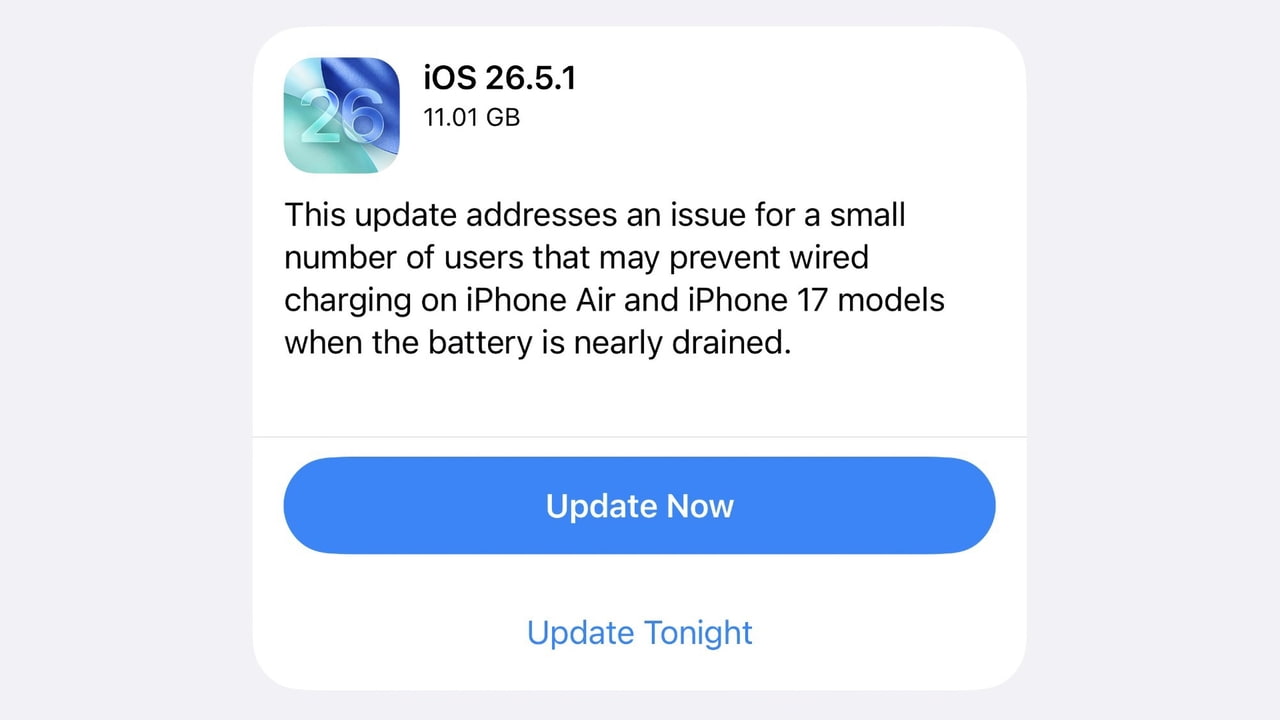
Apple has released a surprise minor update, versioned iOS 26.5.1. This is not just a routine update, but a true lifeline for users who own the company’s latest hardware. This update addresses a critical issue regarding wired charging, which has caused concern for owners of the new iPhone 17 family and the slim, beautiful iPhone Air.

Problem details: When the iPhone refuses power while on its last legs!
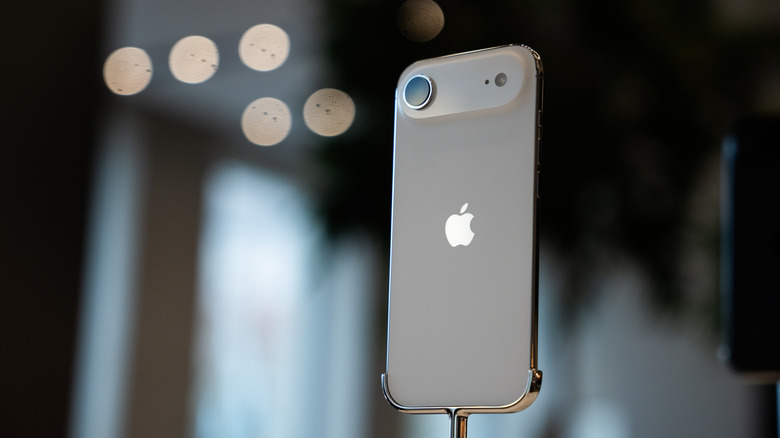
Imagine you left your phone until the battery was completely drained, or nearly so, then connected it to a wired charger via the USB-C port, only to discover that the phone refuses to respond at all! This is exactly the annoying software bug that users of these modern phones recently faced, which we discussed in a separate article, where a software glitch prevented wired charging when the battery was nearly empty.
The good news is that Apple’s engineers addressed the situation quickly, and this hotfix has arrived to set things right. If you are experiencing this issue, installing this update will ensure you regain stable charging and normal speeds without the fear of the phone “dying” temporarily when it runs out of power.
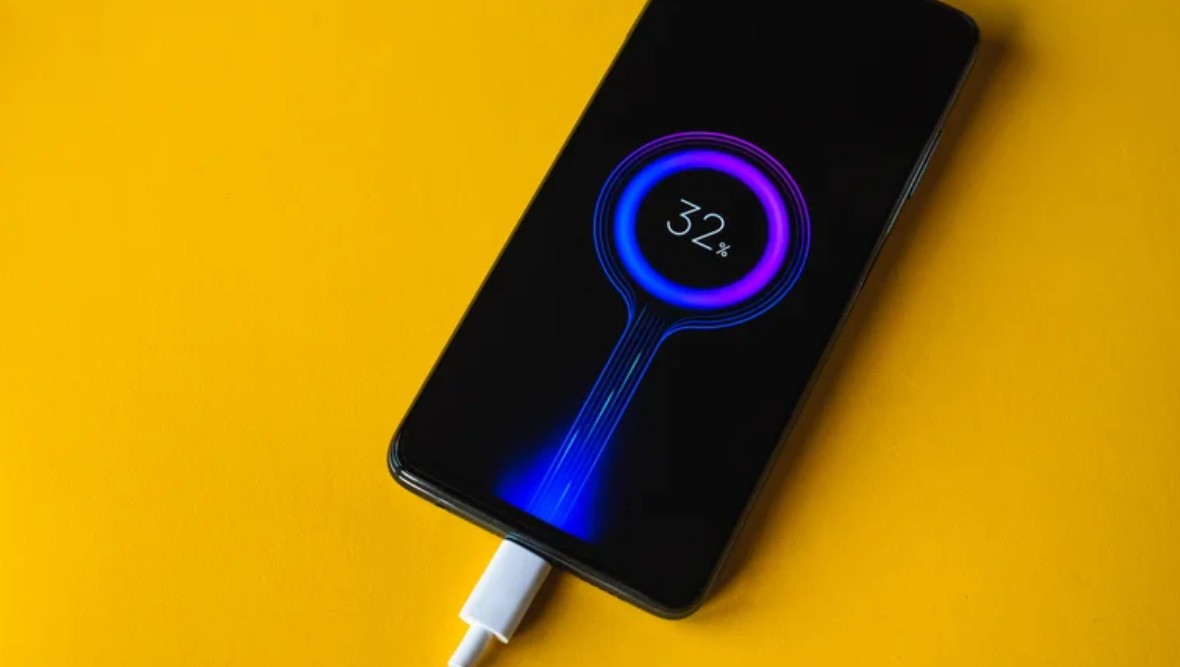
Supported devices: Exclusive to the new generation
Because this issue is closely linked to the internal engineering and hardware of Apple’s latest phones, the iOS 26.5.1 update is intended only for the following devices:
- iPhone 17
- iPhone 17 Pro
- iPhone 17 Pro Max
- iPhone 17e
- iPhone Air
If you are using an older model from the iPhone family, there is no need to worry or wait for this update, as your phone is not affected by this issue and was not impacted by it in the first place; therefore, the update screen for this minor version will not appear for you.
Beyond iOS 26.5: The journey of features does not stop

This emergency fix comes just a few weeks after the official and wide release of iOS 26.5, which brought with it great features we have long awaited. Among those features is support for end-to-end encryption for RCS messages across different platforms, which has enhanced the security of our communication with friends on other systems.
Additionally, iOS 26.5 introduced the smart “Suggested Places” feature in Apple Maps, which helps users explore new destinations based on their daily preferences. With this new minor update, the experience is completed to ensure stable performance free of fatal flaws.
How to update now and avoid the problem?
The process is very simple and requires only a few steps to ensure the safety of your device and its continued efficient operation:
1. Go directly to the Settings app on your device.
2. Select the General section, then Software Update.
3. The new iOS 26.5.1 update will appear; tap Download and Install, ensuring you are connected to a stable Wi-Fi network and have enough power in your battery (or connect it to power if it is currently charging!).
Source:
Leave a Reply