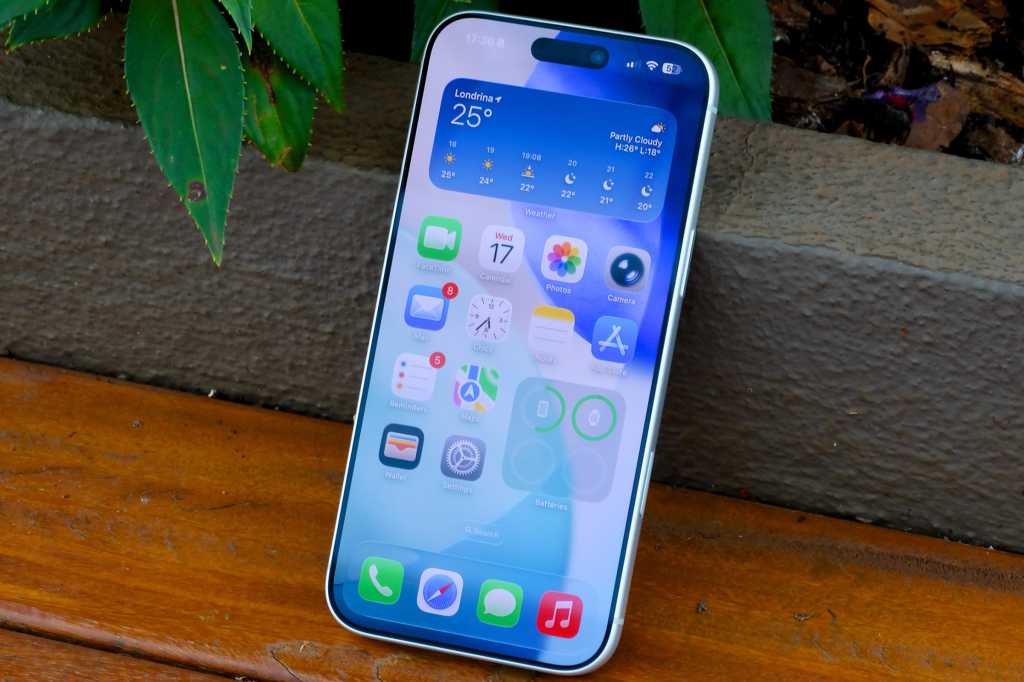
Apple has officially released the iOS 26.4 update to the public. Unlike previous updates that may have seemed dull to some, this version comes packed with a set of tangible, long-awaited features. While we are still waiting for the full, AI-powered “super Siri” to arrive, Apple has decided to give us a substantial appetizer that includes improvements to Apple Music and the Podcasts app, new emojis, and a long-overdue fix for the keyboard issue that has bothered many recently.
Apple Music: A Playground for Playlists and AI
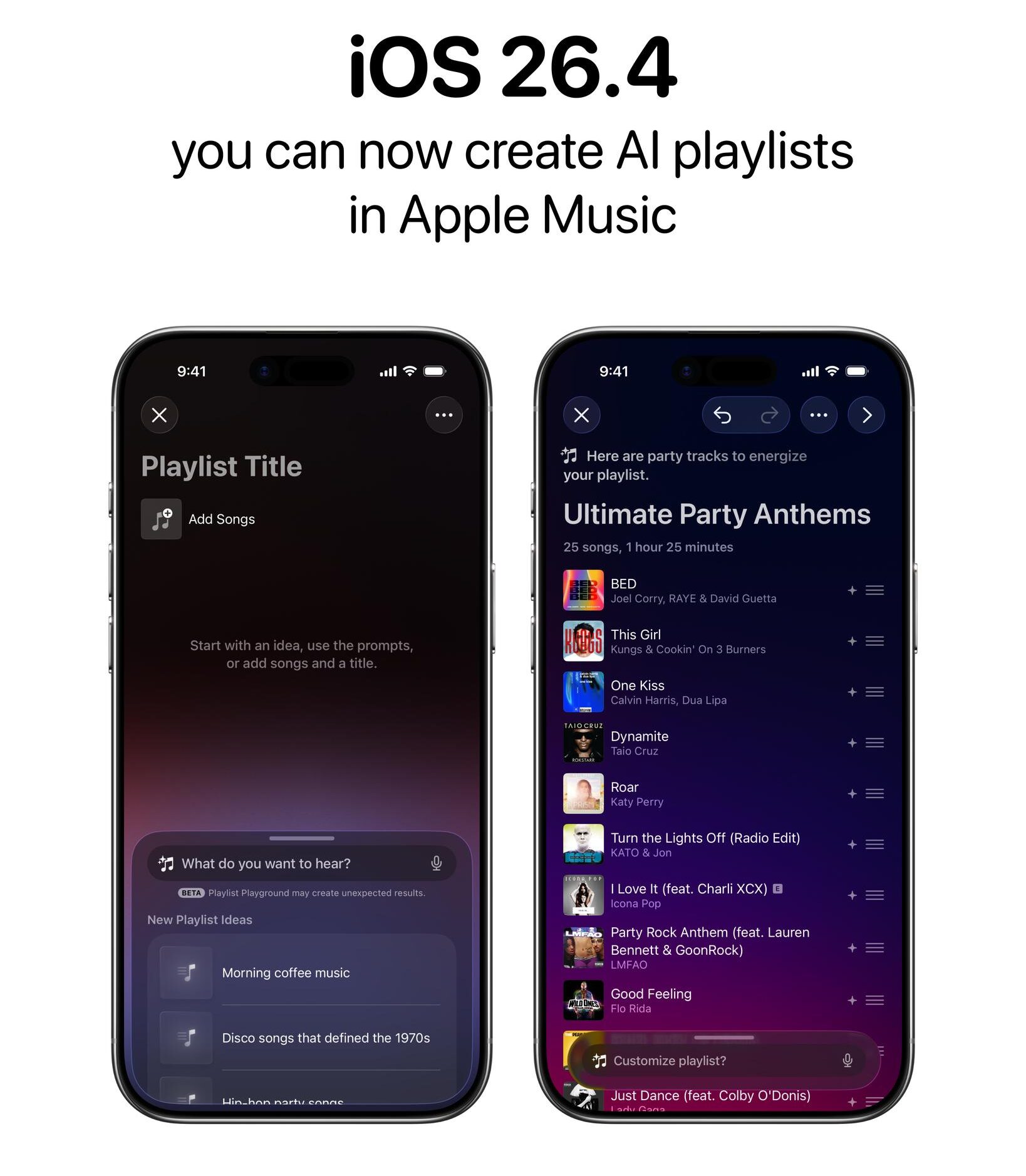
The highlight of this update for Apple Music subscribers is the Playlist Playground feature, which is essentially a smart way to create playlists using AI. All you have to do is describe your mood or the type of songs you want, and the system will generate a custom playlist for you. It can even edit your existing playlists based on your text commands. This feature is currently available in the United States and works on all iPhones that support iOS 26.4, even those that do not fully support the Apple Intelligence platform.
Podcasts App and Accessibility Improvements
The Podcasts app has received its share of development, especially regarding video programs. The new update supports HLS (HTTP Live Streaming) technology, a smart feature that automatically adjusts video quality based on your internet speed, ensuring smooth playback without interruptions. It also allows you to switch between audio and video with a single tap without losing your place in the episode.
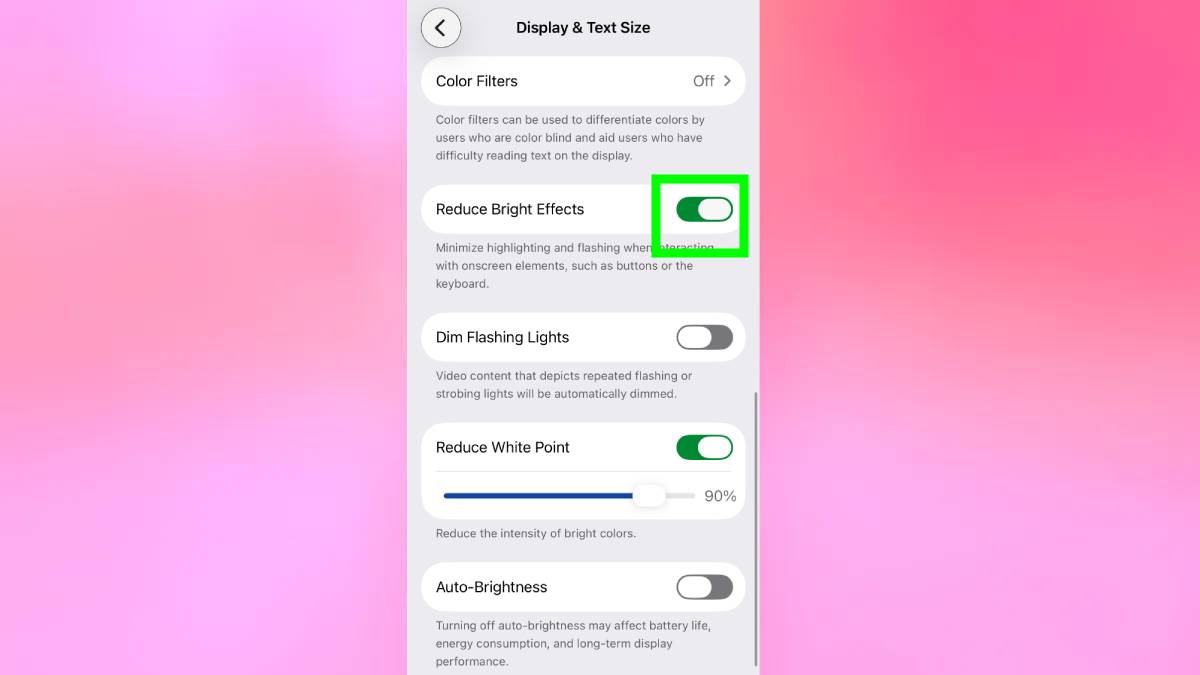
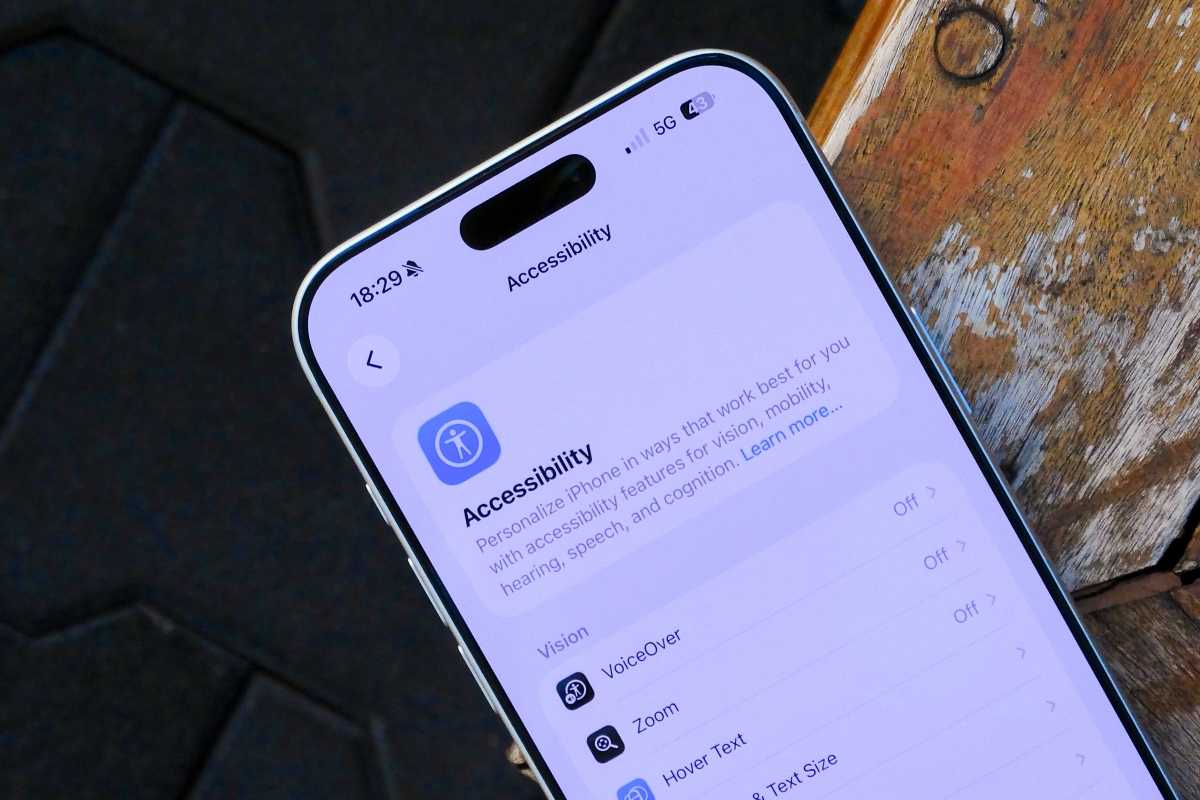
On the accessibility front, Apple has added a new option called “Reduce Bright Effects” to dim bright flashes in the system interface, which is very useful for those sensitive to strong light. The “Reduce Motion” option has also been improved to be more consistent across the entire system, especially with the new Liquid Glass interface, along with greater ease in customizing subtitles while watching content.
New Emojis and Productivity Apps
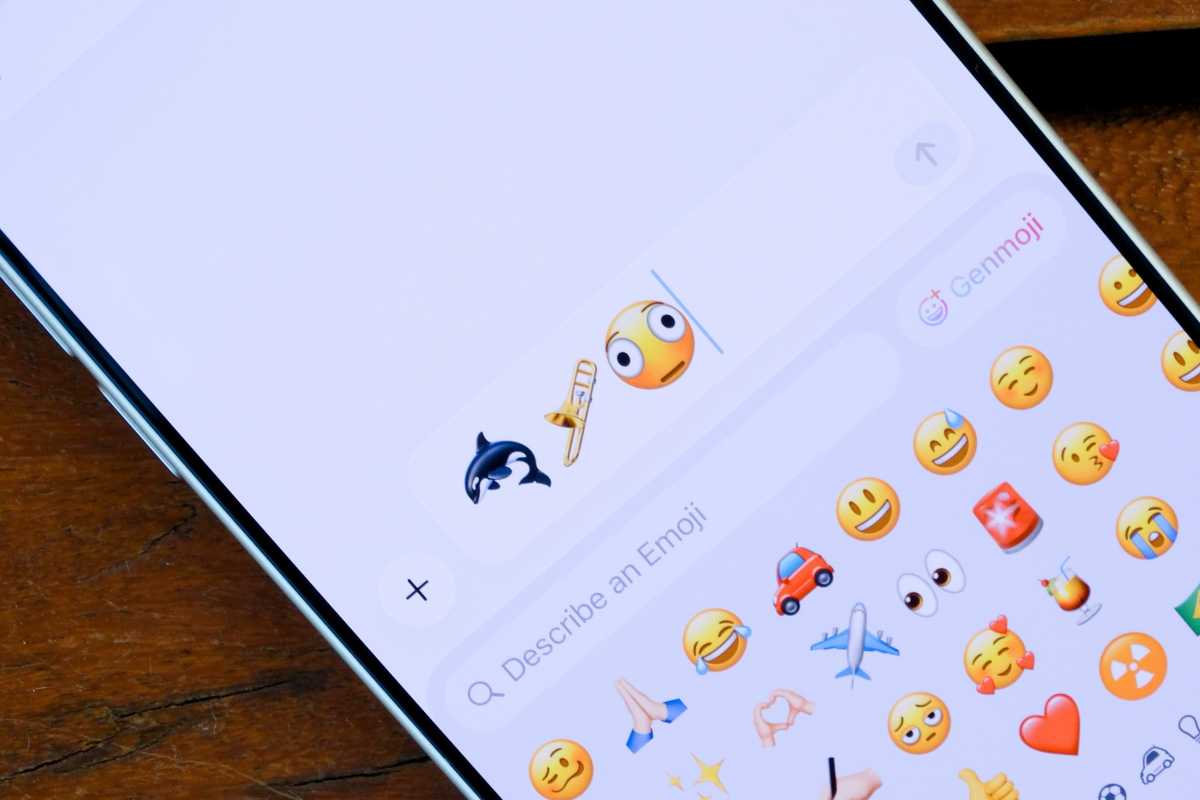
For emoji lovers, the iOS 26.4 update adds eight new symbols for your daily expressions, including an orca, a trombone, a distorted face, a ballerina, and others. Just remember that the other party must also have updated their device to be able to see these new emojis in conversations.
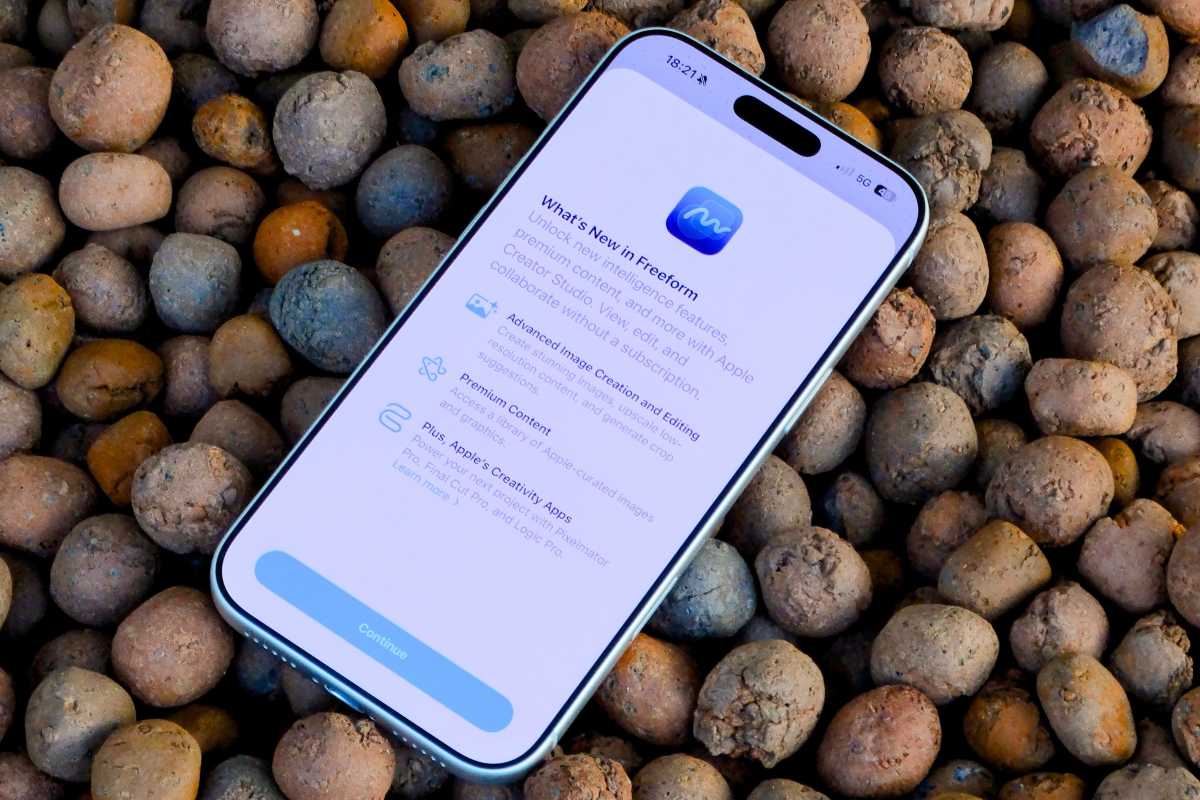
As for the Freeform app, subscribers to the Creator Studio service have received exclusive features, including access to the Content Hub, a massive repository of free images and illustrations that can be used within your projects. The app icon has also been changed to align with the new visual identity of Apple’s cloud services.
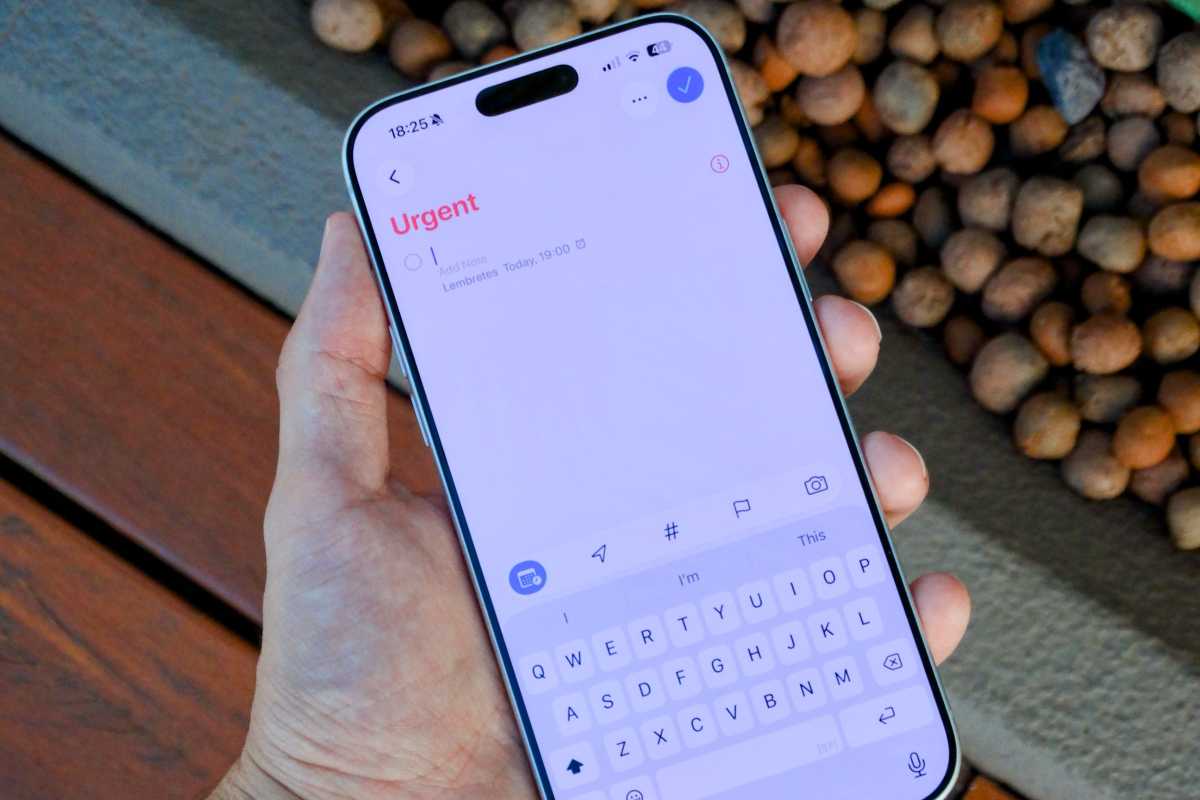
In the Reminders app, it is now easier to mark tasks as “Urgent” directly from the quick toolbar or via a long press, so they appear as full-screen alerts at their scheduled time, with the ability to easily filter them via smart lists.
Family Sharing and Keyboard Fix
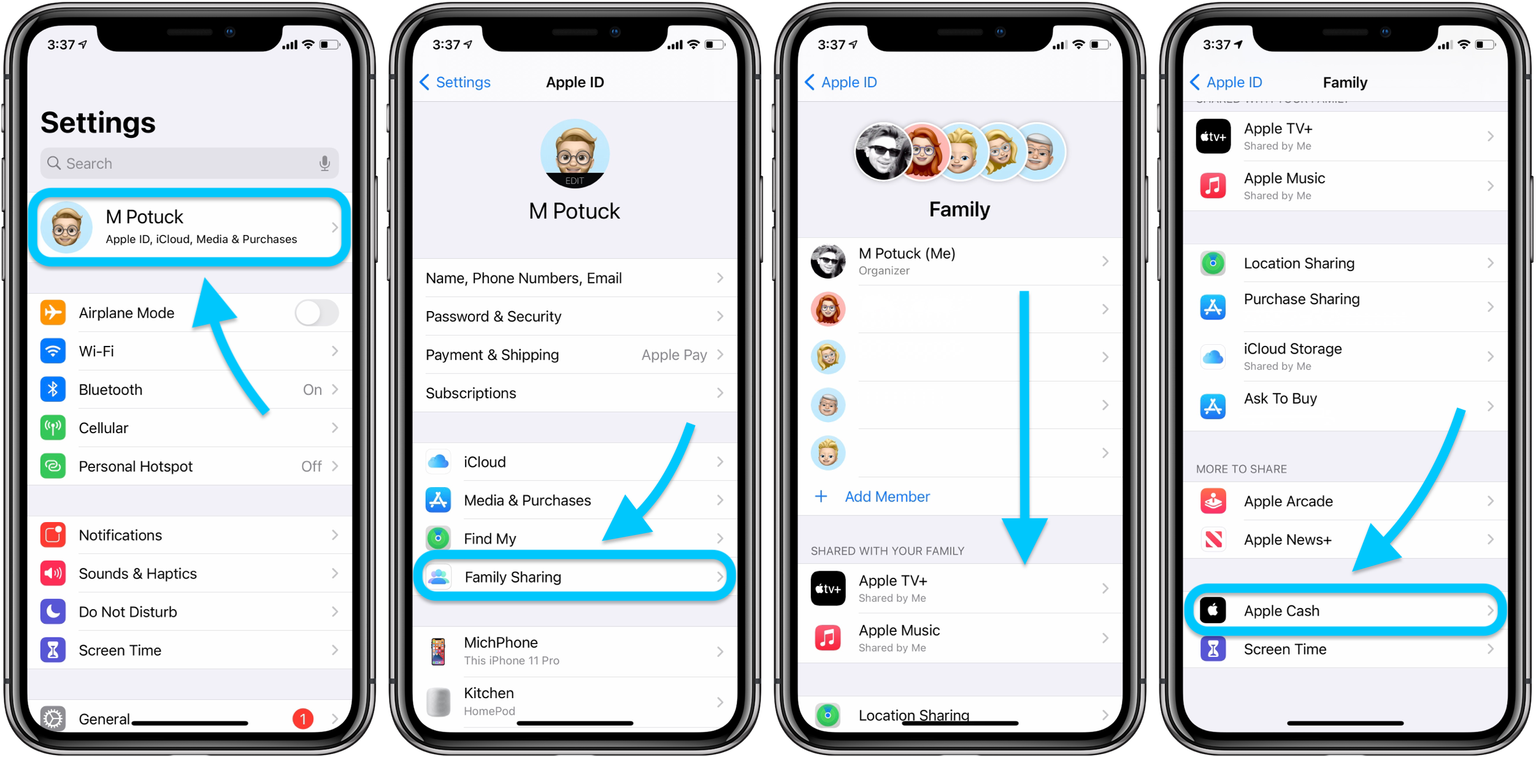
Great news for families: Apple has finally started allowing adult family members in a Family Sharing group to use their own payment method instead of relying entirely on the family organizer. The new Purchase Sharing feature gives each individual more autonomy to buy what they want from the App Store or services without bothering the group manager.
As for the keyboard, if you have been suffering from frequent typos lately, you are not alone. Apple implicitly acknowledged the problem by mentioning “improved keyboard accuracy when typing quickly” in the release notes. It seems the engineers made adjustments behind the scenes to get things back to normal after numerous complaints from users in previous versions.
Age Verification and Security
The update also included new age verification requirements in certain regions to comply with local laws. Apple has developed a new API that tells apps whether a user meets the required legal age without sharing their actual date of birth or any personal data, in order to preserve privacy.

The iOS 26.4 update is now available for iPhone 11 and later. As always, we recommend performing a backup before updating to ensure the safety of your data, and heading immediately to Settings > General > Software Update to enjoy the new features.
Source:
Leave a Reply