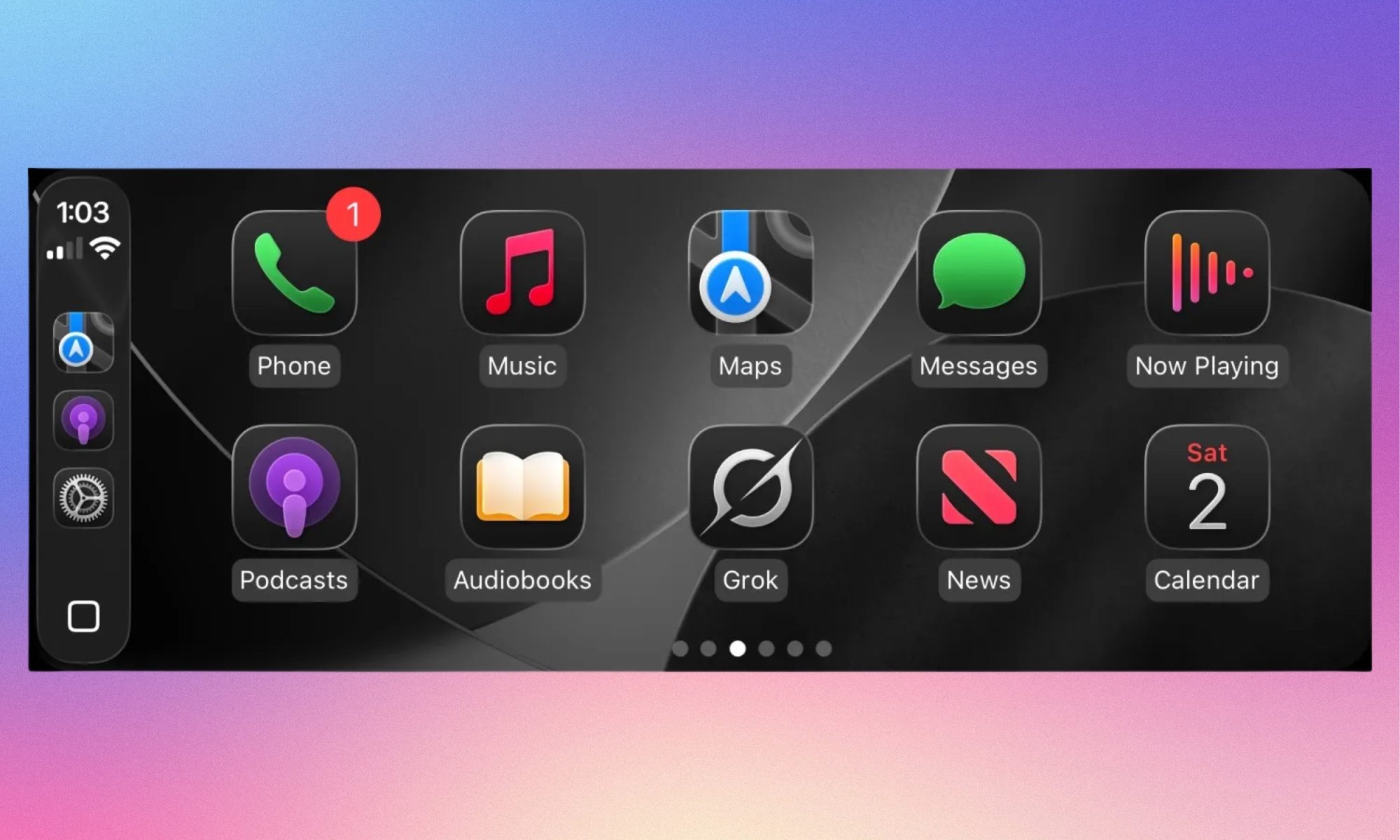
It seems that “Grok,” the mischievous AI assistant from xAI, has finally decided to leave its exclusive seat in Tesla vehicles to ride alongside you in any car that supports the iPhone CarPlay system. After a period of waiting and notification messages promising its arrival, xAI has officially launched CarPlay support for the Grok app on iOS, allowing users to engage in voice conversations with the AI without needing to touch their phone while driving.
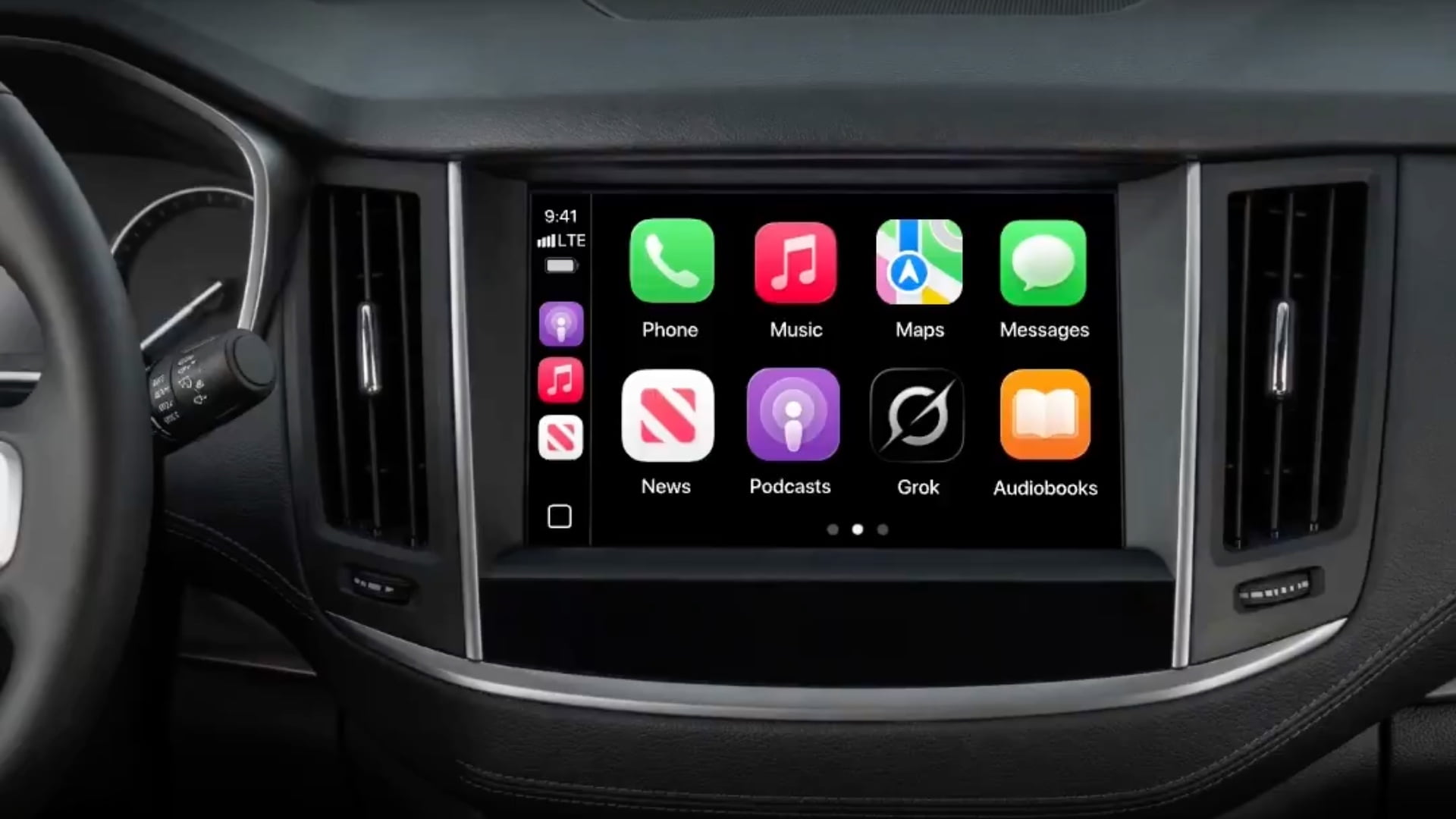
The Smart Road Companion from xAI
Before this update, launching the Grok app on the CarPlay screen would simply display a message telling you that support was “coming soon.” Now, you can ask questions, request information, and interact with Grok directly from your car’s dashboard. This shift massively expands Grok’s user base, as it is no longer confined to the Tesla ecosystem but has launched to support millions of cars that rely on Apple’s automotive interface.
This move comes at a sensitive time as the tech world undergoes major transformations. The news is not limited to software alone but extends to chip manufacturing deals, as seen in the recent collaboration between Apple and Intel to enhance processing capabilities in their future devices, paving the way for more complex AI applications in the future.
iOS 26.4: The Gateway That Opened the Path
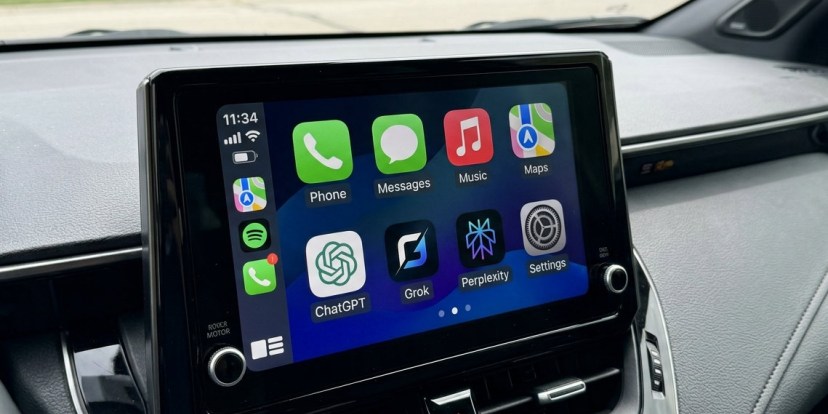
Grok’s arrival on CarPlay was no coincidence; it is the result of Apple’s new policy introduced in the iOS 26.4 update, which allowed third-party voice chat apps to appear on the car screen. To achieve this, developers must obtain special authorization from Apple and adhere to approved user interface templates that ensure the driver’s attention is not distracted.
These updates are not limited to cars; Apple is also enhancing its entertainment services, such as new documentary content on Apple TV that covers sports success stories, illustrating Apple’s desire to be present in every detail of the user’s day, from the car to the living room.
Strict Restrictions for Your Safety
As usual, Apple puts safety first. Despite allowing Grok to be present, there are strict restrictions; the app is prohibited from displaying text responses or visual images on the screen to avoid distracting the driver. The app can display up to four action buttons only while activated, relying entirely on voice for communication. This strict approach is what distinguishes Apple, just as it imposes precise verification procedures in its educational store to ensure discounts reach only those who are eligible.
In a related context regarding privacy, Apple continues to defend the encryption of user data, warning against any legislation that might impose “backdoors” in systems, which reinforces user confidence that their interactions with apps like Grok remain under a secure framework carefully designed by Apple.
Competition Heats Up on the Dashboard
By joining CarPlay, Grok enters into direct confrontation with other giants that preceded it in this space, such as ChatGPT and Perplexity. The battle is no longer just on the phone screen but has moved to the driver’s seat. With the availability of modern system loading tools like macOS Sequoia, developers now have the tools needed to build integrated experiences that connect the computer, phone, and car.
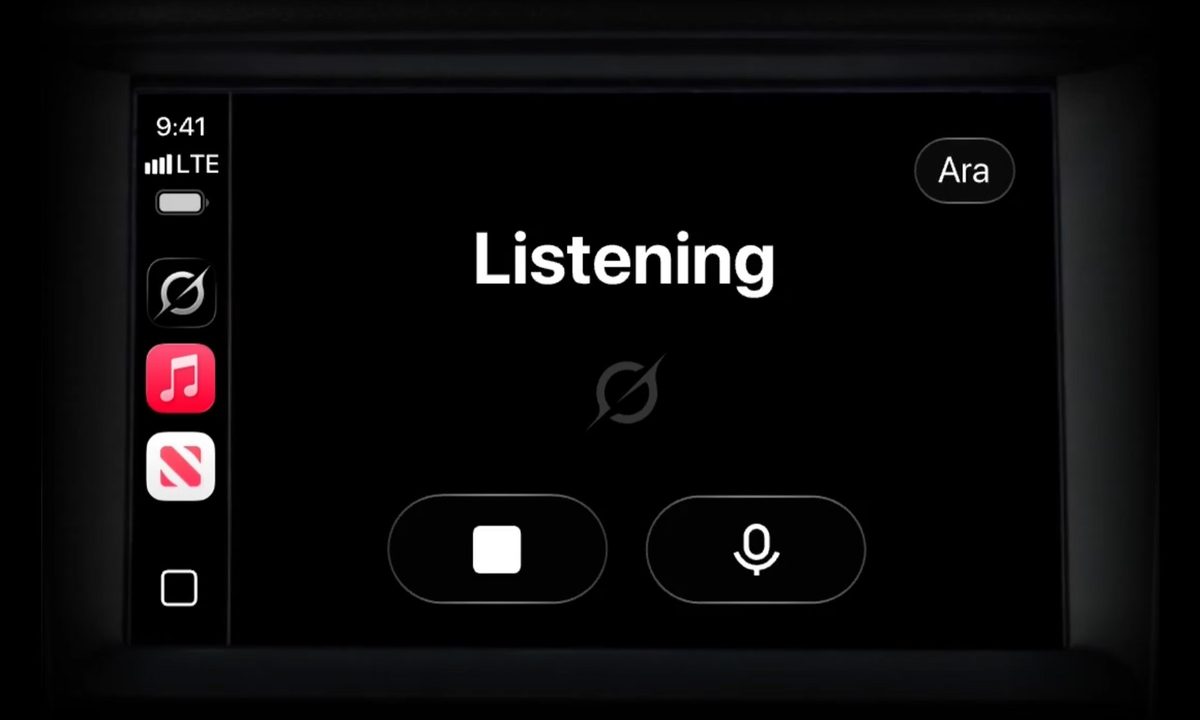
Whether you use the latest iPad versions or rely on desktop systems, the integration of AI into daily tasks has become an inevitable reality. Today, Grok presents itself as a smart and fast option for those who want immediate answers while on the move, with a touch of Elon Musk’s well-known personality in the AI’s reactions.
Source:

Leave a Reply