Apple has officially released the iOS 26.5 update after several months of beta testing. While some may feel slightly disappointed that the revolutionary Siri features we are waiting for have been postponed to iOS 27, this update is not without Apple’s magical touches and some improvements that will make your digital life smoother and more secure. It is a “quality of life” update par excellence, focusing on patching vulnerabilities and improving communication with other systems.
End-to-End Encryption for RCS Messages: Security for Everyone
Finally, you can message your friends who use Android devices with the same level of security you enjoy with iPhone users. The iOS 26.5 update brings end-to-end encryption (E2EE) support for RCS messages, meaning that the texts you send cannot be intercepted or read by anyone except the sender and the receiver.
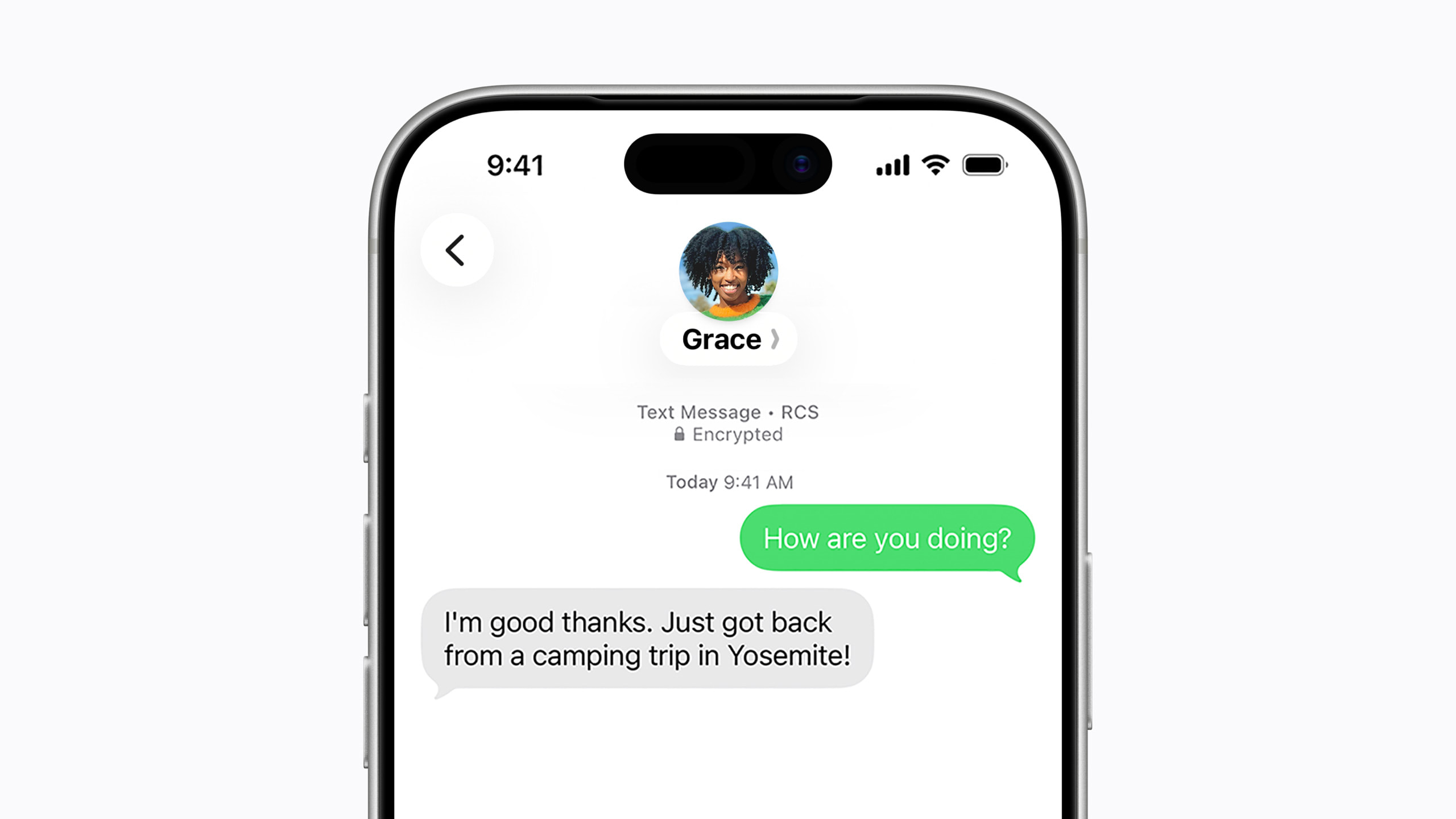
This feature works automatically and depends on carrier support for the latest version of the RCS protocol. You can verify that the conversation is encrypted by seeing a small lock icon next to the messages, and Apple also provides an option in the Messages settings to control this feature. Say goodbye to worrying when communicating outside the Apple ecosystem!
Major Changes in the European Union: Freedom for Third-Party Devices
In compliance with the EU’s Digital Markets Act, Apple has made historic concessions that grant wearable devices from other companies features that were previously exclusive to its own products. Now, headphones from competing companies can use the “proximity pairing” feature, where a pop-up window appears with a single tap to connect to the iPhone, just like AirPods.

It doesn’t stop there; third-party smartwatches are now able to receive interactive notifications from the iPhone and reply to them, and they can also display “Live Activities” directly on your wrist. These features, although currently limited to users in the European Union, represent a major shift in the openness of the iPhone system to third-party accessories.
Apple Maps
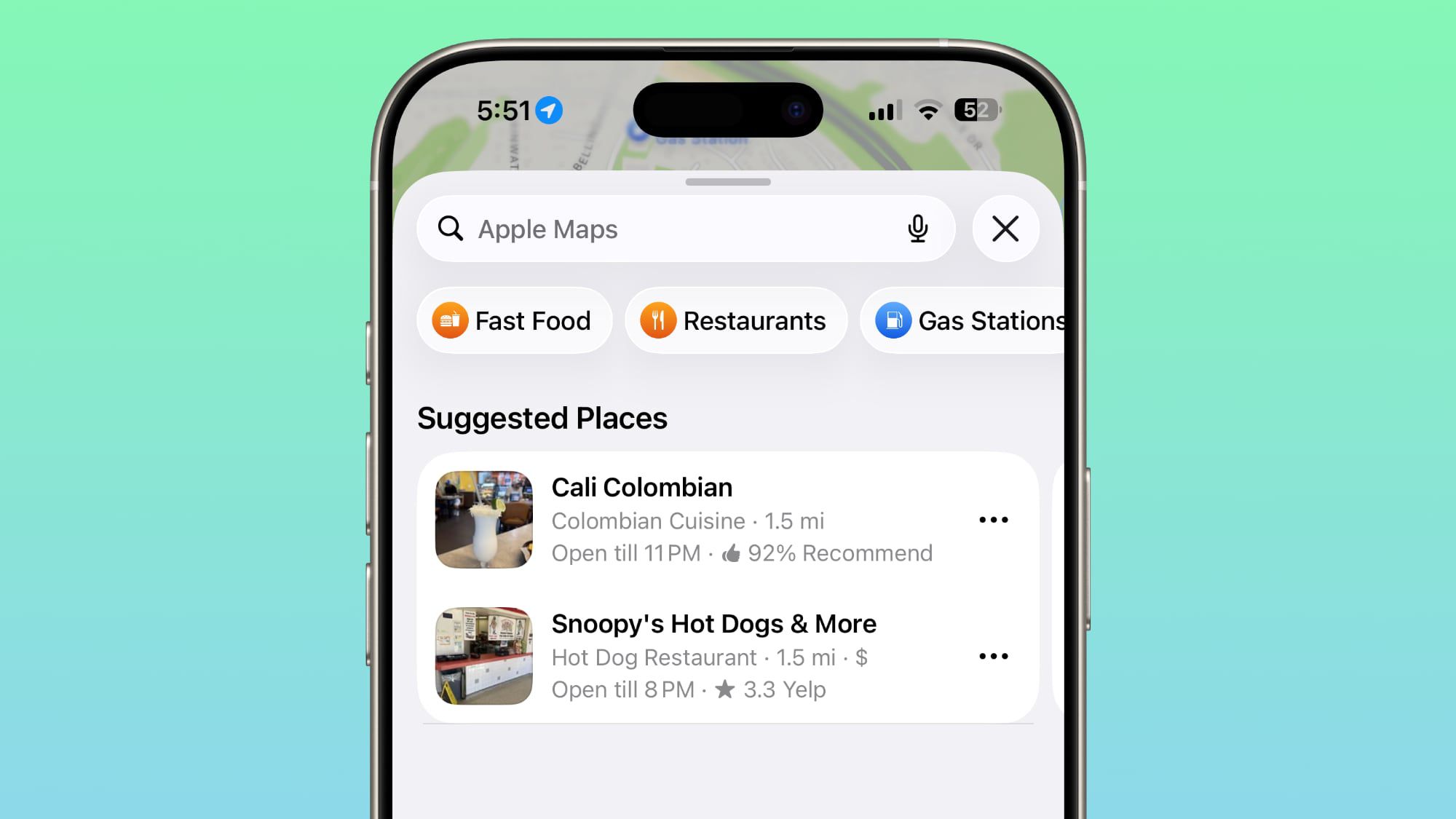
The Maps app received its share of the update via the “Suggested Places” feature, which uses on-device intelligence to recommend destinations to visit based on your recent searches or places currently trending in your area. The system code also included initial seeds for the possibility of displaying ads within the app in the future, although it has not been publicly activated yet.
Small but Smart Improvements
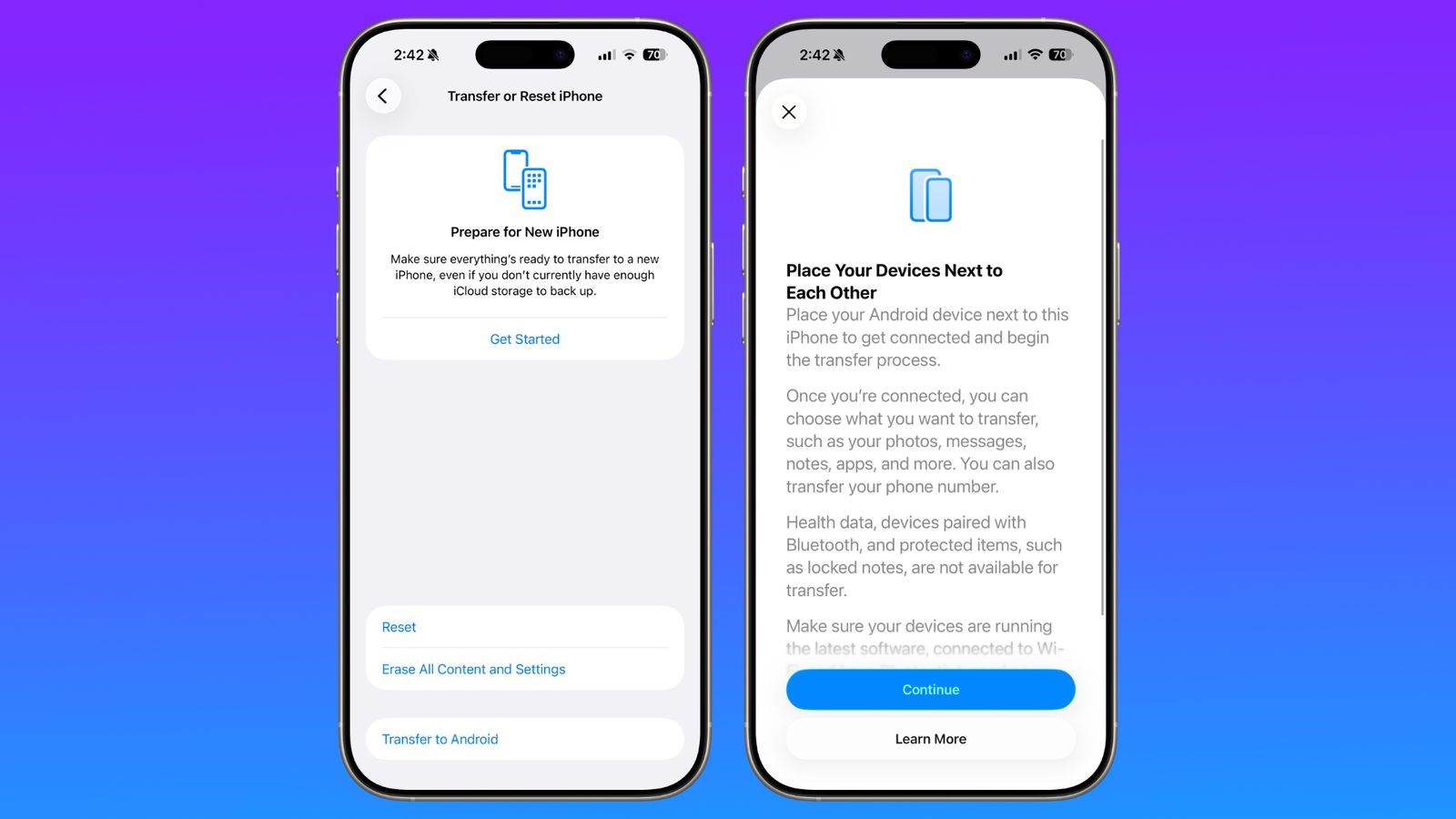
There are many small details that make the user experience better; for example, when connecting a Magic Keyboard via the USB-C port, the iPhone will automatically establish a Bluetooth connection with it without any intervention from you. Apple also added a useful feature for those who decide to switch to Android, allowing you to choose the time duration for the attachments you want to transfer (all, last year, or only the last 30 days).
Security First: Do Not Ignore This Update

Beyond the visual features, iOS 26.5 addresses more than 50 security vulnerabilities discovered in the system. Although Apple has not observed active exploitation of these vulnerabilities, updating your device as soon as possible remains the smartest step to protect your data and privacy from any potential threats.
Source:

Leave a Reply