Most of us spend the better part of our day staring at smart device screens, whether it’s for work on a Mac or browsing social media on an iPhone or iPad. Over time, we begin to feel eye dryness, headaches, or even blurred vision—symptoms of what is known as “Digital Eye Strain” (DES). This brings us to the famous debate: should we save our eyes by switching to Dark Mode, or is Light Mode innocent of these accusations? The truth might surprise you; it is not just a matter of personal taste!
Why is Dark Mode not always the best choice for your eyes?
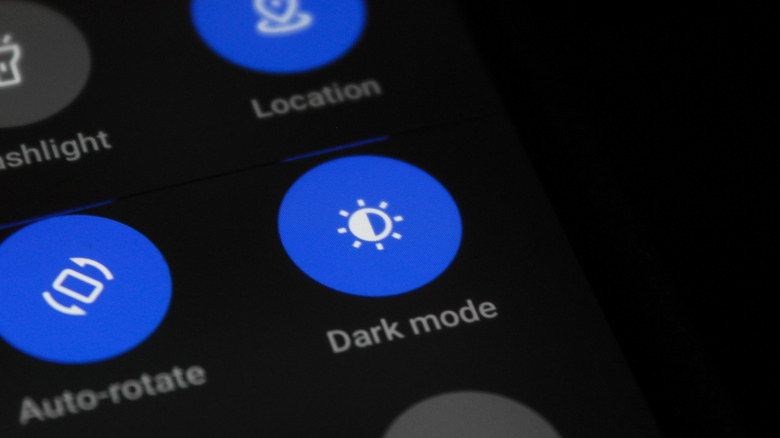
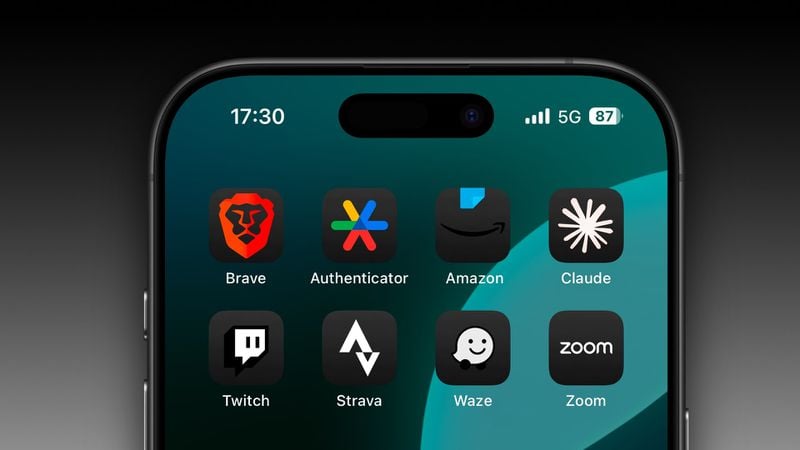
Dark Mode has long been associated with visual comfort and the sleek aesthetic it adds to the screen. But medically speaking, Dark Mode is not always the superhero you imagine. In low-light conditions, the pupil dilates to allow as much light as possible to enter, and this is where Dark Mode comes in to reduce screen glare and match it with the surrounding room lighting to soothe the eyes. But what if you use Dark Mode in a fully lit room?
When using Dark Mode in a well-lit environment, your pupil dilates unnaturally relative to the room’s brightness, which reduces the depth of field (the ability to see objects clearly and in focus). This forces your eyes to exert extra effort to focus on light text against a black background, which can make edges appear blurry and not entirely sharp.

This problem becomes more complex if you suffer from nearsightedness or astigmatism, a common defect in the curvature of the eye’s cornea that causes light to refract in multiple directions. When using Dark Mode, white words appear to overlap and bleed into the black background, a visual phenomenon known as the “Halation effect,” which strains the eyes even if you are wearing your prescription glasses.
Light Mode can also be comfortable: Easy tricks and tips
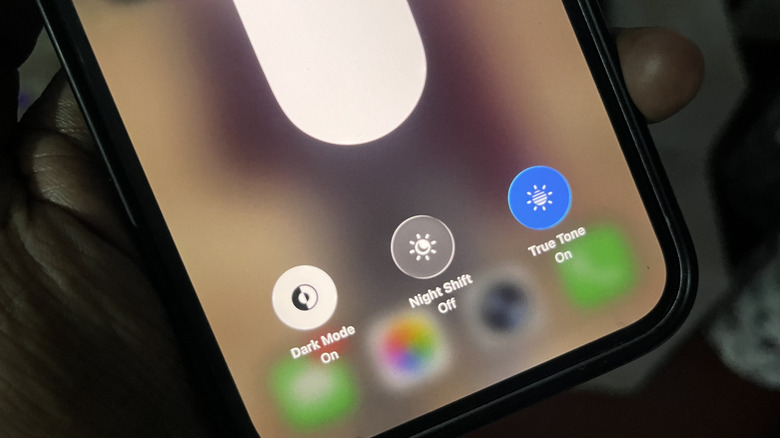
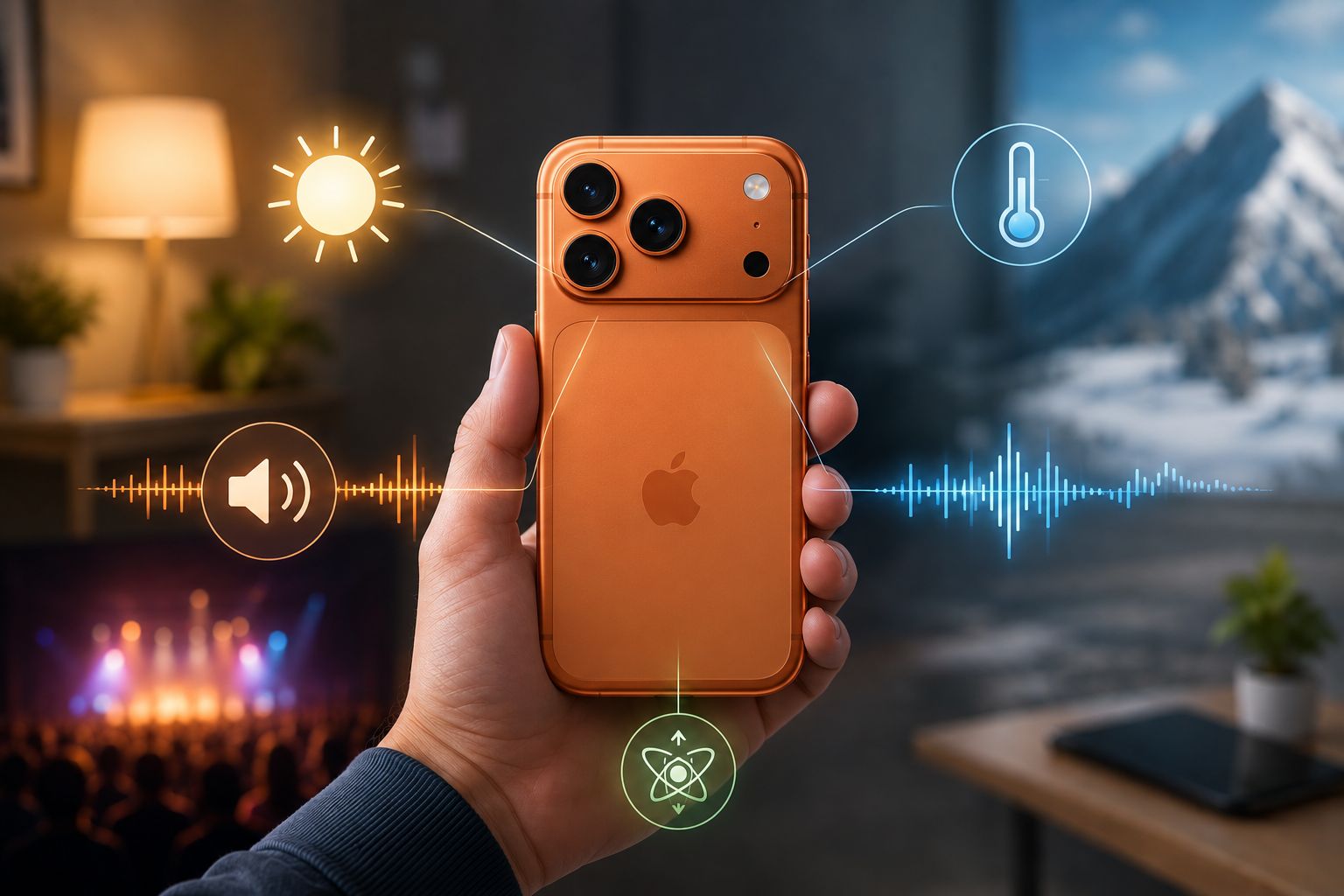
If you find that Dark Mode tires your eyes, don’t worry; Light Mode can be very comfortable with a few simple adjustments. First, you can reduce screen brightness to perfectly match your surrounding lighting; excessive glare is the number one enemy of vision. Modern iPhones and some Android devices have smart sensors that automatically adjust brightness according to the room you are in.
Although turning off auto-brightness and controlling it manually from the Control Center may help significantly extend your iPhone battery life, manually balancing the brightness to suit the room’s lighting remains a very important step to protect your eyes from constant daily strain.
Another magic solution is enabling the “Night Shift” feature or eye protection mode. This feature adds a warm, yellowish tint to the screen, which significantly reduces the emission of eye-straining blue light. Blue light promotes alertness and inhibits the release of the hormone melatonin, which is responsible for sleep—this is the main reason you might struggle to sleep with the TV on in your room. Turning on Night Shift at least an hour before bed will help you relax and sleep faster and deeper without needing to buy expensive blue light glasses that have no real benefit.
Smart balance is the key to visual comfort
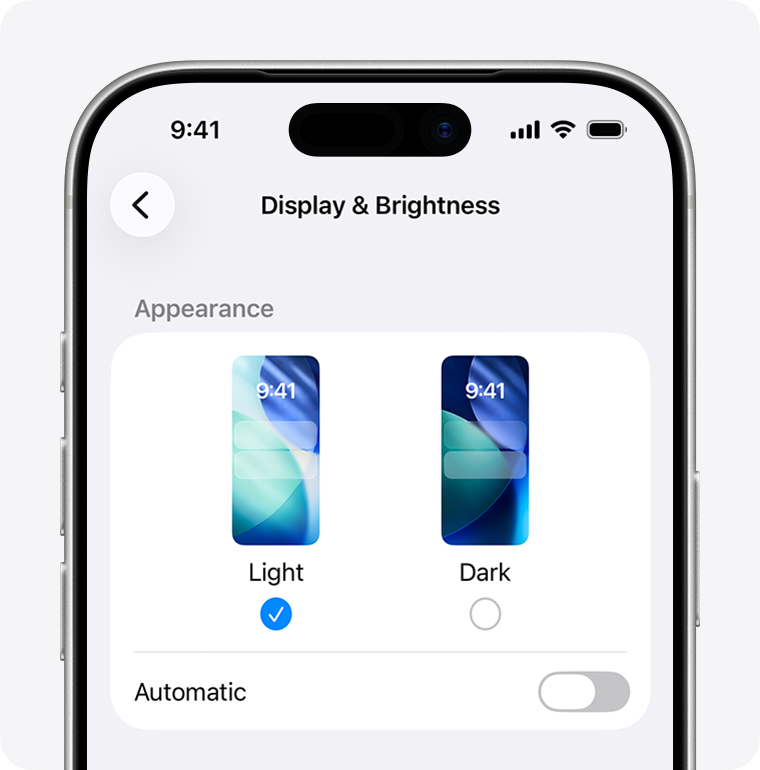
Ultimately, there is no absolute winner in the “Dark vs. Light Mode” battle. It depends entirely on your surrounding environment and your individual eye health. The best choice to protect your vision is dynamic adaptation: use Light Mode with “True Tone” enabled during the day in well-lit rooms, and let your device automatically switch to Dark Mode and “Night Shift” at sunset or in dimly lit rooms. This smart balance is what ensures maximum protection for your eyes and uninterrupted productivity.
Source:
Leave a Reply