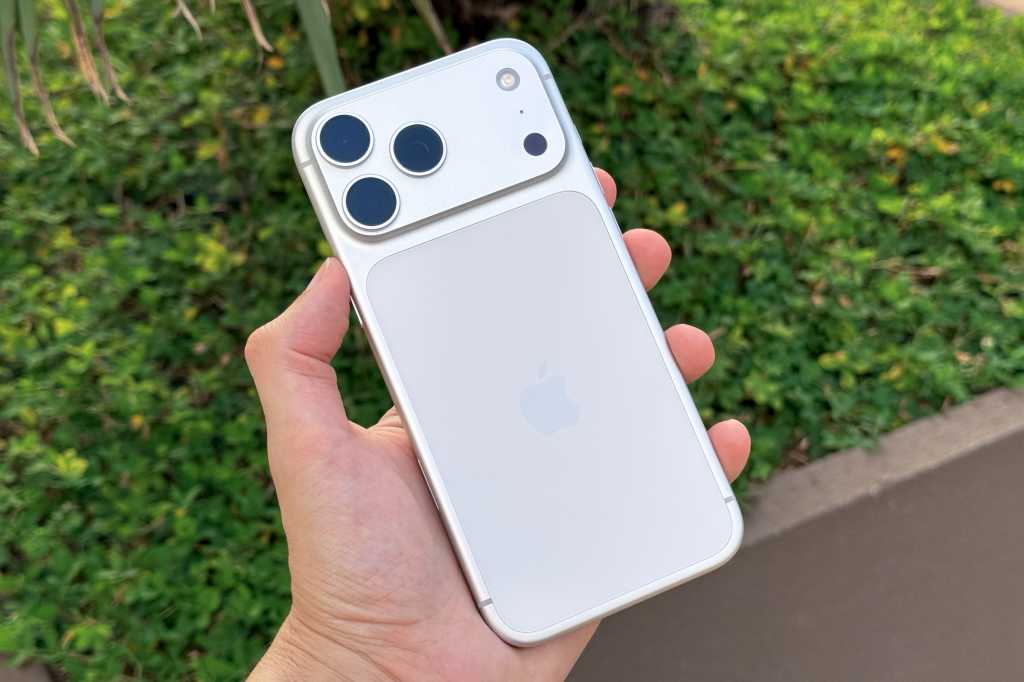
Did you know that the iPhone in your pocket is more than just a tool for browsing the internet and making calls? In fact, this small device is packed with advanced sensors that make it a mobile scientific laboratory capable of measuring light, noise levels, and even temperatures. Apple integrates these technologies intelligently to assist you in your daily life, whether it’s to protect your hearing or automatically adjust your screen brightness.
Measuring Sound and Noise Levels (Loudness)
One of the most prominent sensors we use daily without realizing it is the microphone, but not just for sending voice messages or talking to Siri. Through the “Hearing” feature built into the iOS operating system, you can turn your iPhone into a real and reliable Decibel Meter. By adding the Hearing tool to the Control Center, you will be able to see the sound levels around you in real-time to protect your ears from loud noise.

Additionally, Apple provides advanced safety features that automatically alert you if sound levels in your headphones exceed safe limits for long periods, which is an excellent step to maintain your hearing health without the need for complex external measuring tools.
Measuring Light Intensity and Light Levels (Light)
The iPhone contains a highly advanced Ambient Light Sensor located at the top of the screen next to the front camera and the Face ID system. This small sensor is responsible for features like Auto-Brightness and True Tone, which adjusts the screen colors to suit the ambient light around you to provide a comfortable reading experience for your eyes.
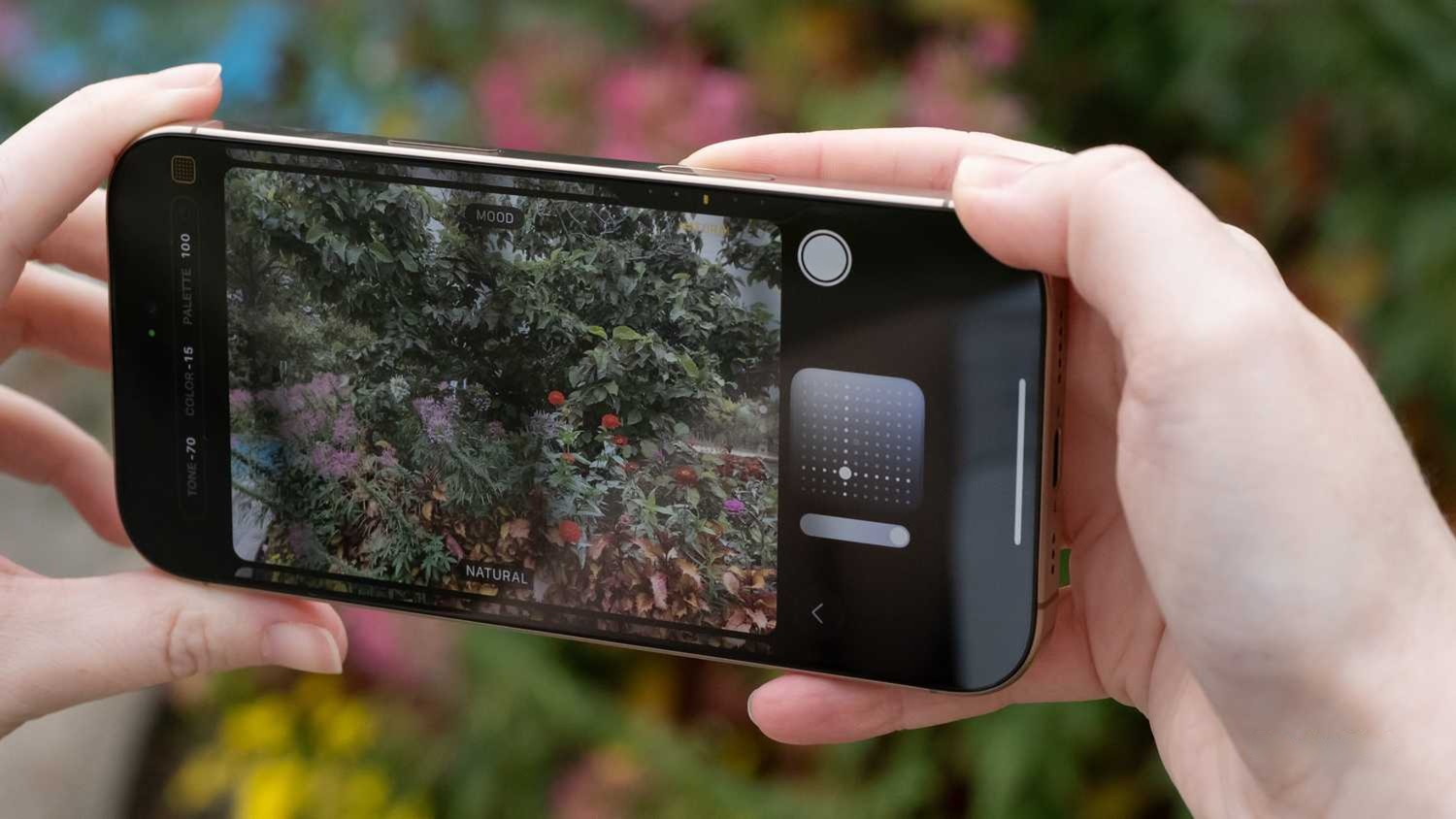
Although iOS does not display a direct numerical value for light intensity by default, you can use many excellent apps available on the App Store that use the device’s cameras and sensors to turn your phone into a professional Light Meter, perfect for photographers and indoor plant enthusiasts.
Measuring Temperatures: Internally and Externally (Heat)
When it comes to heat, the iPhone contains a network of internal Thermal Sensors. The primary function of these sensors is to monitor the temperature of the processor and battery to protect internal components from damage, as the system will stop charging or reduce screen brightness and show a warning message if the phone overheats excessively.
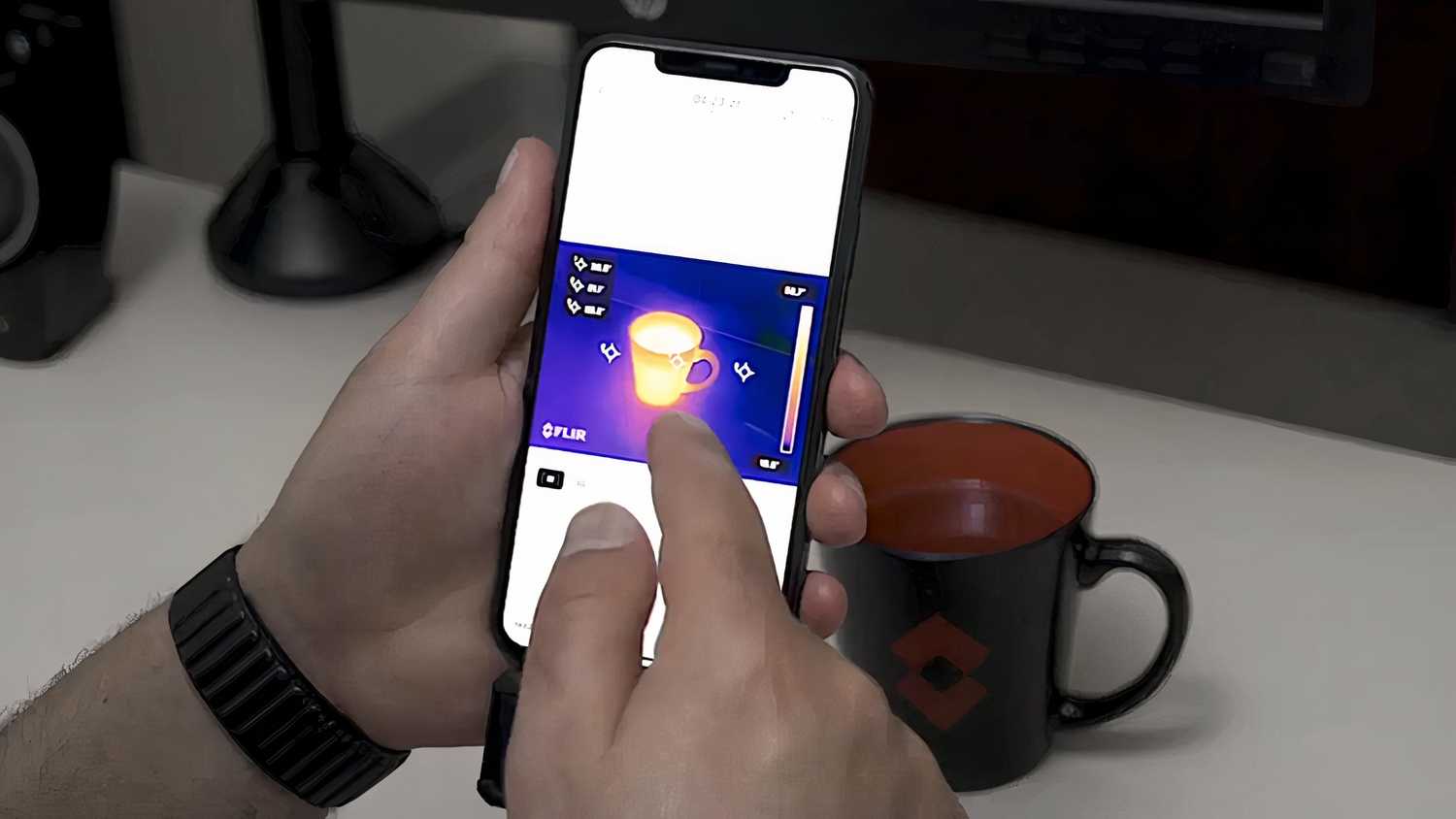
As for measuring external temperatures or room temperature, the iPhone does not have a direct external heat sensor like it does with the light sensor. However, the phone relies on built-in weather apps to provide you with accurate temperatures via the internet. You can also always connect external temperature measuring accessories or specialized thermal cameras via the charging port to turn your phone into a complete thermal monitoring device.
Source:
Leave a Reply