Apple continues to push the boundaries of artificial intelligence and ecosystem integration with iOS 27, and the Messages app has not been left out of these revolutionary updates. Alongside the major changes to Wallet, Calendar, Music, and Maps, the Messages app in this update comes with a wonderful set of smart and practical features that make the daily chat experience smoother and more intelligent. From one-tap smart suggestions to advanced drawing tools, let’s explore everything new in the Messages app for iOS 27 together.
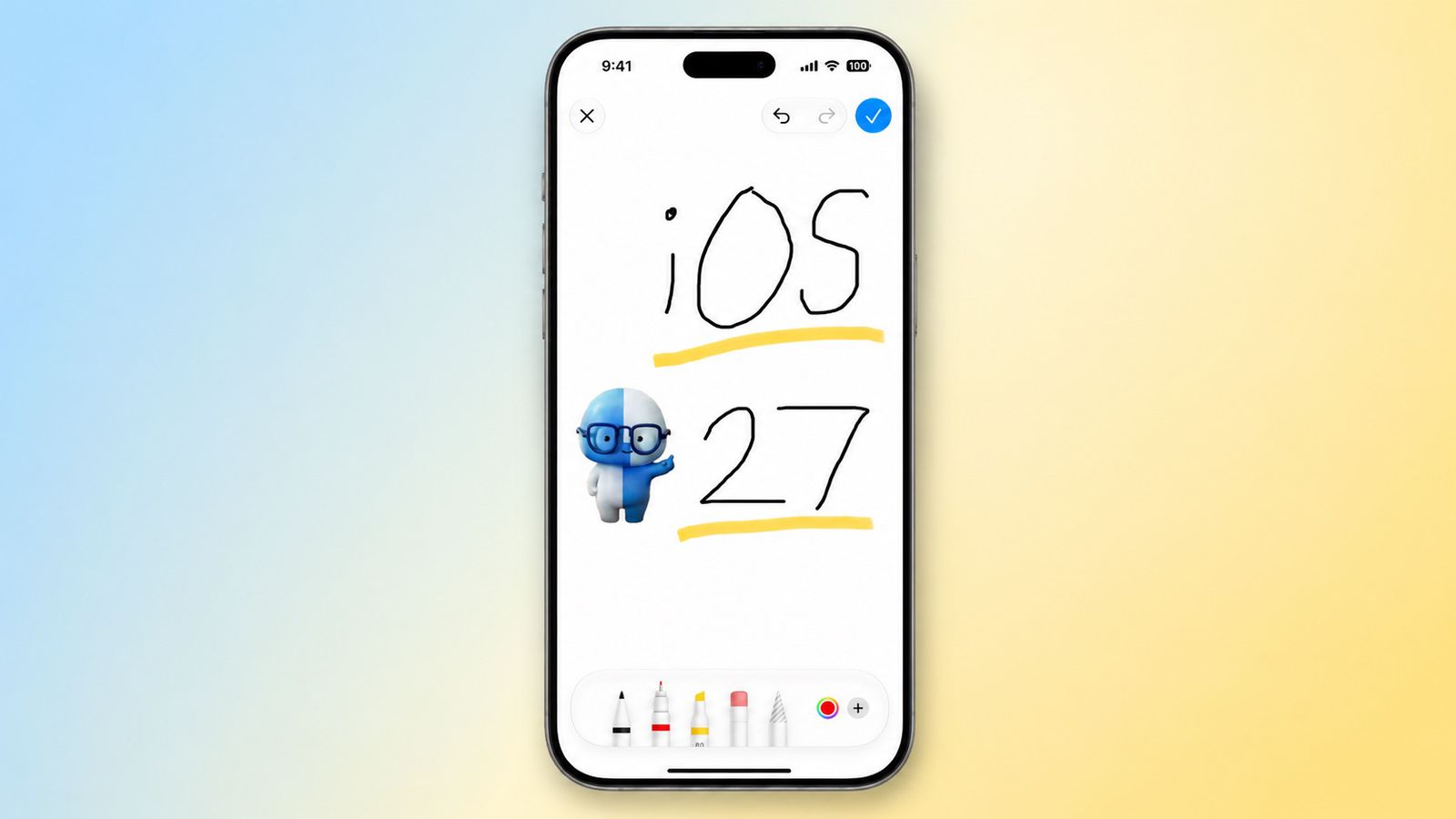
One-tap suggestions powered by Apple Intelligence
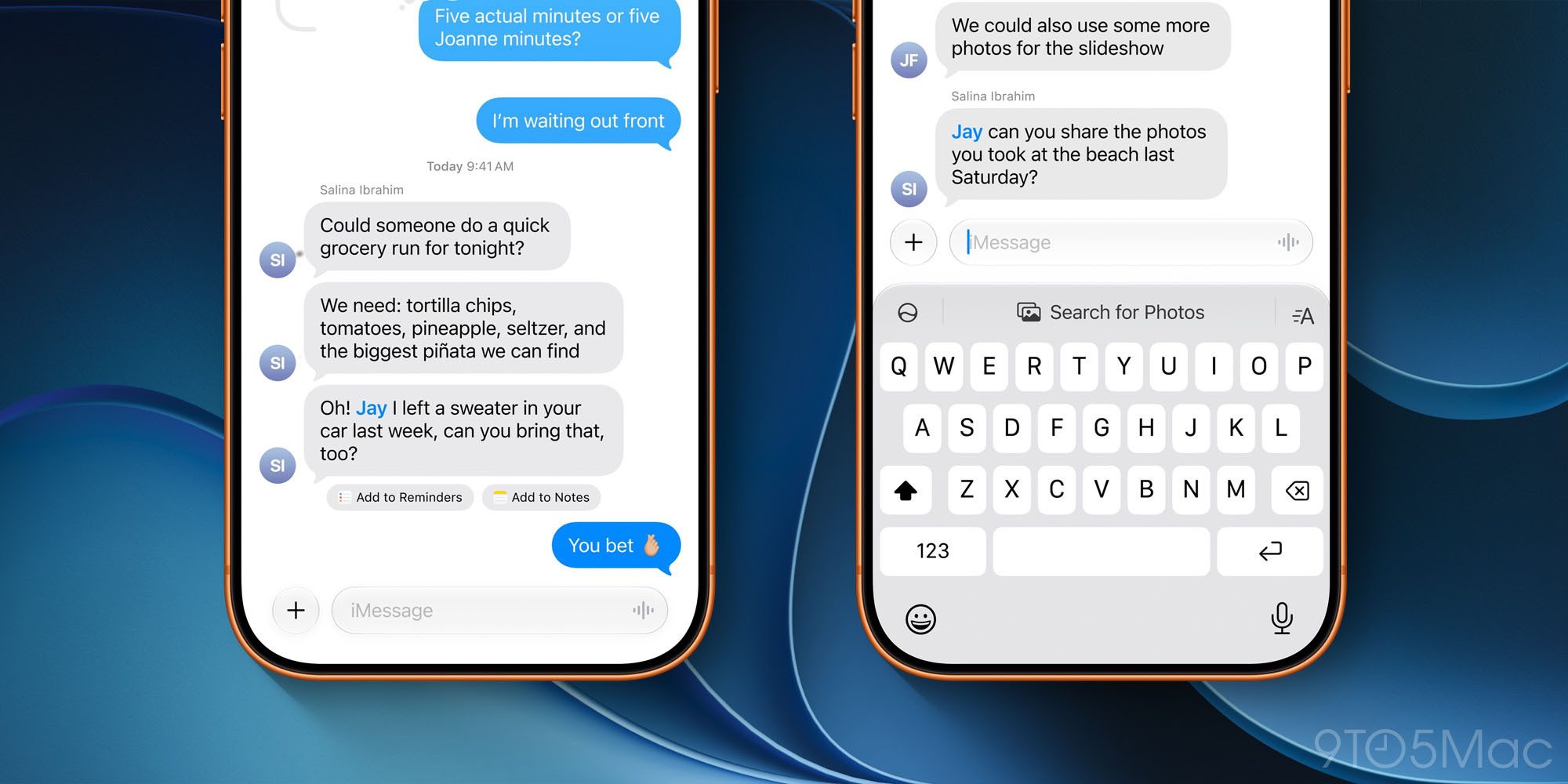
Thanks to the capabilities of “Apple Intelligence,” the Messages app now offers a “One-tap suggestions” feature to help you complete tasks quickly or find information to share with your friends effortlessly.
This feature relies on understanding the context of the ongoing conversation to provide smart suggestions that appear directly below the relevant message or in the top row of the keyboard. For example, if a friend asks you to send photos from your last trip, the Messages app will recognize the keywords, location, and people in your photo library to suggest the appropriate photos immediately with just one tap. The system can also suggest creating a reminder or a note based on what you are talking about.
The new “Drawing” app for iMessage and a prelude to the iPhone Ultra
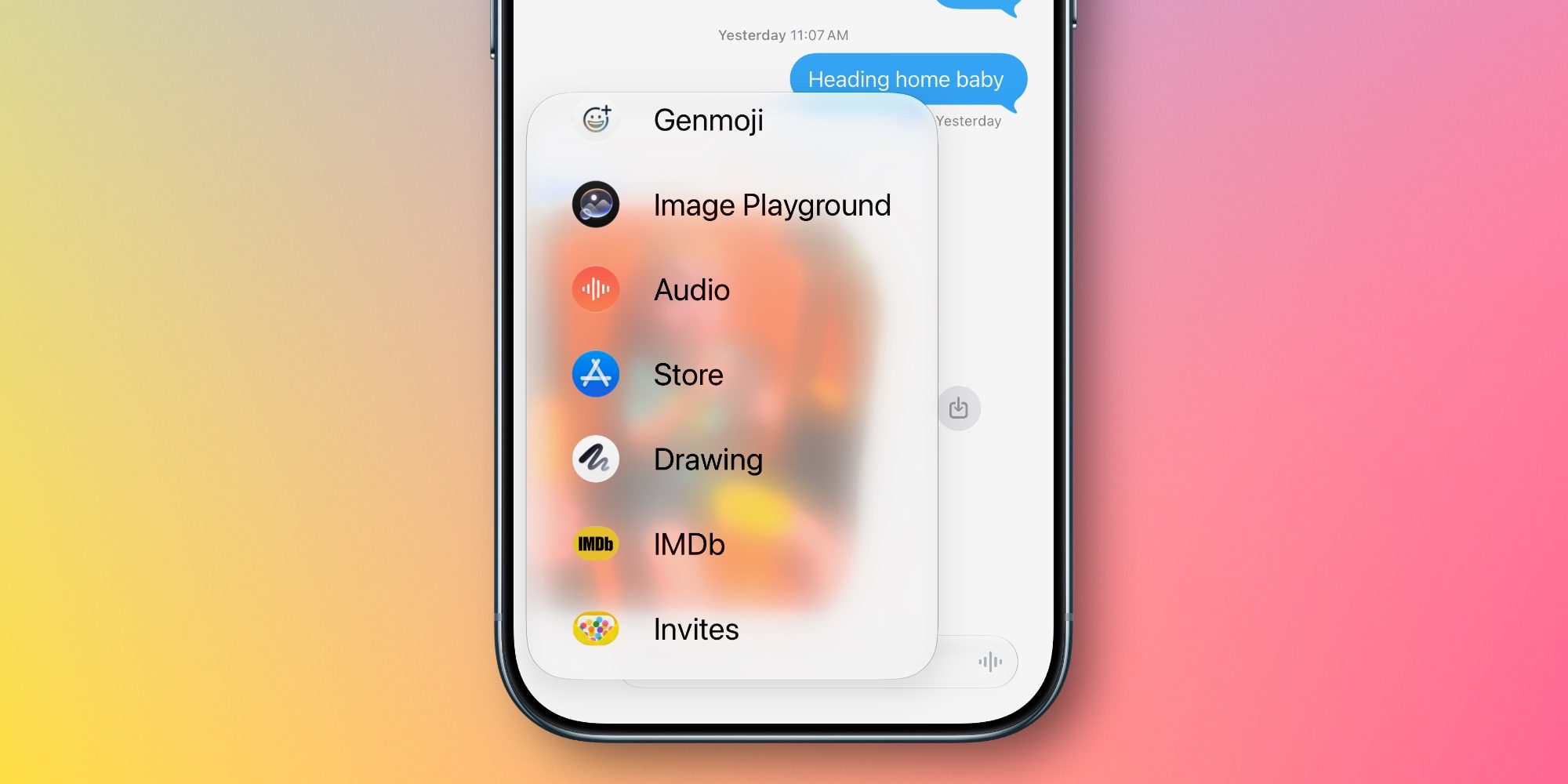
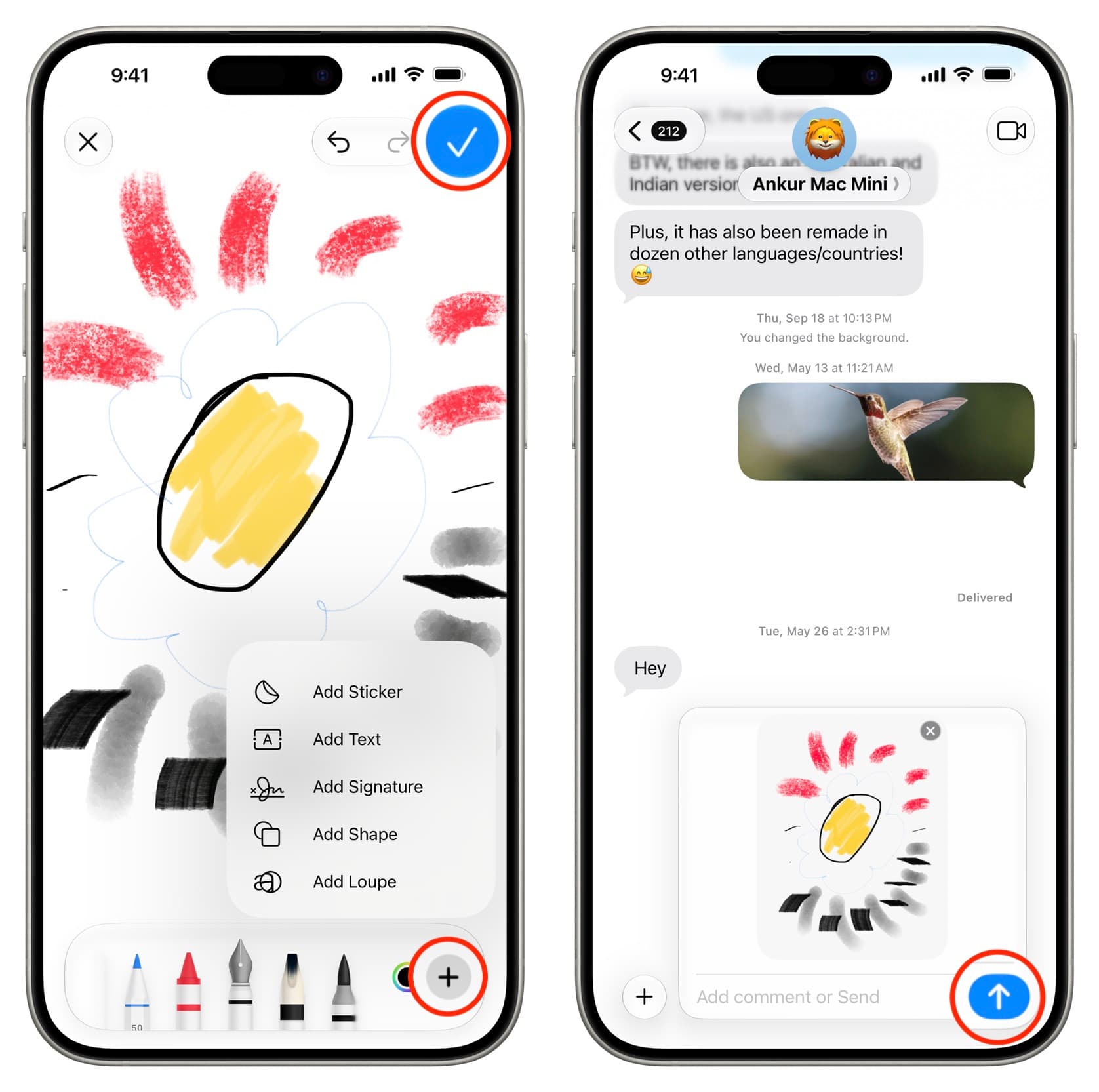
iOS 27 carries many hints and clues confirming the approaching launch of the anticipated “iPhone Ultra” this fall. In addition to code hinting at foldable iPhone features, the Messages app gets a new sub-app dedicated to drawing within iMessage.
New customization options and safety features for children
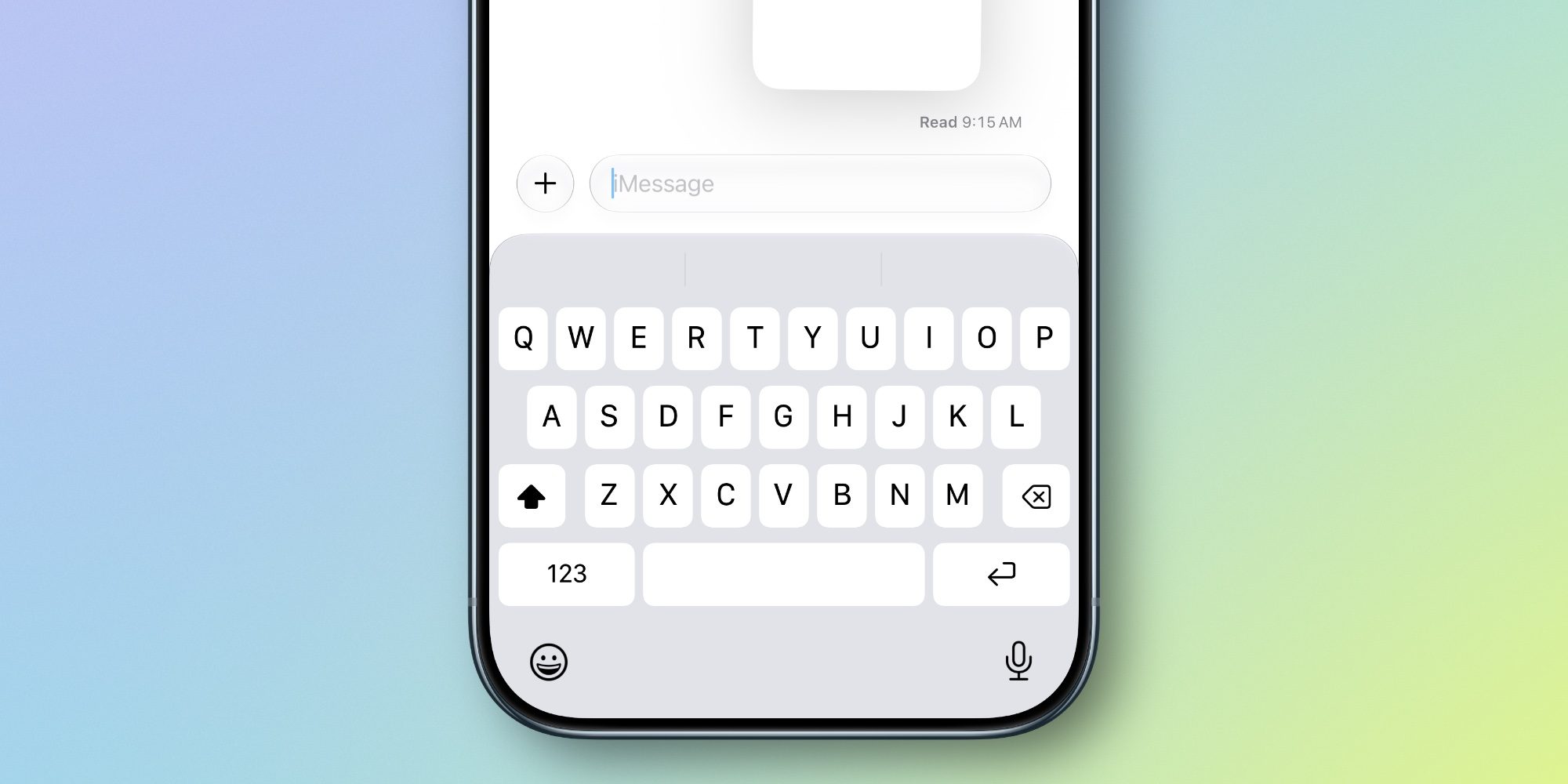
Apple didn’t stop at smart features; it also added practical options that give users greater control over the app’s interface and daily usage experience. Among these changes, Apple added a new setting that allows you to hide the audio recording button that usually appears on the right side of the active text field. You can now go to Settings, then Apps, then Messages, then “Show in Text Field,” and choose between “Audio Recording,” “Start Dictation,” or “None” to customize the field exactly as you prefer.
Furthermore, the notification system has been improved by grouping notifications for multiple Tapbacks, which prevents your screen from being cluttered with annoying notifications when your friends react to your messages. “Smart Reply” suggestions on the keyboard have also been customized to fit your personal writing style thanks to artificial intelligence. Finally, to protect children, the Messages app will automatically detect and block violent or graphic content in photos and videos shared through children’s accounts.
Comprehensive performance and speed improvements
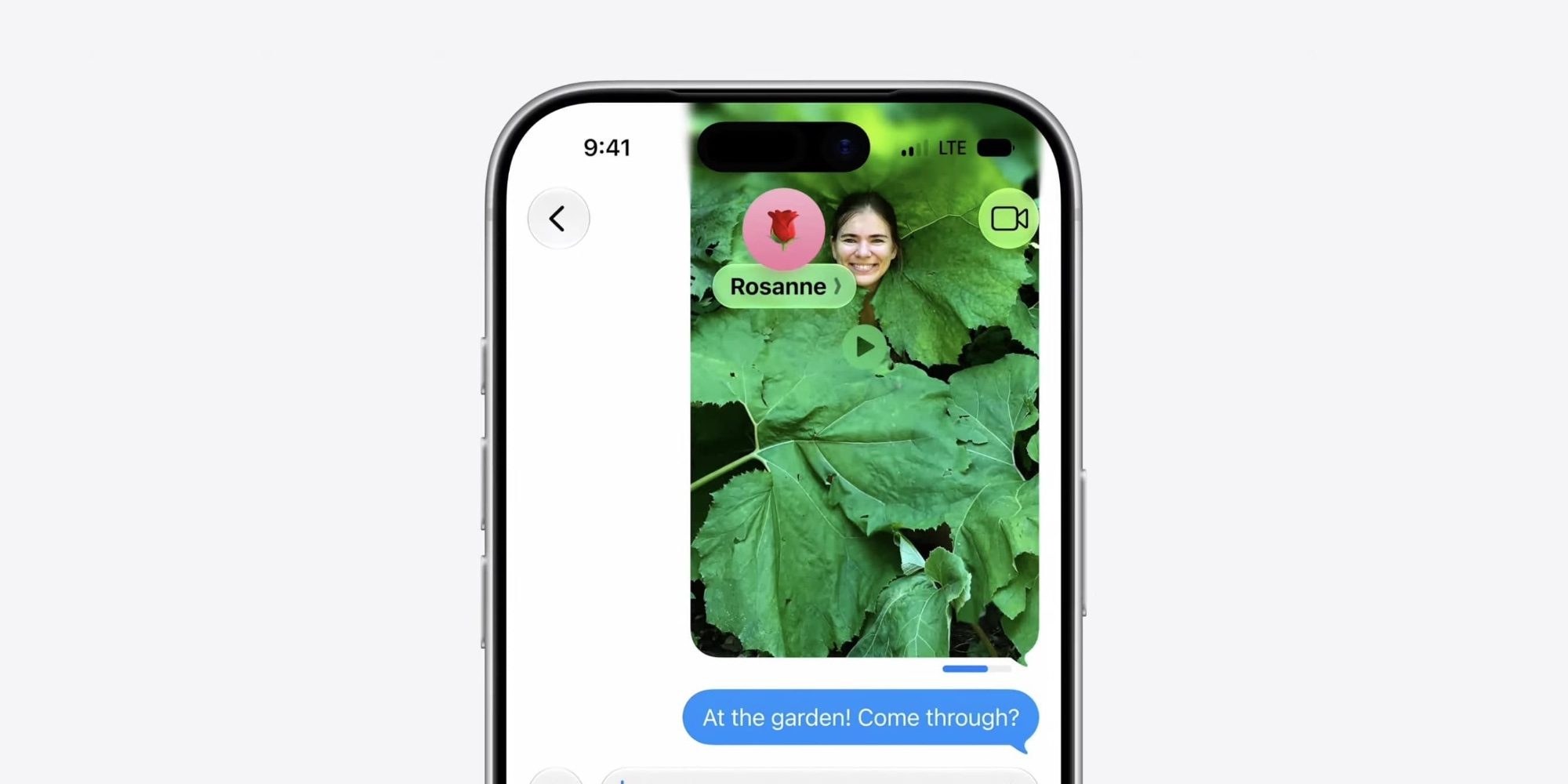
Bug fixes and performance improvements might not seem exciting at first glance, but Apple has done a huge amount of work behind the scenes to ensure the Messages app works with unprecedented efficiency and speed in iOS 27. Here are the most notable improvements announced by Apple to raise the quality and efficiency of the app and the speed of its synchronization across your various active devices in the integrated Apple ecosystem:
- Automatically resending failed messages without user intervention.
- Significantly faster loading of messages and conversations.
- Much faster synchronization of messages across all your linked devices.
- Displaying thumbnails for offloaded media.
- Easily searching and finding offloaded media within conversations.
- Continuous and seamless sending of photos, videos, and text without interruption.
- Ability to search for conversations by phone number or contact nickname.
Source:


Leave a Reply