Apple is finally breaking into the smart home display market with its new device, “HomeView,” which combines FaceTime calls, music, family photos, and a smart home control panel on a single shared screen. At first glance, the $299 price tag seems very tempting for a device bearing the Apple logo, but wait! Before you rush to hit the buy button, there is a complex web of technical requirements, conditions for family members’ phones, and hidden installation costs that could completely change your calculations. Here is the comprehensive guide to the 20 most important points you should know before acquiring this newcomer.
Two models for one price… but beware of the hidden bill
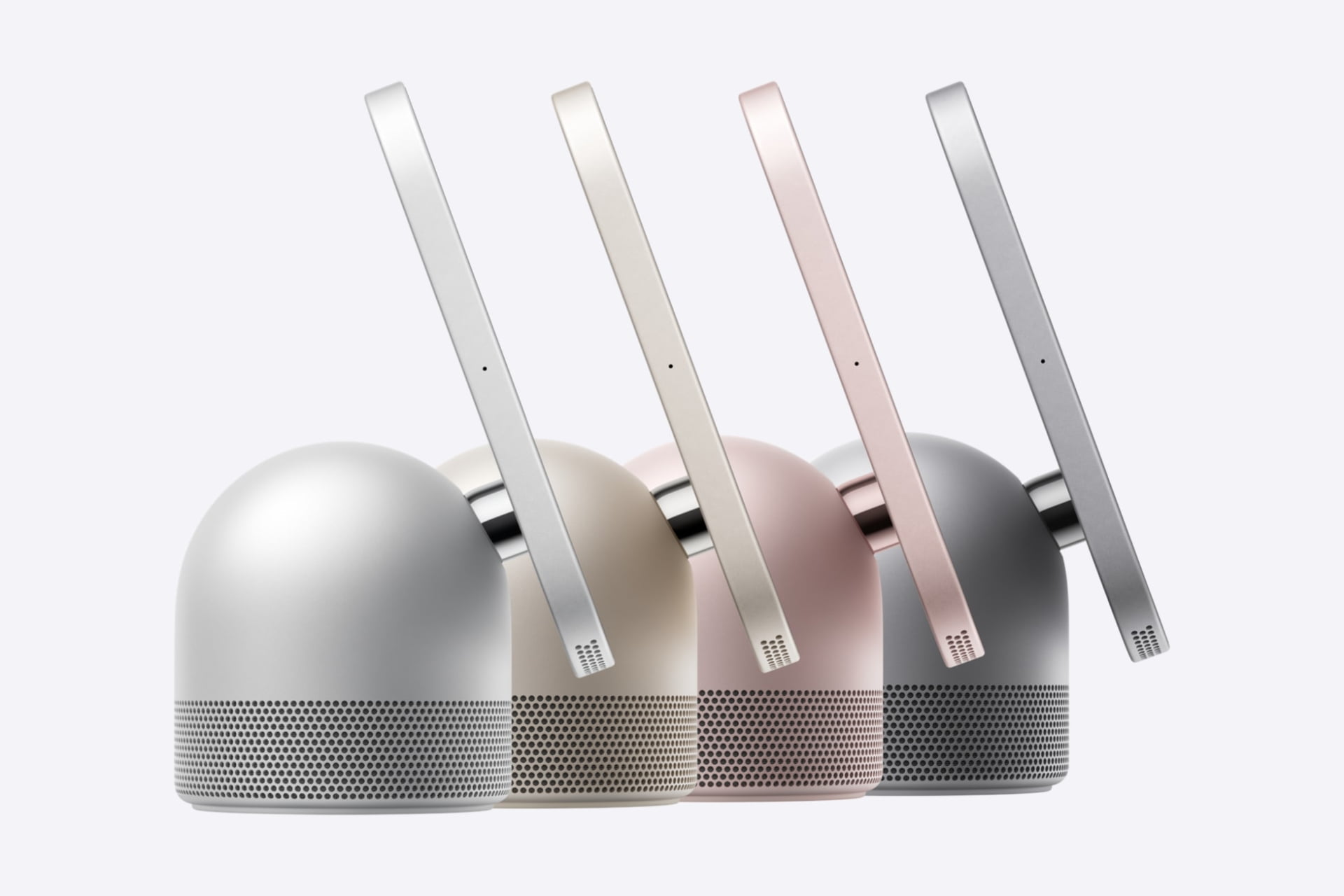
Apple offers the HomeView in two versions that differ significantly in usage, yet share the same base price of $299: the first is designed for placement on a table or shelf (Tabletop), and the second is equipped for wall mounting (Wall-mounted). Both offer a 7-inch screen and the same operating system, with consumer availability starting November 13, but the fundamental differences lie in what you get inside the box.
The tabletop model comes in a wider range of colors including Silver, Starlight, Pink, and Space Gray, with an aluminum body, an elegant spherical speaker base, a color-matched charging cable, and a 30W power adapter inside the box, making it ready to use immediately. The wall-mounted model is limited to Silver and Space Gray and features an ultra-thin profile of just 9.8mm, but the shock is that the box contains only the screen and the instruction manual—no mounting or power accessories!
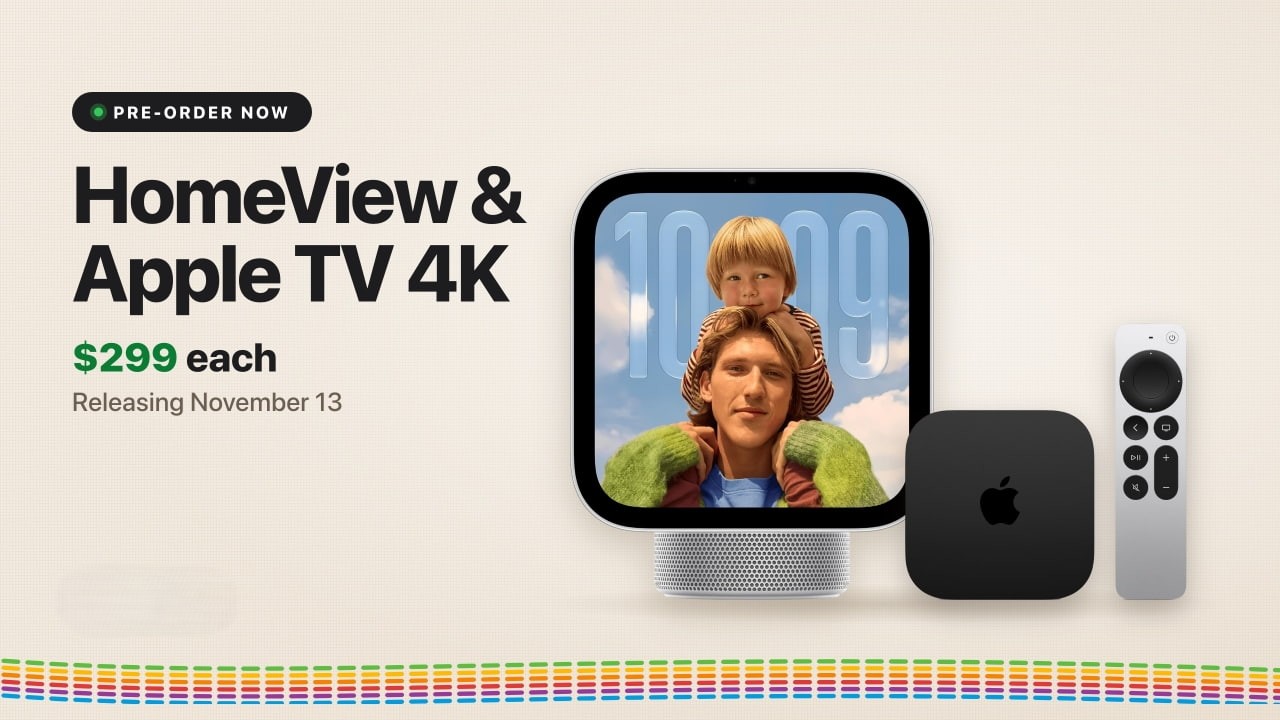
To mount the wall model, you will have to purchase a separate wall mount; Schneider Home offers a wall mount via USB-C for $59.95 that requires an additional charger of at least 20W, raising the cost to about $360 before taxes. The company also offers a mount that connects directly to household electrical wiring for $79.95, which requires an electrician to install, while a Power over Ethernet (PoE) mount will be available in early 2027. Add to that an obvious fact that some might overlook: neither device has a built-in battery, meaning you cannot carry either one to the couch to watch a video as you would with an iPad.
A screen that reacts to your movement and recognizes family faces
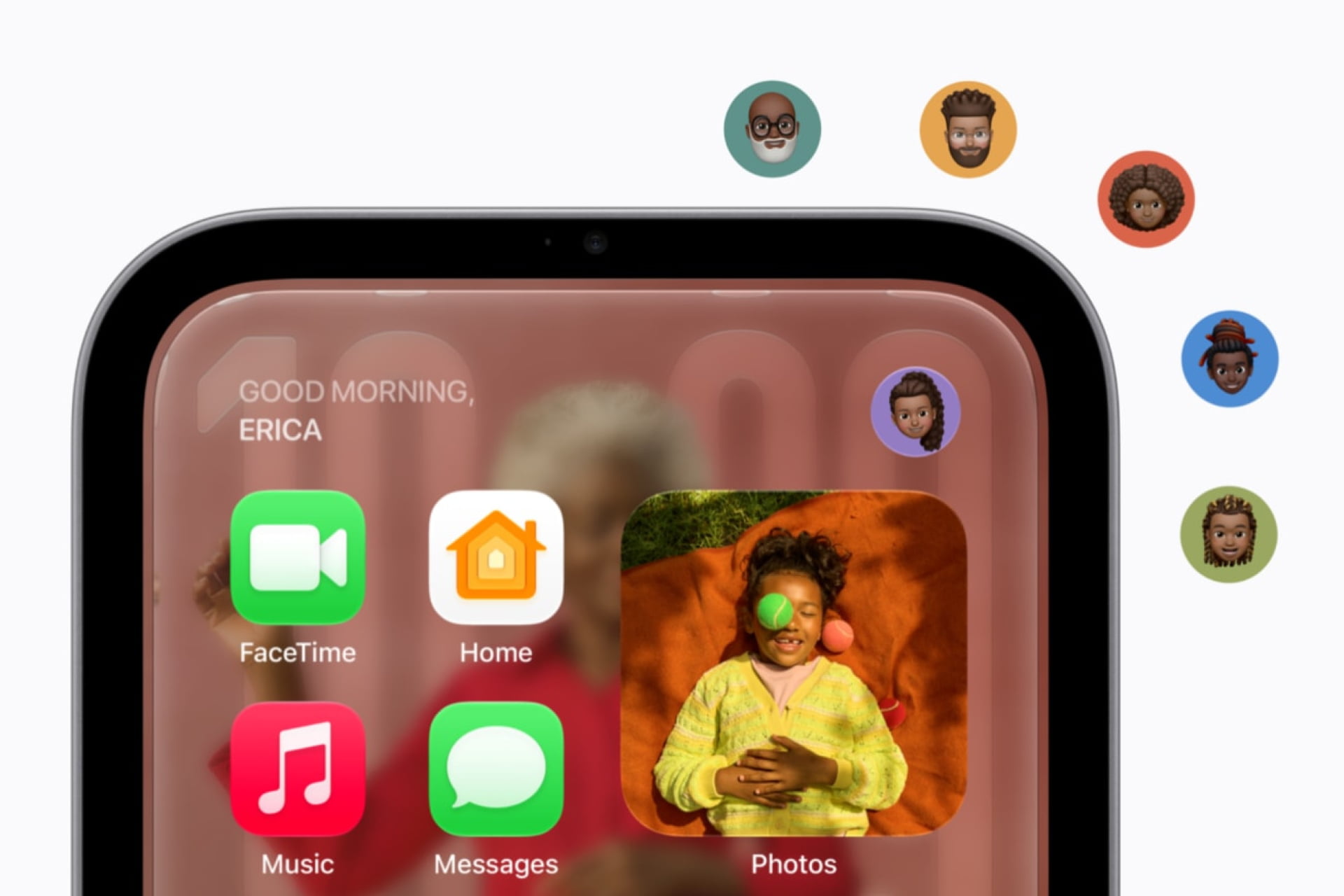
Apple has equipped both devices with a 7-inch square screen with a resolution of 1088 x 1088 pixels, supported by True Tone technology, with brightness reaching 500 nits and intelligently dimming to just 0.3 nits in total darkness to suit bedrooms. The screen is smart in displaying its content; it detects your standing distance and shows simple, large widgets when you are across the room, then expands to show finer details and information as you approach it, in addition to a hinge that allows tilting the screen on the tabletop model for an optimal viewing angle.
Regarding multi-user support, HomeView automatically recognizes the faces of up to six registered individuals in the home, displaying the home screen, apps, and widgets specific to each person. To enable this customization, it requires an independent Apple account for each individual and an iPhone or iPad compatible with joining the shared home in the “Home” app, while shared playlists and albums remain available to all household members and even guests.
But what about privacy? Here, Apple applies its strict security touch; the camera simply recognizing your face will not open your messages or personal calendar to public view! To display sensitive data from messages, reminders, and location, your paired iPhone or iPad must be present in the home and have been unlocked recently. The device relies on the A18 chip equipped with software-isolated security zones (Secure Exclaves) to process camera and microphone data away from the rest of the system.
Apple Intelligence and Siri requirements: The hurdle of household devices

This is the most confusing point for buyers; to activate the AI-powered Siri assistant (Siri AI) on the HomeView screen, the “Home Owner” registered in the “Home” app must necessarily own an iPhone or iPad that supports Apple Intelligence and is running the latest system version with the feature enabled in a supported language. Once the feature is enabled by the owner, any individual in the home can talk to Siri and ask general questions without needing to own a modern phone.
However, if a family member wants to request personal information from Siri (such as reading their messages or checking their upcoming appointments), their personal phone must also support Apple Intelligence and be present near the screen. These processes are handled locally or via Apple’s private cloud computing to ensure data is not saved, and it allows for seamless conversation follow-up via the Siri app on your other Apple devices.
It is worth noting that the use of Apple’s cloud models is subject to certain daily limits, with plans to offer expanded access via a paid subscription in the future. Also, Siri launches in English in only eight countries including the United States, Britain, Canada, and Australia, with promises of Canadian French support later, without a announced timeline for other languages.
The perfect assistant in the kitchen and living room
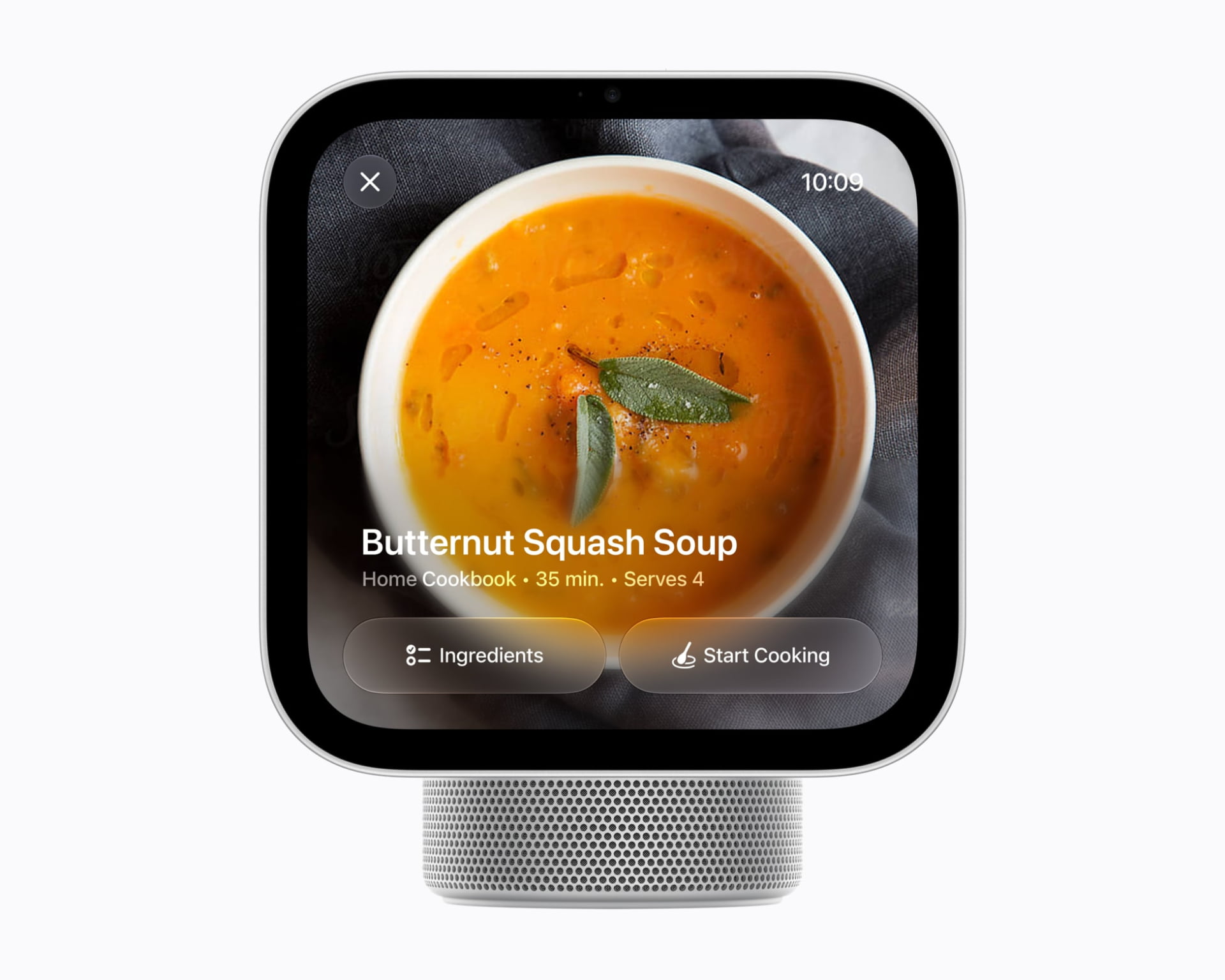
One of the most wonderful practical features of the HomeView screen is its ability to transform complex food recipes from a web browser into a simplified interactive cooking interface; it breaks the recipe down into clear steps and specific ingredients and allows you to run multiple cooking timers entirely via voice commands, saving you from touching the screen with dirty hands while preparing food.
Regarding communication, a 12-megapixel camera is integrated that supports “Center Stage” technology, which tracks your movement and keeps you in the center of the frame during FaceTime calls over Wi-Fi. The screen also allows replying to messages via voice or keyboard, and using the Intercom feature to send voice alerts to specific rooms or all Apple devices in the house, in addition to locating devices and keys equipped with AirTag via the Find My app.
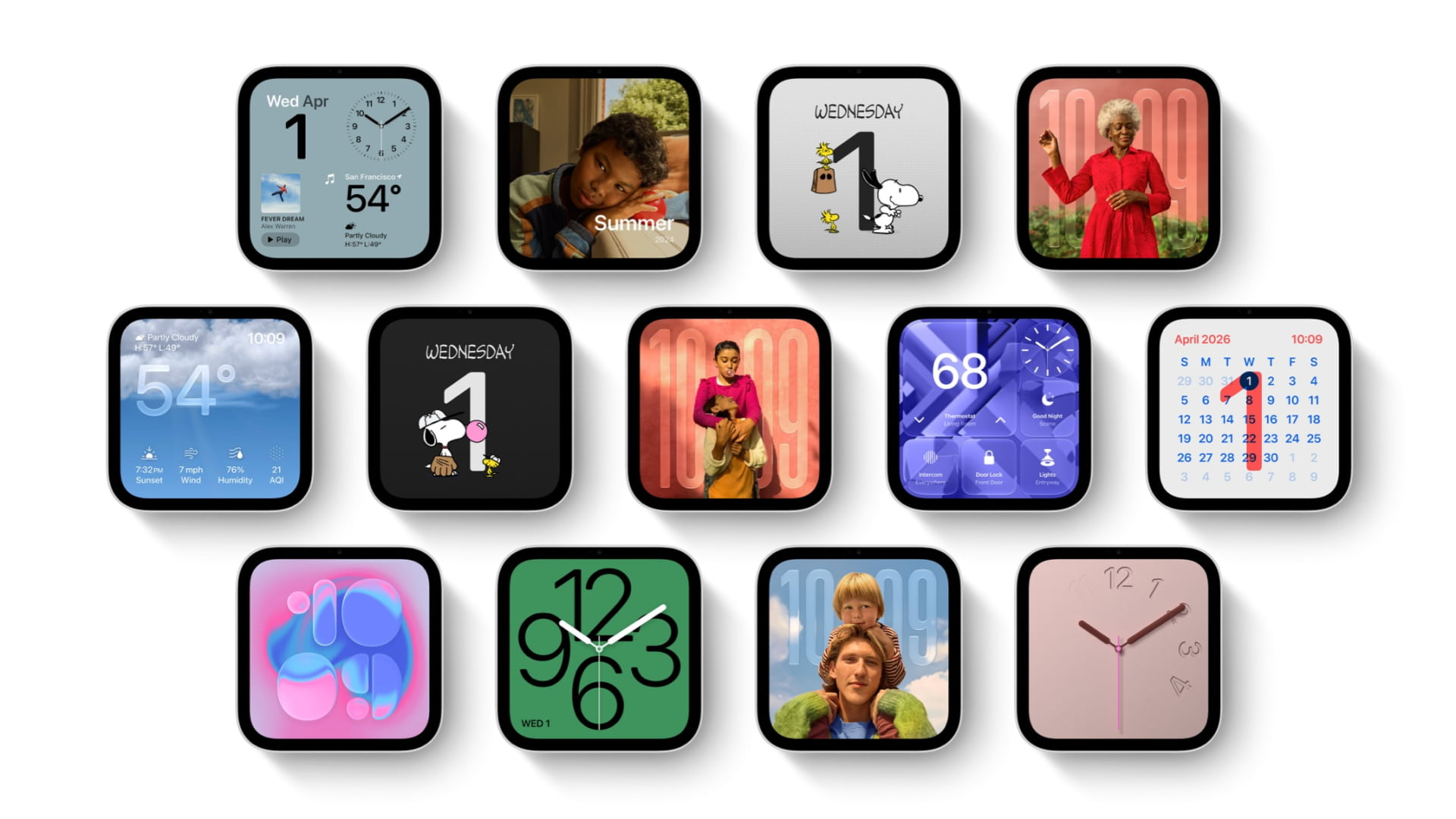
When the device is not in use, it turns into an interactive digital photo frame that adds stunning depth effects to captured photos and allows relatives to add their shots remotely via shared albums. The screen also includes dynamic interfaces such as a Snoopy personal interface whose animations react to the time and weather, while showing Live Activities such as timers and music playing continuously.
Sound system and smart home management
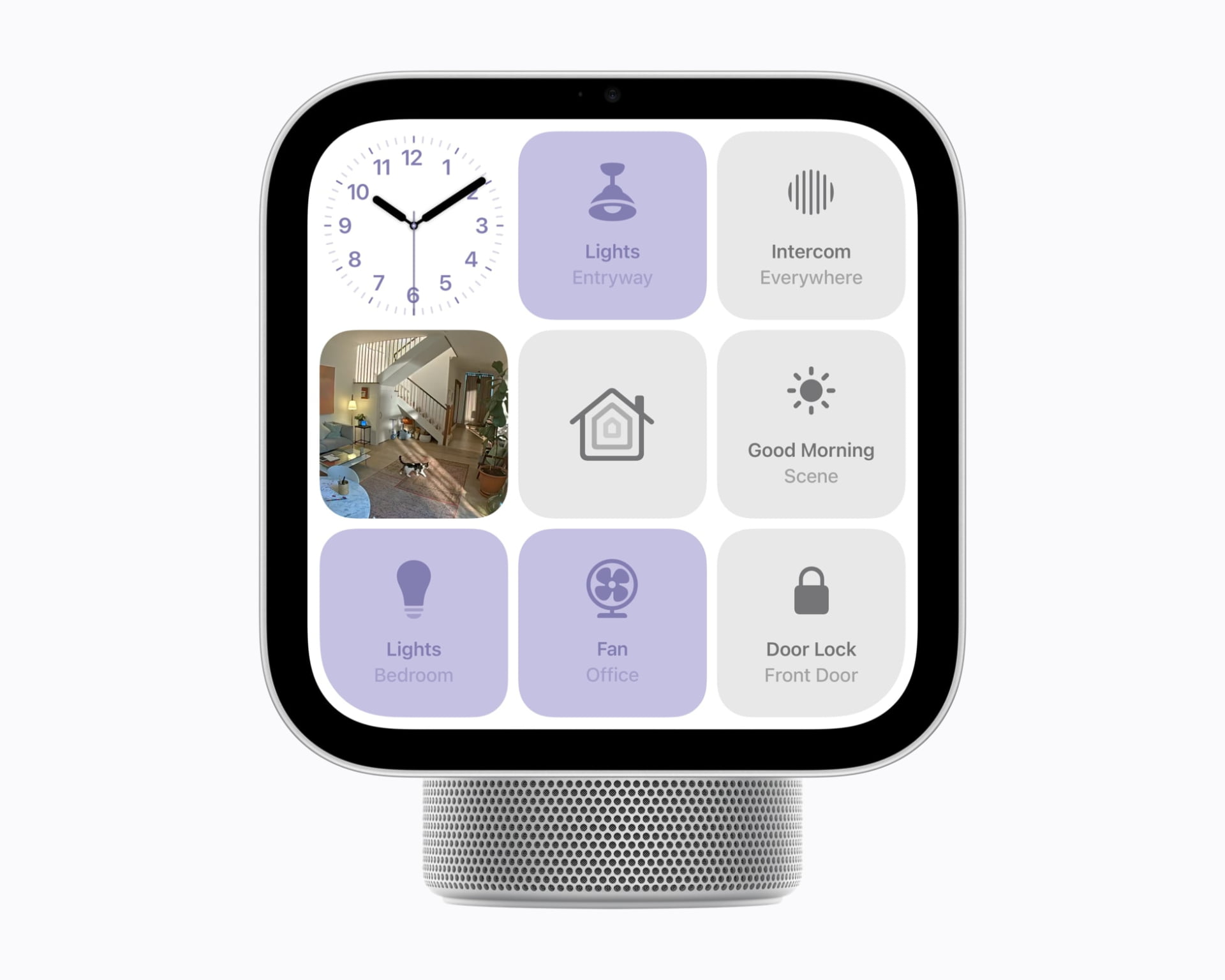
If you are looking for sound quality, the tabletop model clearly excels; while the wall-mounted model contains two multi-range speakers with custom wall-echo tuning, the tabletop model’s base adds a down-firing woofer with passive radiators to cancel vibrations, giving the sound clear depth in low frequencies. The screen supports transferring music from an iPhone by touching it, with the ability to stream audio via the AirPlay protocol to other HomePod speakers and display synchronized song lyrics.
HomeView acts as a main Home Hub that supports Apple Home standards and the Matter protocol, eliminating your need to buy an Apple TV or a dedicated HomePod for this purpose. You can control lights, air conditioners, and locks, and view a live feed of up to nine surveillance cameras at once with face, animal, and package recognition via iCloud+ plans. For added security, the screen can recognize the sounds of smoke and carbon monoxide alarms and send instant notifications to your phones and watch, in addition to having built-in sensors to accurately measure temperature and humidity.
Not an iPad: No App Store!
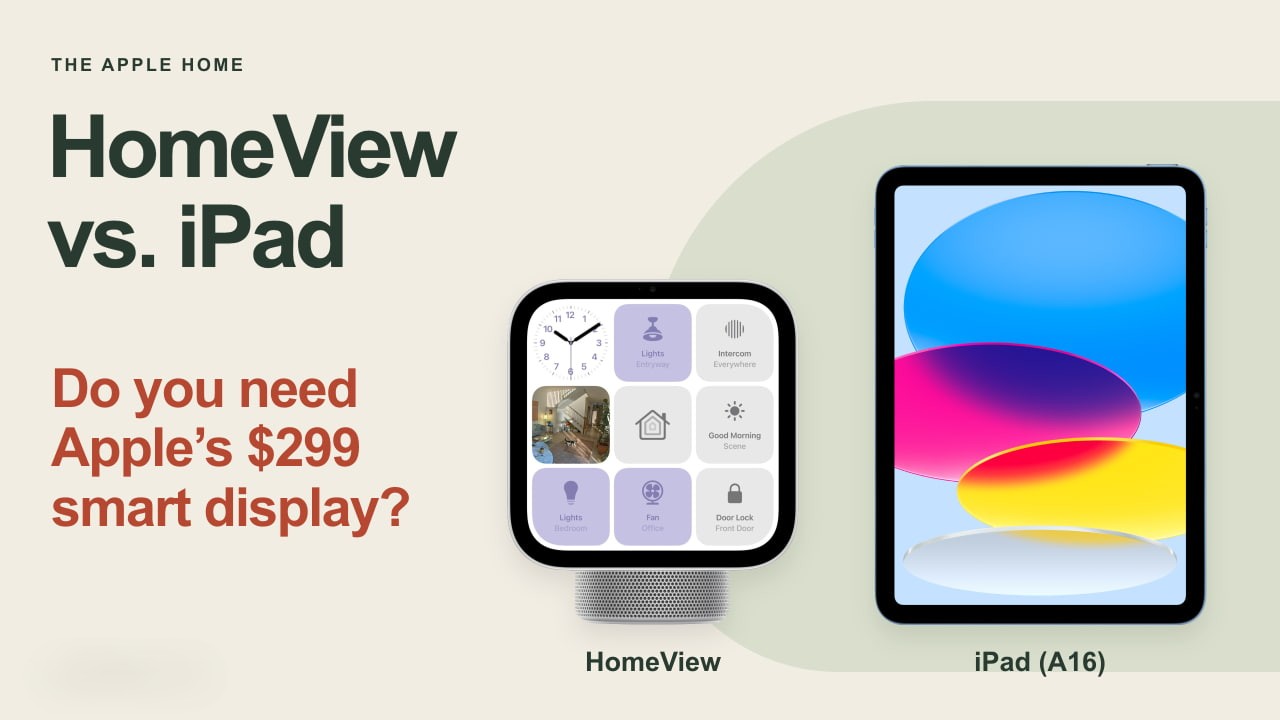
The biggest mistake you could make is considering the HomeView screen a cheap alternative to an iPad; the device officially comes without an App Store! The system exclusively contains built-in apps from Apple such as FaceTime, Messages, Calendar, Safari, Music, and Podcasts, while video and content services from third parties are available via integration with your iPhone only. If your purchase of the screen is dependent on a specific app, make sure it is supported beforehand before rushing.
Initial setup requires owning an iPhone running iOS 27.2 or later, or an iPad running iPadOS 27.2 or later. The device is initially aimed at the user who wants a fixed control screen and an interactive family hub for the smart home, and the tabletop model remains the easiest and most suitable choice for the majority as it does not require additional costs for mounts and wall wiring.
Source:


Leave a Reply