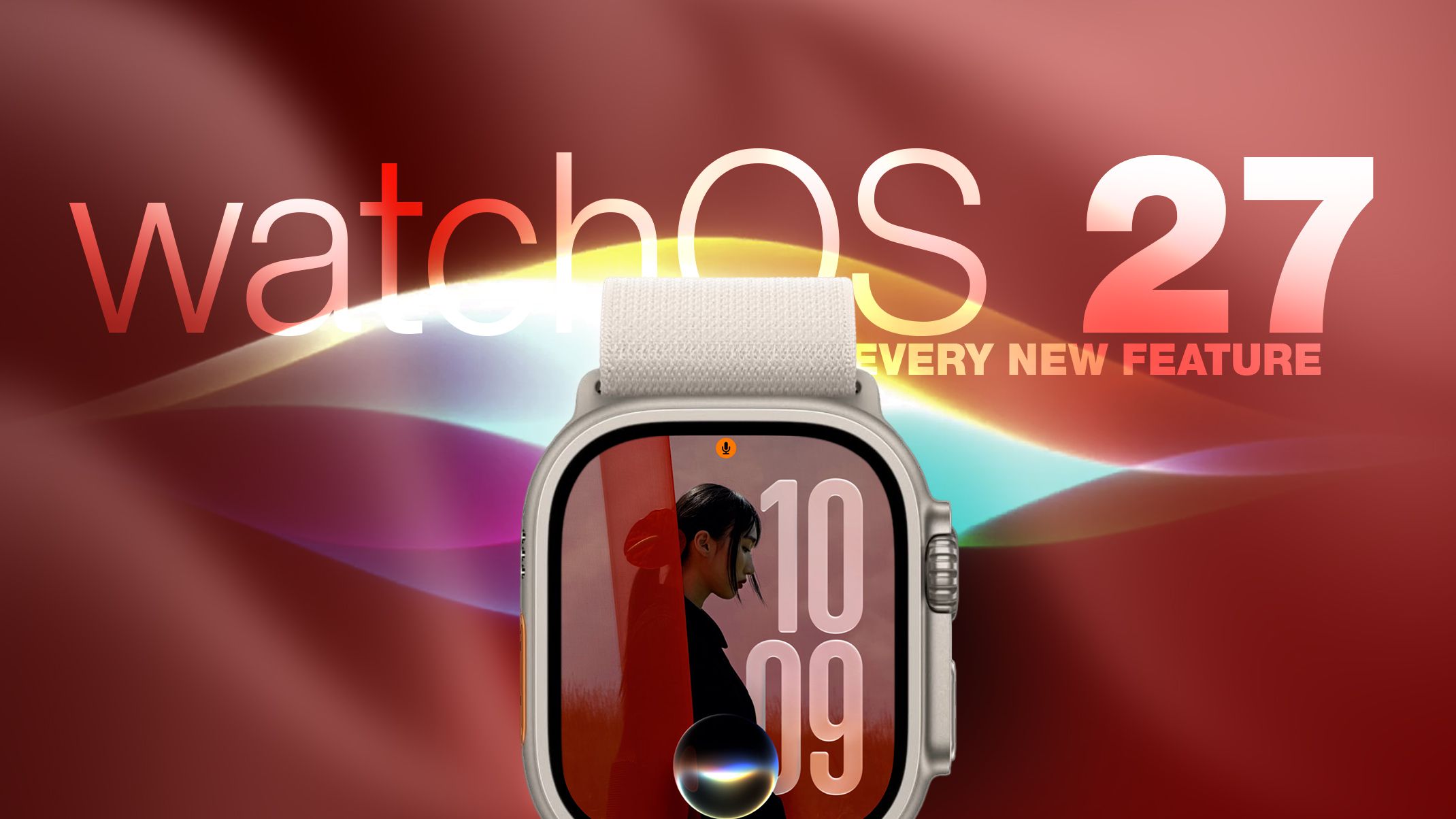
Apple Watches are getting a new operating system update this fall: watchOS 27. Although the update might seem light in terms of new visual features at first glance, it brings some very smart and practical additions, most notably the integration of artificial intelligence with the personal assistant Siri (Siri AI). Let us take you on a quick and detailed tour to review everything new in this highly anticipated system!
Siri and Artificial Intelligence directly on your wrist
The most prominent feature of the watchOS 27 update is bringing Apple’s Siri AI features to the Apple Watch. While these features will not be available immediately in the first beta version of the system, Apple plans to launch them officially later this year. The company also intends to launch a dedicated Siri app on the watch that allows you to easily view and access all your previous conversations with it.
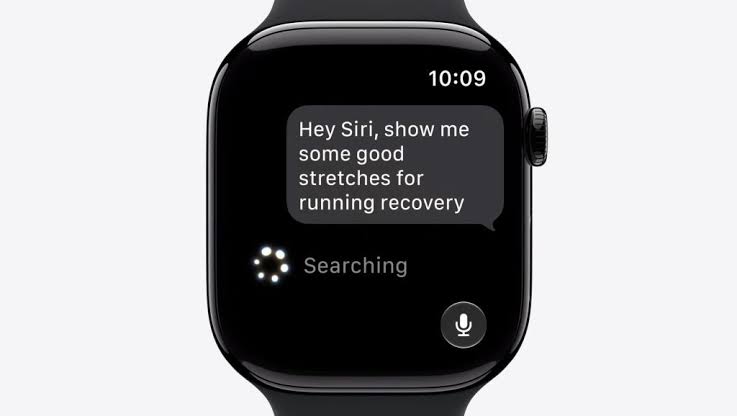
However, there is a small condition! Siri’s AI on the watch will rely entirely on a connection to an iPhone that supports Apple Intelligence features. This means you will need an iPhone 15 Pro or newer model to be able to use this feature on your watch. Once available, Siri will be able to access your personal data, search the web for answers, and perform tasks and actions within apps directly from your wrist.
Dynamic App Grid and Screen Improvements
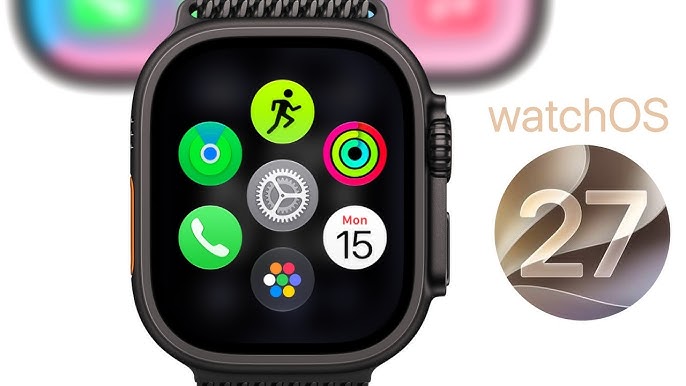
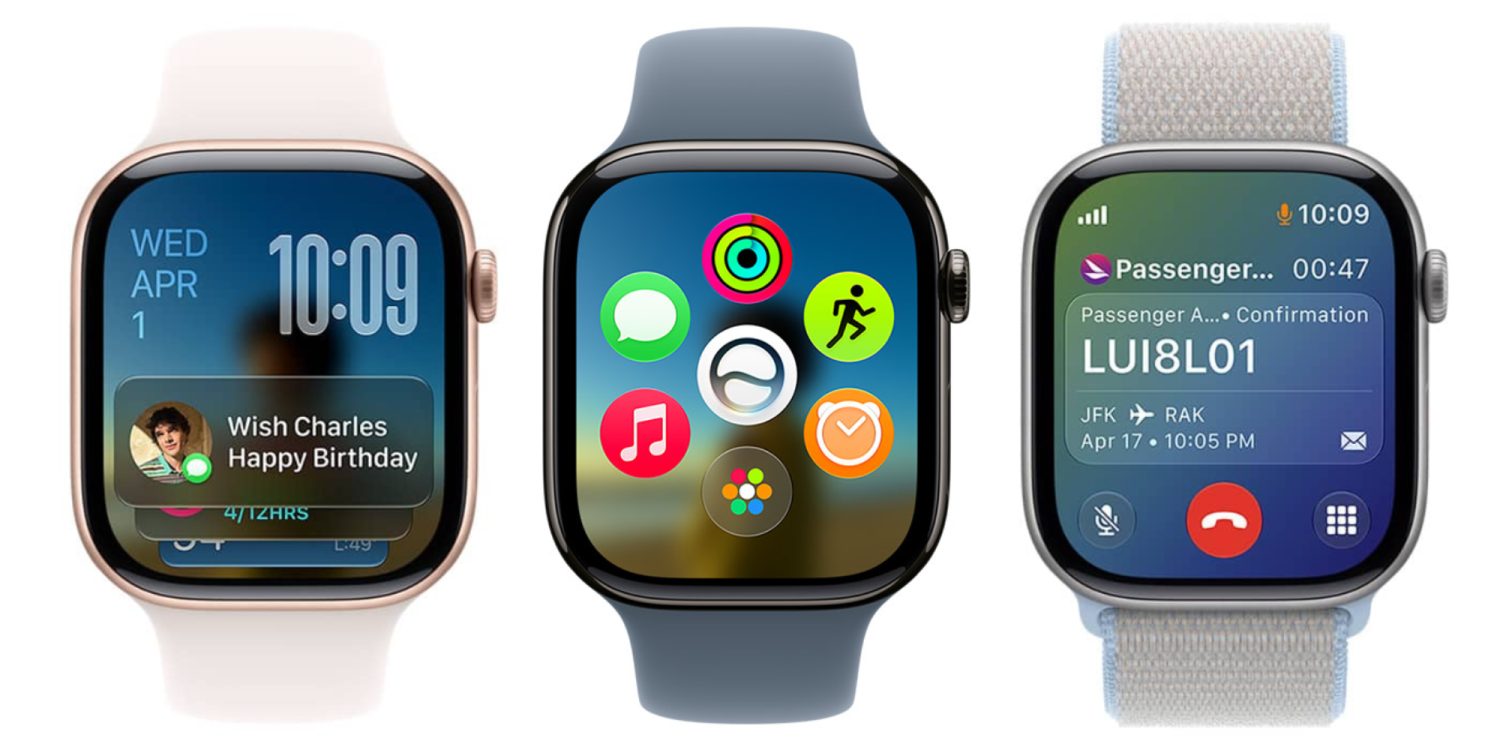
When you press the Digital Crown, you will notice a new dynamic app grid interface. This interface places the Siri app right in the center, displaying a collection of suggested Siri apps that include your most used and recent applications. This view allows you to see several apps at once alongside Siri, with a quick shortcut to access the full app list.
Apple didn’t stop there; it also improved the Liquid Glass software technology to increase screen contrast and provide more consistent light refraction, significantly enhancing text readability under various lighting conditions.
Smart Workout Companion and Advanced Health Features
The Workout Buddy app is now available for use even without needing your iPhone nearby. To keep you motivated, Apple has added new measurement indicators to track incremental increases in distance, speed, and duration of running workouts. You will also notice higher accuracy in treadmill readings.
Regarding women’s health, the Cycle Tracking app now supports the recognition of menopause or perimenopause stages, providing notifications and useful information related to them to help women better understand physical changes.
New Gestures and Smart Tools to Simplify Your Daily Life
Apple has introduced a cool new tap gesture; you can now tap your index finger and thumb together once to select a specific widget within the Smart Stack feature. New and highly intelligent suggested tools have also been added to the stack, such as a tool to find your parked car, quick access to Siri, pinned messages, transit cards, noise notifications, birthday alerts, and more.
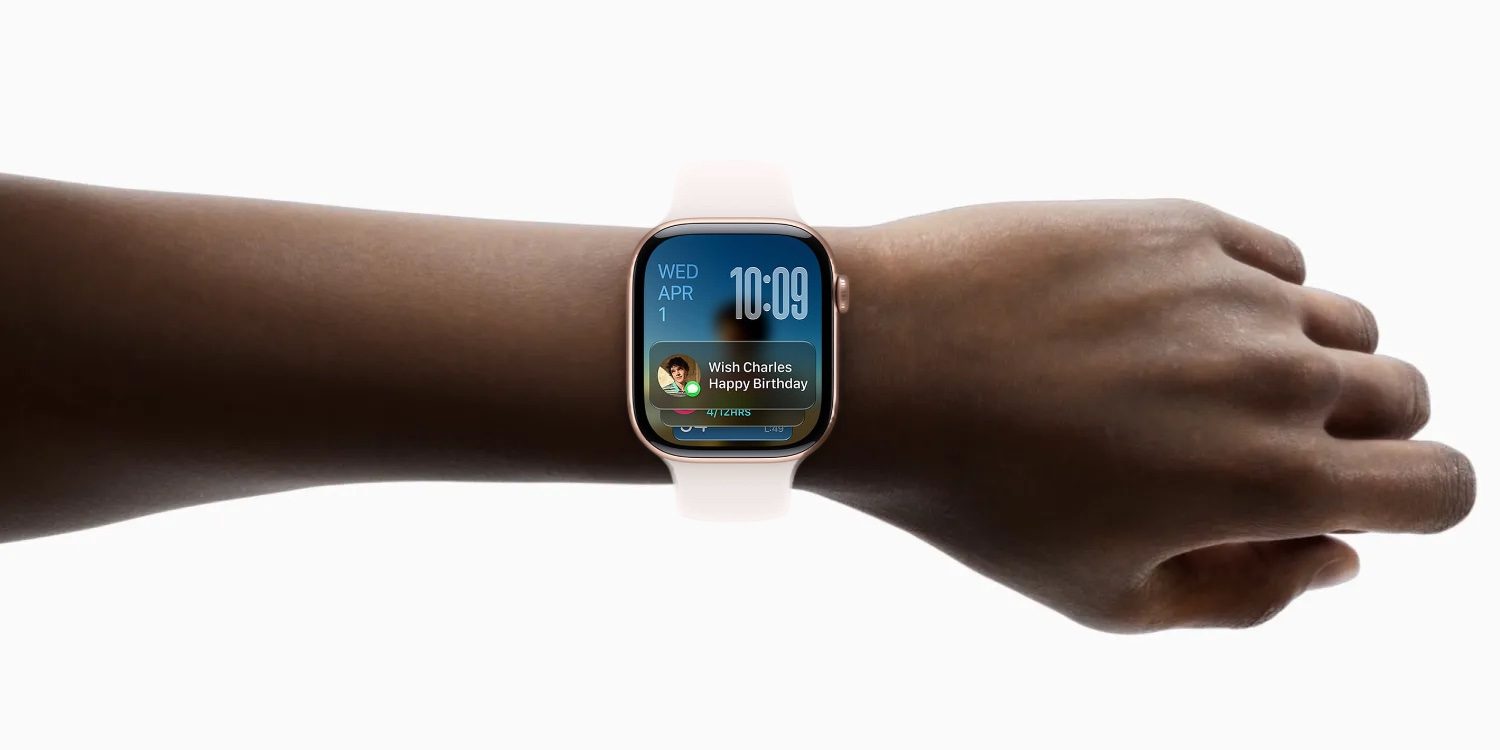
When receiving a phone call, your watch can now display smart information relevant to the call, such as a flight confirmation number if you are speaking with an airline. Additionally, custom cards created via the Wallet app on the iPhone now work efficiently on the Apple Watch.
Apple has also brought the unified Find My app to locate devices, items, and people, which now supports Precision Finding to locate iPhones, AirPods Pro 3, or AirTag 2 trackers with ease.
Performance Improvements, Battery Life, and Compatible Devices
Under the hood of the new system, there are numerous software improvements aimed at increasing battery life. Apple intelligently turns off infrequently used features automatically to conserve power, such as certain gestures, workout start reminders, and the Raise to Speak feature, giving your watch longer life in daily use.
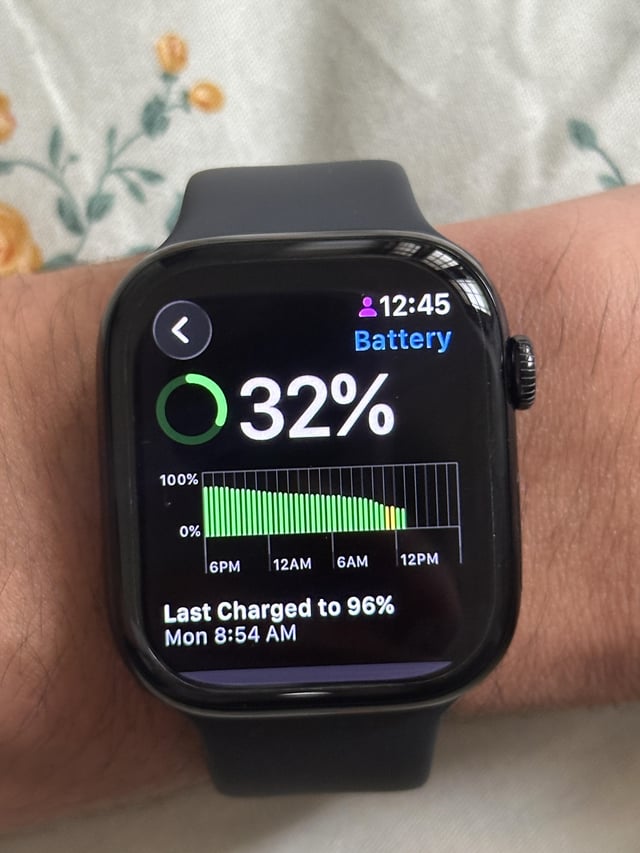
The new watchOS 27 system is compatible with Apple Watch Series 9 and later, Apple Watch Ultra 2 and later, and the budget-friendly Apple Watch SE 3.
Source:
Leave a Reply