The iPhone App Store is full of amazing and useful tools, but let’s be honest; many of the apps we install perform tasks that the iOS operating system can do itself, and much more efficiently! Over the past few years, Apple has continued to intelligently develop its system, adding built-in tools that have made many popular apps seem to have no real value in your phone’s arsenal. Getting rid of these apps not only saves you extra storage space and gives you a cleaner, more organized app library, but it also protects your privacy and data security by preventing those apps from unnecessarily accessing your device’s camera, location, or even your contacts. In this article, we will review five types of apps that you no longer need on your iPhone so you can get rid of them immediately.
QR Code Scanners
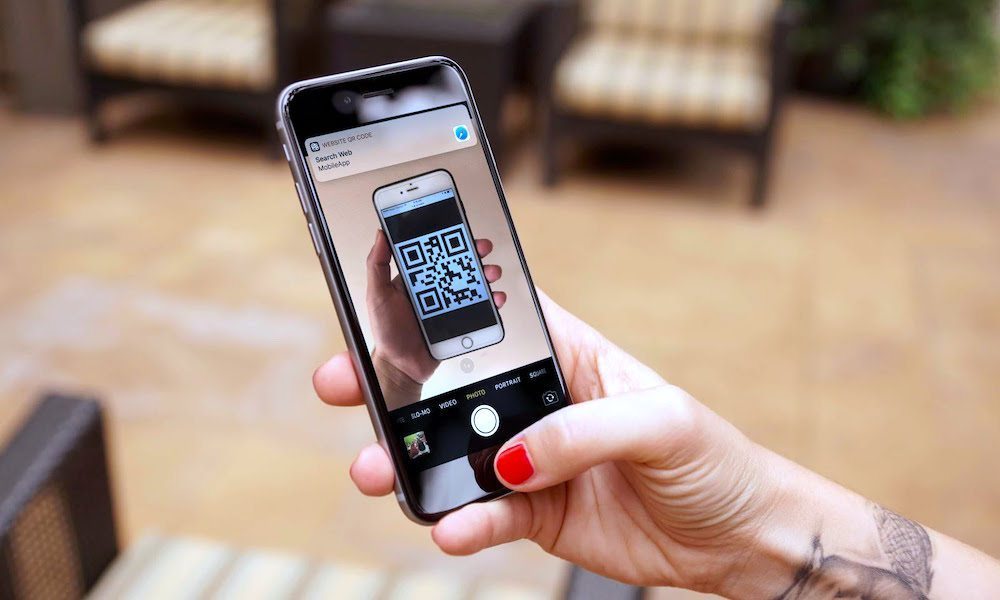
QR code scanning apps were once among the most popular apps on the App Store, but that era has completely ended and is no longer justified. Since the release of iOS 11 in 2017, Apple has integrated a QR code reader directly into the official Camera app without any complexity. Thanks to advanced cameras and software intelligence in modern devices, you can simply open the Camera app and point it at any code to see the link appear right next to it in a fraction of a second.
Keeping a dedicated app to scan these codes not only takes up extra space, but most of those free apps display highly annoying pop-up ads and request suspicious access permissions that have nothing to do with their function. To make things even easier, Apple provides a dedicated “Code Scanner” tool that can be added directly to the Control Center for a faster, safer, and more private one-tap scanning experience.
Document Scanners
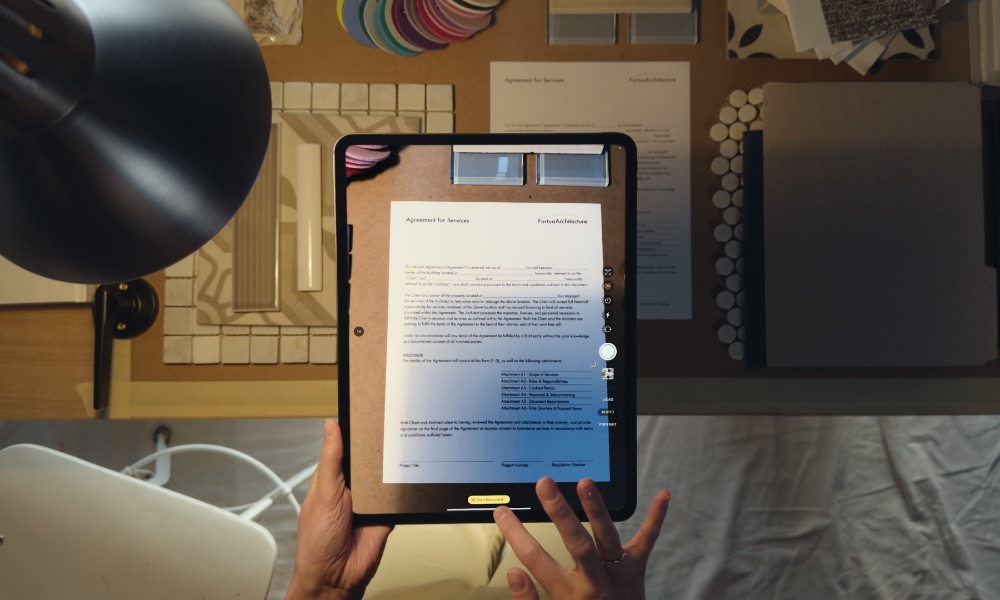
Are you still paying a monthly subscription or watching ads for an app that scans your papers and converts them to PDF files? It’s time to stop this waste! Your iPhone has an excellent built-in scanner that outperforms many paid third-party options, and you can access it from several daily locations like the Notes app or the “Files” app directly without any additional app.
To use this feature in the Files app, all you have to do is open the app, tap the “More” button (the three dots) in the top corner, and then choose “Scan Documents.” The camera will automatically detect the edges of the paper and adjust the angles and dimensions even if you shoot at an angle, giving you a professional, completely free PDF file without any annoying watermarks that distort your official documents.
Voice Recording Apps
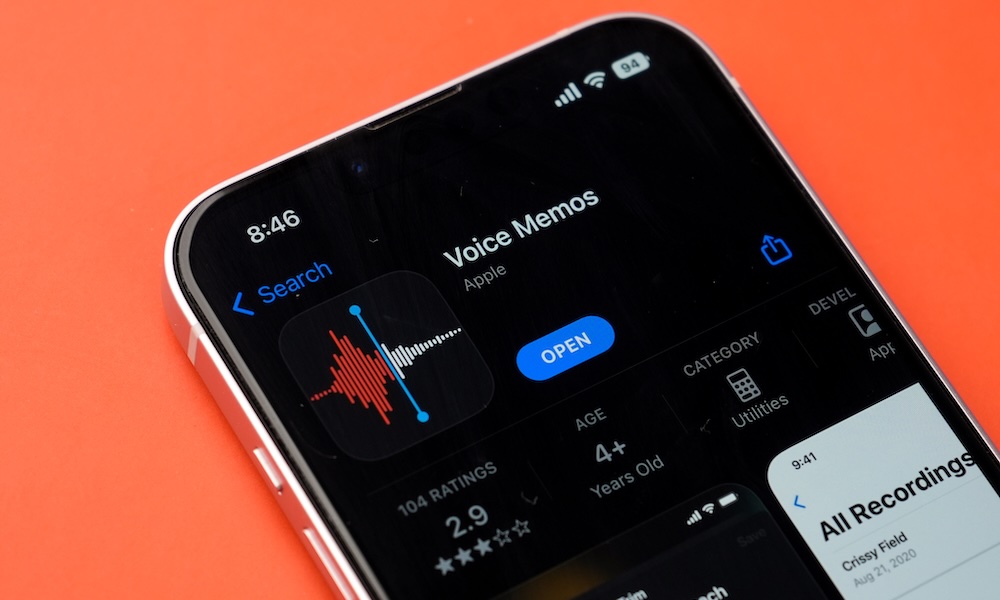
Whether you are a student recording lectures, a journalist conducting interviews, or just someone who likes to record their quick random thoughts, you don’t need external recording apps that charge expensive annual subscriptions. The “Voice Memos” app built into iOS offers you a rich, fully professional recording experience at no extra cost.
The app doesn’t just record in high quality; it also allows you to edit the clip, trim unwanted parts, and correct them. Thanks to Apple’s recent updates and “Apple Intelligence” features on supported devices, the app converts recorded speech into written text and intelligently summarizes long lectures or meetings in the blink of an eye, saving you long hours of listening and manual transcription.
Calculator, Unit, and Currency Converters
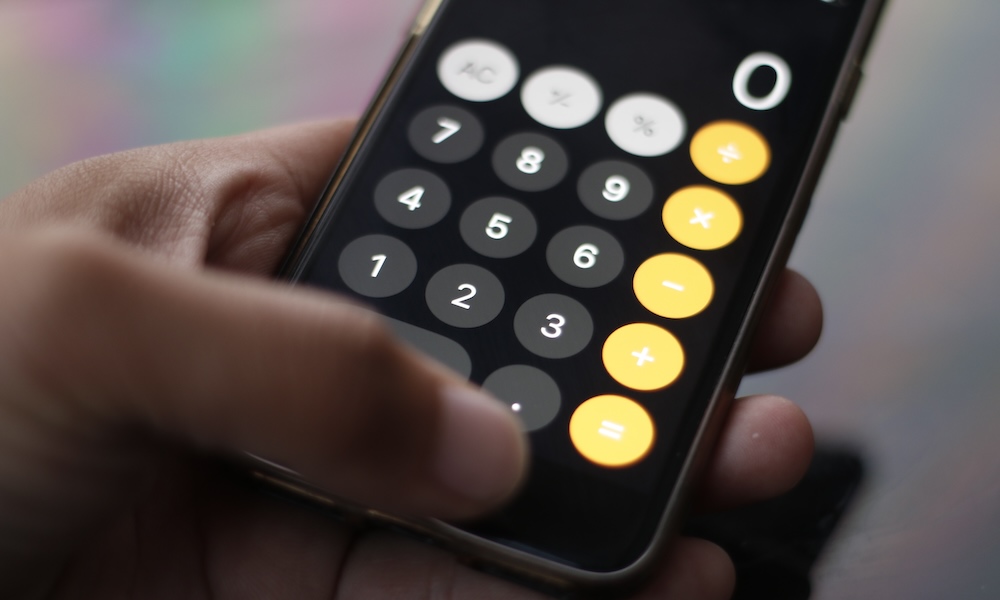
Third-party calculator apps require a lot of patience to endure the annoying pop-up ads that appear as soon as you start calculating a simple problem. Apple’s official Calculator app has received drastic updates that make it completely replace any external alternative, as it now includes basic and scientific calculator modes with a calculation history feature to easily review your previous calculations.
And that’s not all; Apple has integrated a very powerful converter for currencies and various mathematical units like length, weight, and temperature directly into the Calculator app itself without needing an internet connection every time. And let’s not forget the revolutionary “Math Notes” feature that solves your most complex equations as soon as you write them by hand in the Notes app, in addition to Siri and Spotlight search’s ability to provide calculation and conversion answers instantly.
Standalone ChatGPT App
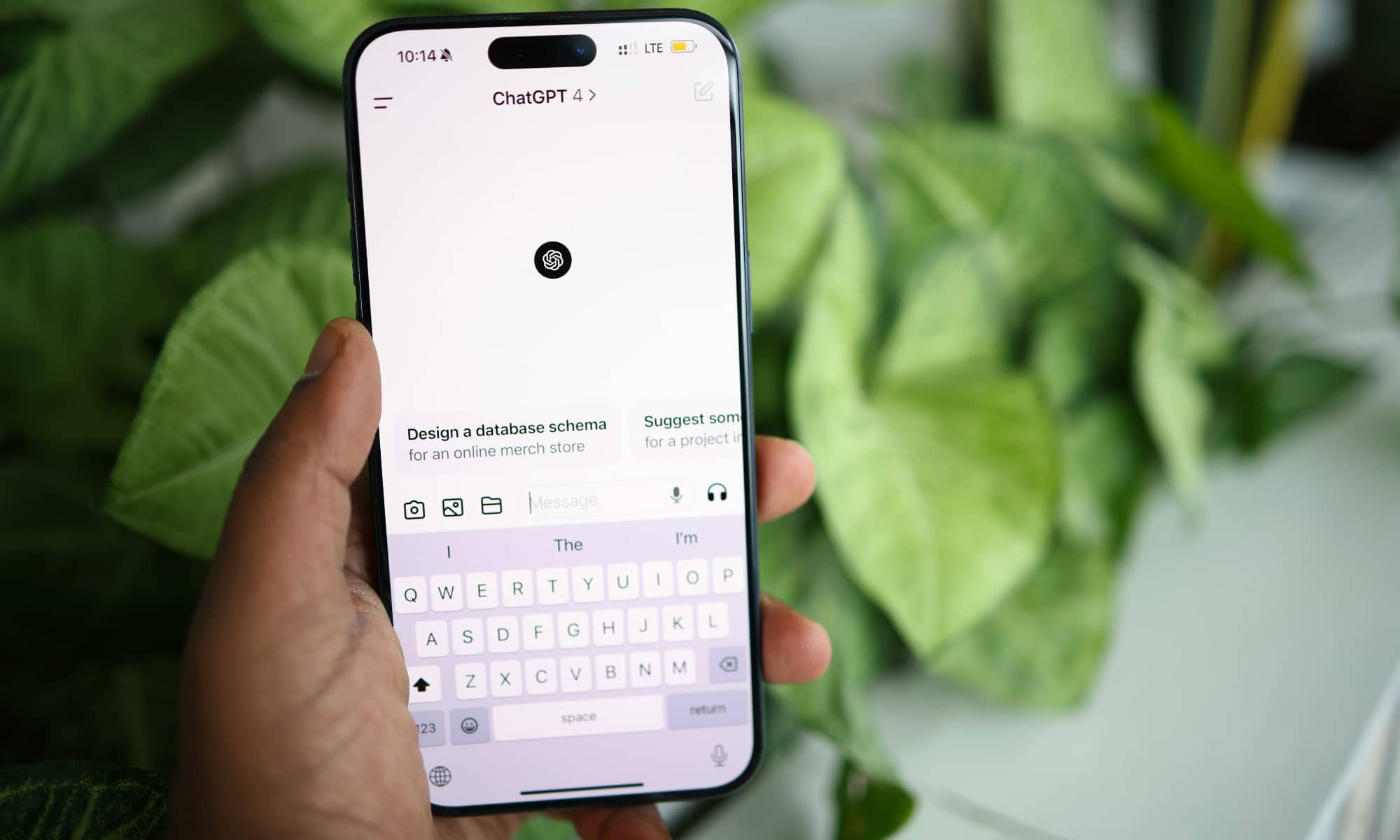
Although the official ChatGPT app provides great and direct access to the famous chatbot from OpenAI, if you have a device that supports “Apple Intelligence” features, you may no longer need to install this standalone app for your regular daily requests or quick questions.
Apple has integrated ChatGPT services directly with the personal assistant “Siri,” which means you can simply ask Siri to send complex questions that it cannot handle directly to ChatGPT and get instant answers and image generation without needing to open a dedicated app or even register an account! All of this is done with complete privacy and is fully encrypted, saving storage space and making the experience seamlessly integrated within the system.
Have these apps been “Sherlocked”?
Among Apple fans, there is a famous technical term called “Sherlocked.” This term dates back to 2001 when Apple integrated the desktop search tool “Sherlock” into the Mac system, a tool that did everything a famous and successful third-party app at the time called “Watson” offered, which caused that app to be completely killed off as users no longer needed it.
Apple continues to apply this philosophy with constant success; whenever it sees a simple tool that users frequently need, it integrates it securely and for free into the core of the iOS operating system. This may be frustrating for some developers, but it represents a great advantage for users to get a clean, secure, and resource-saving experience for the device and battery. So, take a tour of your phone today, get rid of the excess baggage, and enjoy a complete and clean iOS system!
Source:
Leave a Reply