When Apple launched Lockdown Mode, it designed it to be the ultimate, impenetrable fortress against the world’s most sophisticated cyberattacks. This mode is primarily aimed at specific groups such as diplomats, journalists, and activists who are targets of mercenary spyware. Apple has long boasted that this mode has not fallen victim to any successful espionage attack since its introduction. However, as we know in the tech world, no system is impossible to hack; security researchers recently demonstrated the possibility of breaking this system and jailbreaking an iPhone with this strict mode enabled.
How was the iPhone hacked and jailbroken?
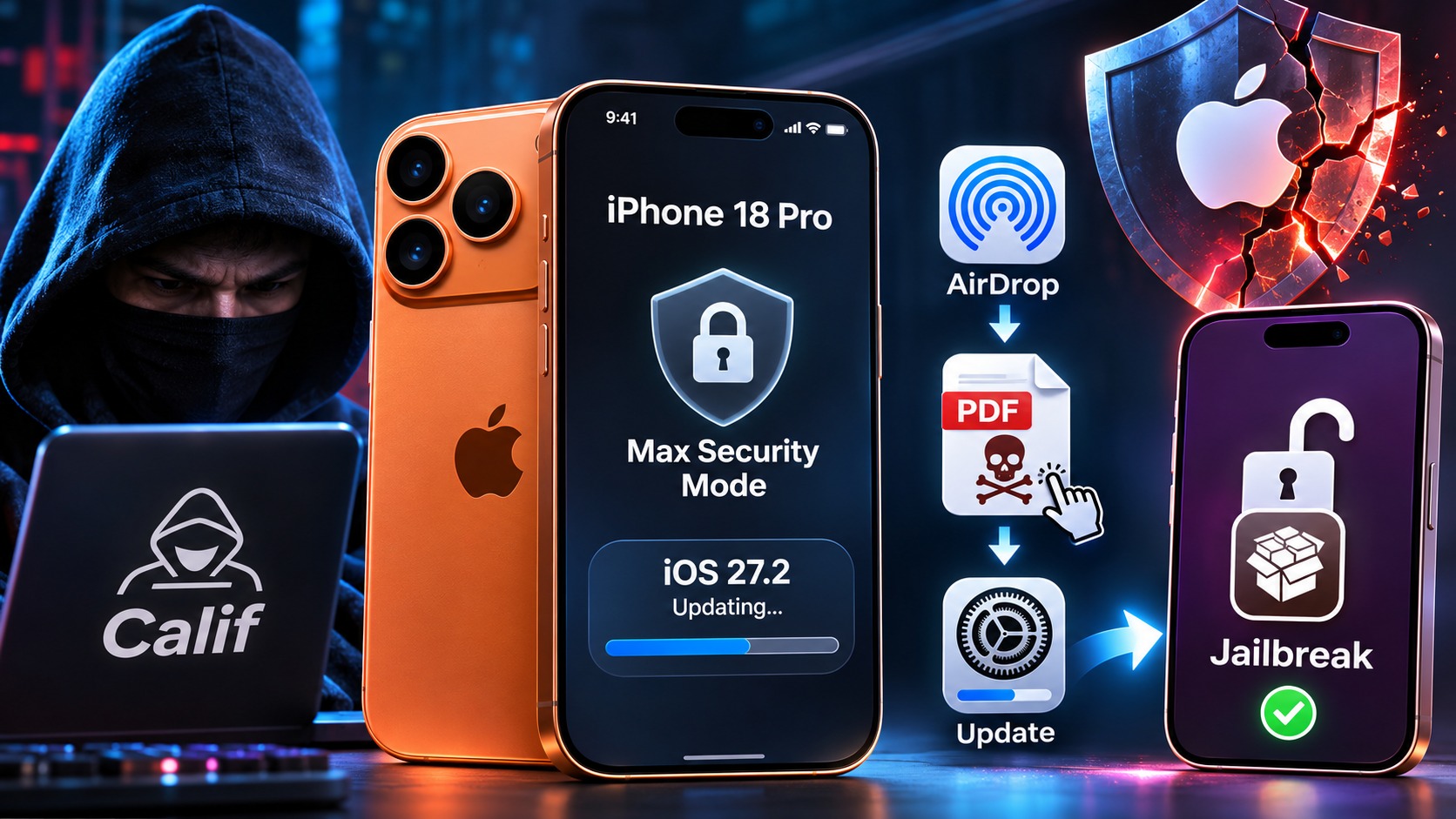
The security team known as Calif published a video clip documenting a jailbreak of an iPhone 18 Pro while in Lockdown Mode during an update to iOS 27.2. According to the available details, the hack did not occur remotely and completely stealthily (zero-click); rather, it required targeting the device by sending a rigged PDF file using AirDrop, which the user had to manually accept before proceeding with the system update.
So far, the team has not revealed the detailed programming method for this jailbreak, and they confirmed that they do not intend to release a tool for regular users. Instead, they shared the vulnerabilities directly with Apple to close them and plug the gaps. Although this attack does not pose a direct threat to the average user, its importance lies in being the first practical proof that Apple’s most robust security shields are not entirely immune to being bypassed.
What is Lockdown Mode and do you really need it?
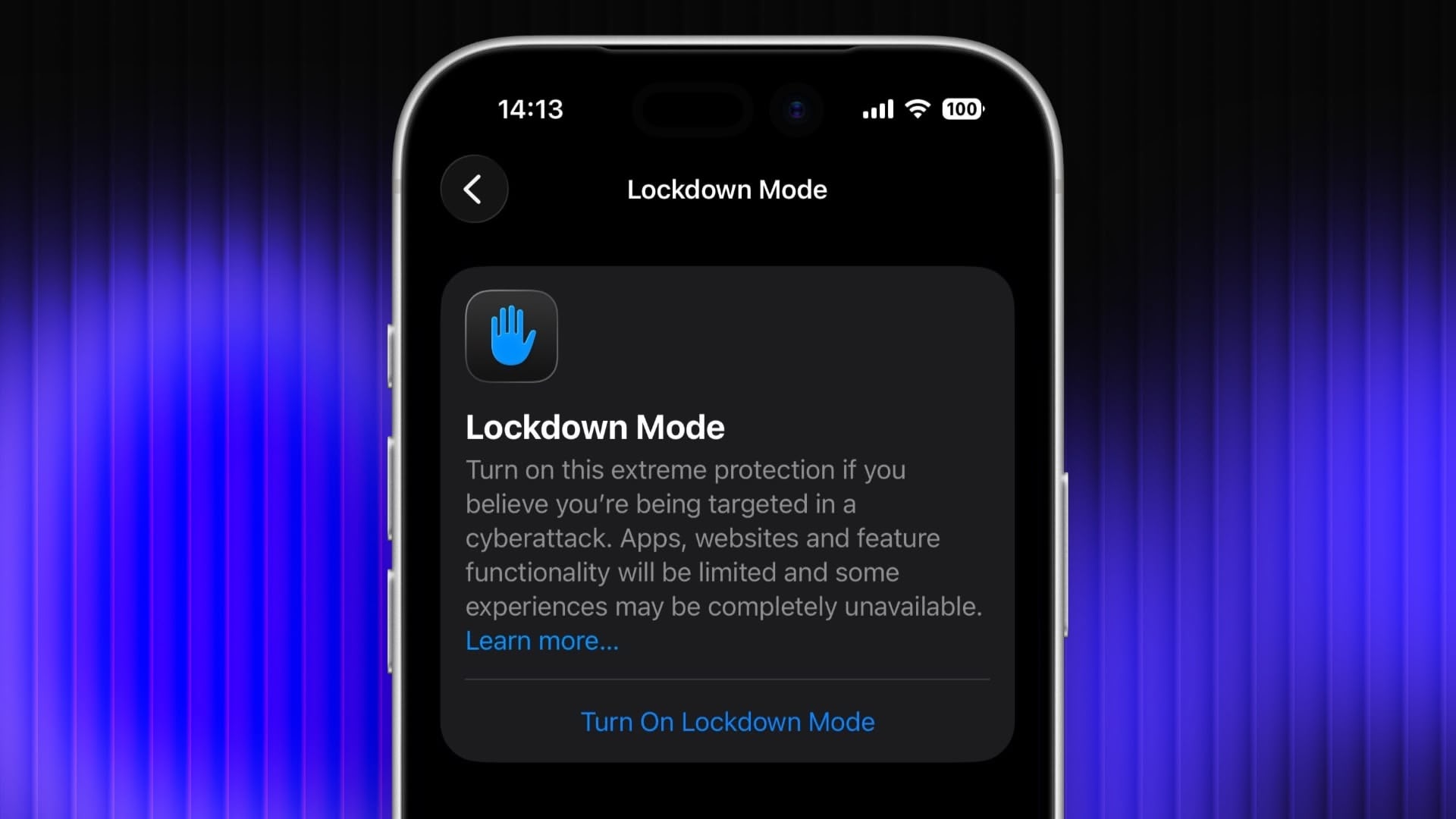
It is essential to clarify that Lockdown Mode is completely different from standard security tools like Stolen Device Protection. It is an extreme measure intended for very exceptional circumstances. When enabled, Apple disables a large portion of the smartphone’s familiar functions; it blocks most message attachments, disables basic browsing technologies in Safari, and prevents receiving FaceTime calls from people you have not contacted within the last month.
In addition, this mode eliminates the ability to connect the phone to a computer unless it is unlocked, prevents automatic joining of insecure Wi-Fi networks, removes support for 2G and 3G networks, and deletes location data when sharing photos. Simply put, the phone becomes limited in its capabilities to protect you from targeted malware. Therefore, if you are not a target of intelligence or political entities, you have absolutely no need to enable this mode, especially since Apple has rushed to release the iOS 27.2.1 update, which is expected to patch such discovered security vulnerabilities.
Source:


Post Comment