Since the dawn of smartphones, a fierce rivalry has existed between iOS and Android fans over which system offers the better experience. The objective truth, without bias, is that both systems excel at what they were designed for; Android gives its users a vast amount of freedom and customization, while iOS shines in performance stability, superior optimization, and the seamless ecosystem that connects Apple devices with unmatched fluidity. However, the two systems have long exchanged inspiration over the years. We all remember how we waited eleven years for Apple to adopt the widget feature from Android and present it in its own unique style. As upcoming iOS updates approach, there are still fundamental features that Android possesses that we strongly hope Apple decides to bring to the iPhone screen.
True multitasking and split-screen
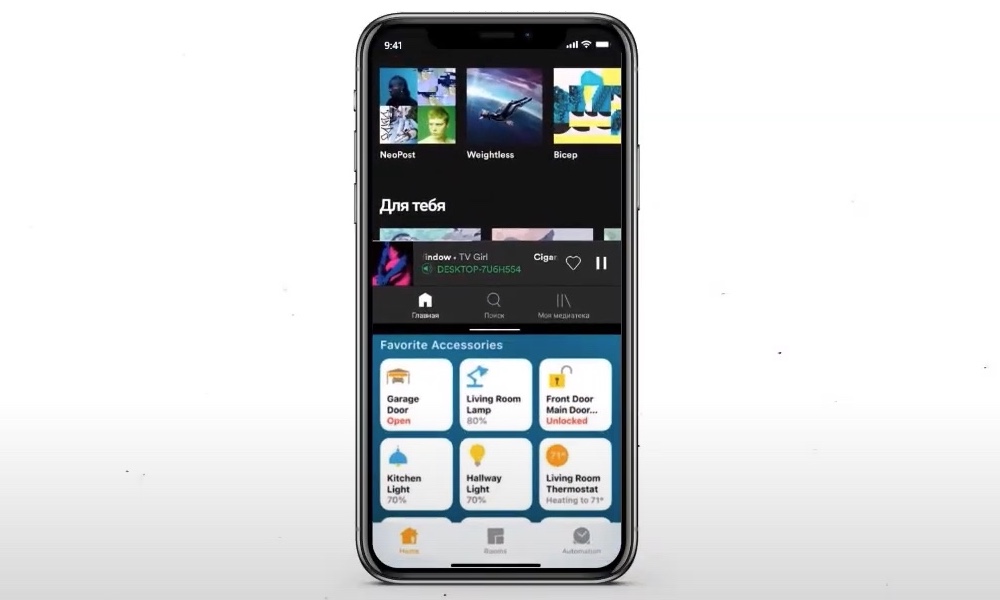
Over the years, iPhone screens have grown and their hardware power has increased exceptionally; today’s iPhone Pro Max models offer screen sizes approaching seven inches, powered by super-processors that exceed most of what we need in our daily lives. Despite all this incredible hardware, it is still impossible to run two apps side-by-side on the phone screen at the same time.
Apple has certainly provided some workarounds over the years, such as Picture in Picture and quick app switching, but that is no longer enough. Even the simplest and most affordable Android phones allow users to split the screen between two supported apps, whether to watch a video while taking notes or to open the calculator app to review your budget without annoying, repetitive switching.
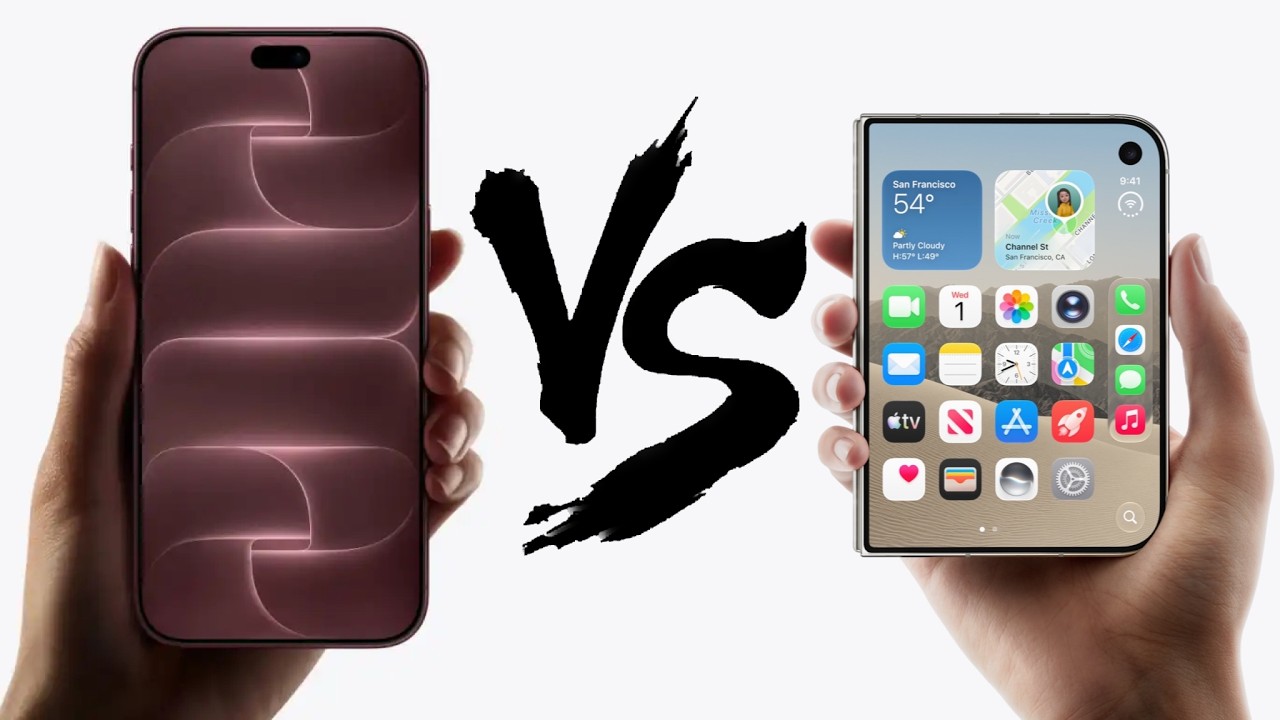
Some leaks suggest that Apple might finally bring the split-screen feature, but the shock lies in the possibility that it will be restricted only to the upcoming foldable iPhone. While foldable devices undoubtedly need this feature, depriving traditional phone users of it and pushing them to spend huge sums to get a purely software-based feature seems unfair, especially since current processors are capable of handling it with ease.
Reverse wireless charging for your accessories
Reverse wireless charging is one of those capabilities that seems designed to integrate perfectly with Apple’s environment and products. Flagship Android phones have had this feature for years, allowing the phone’s battery to be used to wirelessly charge other devices simply by placing them on the back of the phone, whether Google calls it Battery Share or Samsung calls it Wireless PowerShare.
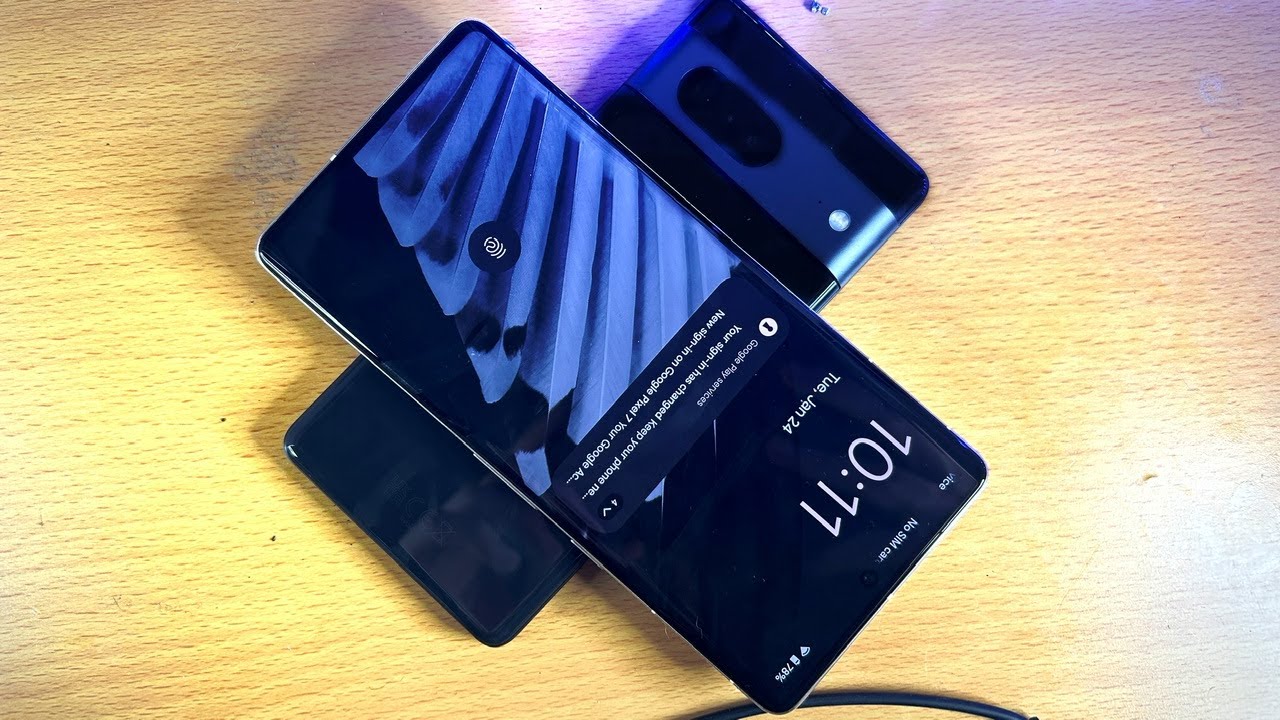
In contrast, modern iPhones allow you to charge your accessories like AirPods, but the irony is the need to use a USB-C cable to connect the two devices, a sight that completely lacks the elegance and fluidity we have come to expect from Apple. What is even more surprising is that iPhone hardware has actually supported reverse wireless charging since the launch of the MagSafe Battery Pack with the iPhone 12, yet the company still restricts this technology to specific accessories instead of enabling it freely to charge your accessories or even help a friend’s phone in emergencies.
Multiple profiles and Guest Mode
We all know that a smartphone is a very personal device, and most of us do not constantly share it with others. But how many times has a friend asked to use your phone to make a call or browse a map, or have you had to give it to your children to play? At that moment, your phone and all your private data and sensitive apps become completely exposed.
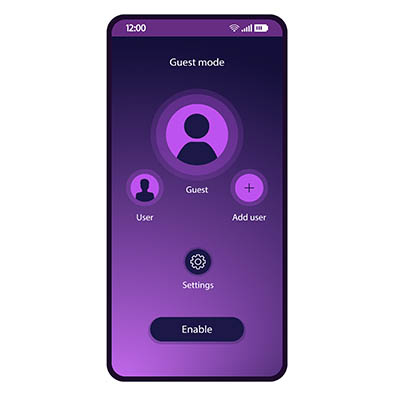
The Android system provides an elegant solution to this dilemma through the ability to create multiple user profiles or activate Guest Mode. This feature allows for a separate home screen and custom settings that prevent a guest from accessing your chats or photos, and prevents children from deleting your apps or rearranging them by mistake. Although Apple has the Guided Access feature, it is complex to set up and is intended to lock the screen to a single app, while the comprehensive Guest Mode remains a simple and practical solution that everyone needs.
Customizing the home screen without ruining icon layout
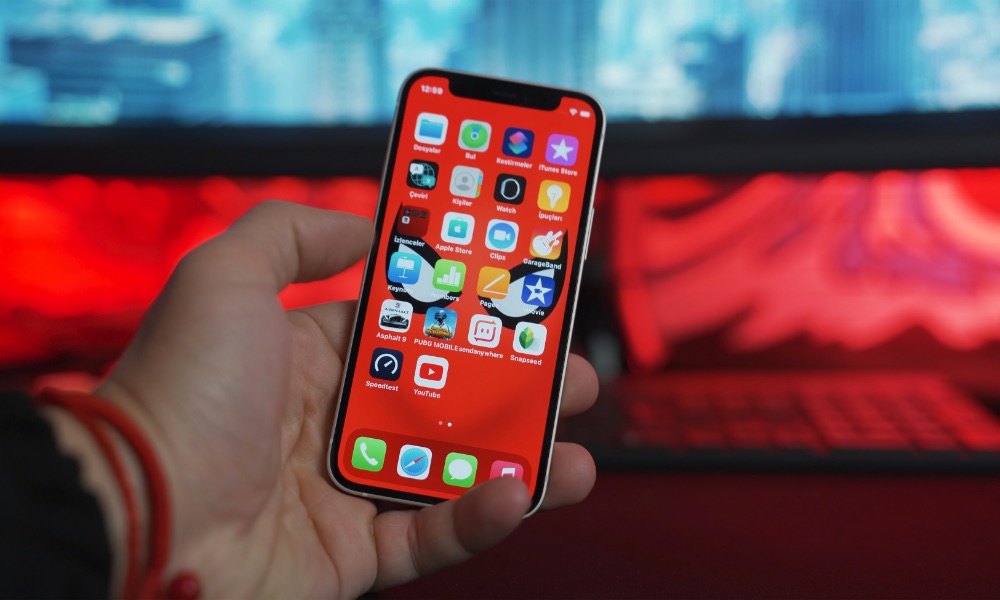
Apple has come a long way recently in improving the home screen, finally allowing empty spaces between icons and widgets, and giving users the freedom to build simple and attractive interfaces. However, the actual rearrangement process remains a source of unprecedented frustration for many users.
Everyone knows that annoying scenario: you spend a long time organizing your screen precisely, then you try to add an app to a specific folder or delete a small widget, and you are surprised that the system has automatically decided to redistribute the icons and rows in a random way that messes up everything you have organized, leaving you forced to start from scratch. In Android, the grid is stable and consistent, where elements remain exactly in their places without involuntary movement, which is what the iOS system needs to get rid of this nervous behavior when dragging apps.
Developing the experience without abandoning identity
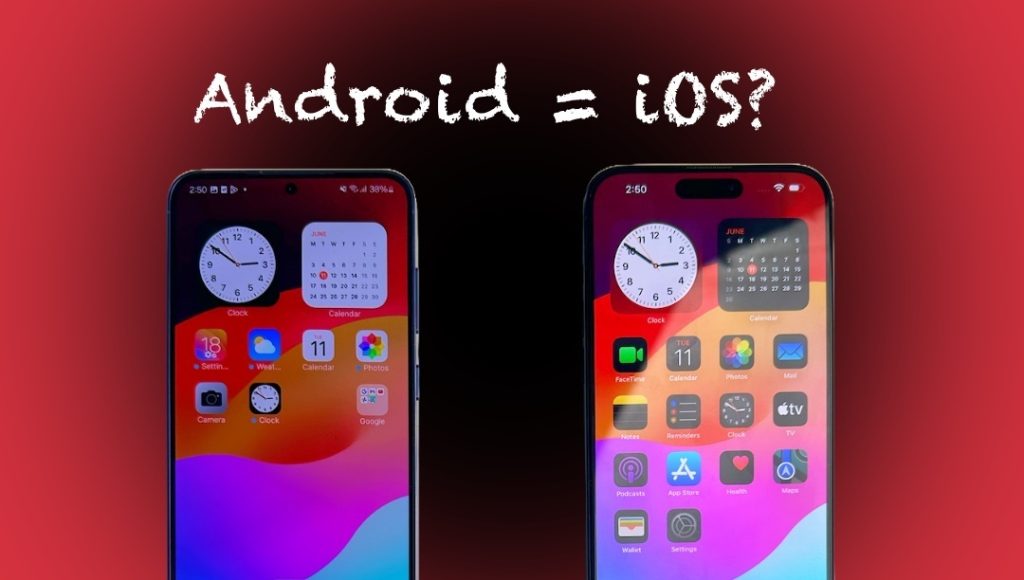
Ultimately, Apple does not need to copy everything competitors do exactly; the tight control over hardware and software is what gives the iPhone its special luster and magical experience. However, there is no harm in taking advantage of successful practical ideas and adapting them with Apple’s own touch. Adopting some of these features is enough to take the daily user experience to a higher level of productivity and comfort.
Source:

Leave a Reply