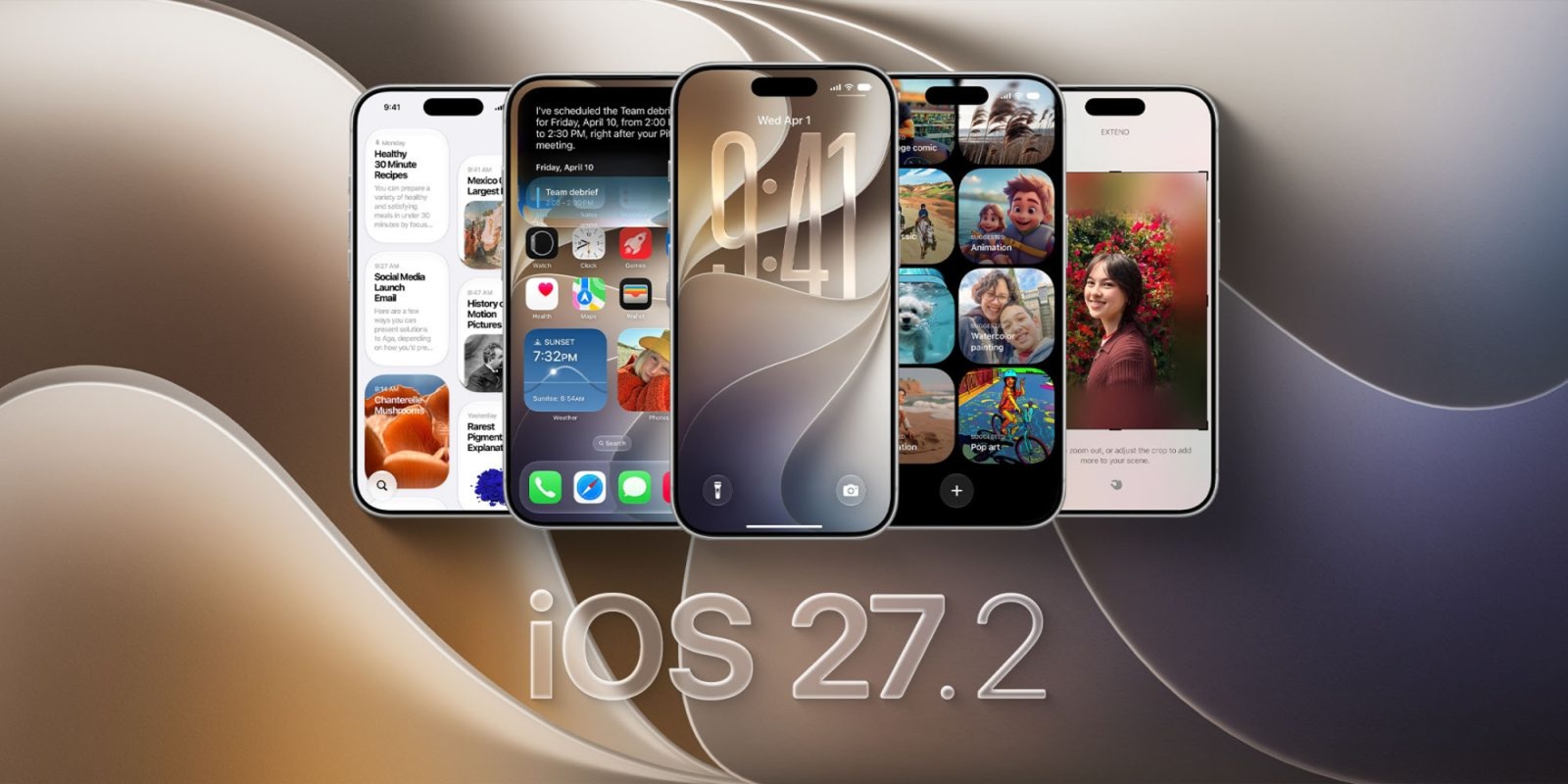
Apple has officially released the iOS 27.2 update for all compatible iPhones, bringing with it a rich set of enhancements and fundamental changes to the daily user experience. This update goes beyond the usual bug fixes, offering a qualitative leap in the capabilities of the AI-powered Siri assistant, giving the Apple Music app a different visual look, enabling Apple Pencil support for the first time on the new iPhone Duo, and adding useful features to core system apps.
Siri AI Intelligence Evolves and Speaks New Languages
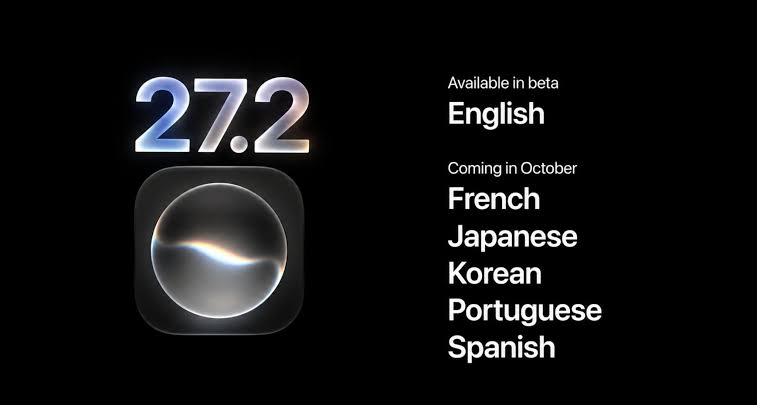
To enhance control and privacy, Apple has provided a new setting called “Excluded Apps,” which allows you to specify which apps are permitted to be accessed by the search engine, Siri, and suggestions from one place. It is also now possible to select and copy only specific parts of Siri’s answers with flexibility, in addition to expanding the circle of supported languages to include French, Japanese, Korean, Portuguese, and Spanish, with the feature currently remaining unavailable within the European Union and mainland China.
Apple Pencil Support on iPhone Duo and Apple Music Refresh
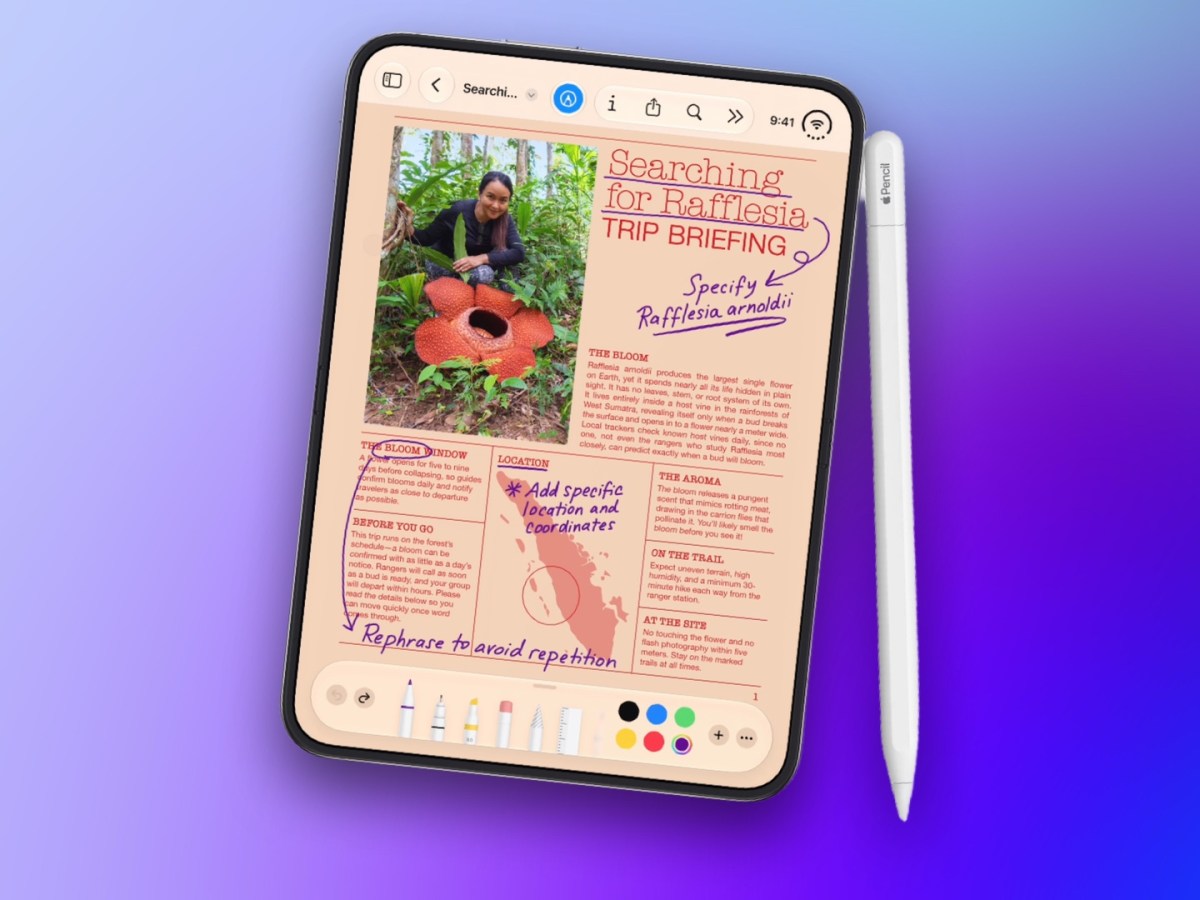
One of the most anticipated additions has finally arrived with this release, as the iPhone Duo has received official support for the Apple Pencil. However, it is worth noting a very important technical detail: this support is specifically for the Apple Pencil with a USB-C port, while the phone does not support the Apple Pencil Pro or other older versions of the pen.
In a striking visual move, Apple has replaced the traditional red icon for the Apple Music app with a modern black and white design. The design touches did not stop there; the internal highlight color of the tabs has shifted from the usual red to a calm blue, with home screen widgets updated to come with elegant dark backgrounds that match the app’s new look.
Smart Updates in Messages, Podcasts, and Apple TV
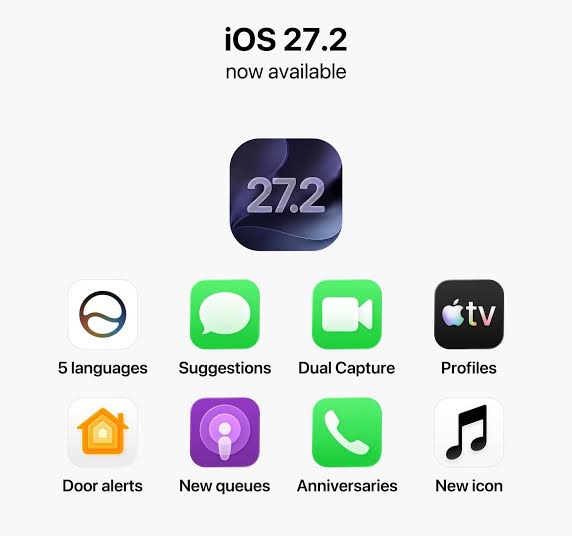
Daily system apps have received their share of development; the Messages app has added a “Suggested Actions” feature, which offers quick shortcuts based on the conversation context, such as adding a dinner appointment directly to the calendar or creating a quick reminder. The Podcasts app has also become more organized in the home screen tab through a separate division for both new episodes and continuing where you left off, to make it easier to resume listening without the hassle of searching.
The Apple TV app on iPhone has received a simple profiles feature, allowing each person in the house to keep their own viewing history and independent recommendations. The Photos app has also enhanced shared album capabilities by editing comments, avoiding media duplication, and alerting before albums expire, with support for SynthID watermarking technology to identify edited or AI-generated images.
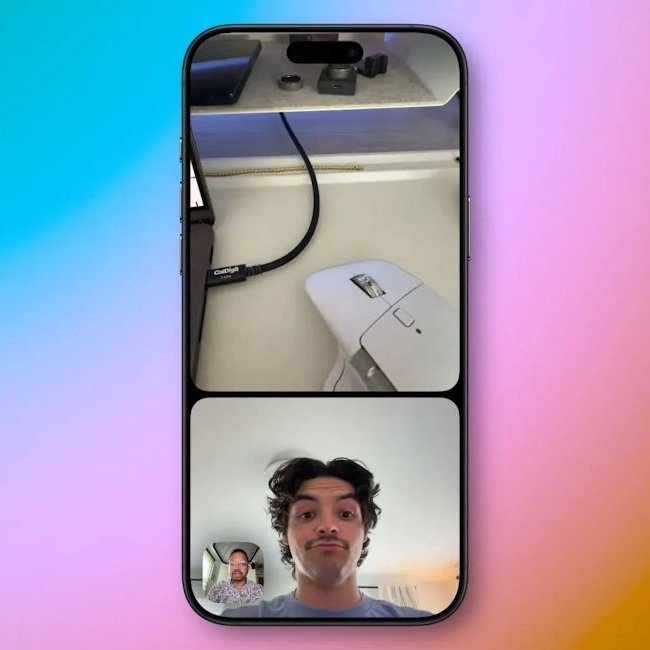
In terms of communication and security, FaceTime has added a “Dual Capture” feature for the front and rear cameras in group calls and support for sign language interpreters, while the Home app has enabled automatic locking options and alerts when doors are left open for smart locks, in addition to an option to lock touch buttons on HomePod to avoid accidental operation. It is worth noting that the redesigned Health app has been postponed to a future update. You can install the iOS 27.2 update now by heading to Settings, then General, then Software Update.
Source:
Leave a Reply