The first reviews for the new 14-inch and 16-inch MacBook Pro models, equipped with cutting-edge PROLED XDR displays, have arrived to answer the most pressing question on everyone’s mind: Is the touchscreen worth all the hype and the price premium, or is it just a side feature in an otherwise complete device? The new computer, starting at $2,899 for the 14-inch model and $3,399 for the 16-inch model, offers more than just touch; it brings a qualitative leap in display quality via Tandem OLED panels, an updated design that replaces the notch with the Dynamic Island, and the return of a historic feature that Mac users have long adored.
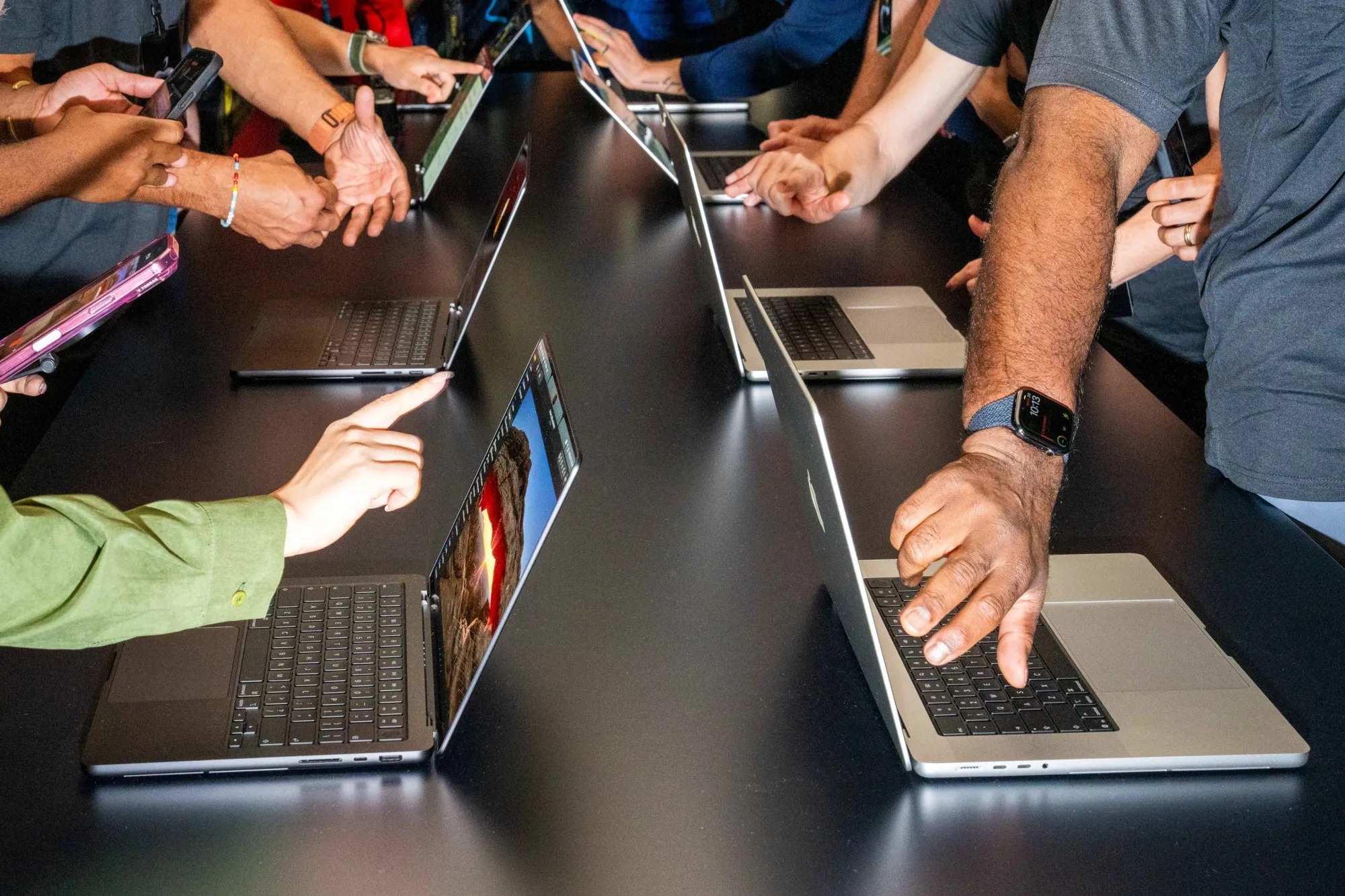
Touchscreen on the Mac: Useful at times, but not revolutionary
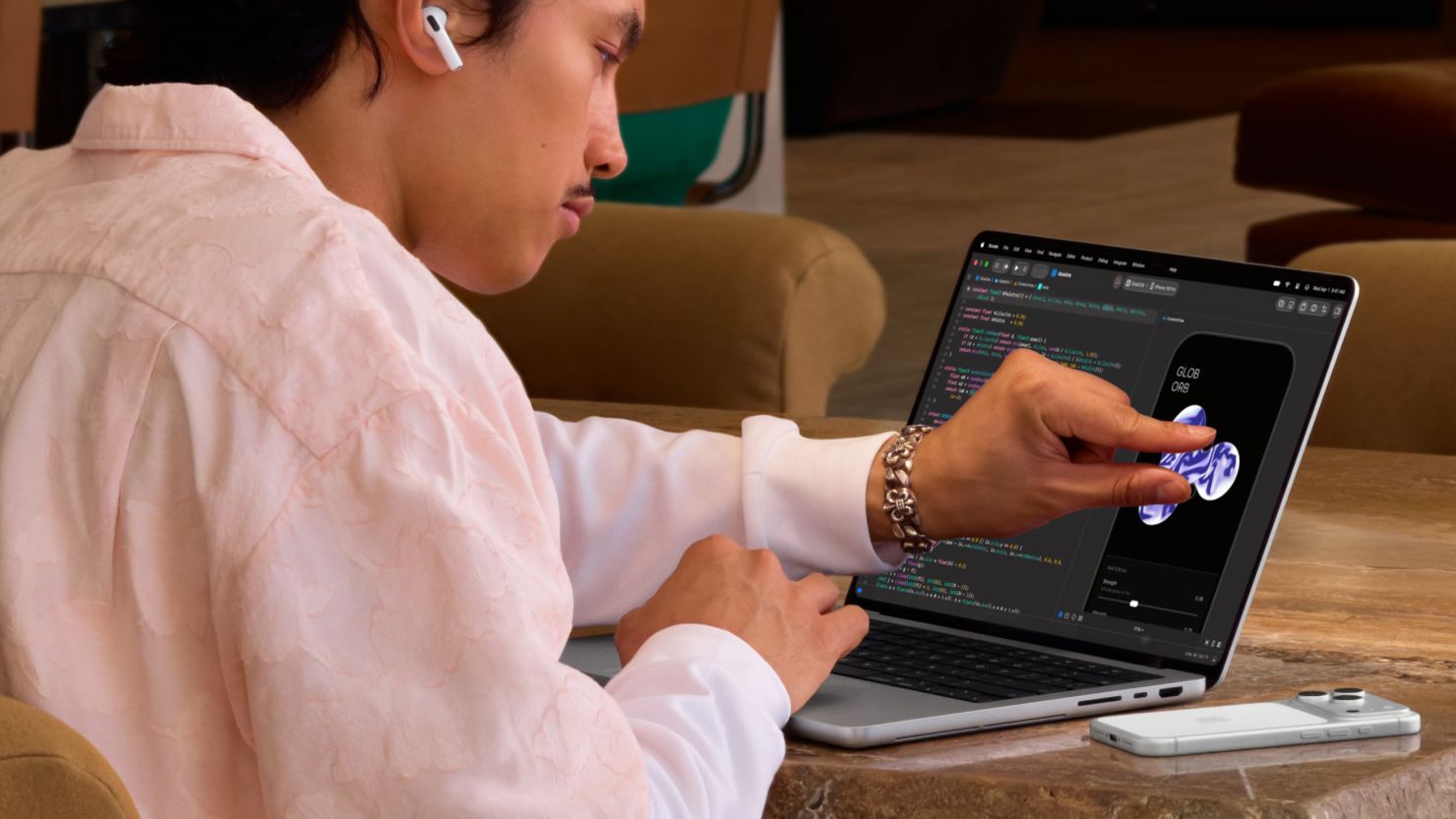
Most tech reviews agree that the touchscreen on the MacBook Pro has not caused a radical shift in daily workflow. David Pierce from The Verge explained that touch does not fundamentally change the laptop experience, but he acknowledged there are practical moments where the touchscreen outperforms the trackpad. For example, zooming in and out with two fingers directly on the screen while editing photos is much easier than clicking and dragging. Additionally, touching the screen to pause a video is faster than moving the mouse, not to mention the ease of browsing content with someone else sharing the screen.
However, the experience was not without frustrating limitations. Pierce criticized the absence of a virtual keyboard that appears when clicking inside text fields, the lack of copy/paste and text selection options familiar from other touchscreens, and the complete lack of Apple Pencil support, which dashes designers’ hopes of turning the Mac screen into a digital drawing pad.
For his part, Kyle Barr from Gizmodo noted that the touchscreen proves its true utility when using the iPhone Mirroring feature. Controlling the displayed phone becomes more intuitive by swiping up from the bottom of the screen to return home, just as you would on your actual phone, even if the response is slightly less snappy than on an actual iPhone. He considers that Apple has been paving the way for this step for some time with the increasing shared features between the two systems.
Conversely, Luke Larsen from WIRED admitted that he completely forgot about the touchscreen when immersed in intensive work tasks; touch does not have an essential place in his usual productivity workflows. Although he found spontaneous enjoyment in dismissing notifications with his finger or browsing Instagram while relaxing, he emphasized that using the trackpad remains the faster and more comfortable option without the need to constantly lift his hand toward the screen.
Tandem OLED Display: The true hero of the new upgrade

If the touchscreen has sparked divided opinions, the new PROLED XDR display has garnered unanimous praise. Apple has moved to dual Tandem OLED panels, which offer a qualitative leap compared to previous mini-LED screens, with brightness reaching 2,000 nits for HDR content and an infinite contrast ratio thanks to the ability to turn off black pixels completely.
Bloomberg’s Chris Welch described the screen as truly stunning, confirming that his prior concerns about light uniformity across the massive 16.3-inch screen vanished immediately upon testing. The colors are ultra-vivid, viewing angles are perfect, and the color gamut is clearly wider, which is a major gain for professional photographers. Timothy Beck Wirth from Mashable also expressed his amazement at the screen, stating that it excels by highlighting the finest details in shadow areas and giving images an impressive, realistic depth.
Goodbye to the notch and the return of the glowing logo: Welcome visual refreshments
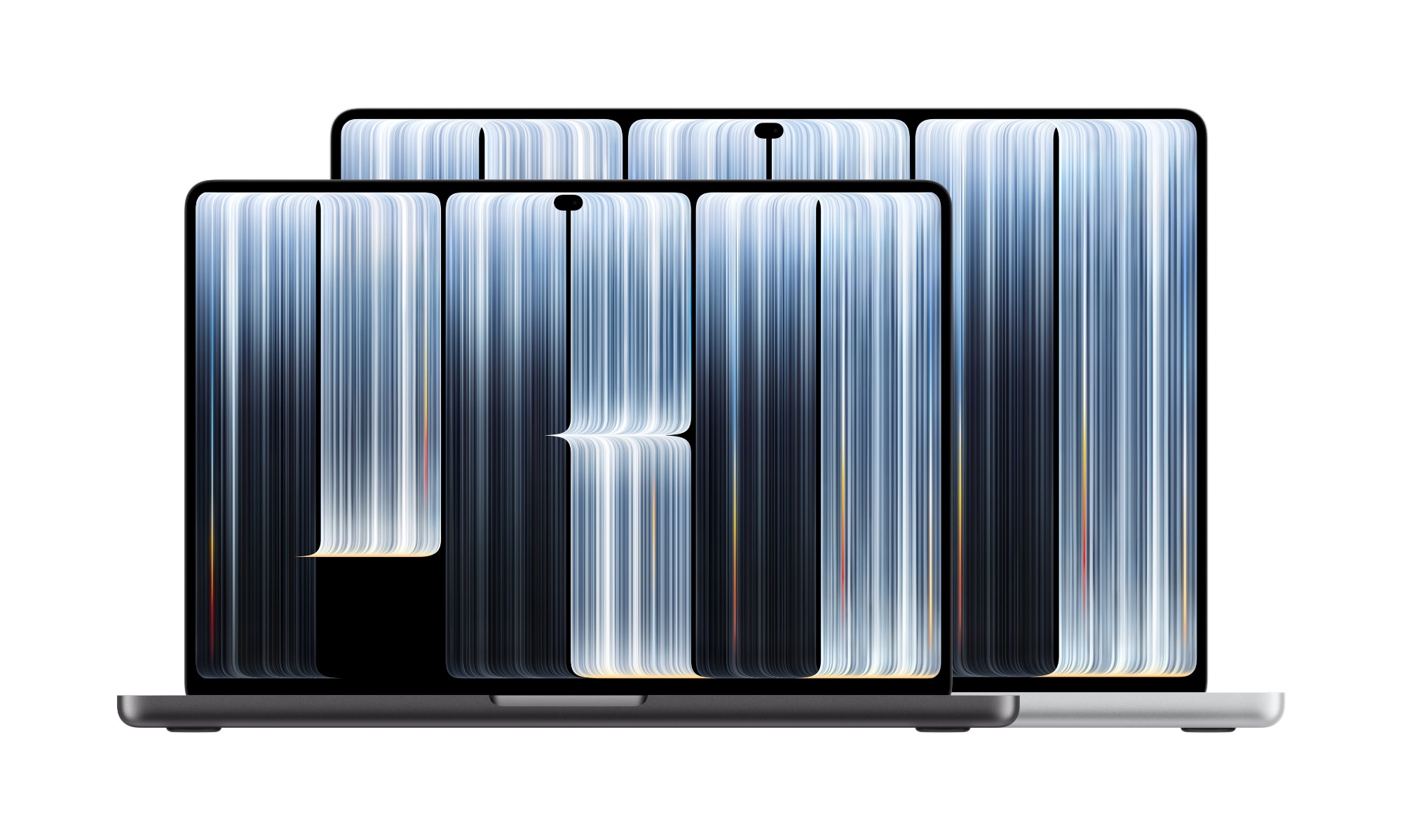
External changes finally included replacing the notch with the Dynamic Island, along with shrinking the screen bezels and improving the hinge to increase screen stability when tapping it with fingers. Jason Snell from Six Colors praised this move, noting that the Spotlight window and Siri’s AI now pop up seamlessly from the island, in addition to the ability to tap it to control media playback or follow Live Activities shared with the iPhone instead of filling up the menu bar.
The pleasant surprise that received great acclaim is the return of the glowing Apple logo on the outer lid. According to what Chance Miller from 9to5Mac revealed, the logo looks like a shiny piece of metal when the device is closed, but it lights up when opened, and its glow intensity changes intelligently depending on the screen brightness and ambient light, in a successful restoration of the classic Mac identity.
Sound, weight, and performance: A new cooling system and bass that exceeded expectations
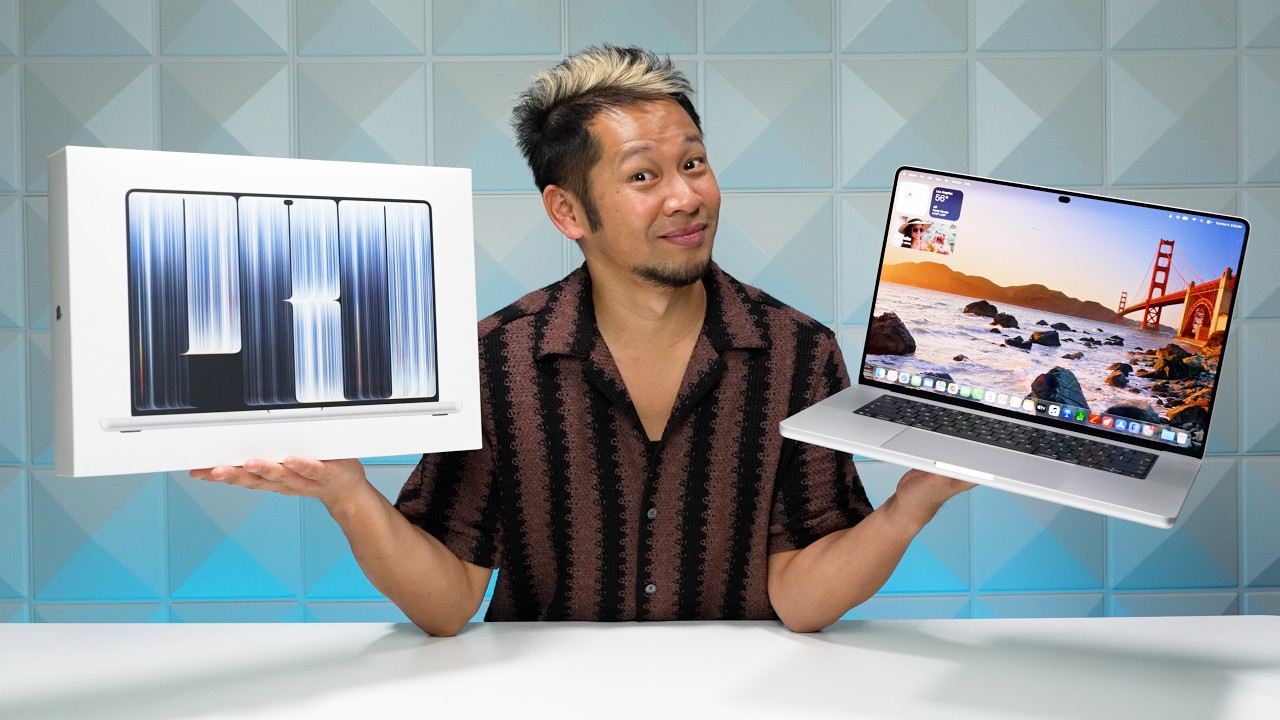
Apple has re-engineered the computers to be lighter and thinner, equipping them with an updated cooling system and a massive storage option of up to 16TB, while retaining the same M5 Pro and M5 Max processors available in previous models to deliver the same high levels of performance. Chance Miller confirmed that the weight reduction of the 16-inch model is immediately apparent when carrying it, as it has become comfortable for travel and does not feel as heavy and bulky as before.
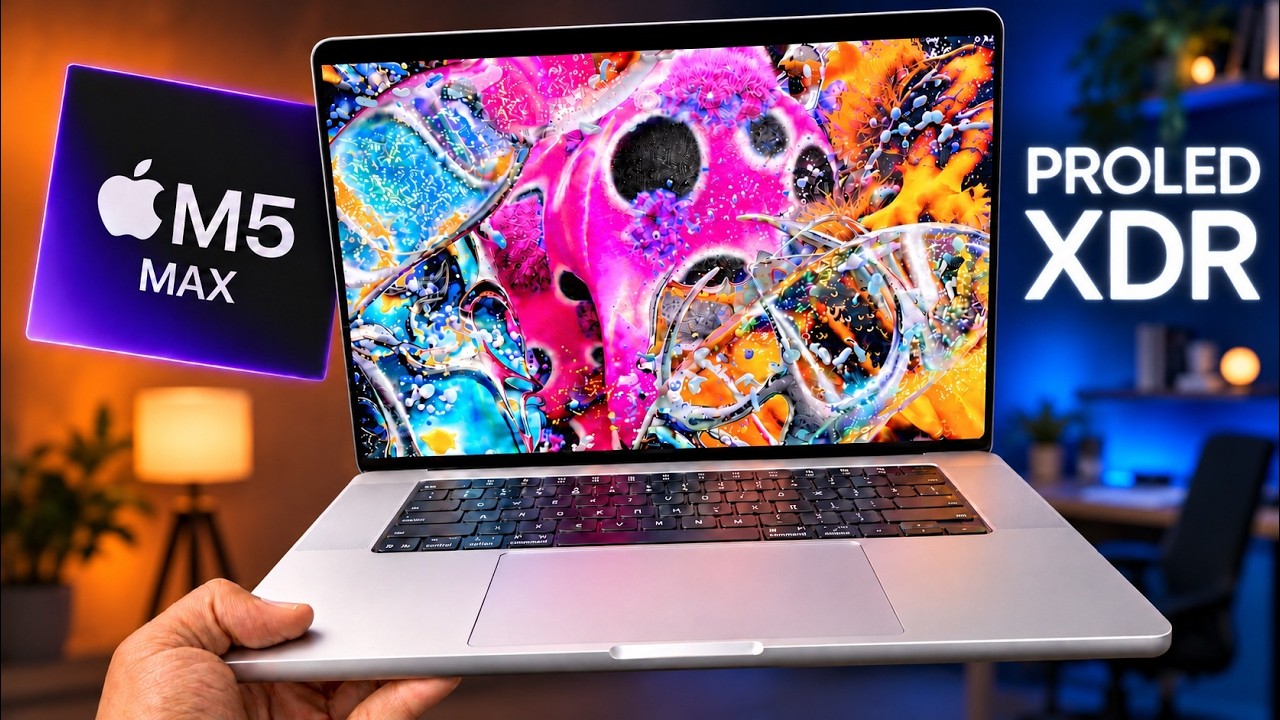
In terms of audio, Apple redesigned the six-speaker system to deliver 50% deeper bass. Although this upgrade made the device an excellent entertainment environment for watching movies and series, Bloomberg’s Chris Welch found this improvement sometimes excessive; the bass became overwhelming and annoying while listening to podcasts or conversational audio clips on YouTube, with difficulty in lowering the deep frequencies due to the lack of quick customization settings in the system.
Source:
Post Comment