Apple has officially begun testing the iOS 27.3 update for developers, the largest operating system update since its launch last September. This version does not just bring a few features showcased by the company at its annual conference; it also adds entirely new capabilities that redefine user interaction with the system and artificial intelligence, ranging from the Safari browser and Health app to the hardware of the new iPhone Duo.
Siri Intelligence Expands: Deeper Control and Multi-Tasking Across Apps
The smart assistant, Siri AI, has received a massive upgrade in this update. Apple has added a long list of smart actions that can be executed within apps and linked seamlessly. For example, in the Mail app, Siri can now unsubscribe you from annoying mailing lists with a single click or undo sending recent messages. In the Weather app, Siri can add new locations to your list or manage alerts with precision, while in the Files app, it can organize documents or delete files you haven’t opened for a period of time you define yourself.
This smart integration extends to the Safari browser as well, where the assistant can clear browsing history, manage open windows and tabs, save articles to the reading list, and even automatically close duplicate tabs. Features include core system apps like Calendar, Messages, Music, Notes, Photos, and Shortcuts. Apple has also expanded Siri’s AI language support to include Traditional Chinese, Vietnamese, Turkish, and Norwegian, while launching a developer preview that allows any third-party app to integrate its tools via the App Intents architecture to execute custom and complex commands.
Redesigning the Health App: “Health Age” Feature and Longevity Indicators
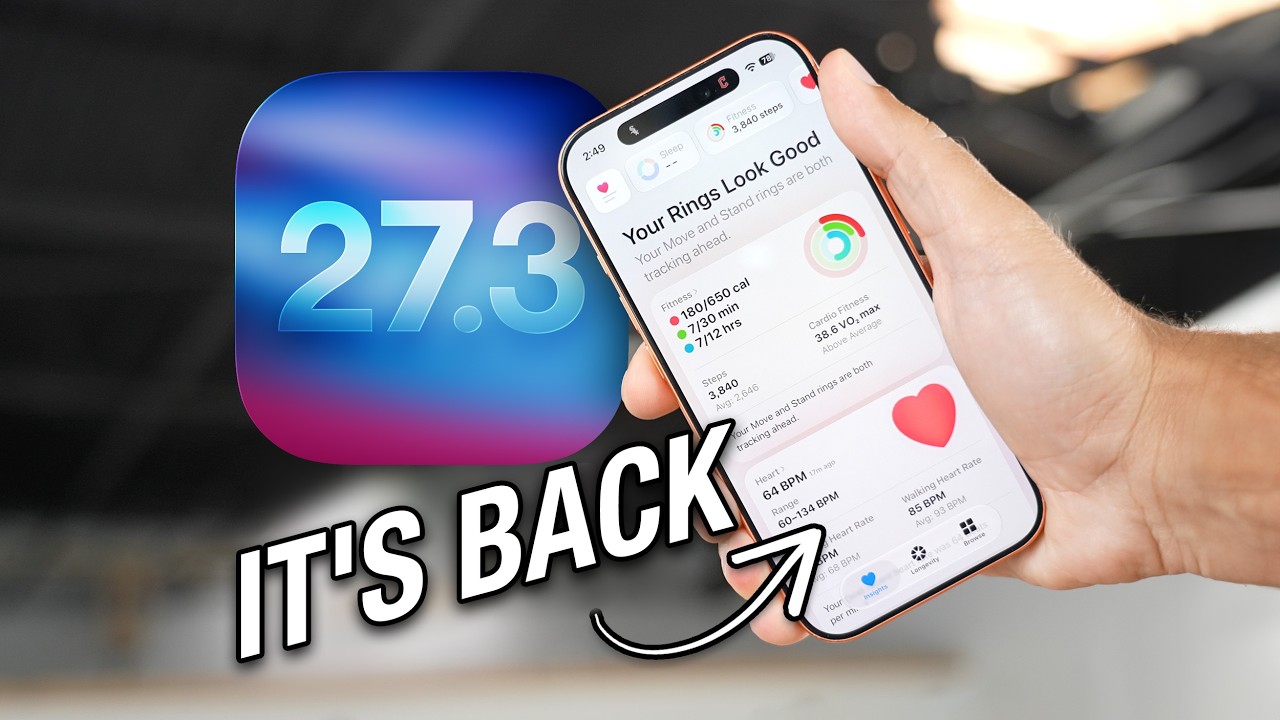
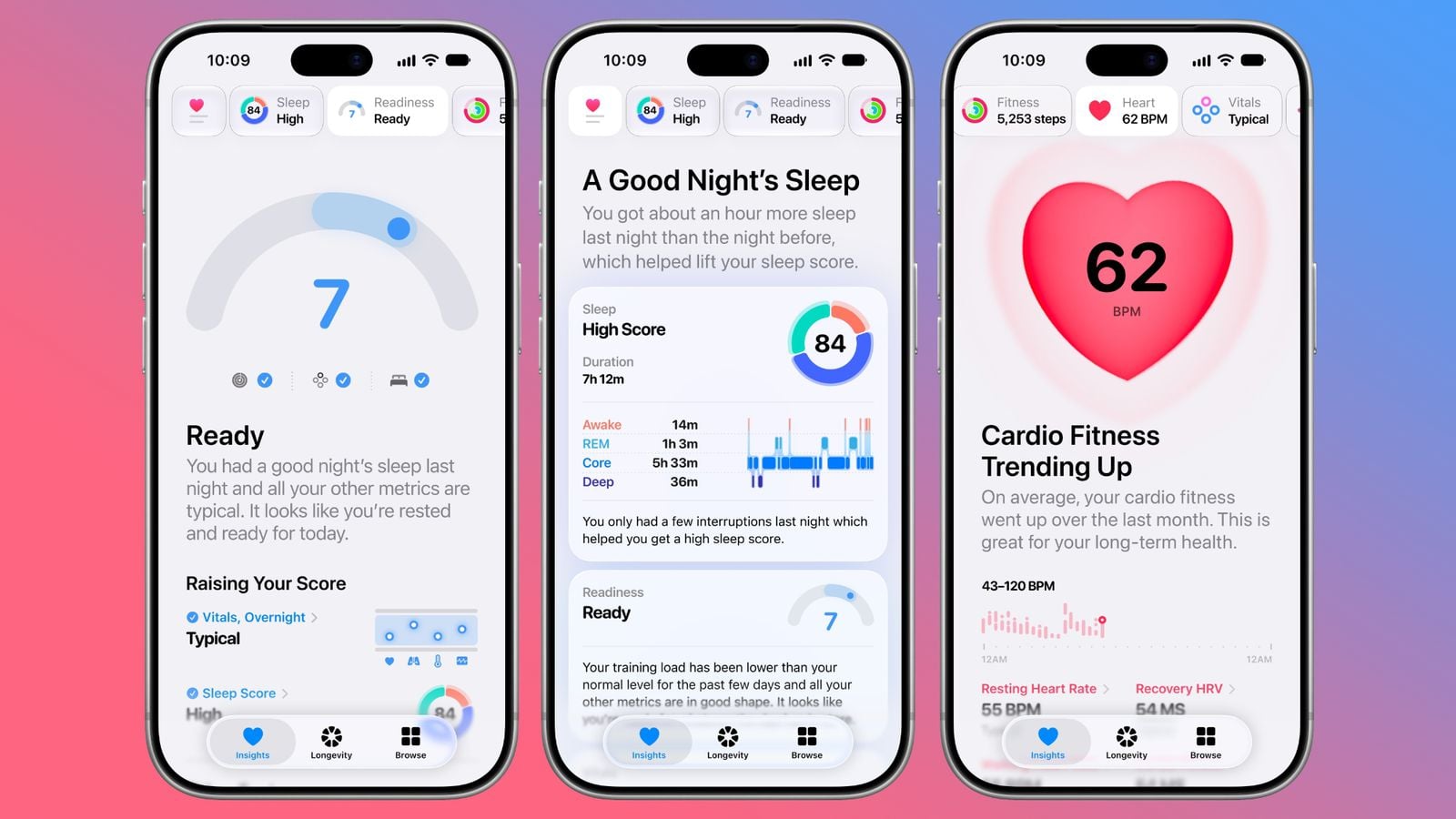
The Health app returns with a completely new look in iOS 27.3 via two main tabs: Insights and Longevity. The Insights tab provides a summary of your latest vital data, such as activity rings, heart rate, sleep quality scores, and your general indicators, where Apple Intelligence analyzes these numbers to provide personalized guidance and directions to achieve your fitness and health goals.
The “Longevity” tab focuses on your health journey over time through a comprehensive assessment of seven pillars: heart health, sleep, mental health, movement, metabolic health, hearing, and nutrition. Highlighted here is the “Health Age” indicator, which compares your chronological age to your biological age based on resting heart rate, VO2 max, heart rate variability (HRV), sleep quality, blood test results, as well as home fitness tests that rely on tracking your movement via the iPhone camera and Apple Watch sensors.
Safari: Vertical Tabs and Adaptive Dark Mode
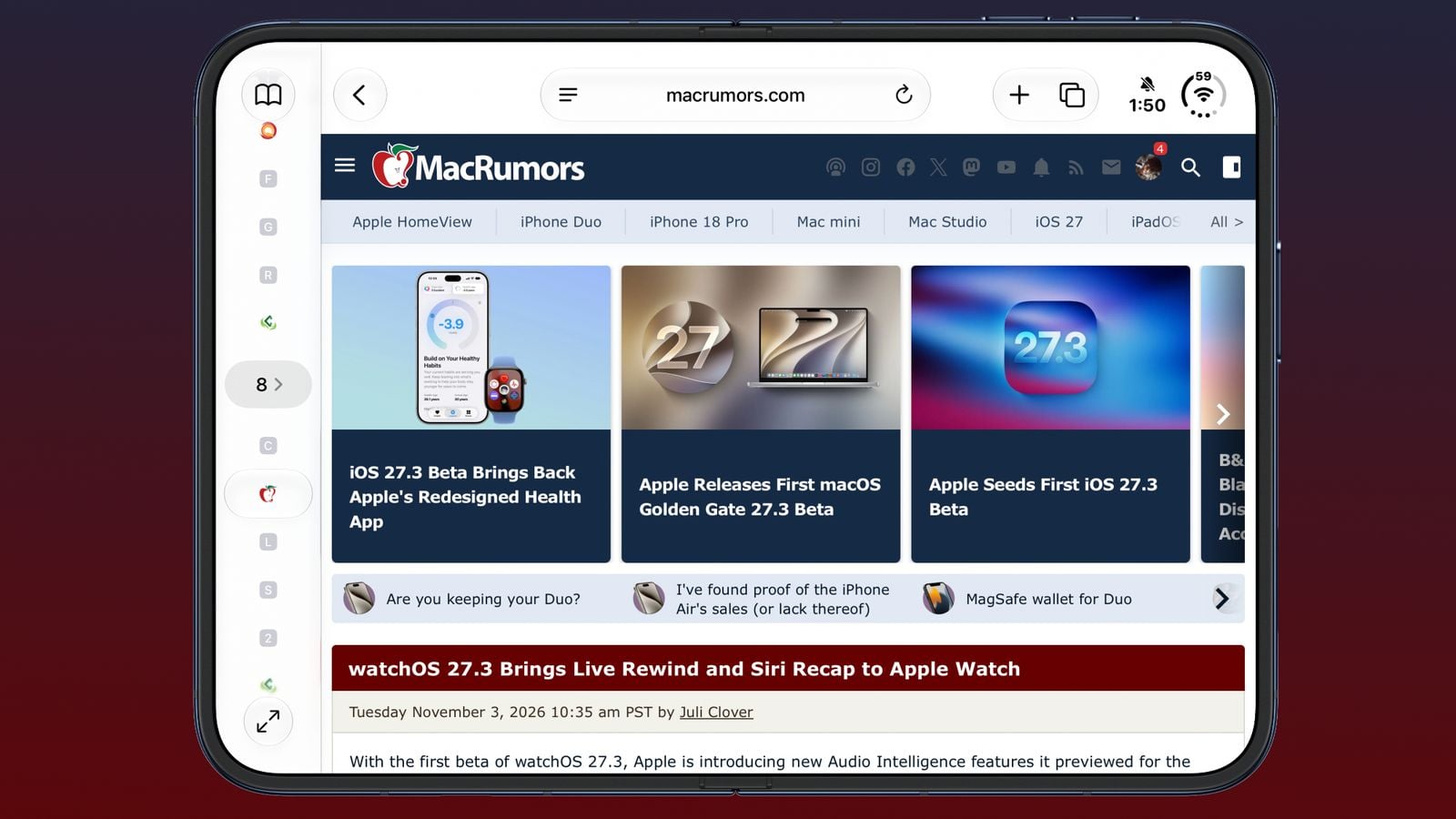
The Safari browser was not left out of this update package; Apple added a Vertical Tabs option that can be enabled directly from the browser settings, providing a spacious and organized browsing experience much like the desktop experience on large phone screens. It also brought an “Adaptive Dark Mode” feature for websites that do not offer a built-in night design, allowing the browser to smoothly adjust their colors to be easy on the eyes.
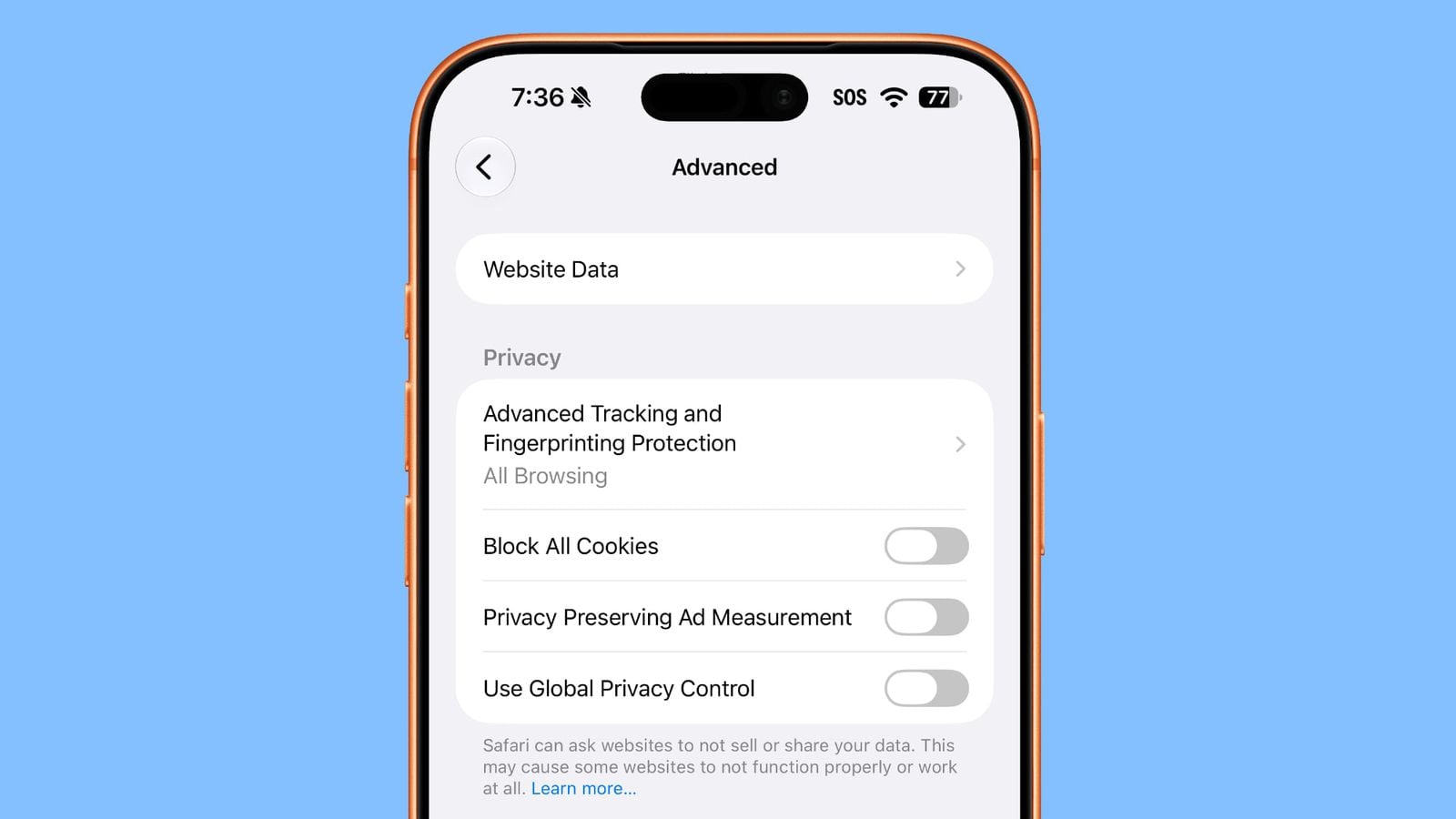
To enhance digital privacy protection, Apple provided a new option in the advanced settings section to enable the “Global Privacy Control” feature, to automatically notify websites of the user’s desire not to have their activity tracked or their data shared.
iPhone Duo Improvements and StandBy Mode for Everyone
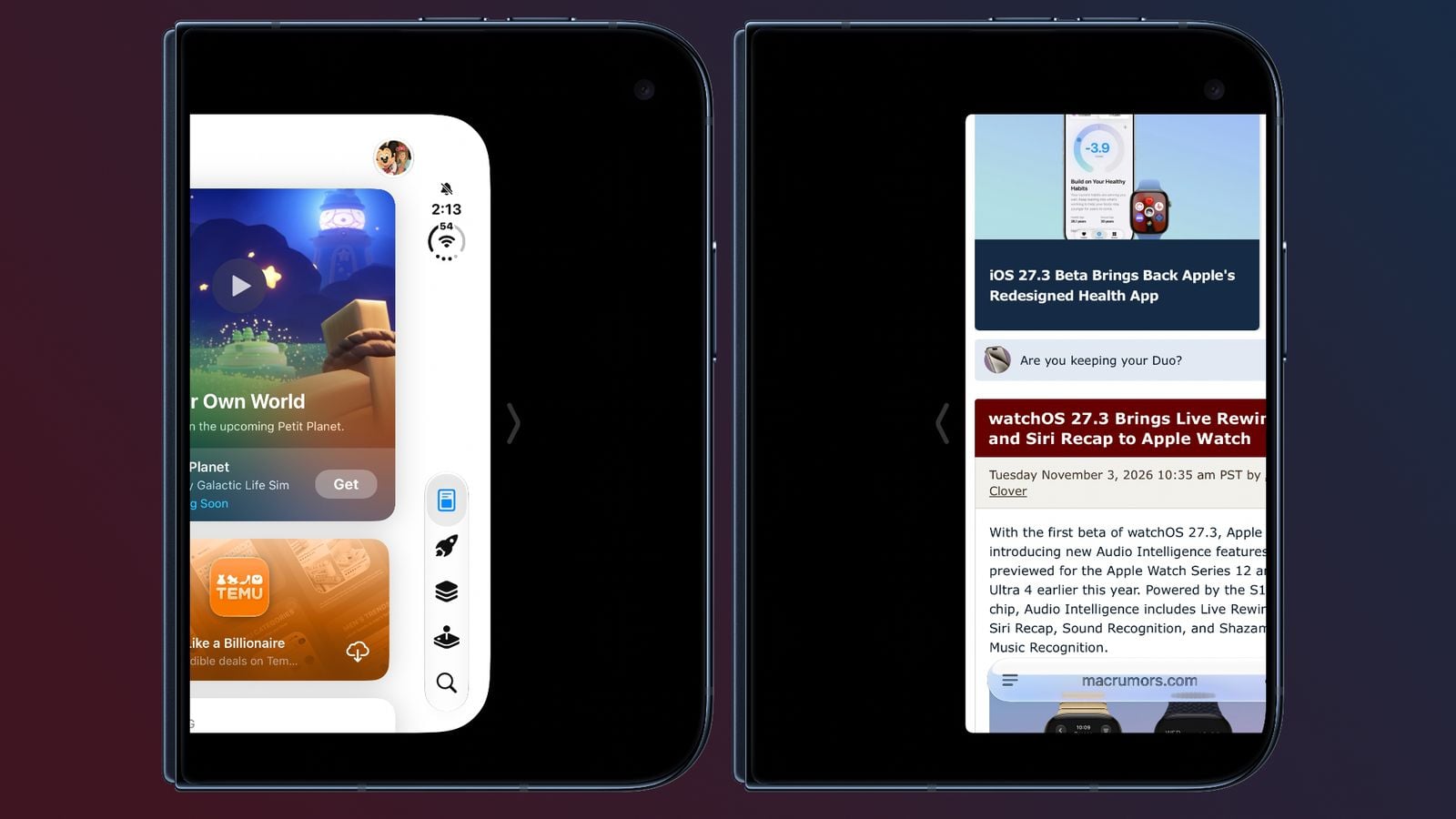
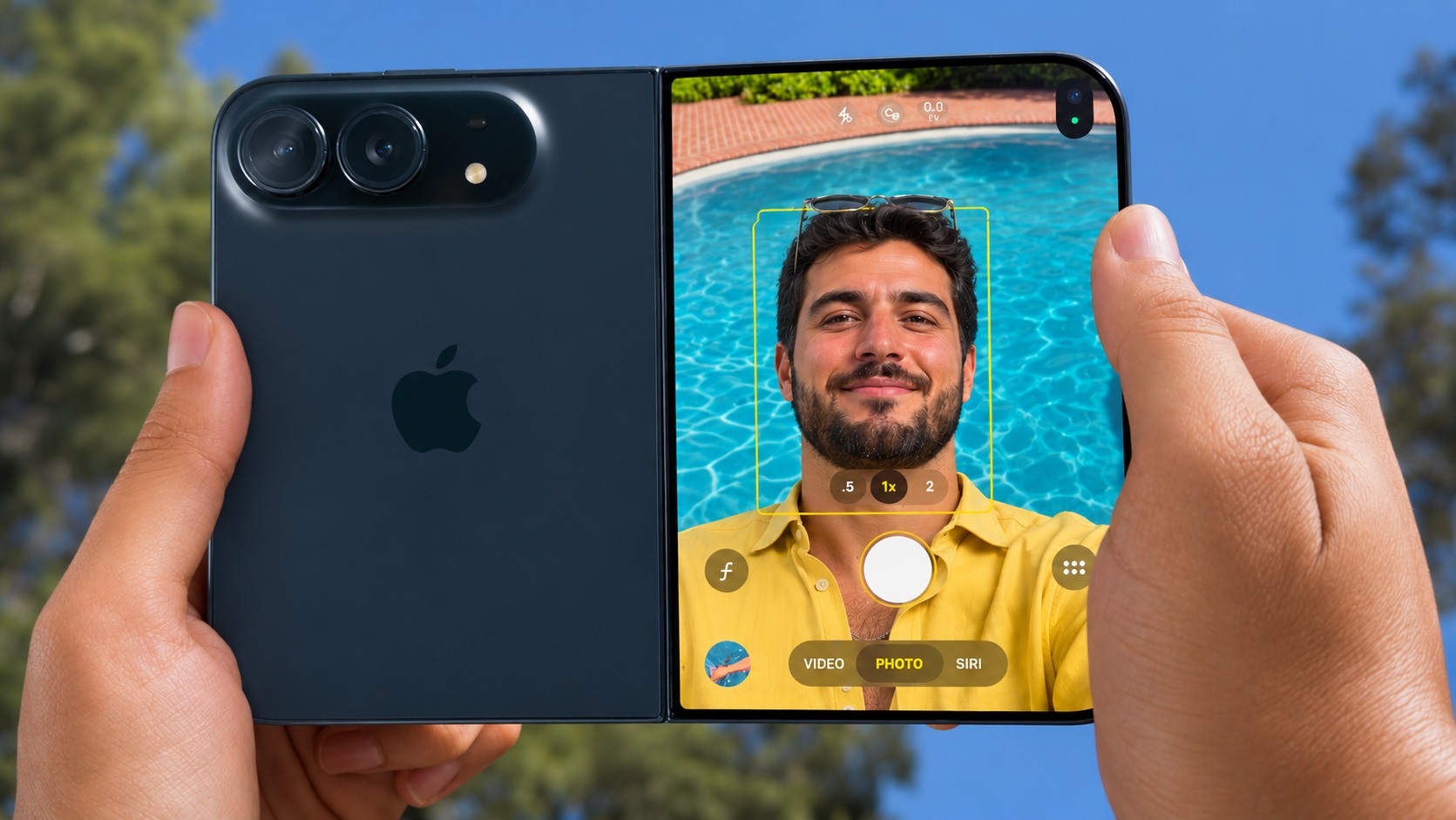
The foldable iPhone Duo received plenty of attention in iOS 27.3; Reachability is now available for its external screen. By swiping inward from the left or right edge of the screen, content moves closer to your thumb for easier one-handed use, and it can be enabled from Accessibility settings under the Touch tab.
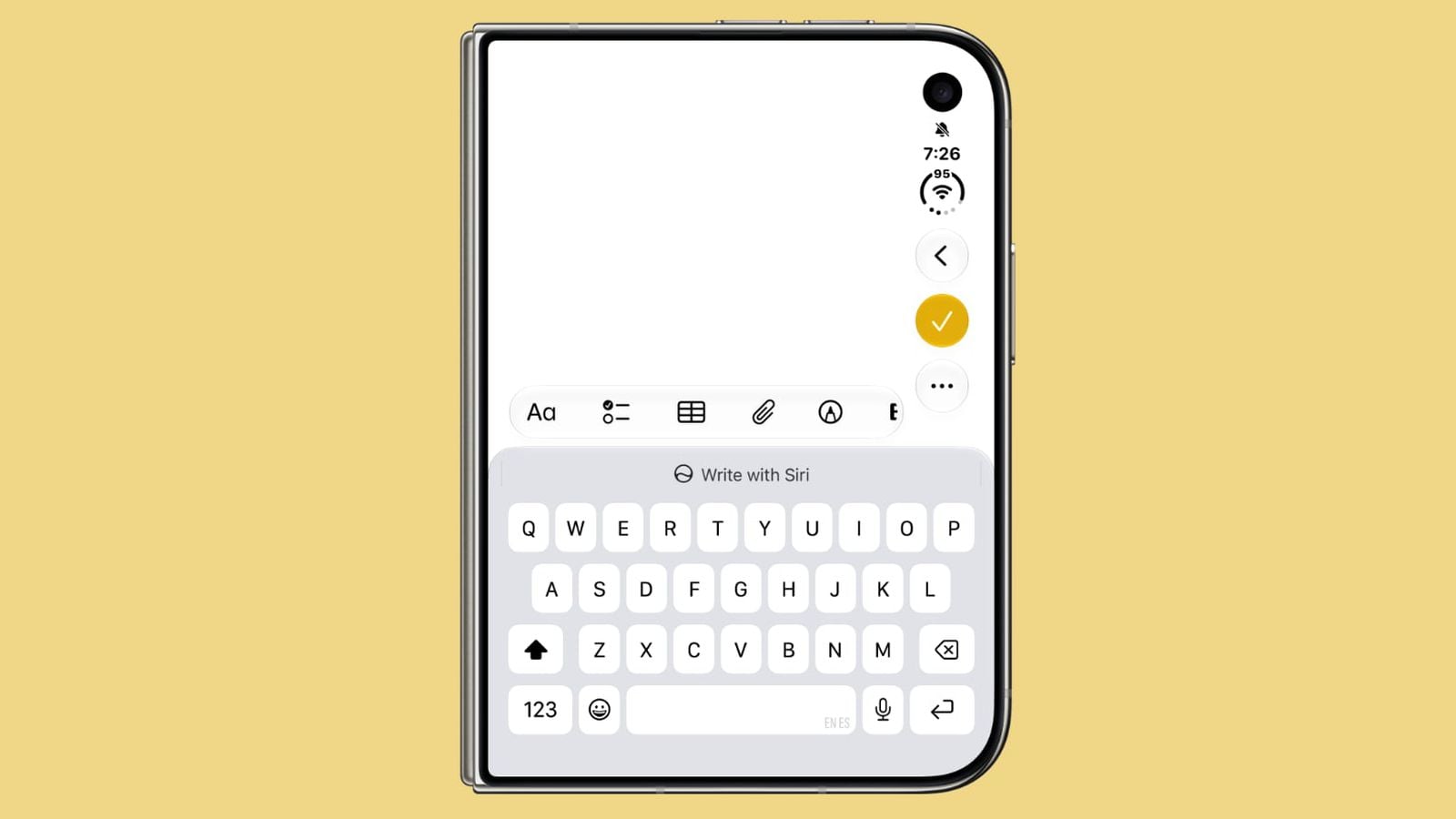
Adjustments also reached the keyboard on the external screen, making the letters slightly thinner and taller, expanding the space bar, and swapping the positions of the emoji and number buttons, as well as the microphone and input buttons for a more comfortable typing experience.
The good news for everyone is that Apple did not limit StandBy mode features to the Duo phone only; it made them available to all iPhones eligible for iOS 27. This includes improved interfaces for digital and analog clocks with wider options for colors and widgets, an advanced photo interface, and custom interfaces for Calendar and Weather, with the ability to create multiple versions of each interface and switch between them by swiping.
Entertainment Features and Additional System Touches
The iOS 27.3 update also introduces fun and practical additions that are noteworthy, the most prominent of which we summarize in the following points:
-
Selfie Sing feature in the Music app: Allows you to record a video of yourself performing your favorite songs in karaoke style through the Apple Music Sing menu, with effects to adjust the audio and share it with your friends.
-
Shape generation tools in Freeform: Apple Creator Studio subscribers can now generate custom, editable shapes by simply writing a text description, with expanded formatting options and colored backgrounds for boards.
-
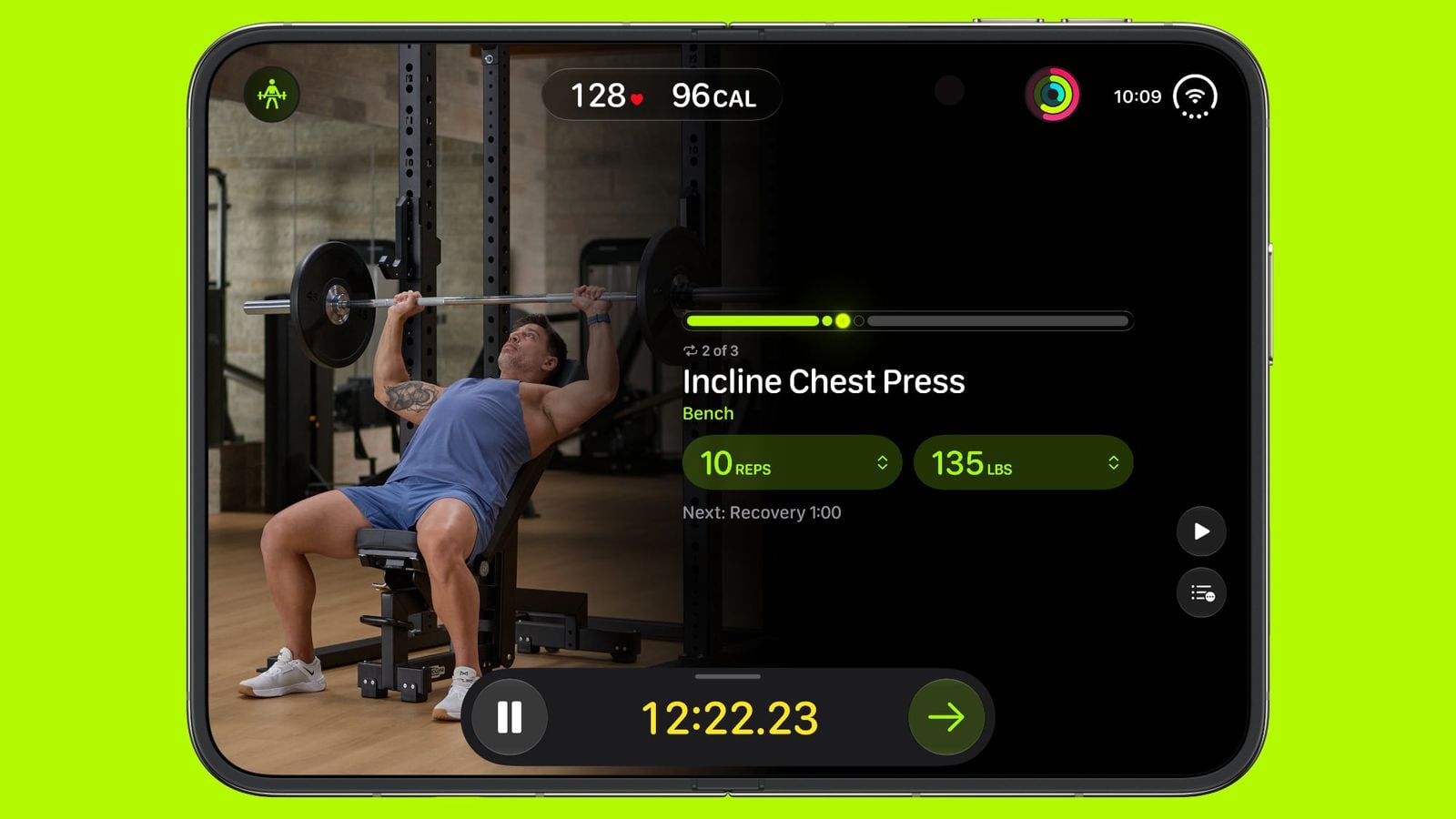
Bodybuilding workouts in Fitness+: Added a “Gym Strength” workout that provides a personalized four-week training plan that considers your experience, schedule, and available equipment.
-
Control and System Improvements: The VPN button in the Control Center now allows direct switching between networks, the cancel button in App Library search has turned into an (X) icon, in addition to improving the appearance of the glass navigation bar and rain precipitation status in the Weather app.
-
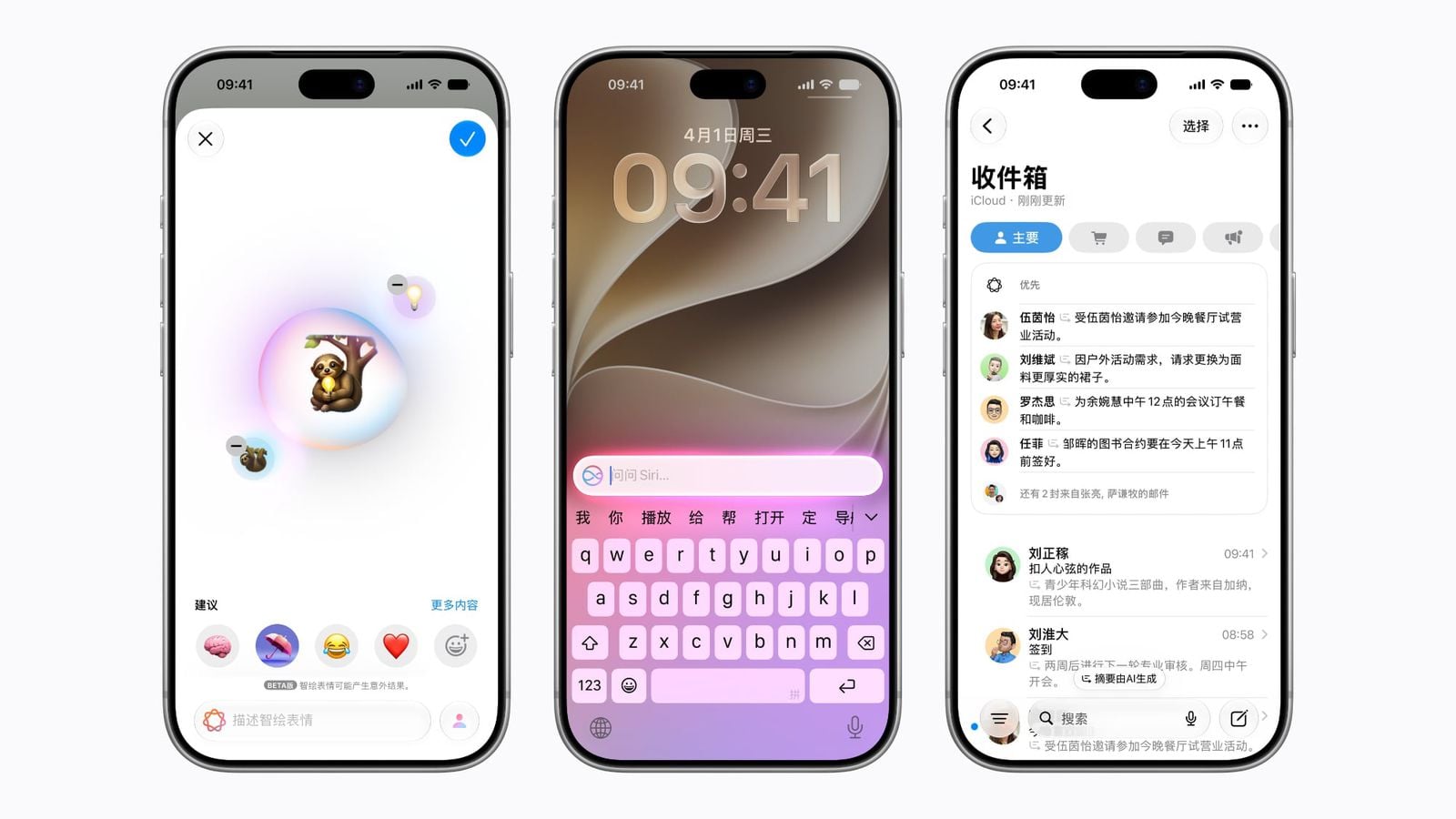
Apple Intelligence and Earthquake Alerts in China: Launching core Apple Intelligence features in China, and support for early earthquake warning notifications in cooperation with the China Earthquake Networks Center.
-
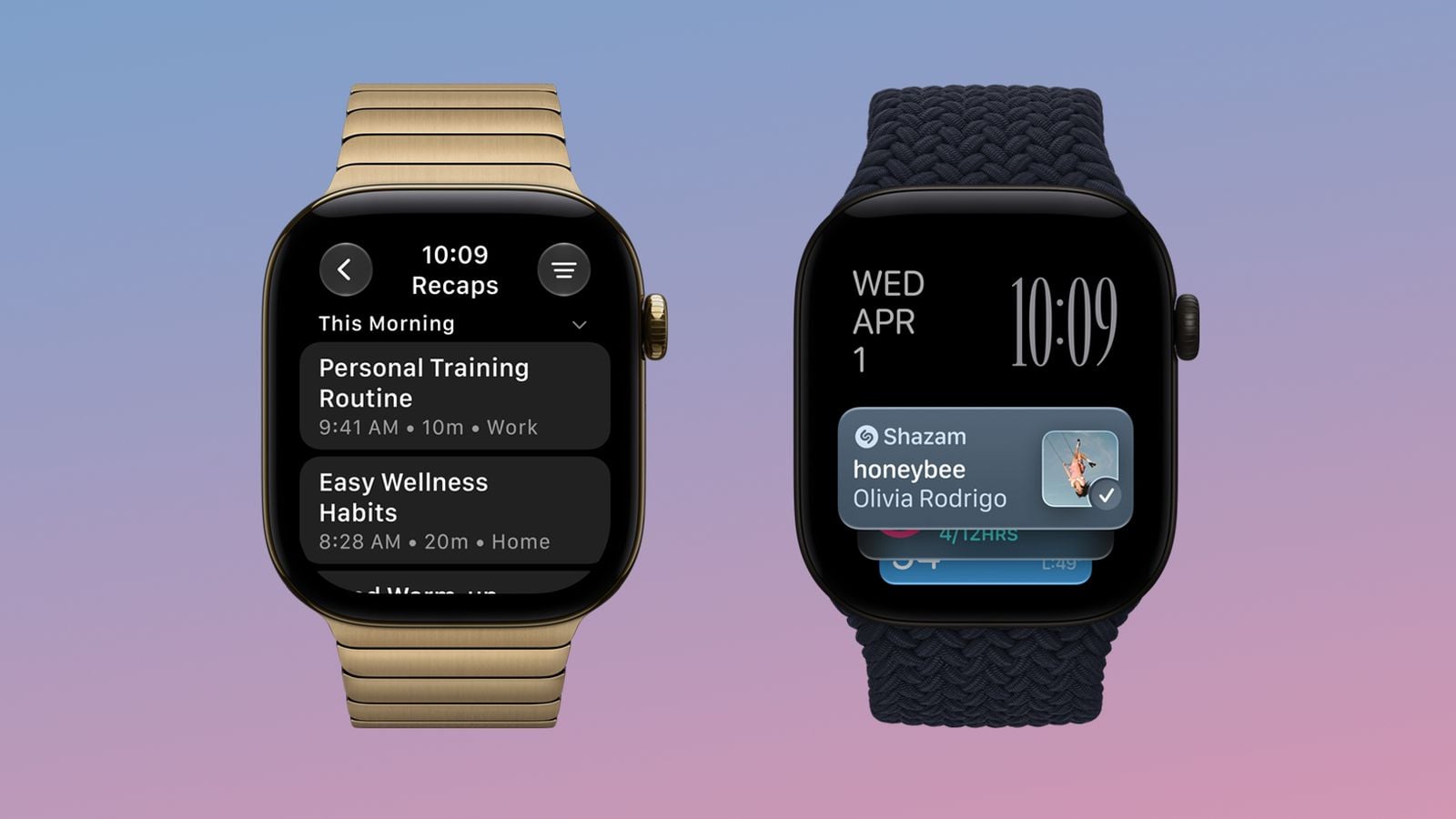
Apple Watch Integration and RCS Support: Support for Live Rewind and Siri Recap features in the watchOS 27.3 update, in addition to enabling RCS messaging for the Australian network Telstra.
Source:
Post Comment