After many years of strict refusal, Apple has changed its stance and launched the new MacBook Pro with a PROLED XDR display that supports touch. This major shift in the company’s philosophy was not just about adding a standard touch layer to the screen; it involved precise engineering to minimize latency as much as possible, along with fundamental adjustments to the macOS system to make finger interaction feel natural and smooth, as if you were touching the digital content directly without any barrier.

Integrated sensor technology and the secret to instant response
Apple relies on integrating touch sensors directly into the fabric of the OLED panel itself in the new MacBook Pro display, rather than placing a separate sensor layer on top of the screen. This engineering approach—used in modern, advanced OLED displays—eliminates the air gap and contributes to reducing lag, or what is known as latency, making the movement of elements under your finger instantaneous and extremely precise, providing a real sense of direct interaction with the system interface.
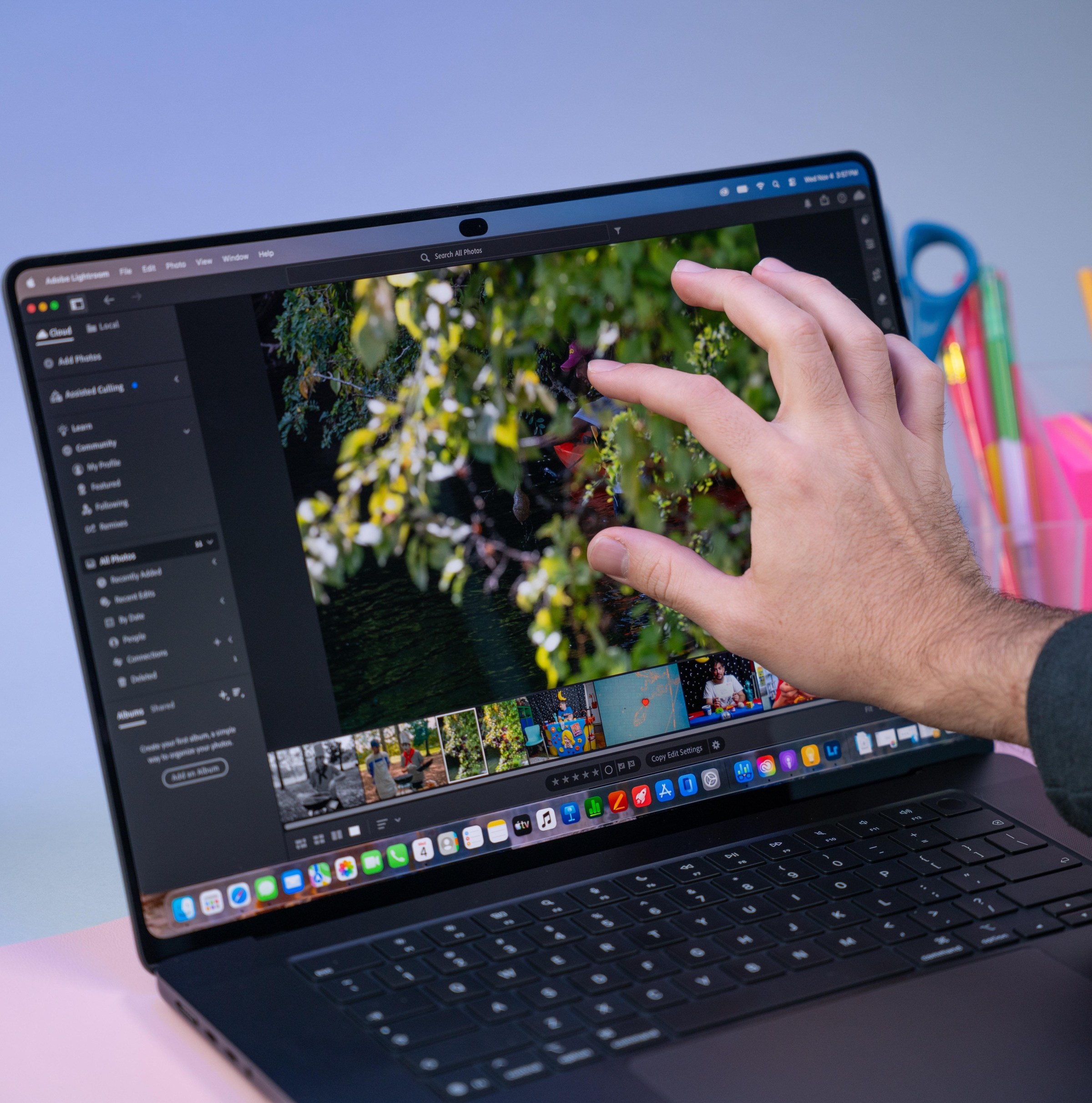
The experience here goes beyond simple tapping; it includes smooth scrolling for browsing documents and websites, and using the two-finger pinch gesture to zoom in and out on images and web pages. Apple has also enabled quick drawing and handwriting notes directly on the screen, a feature that opens new horizons for quick interaction without needing the trackpad all the time.
macOS borrows iPad features to facilitate touch
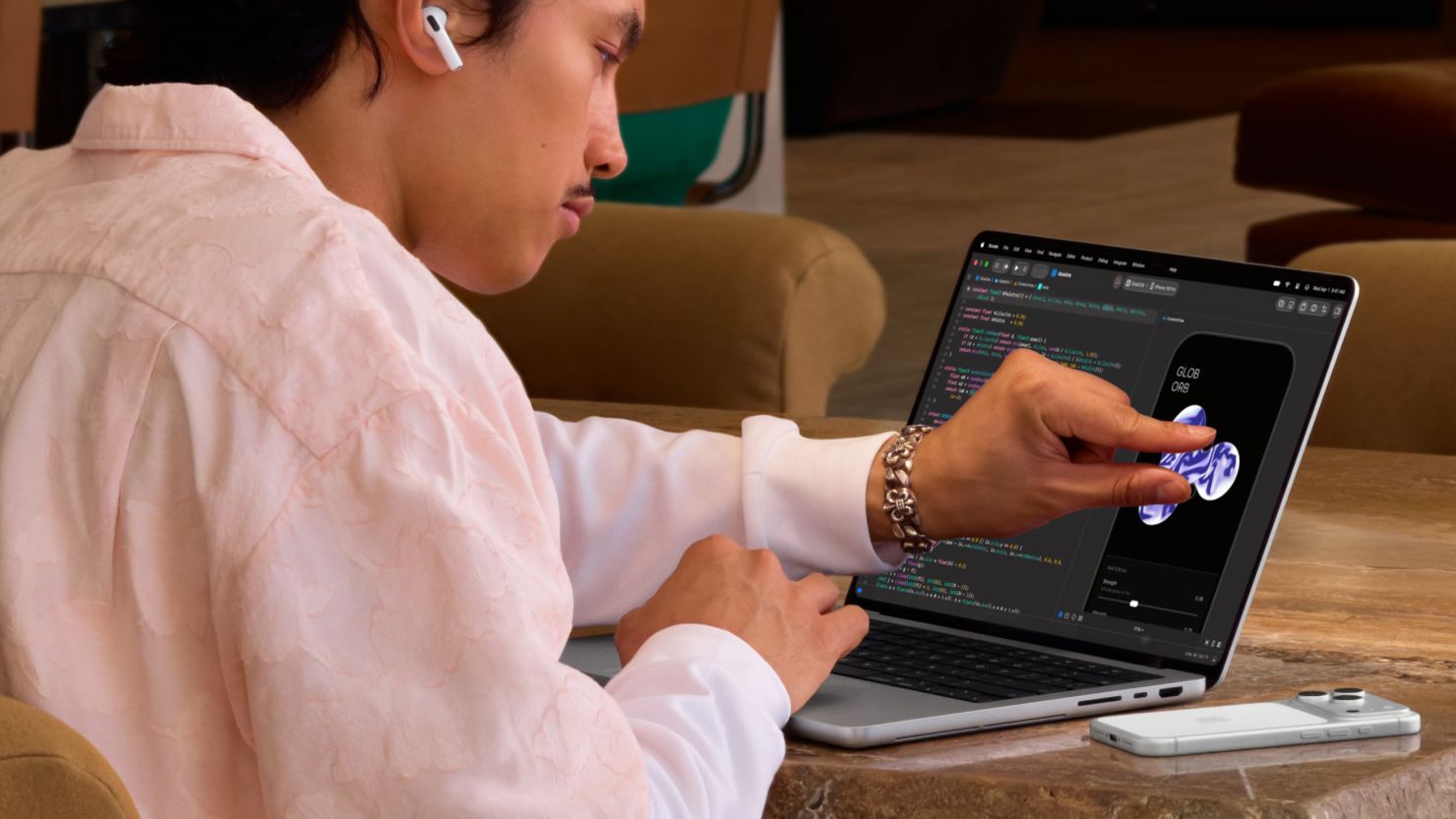
Apple did not leave the system interface without an update; software is the foundation for the success of any hardware change. The macOS system borrowed some clever tricks from the iPad system, as users can now hide the Dock with a quick finger swipe. Menus have also been improved to adapt automatically when tapped, with increased spacing between available options to make it easier to press buttons accurately without accidental selection errors.
These capabilities target various groups; professionals and software developers will find the touchscreen an ideal tool for previewing iOS apps and interacting with 3D models with realistic precision, while the everyday user benefits from the ease of arranging slides and adding elements in office work applications like Pages and Keynote with great ease.
Surpassing Steve Jobs’ legacy… but at a high cost
This announcement represents a historic turning point, as Apple spent nearly two decades describing the idea of laptops with touchscreens as impractical and burdensome from both an engineering and ergonomic perspective for the user. The company’s late founder, Steve Jobs, believed that raising an arm to touch a vertical screen was a poor experience, and his successor, Tim Cook, once compared combining a laptop and a tablet to trying to build a refrigerator with a toaster built into it.
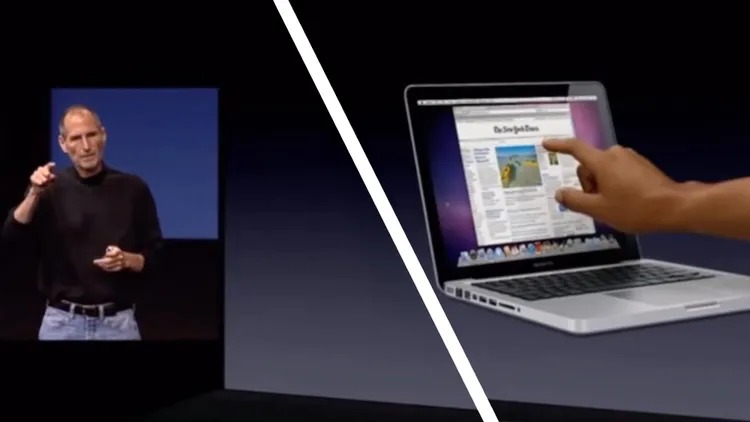
Today, Apple returns to adopt this vision after the evolution of its ecosystem and changing user requirements, but the experience comes at a high price starting at $2899 for the new MacBook Pro model. The question remains as to how much the public will be willing to pay this amount to have the touch experience on Mac computers, while waiting for the technology to reach more affordable computers in the future.
Source:
Post Comment