With the launch of iOS 27, Apple has completely reinvented its voice assistant, transforming it into a sophisticated artificial intelligence called Siri AI. This radical upgrade has given the assistant vast capabilities, allowing it to interact directly with your personal data, understand what is on your iPhone screen, and execute complex tasks via third-party apps as if it were a real personal agent acting on your behalf. While Apple consistently asserts that your data is protected and encrypted even when using the cloud, it is completely natural for some users to feel a sense of concern regarding an AI’s ability to access the minute details of their daily lives. Fortunately, Apple provides flexible controls that allow you to set clear boundaries on what Siri can access without giving up its useful features.
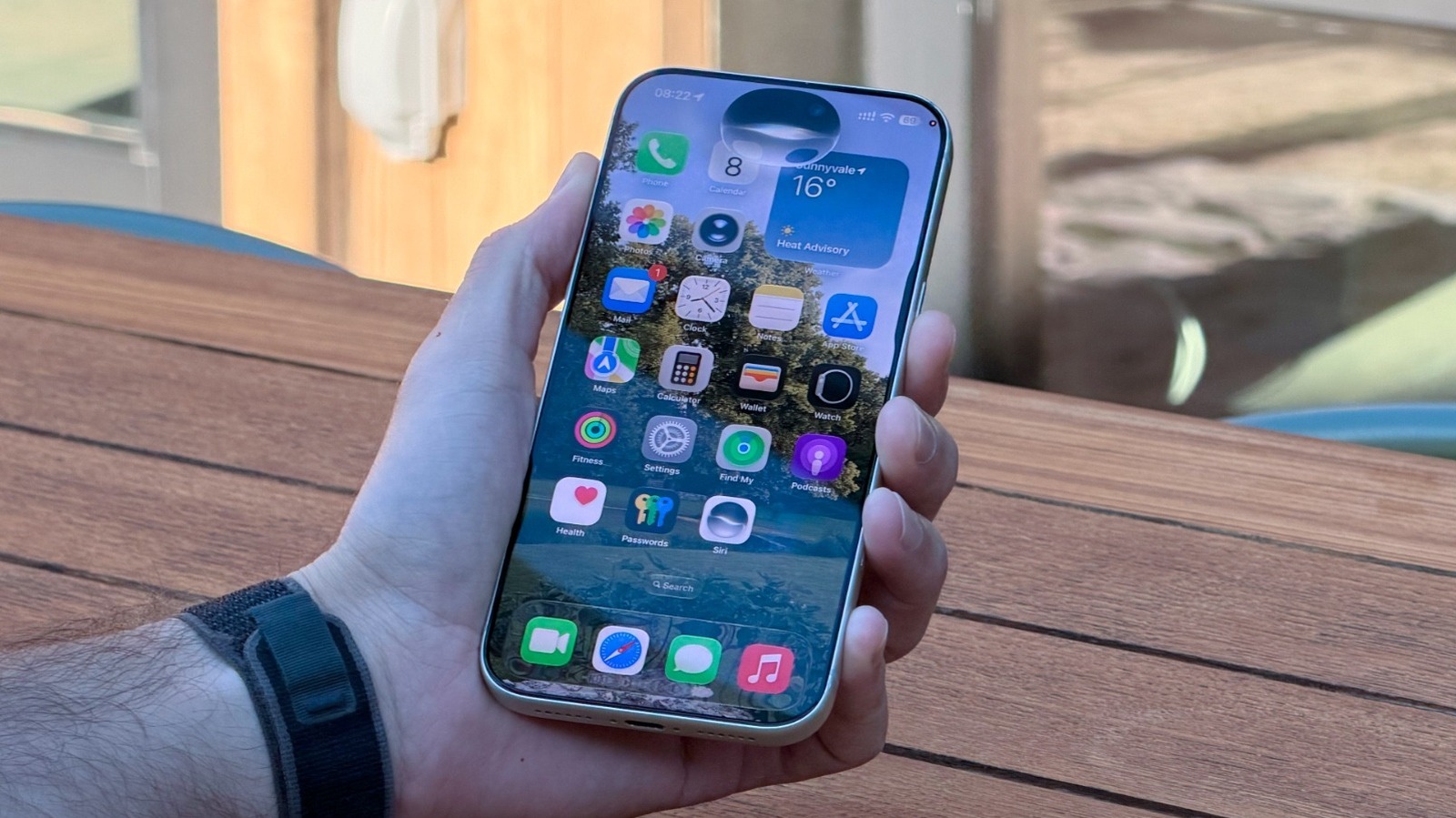
Steps to restrict Siri’s access to your apps and information
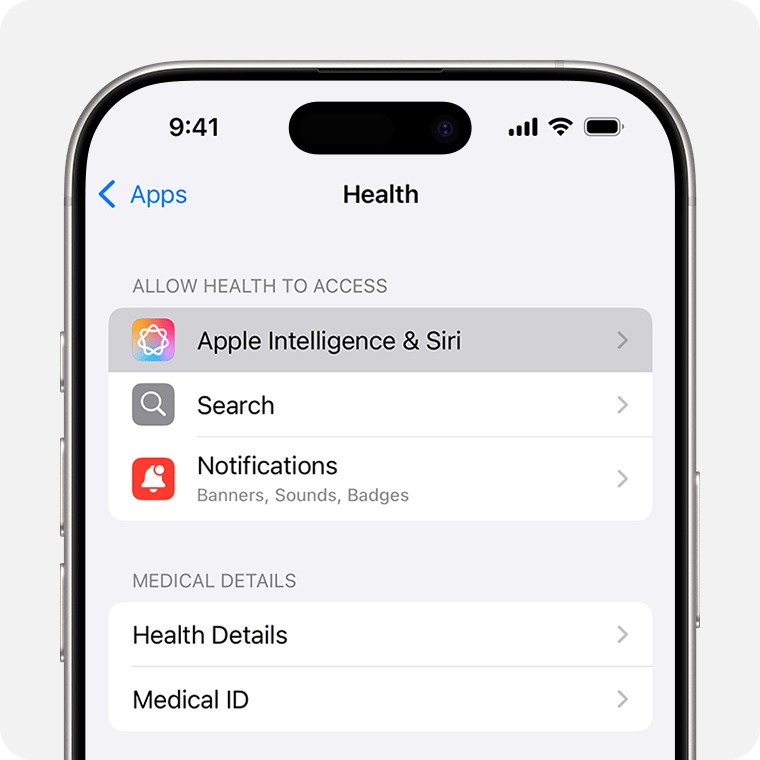
If you are using an iPhone, iPad, or Mac that supports Apple Intelligence features, is running iOS 27, and has Siri AI enabled, you can precisely control the level of access the assistant has to your individual apps through simple and direct steps:
- From Siri settings: Go to Settings > then Siri > App Access > select the desired app > and turn off the “Learn from this App” option.
- From app settings: Alternatively, you can go to Settings > Apps > then select the desired app > and turn off the “Learn from this App” option.
Within the same screen, you will also find an option called “Suggest App,” which is responsible for suggesting actions within an app based on the context of another app, such as automatically adding a schedule from an email to your calendar. Although these operations rely entirely on local processing within your device’s hardware and never leave it, turning them off gives you more peace of mind if you prefer to completely isolate certain apps.
Additionally, in the Siri section, you can turn off the “Automatic Visual Look Up” feature, which is responsible for intelligently recognizing items and landmarks within screenshots. You can also turn off Siri entirely by going to Settings, then Siri, and disabling it completely if you prefer not to use it at all.
Understanding the technical architecture behind the new Siri: Between local processing and the cloud
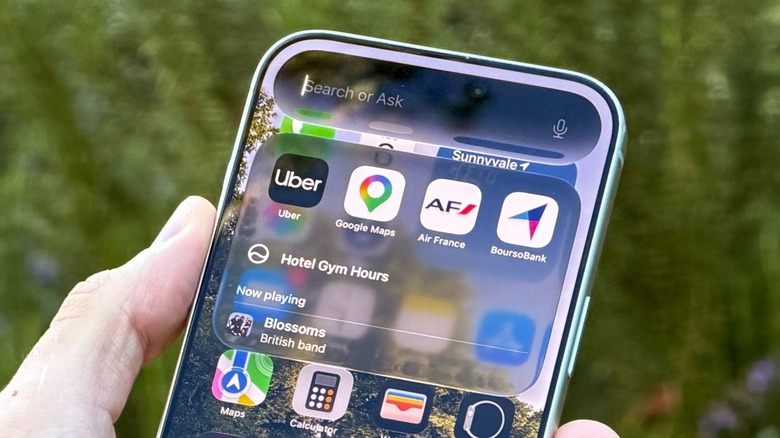
Apple has explained that the new Siri relies on its next-generation Apple Foundation Models, which were developed in partnership with Google and Gemini models. This system operates in a dual manner, intelligently balancing local processing on the device hardware and cloud processing via what Apple calls Private Cloud Compute (PCC).
Apple notes that Private Cloud Compute gives the user access to advanced, ultra-powerful AI while extending the iPhone’s strict security and privacy standards to the cloud environment. For daily tasks, the assistant relies entirely on the Neural Engine built into the iPhone processor to analyze data locally; this includes understanding personal context, processing voice input, and executing App Intents. This means that your message texts, personal information, and voice recordings do not leave your phone, and these functions work even without an internet connection.
When a task requires large language model capabilities that exceed the built-in processing power, Siri establishes a secure connection to private servers built with Apple Silicon processors. Only the minimum data necessary to complete the specific request is sent over this connection. Once processing is complete and the result is sent to your device, the operation leaves no trace on the server at all, as its architecture prevents the storage or recording of any personal data—promises that Apple has allowed independent security researchers to verify and test in practice.
Should you restrict Siri or let it run at full capacity?
Apple consistently confirms that it does not share user data with any party, and to date, no independent security audit has proven the existence of vulnerabilities that transfer personal data to unauthorized locations. Nevertheless, your decision to restrict Siri’s access to certain apps—such as banking apps or those containing highly sensitive financial and personal data—remains a logical and justified choice for those seeking complete peace of mind.
In practical use, Siri AI proves to be a true qualitative leap that exceeds years of previous promises; it excels at reminding you of the content of a specific message, extracting podcast links you received previously, recalling details of old conversations, reading screen content to help solve problems, and translating text and scheduling appointments with great flexibility. Most importantly, it does not use your information to target you with ads or sell it to other parties as some competing AI models do.
Ultimately, restricting Siri depends on how much you rely on it for your daily tasks; if you want to get the most out of its built-in smart capabilities, the system is designed to protect you automatically. If you prefer strict caution and limiting the scope for specific data, the tools are fully available at your fingertips.
Source:


Post Comment