With the release of iOS 27, Apple has taken a major step by transforming its voice assistant into a fully interactive, AI-powered chatbot that features a standalone app and understands exactly what is happening on your screen with extreme precision. However, as is the case with bots like ChatGPT and Google Gemini, the new Siri app keeps a detailed log of all your conversations and questions for future reference. Despite Apple’s strict privacy assurances, the idea of having a permanent archive for every inquiry or personal task may not appeal to many. Fortunately, Apple gives you direct options to delete these conversations manually or schedule them for self-destruction after a set period.
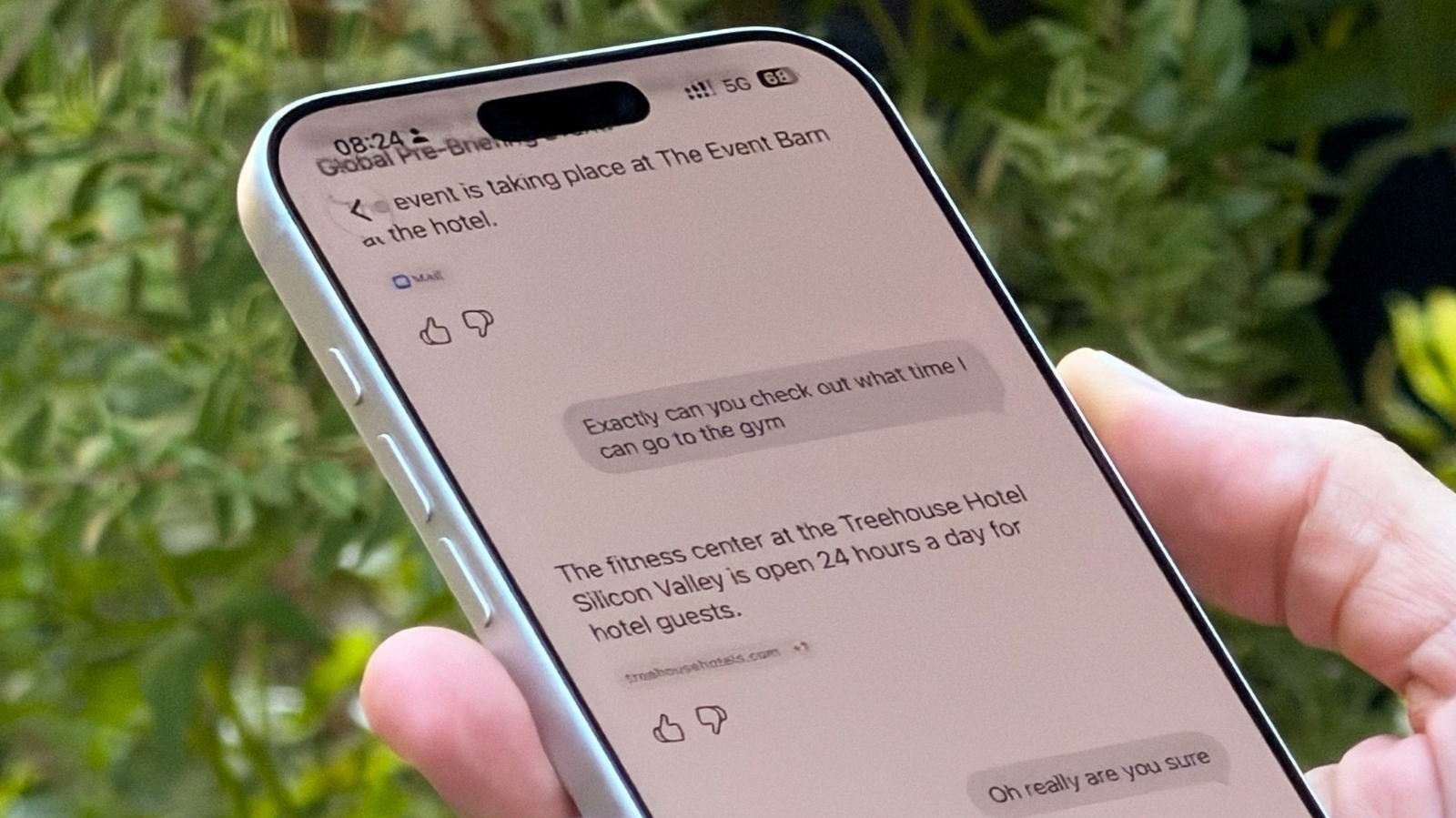
How to delete Siri conversations and set a history retention period?
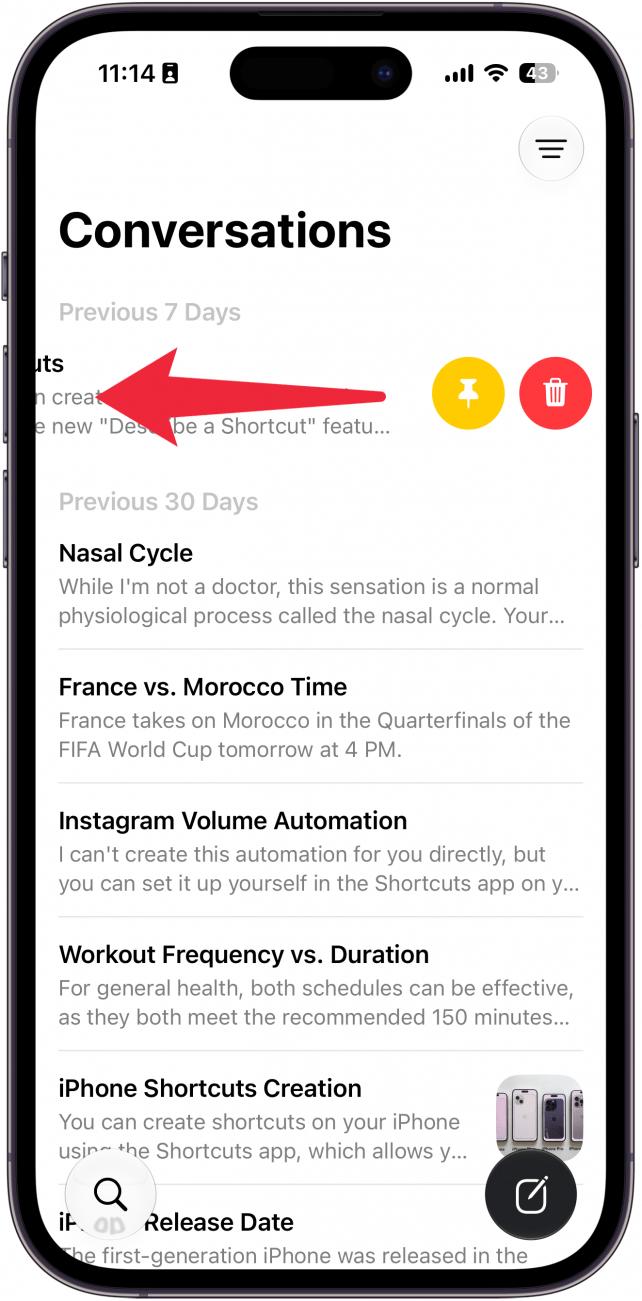
If you prefer to clear your history manually, the process is very simple and quick, no different from managing your daily messages. All you need to do is open the new Siri app, swipe from right to left on the conversation you wish to get rid of, and tap the delete option.
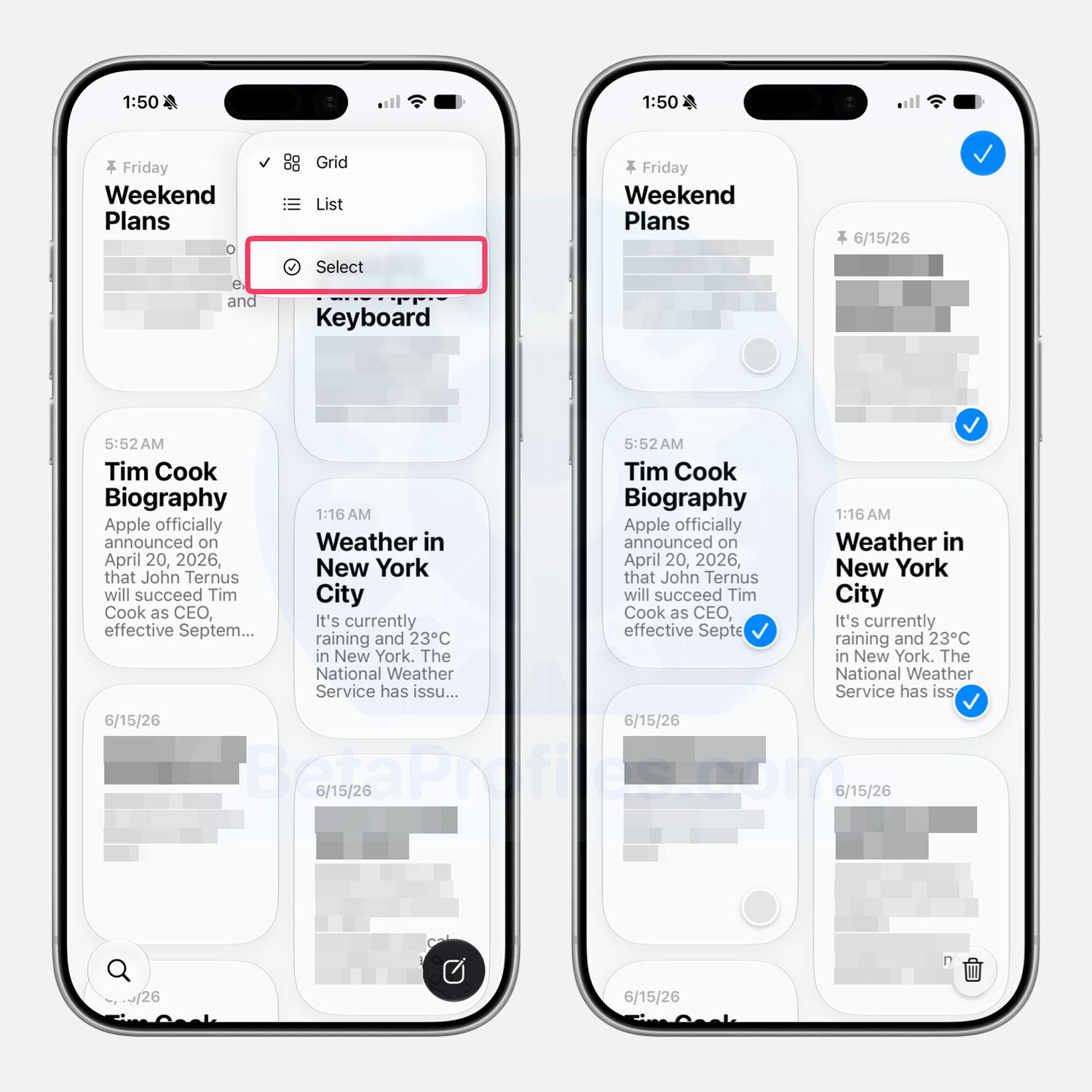
If conversations have piled up and you want to clear a group of them at once, you can tap the menu button in the top corner and select the selection button to delete multiple conversations at once with complete ease.
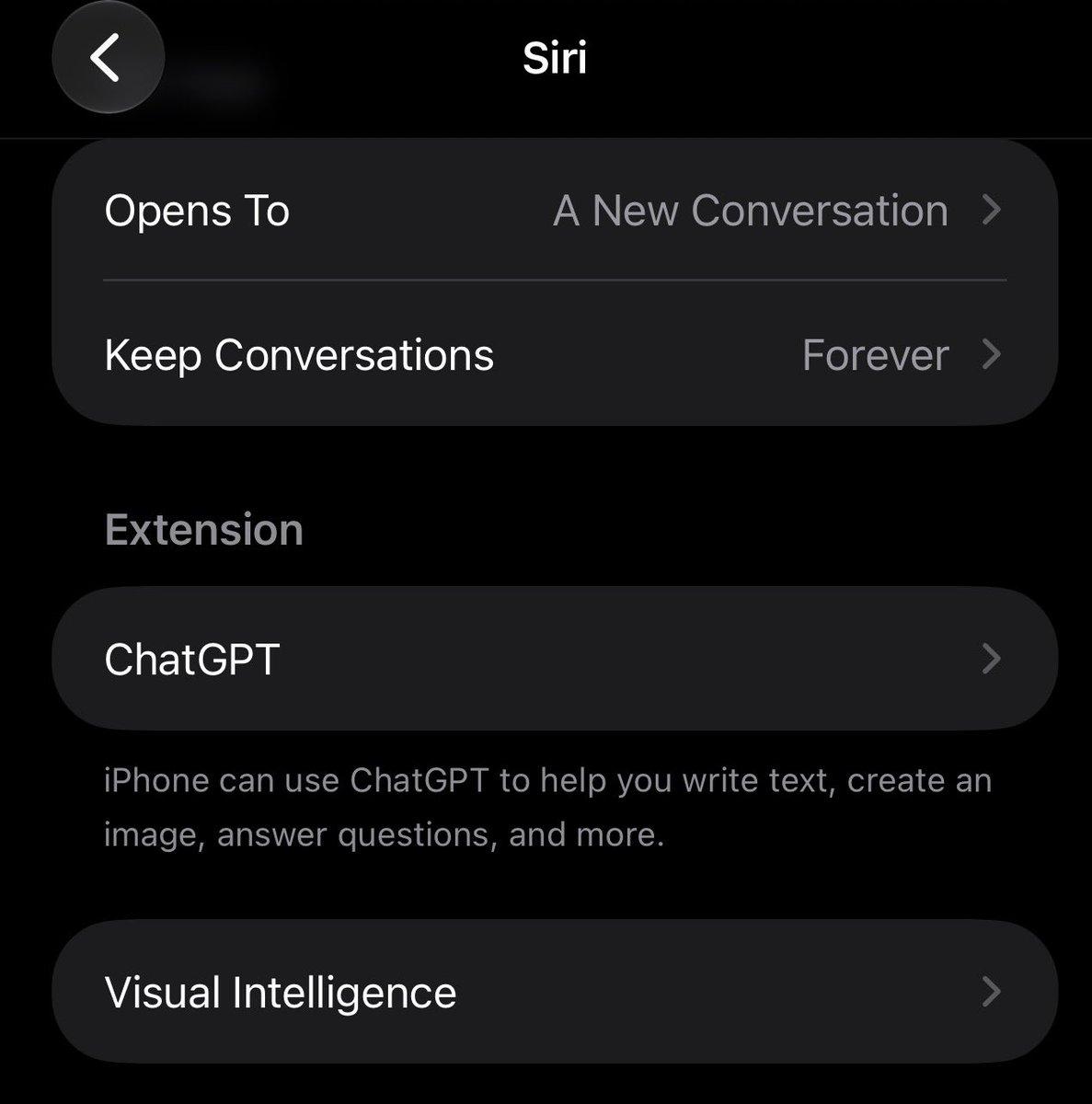
If you do not want to repeat this task manually, you can make the process entirely automatic through Settings. By going to the Siri section, you will find a dedicated option called “Keep Conversations,” where you can set the time period for which your logs are kept, whether you choose to keep them forever, for a full year, or just a thirty-day limit after which they are automatically deleted.
Apple clarifies that these logs remain stored locally on your device, and even when requests are sent for cloud processing, the data is immediately deleted from the servers once your device receives the response, ensuring that your data is not used to train AI models without your explicit permission.
Practical steps to enhance the privacy of your conversations with Apple Intelligence
To protect your data more securely, there are some additional measures worth implementing immediately. The first relates to the integrated ChatGPT integration; while this addition was vital in the beginning, logging in with an OpenAI account may allow the latter to collect your information according to its own independent policies. Therefore, if you want to keep your data entirely within Apple’s closed ecosystem, it is better to disable this extension from Siri settings.
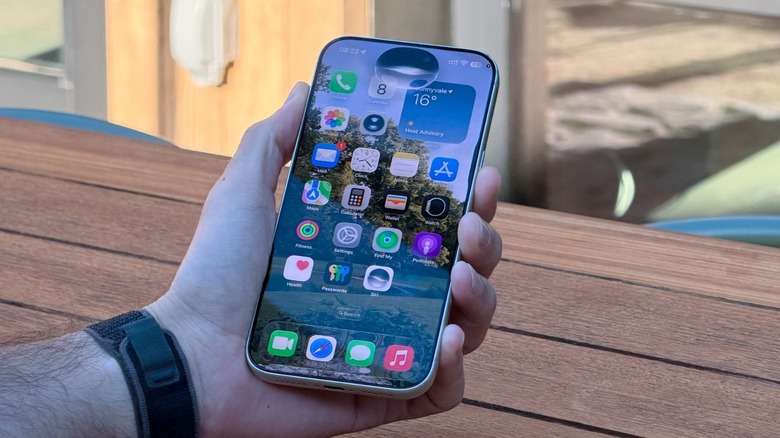
The second step requires going to the Settings app, entering the Privacy & Security section, and selecting Analytics & Improvements. There, you will find a toggle named “Improve Siri & Dictation”; make sure to turn it off completely along with other analytics collection options. Although Apple indicates that this data helps them refine smart features, privacy-conscious Apple users always prefer not to share any part of their experiences, even if it is to help improve the system.
As for the crucial security touch, it is a clever trick that many overlook despite its availability in the system: locking the Siri app entirely with Face ID or Touch ID. By long-pressing the Siri app icon and choosing to require Face ID, the entire history will be secured. This means you will retain the ability to use Siri at any time, but no one who picks up your phone will be able to open the app and see your chat history or the images you created via AI.
Are there real concerns about the new Siri?
Technically, there are no alarming concerns that should prevent you from interacting with the smart Siri, as Apple adheres to leading security standards based on Private Cloud Compute technology to ensure your data is not saved on its servers, in addition to offering generous financial rewards to any security researcher who discovers a vulnerability in its encrypted system. Therefore, the decision to clear the history is usually based on purely personal desires, such as looking for a surprise gift, avoiding the persistence of spontaneous questions you wouldn’t want anyone to see, or simply to organize the interface and get rid of clutter.
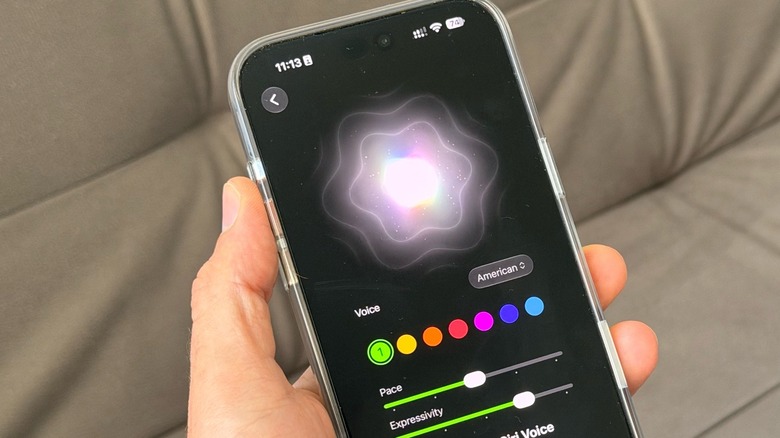
It is worth noting that the new Siri remains exclusive to devices that support the Apple Intelligence system, starting from iPhone 15 Pro models and later versions. It is also not yet available to users in the European Union, and although the iOS 27.2 update expanded the range of languages Siri speaks to six, it still lags behind the total of fifteen languages supported by Apple Intelligence in general. With these control and deletion tools at your disposal, you can enjoy the capabilities of your smart personal assistant with complete peace of mind.
Source:
Post Comment