It seems Apple finally decided to pamper our eyes with a screen worthy of our desks (and, of course, to empty our wallets). Let’s say goodbye to the Pro Display XDR that we loved (or loved looking at from afar because it was hard to buy), and welcome the newcomer: the stunning Studio Display XDR! Apple didn’t just change the name; it packed this monitor with specs that make the game melt, like a 120 Hz refresh rate and Mini‑LED backlighting, taking the user experience to unprecedented heights.
Specs of the New Screen Beast
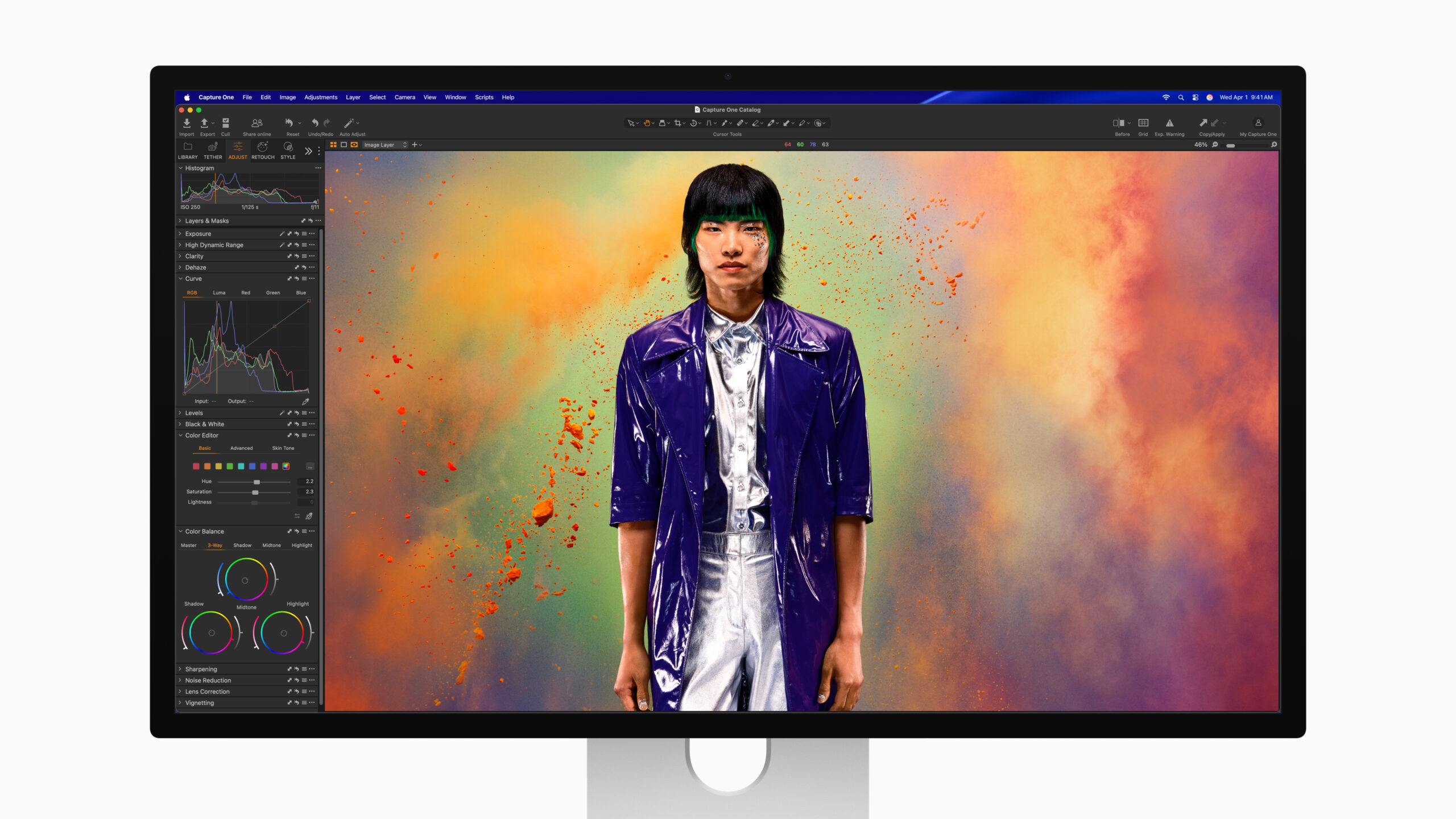
Let’s get to the heart of the matter. The new monitor comes in a 27‑inch size, with a massive 5K resolution (5120 × 2880 at 218 ppi). But what truly makes it shine is the Mini‑LED technology with 2,304 dimming zones, delivering legendary contrast and black levels as deep as space! Love numbers? How about a brightness of up to 1,000 nits for standard (SDR) content and a leap to 2,000 nits for HDR content? Trust me, you’ll need sunglasses while editing your videos.
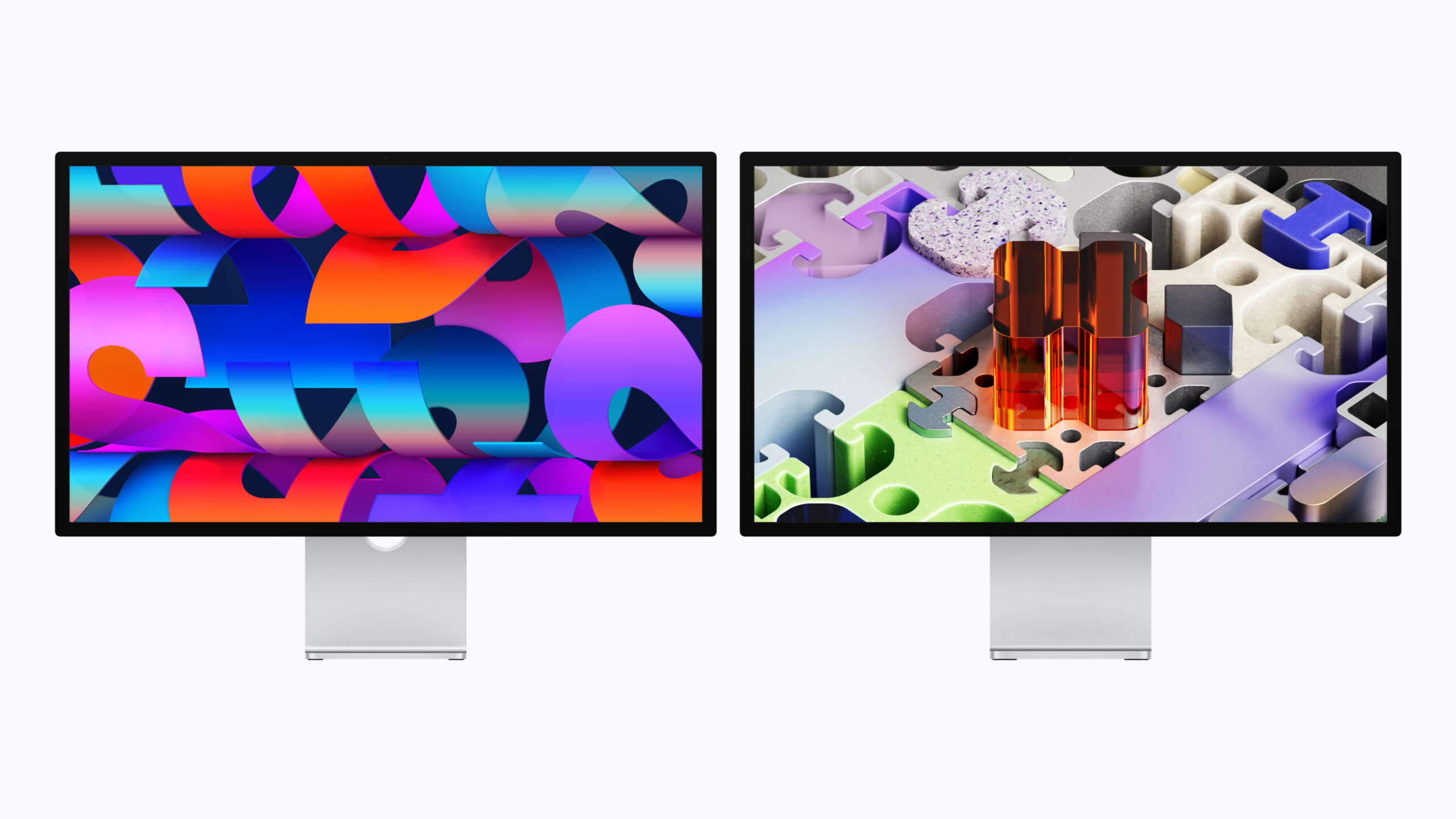
And let’s not forget the feature we’ve long demanded: a 120 Hz refresh rate with Adaptive Sync, smoothly shifting between 47 Hz and 120 Hz during gaming or browsing. But wait, there’s the usual “Apple move”: if you own a Mac with an M1, M2, or even M3 chip, the monitor is limited to 60 Hz only! Yes, my friend, to enjoy 120 Hz you’ll likely need to upgrade to a newer Mac. And by the way, Intel machines are not supported at all, so it’s a real goodbye.
Ultra‑Fast Ports, Smart Camera, and Office‑Shaking Sound
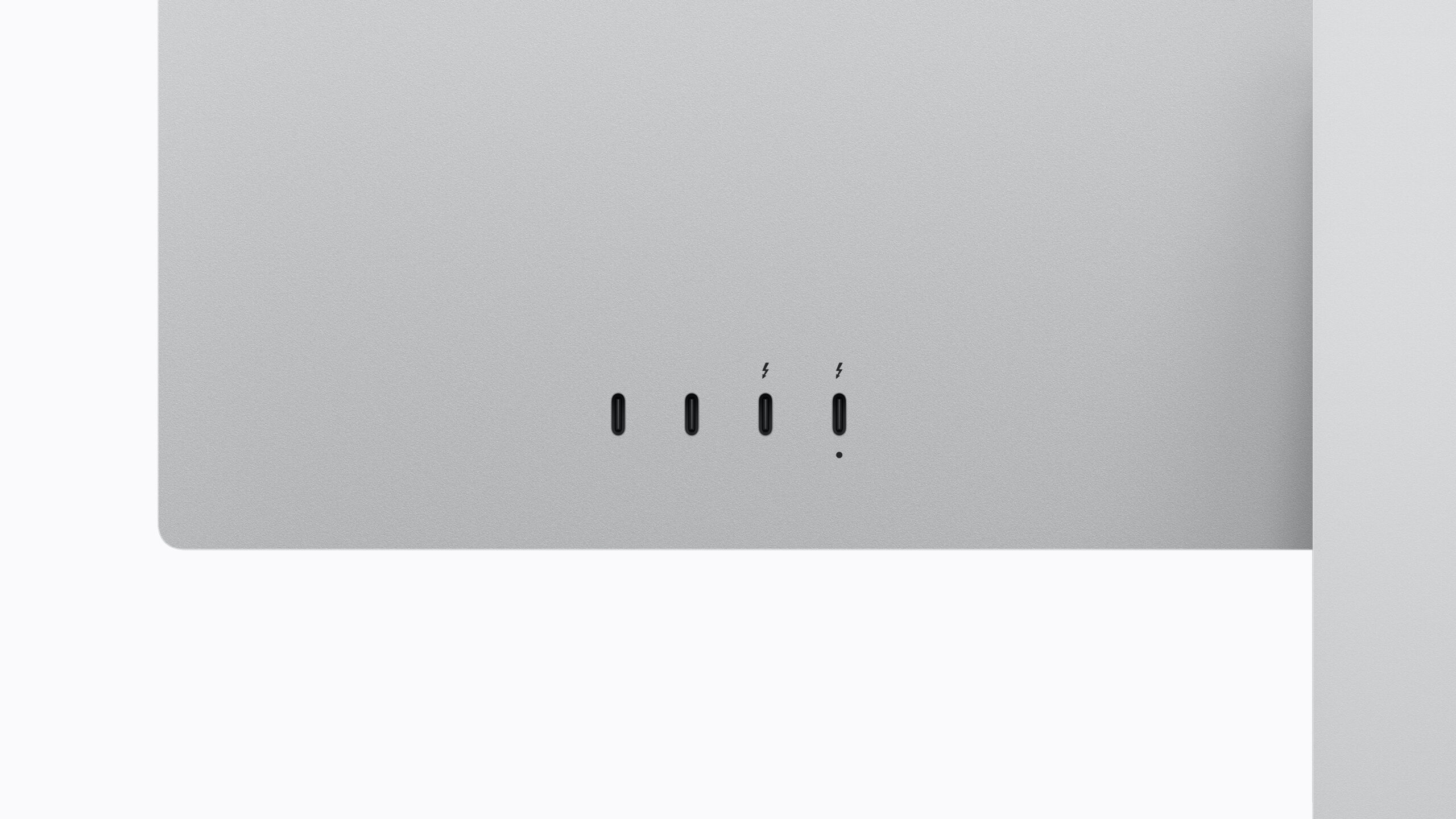
Apple didn’t stop at the display; it turned this device into a fully integrated desk hub. On the back, you’ll find two Thunderbolt 5 ports with insane speeds up to 120 Gb/s! One can charge your Mac with up to 140 W, the other is for connecting accessories or additional displays, plus two USB‑C ports for your other peripherals. The data‑transfer speed here makes lightning look slow.
As for the camera, the display is equipped with a 12‑megapixel sensor that supports Center Stage and the impressive Desk View feature to showcase what’s on your desk during video calls. Regarding audio, Apple upgraded the six‑speaker system to deliver bass that’s 30 % deeper than the previous generation. So get ready for your coffee mug to shake on your desk when you listen to your favorite music!
What About the Regular Version and Prices?
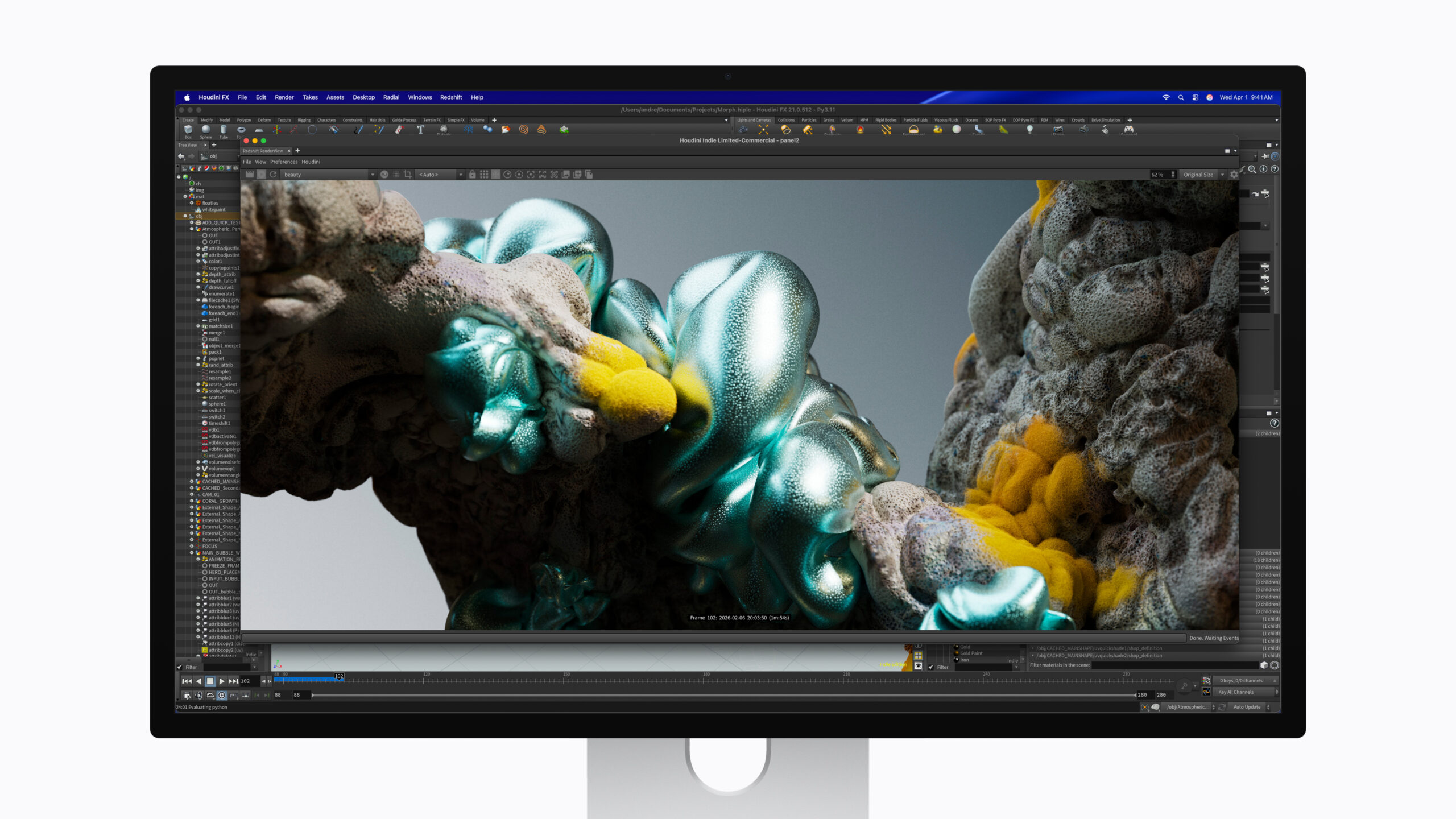
If you think the XDR version is pricey, don’t worry—Apple hasn’t forgotten the regular Studio Display. The lower‑cost model also received some nice upgrades, such as Thunderbolt 5 ports (with 96 W charging), the new Desk View‑compatible camera, and an improved deep‑bass audio system. Unfortunately, it remains limited to a 60 Hz refresh rate and 600‑nit brightness.
Now we come to the paragraph that may make some people swallow hard: the prices! Pre‑orders start on March 4, with availability in stores on March 11. The regular display starts at $1,599, while the XDR monster starts at $3,299! If you want the anti‑reflective Nano‑texture glass, budget an extra $300. At least Apple was generous enough to include the pricey Thunderbolt 5 Pro cable in the box for free!
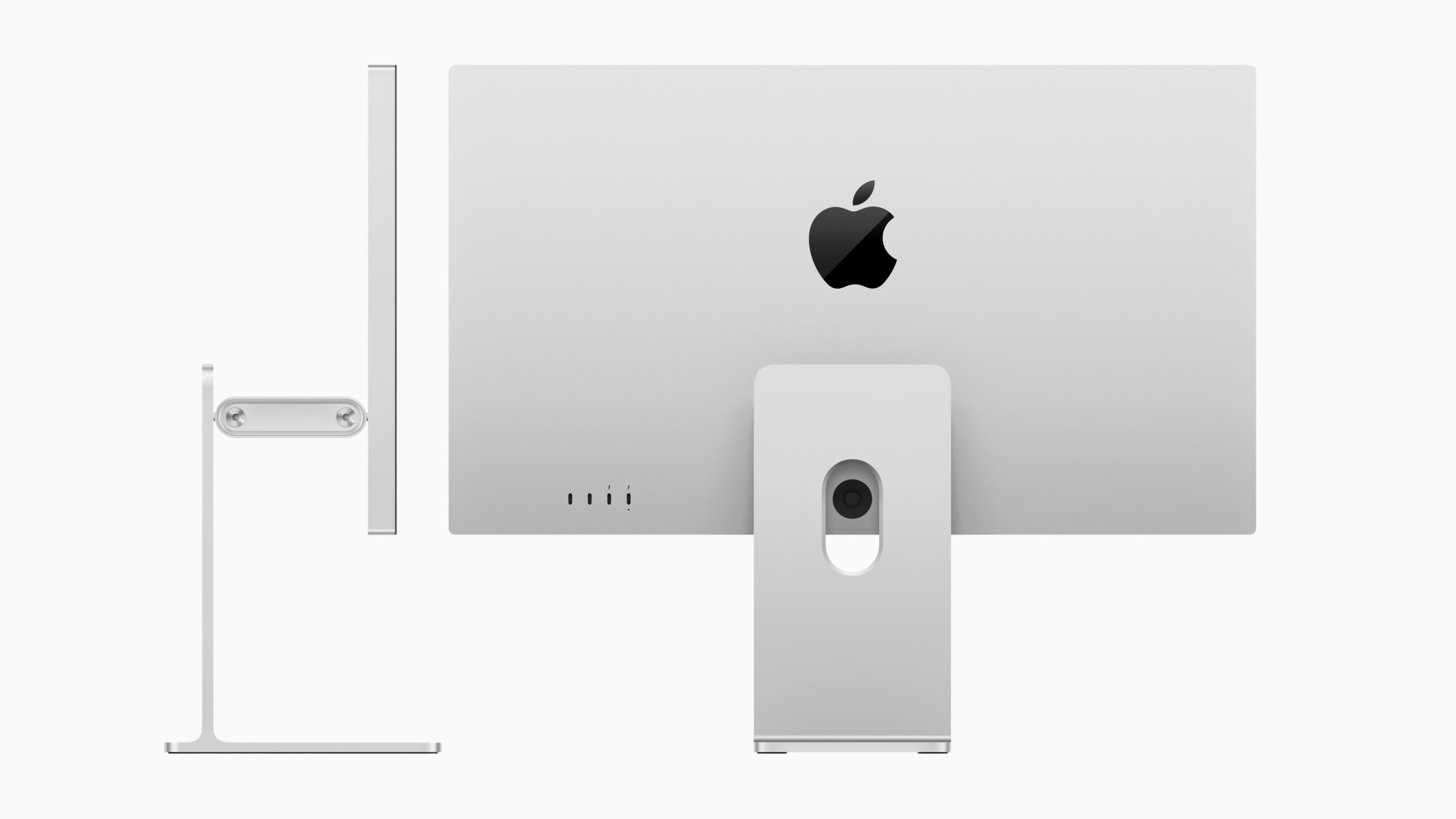
Source:

Leave a Reply