If you are a Mac user who needs Windows alongside macOS, you know the struggle: either you buy a bulky device that takes up half your desk, or you resort to virtual machine solutions that drain your device’s resources. But what if I told you there is an elegant, palm-sized solution that gives you a full Windows experience with real performance, and blends into your stylish desk as if it were a piece of the Apple ecosystem? This is exactly what the GEEKOM A6 Mini PC offers.
Why does a Mac user need a Windows device anyway?
Let’s be realistic: macOS is a great system, but it isn’t everything. There are accounting programs and government systems that only work on Windows. There are games you won’t see on Mac no matter how long you wait. And there are development and testing tools that require a real Windows environment, not a virtual one. Even after the arrival of Apple Silicon processors, the need for a Windows device remains—but who said this device has to be ugly or bulky?
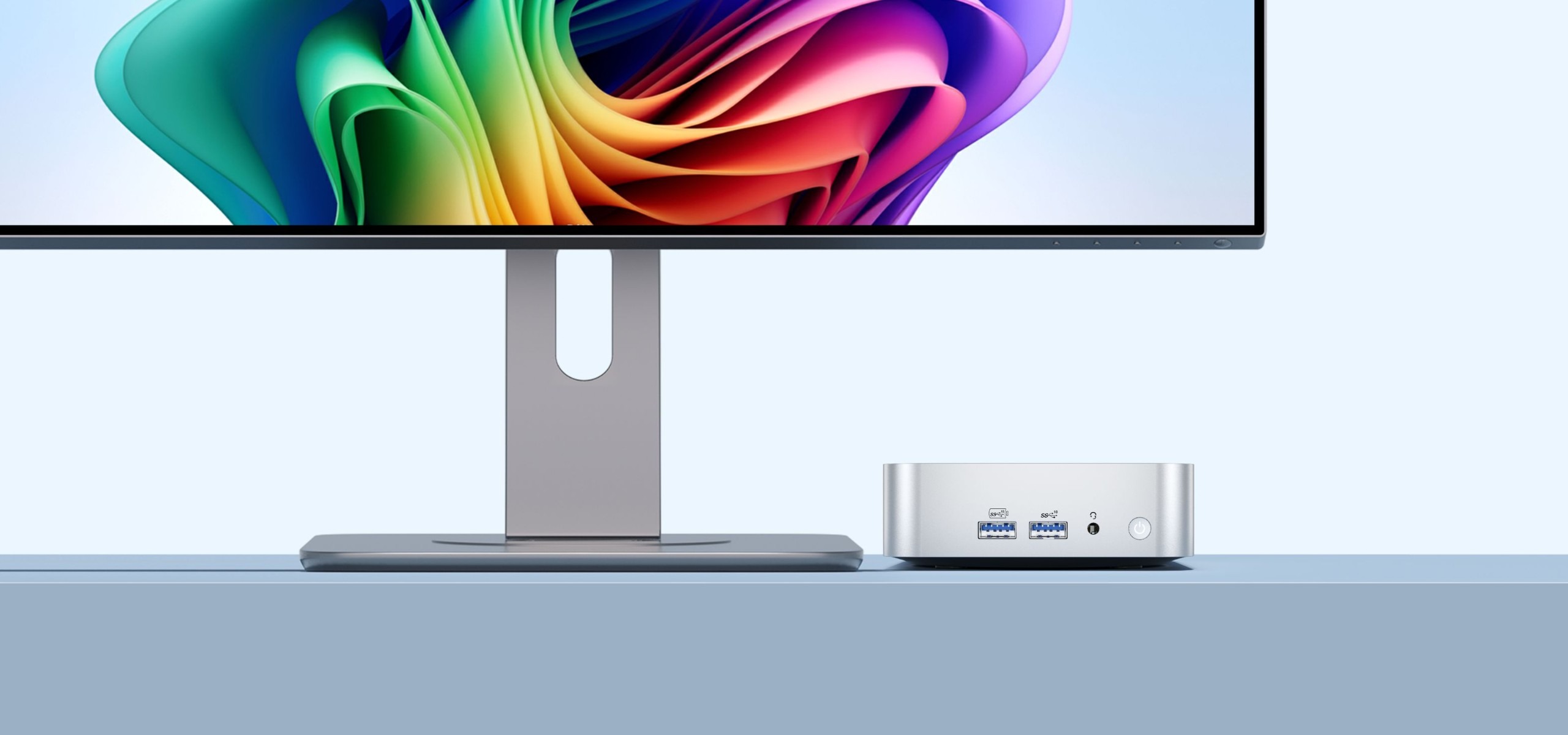
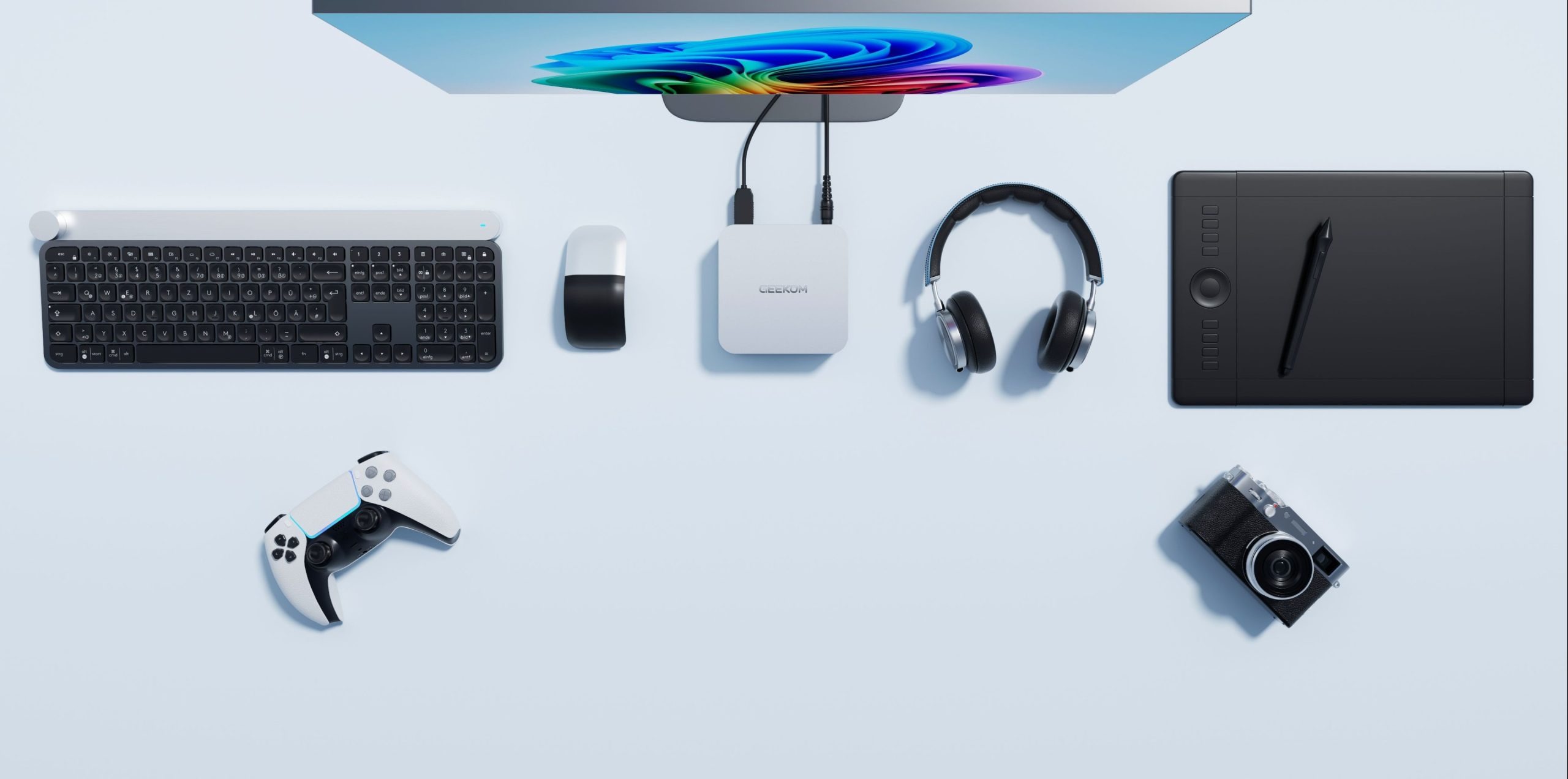
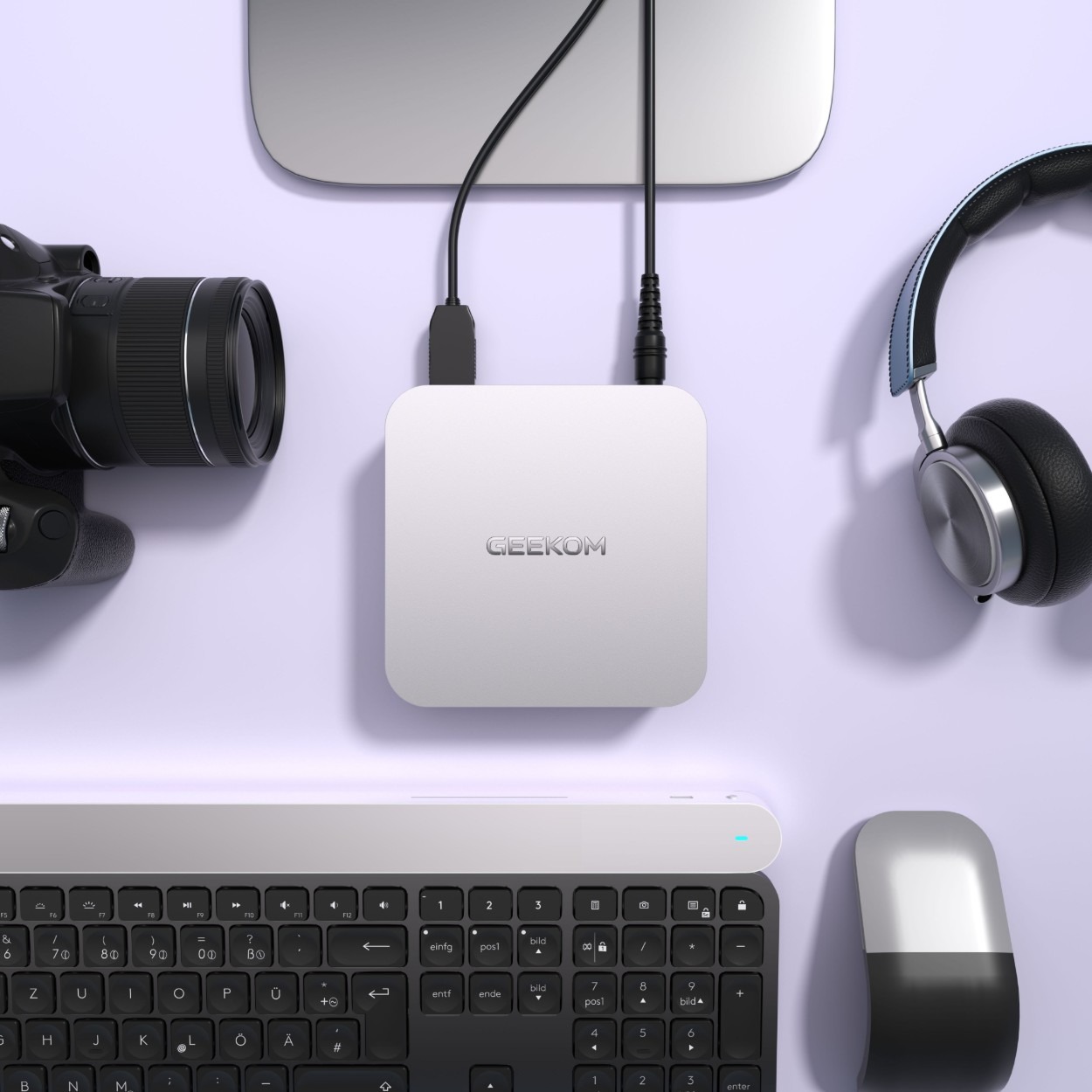
The GEEKOM A6 solves this equation intelligently. With dimensions of only 11.2 × 11.2 × 3.7 cm and a weight of just 433 grams, this device is actually smaller than a Mac mini M4! Place it next to your Mac on your desk and it won’t look out of place—in fact, it will look like it belongs to the same family thanks to its high-quality aluminum alloy chassis with a sleek, seamless design.
Specifications: Real Power in a Small Box
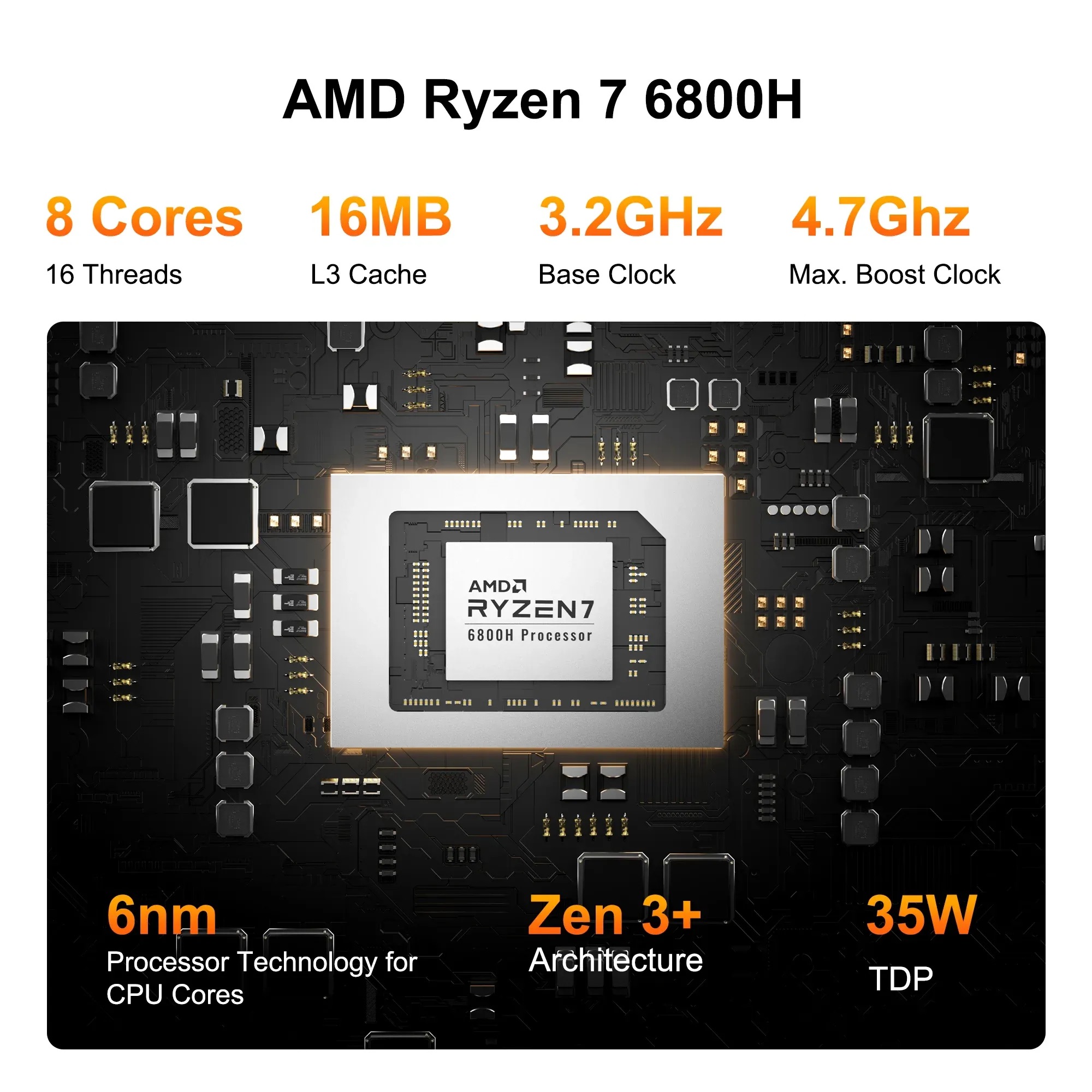
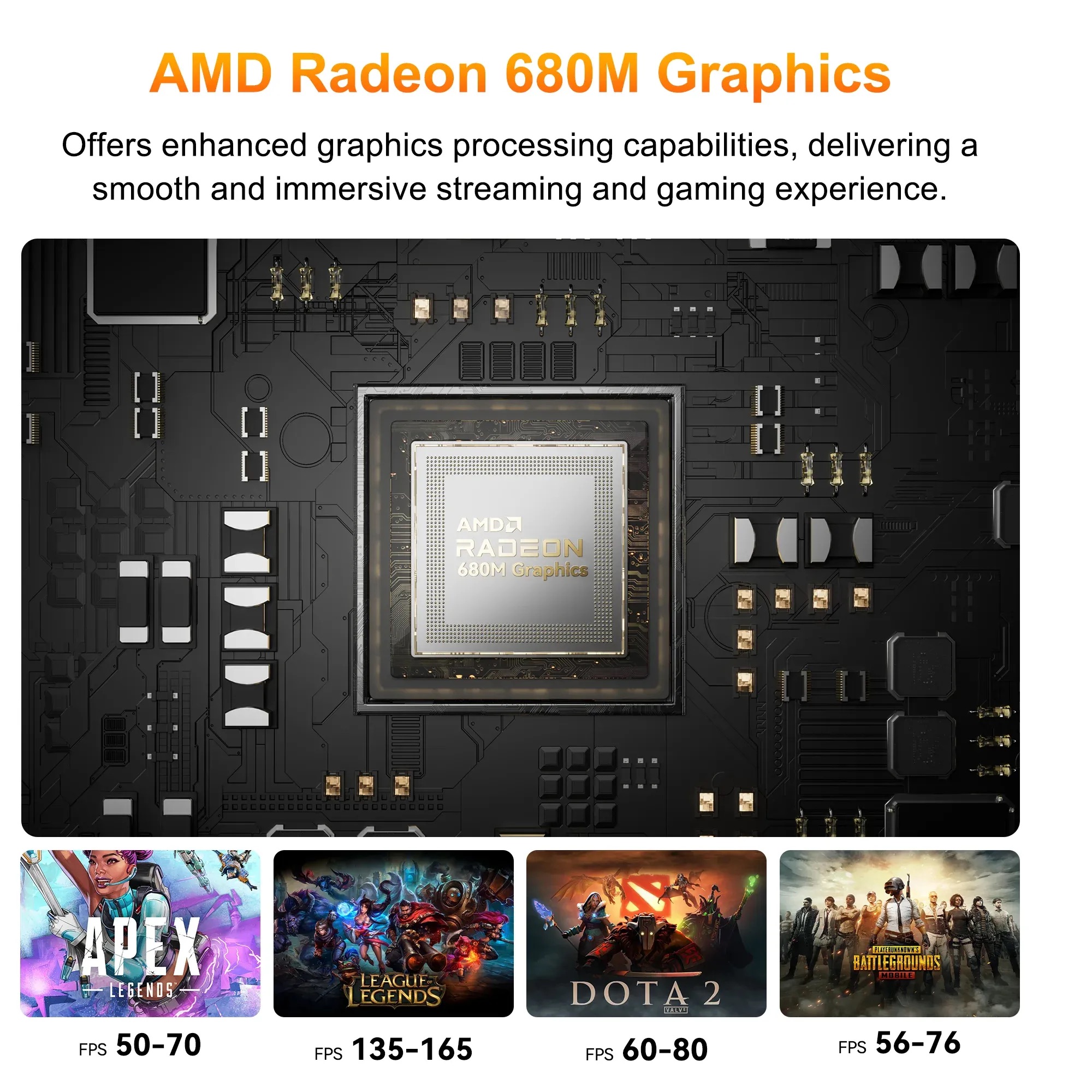
Don’t be fooled by the small size—what’s inside this device is truly impressive. The processor is an AMD Ryzen 7 6800H with 8 cores and 16 threads, with a frequency of up to 4.7 GHz. This is a high-performance laptop-class processor, not just an energy-efficient one. It is accompanied by an integrated AMD Radeon 680M graphics processor with RDNA 2.0 architecture, capable of running games at 1080p with low to medium settings—yes, real games like Forza Horizon 5 and Doom Eternal.
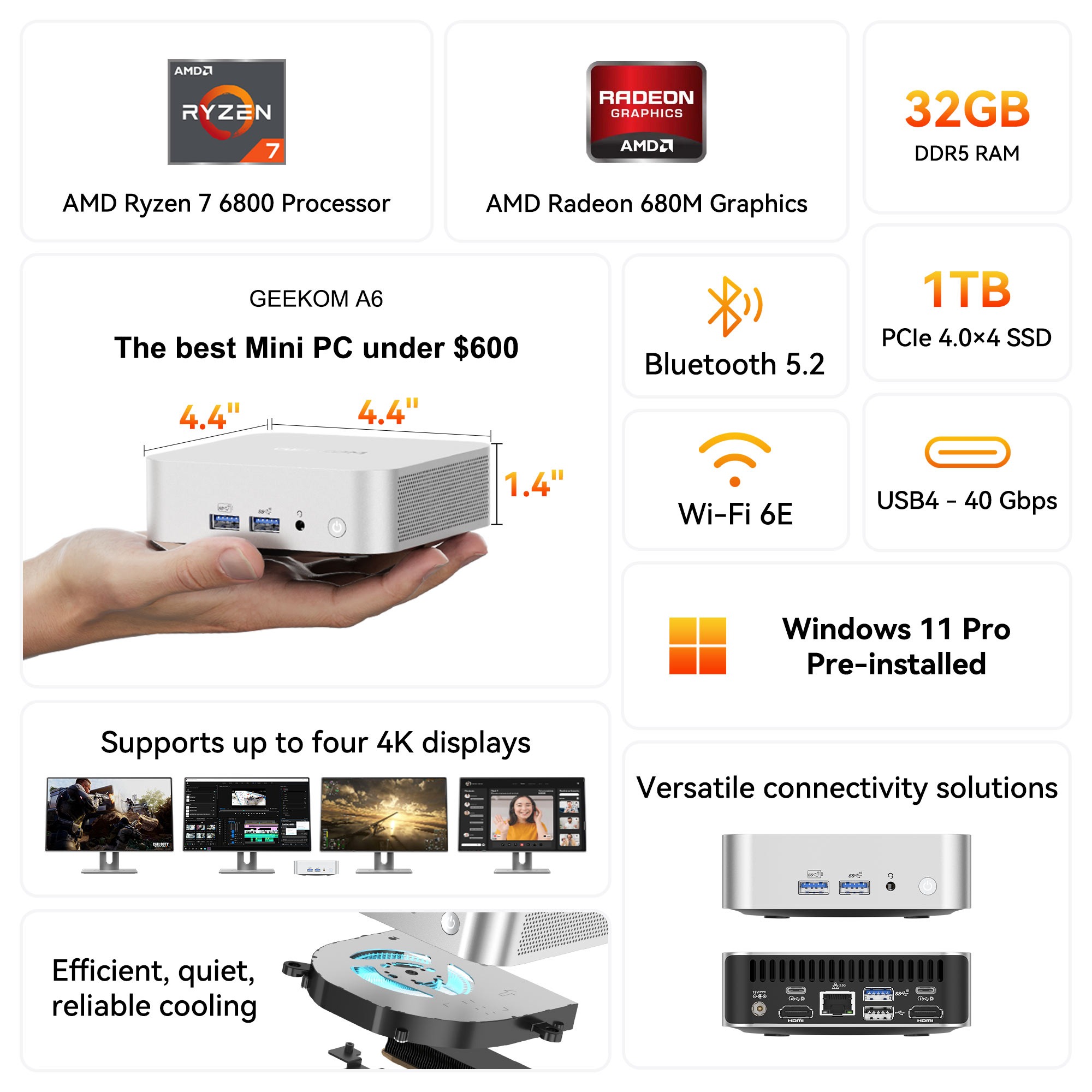
As for the RAM, it comes with 32GB of dual-channel DDR5, which is not soldered but upgradeable up to 64GB—an important point where it outperforms many competitors who permanently solder the memory. Storage comes as a 1TB NVMe SSD via a PCIe 4.0 interface, with an additional vacant SATA port for those who want more storage space.
- Processor: AMD Ryzen 7 6800H — 8 Cores / 16 Threads — up to 4.7GHz
- Graphics: AMD Radeon 680M — RDNA 2.0
- Memory: 32GB DDR5 (upgradeable up to 64GB)
- Storage: 1TB NVMe PCIe 4.0 SSD
- Wireless Connectivity: Wi-Fi 6E + Bluetooth 5.2
- Wired Network: 2.5 Gigabit Ethernet
- System: Windows 11 Pro (also supports Linux)
- Dimensions: 11.2 × 11.2 × 3.7 cm
- Weight: 433 grams
Ports: An Enviable Abundance
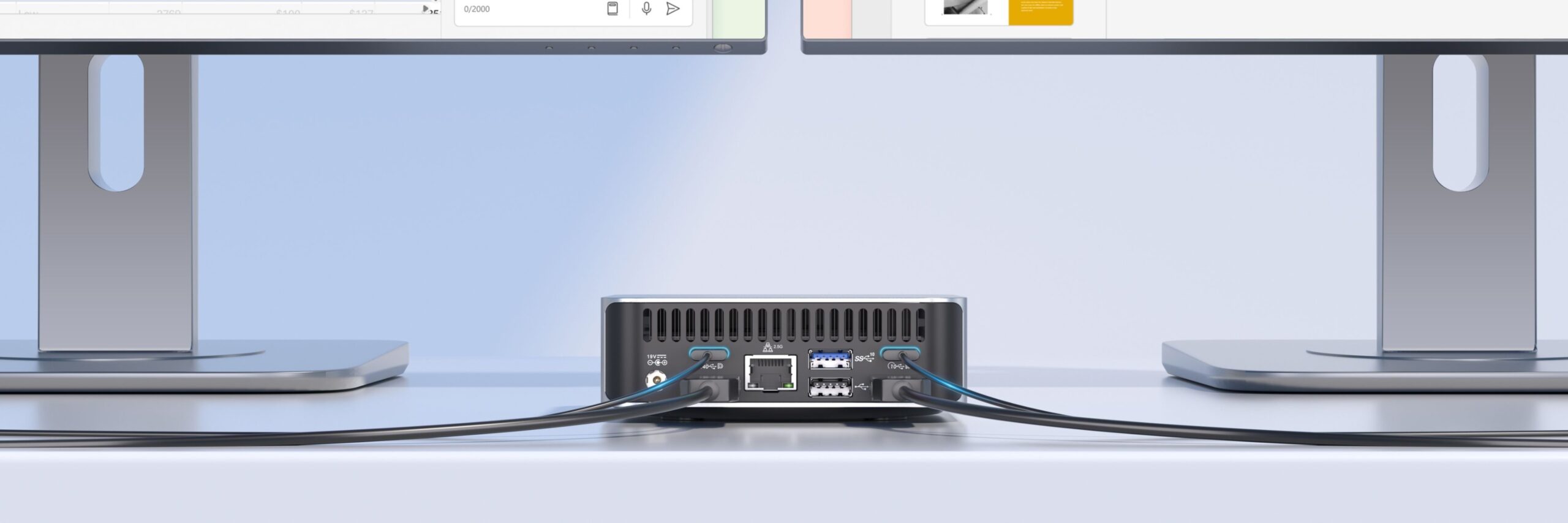
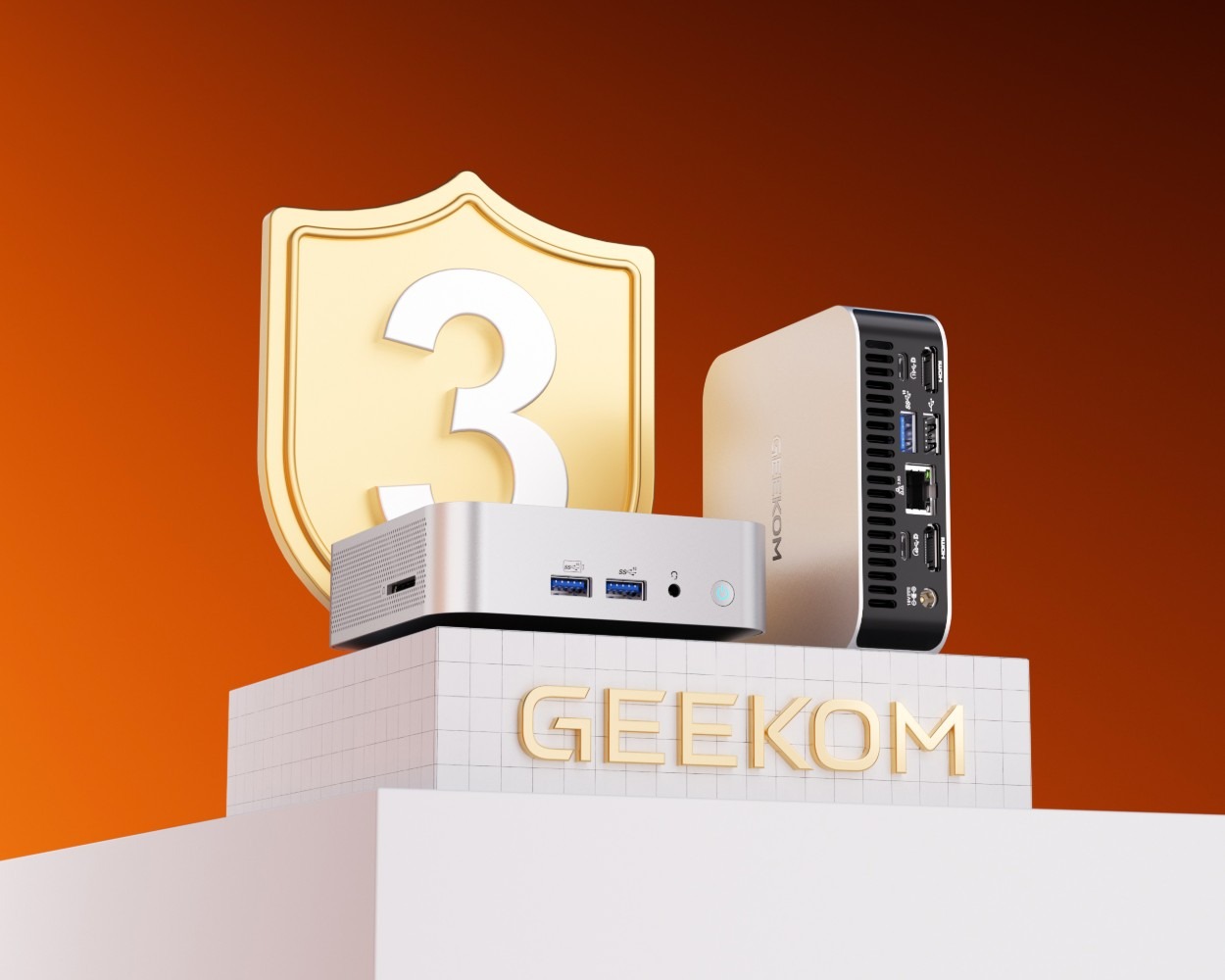
Here is where one of the GEEKOM A6’s strongest points shines, especially for Mac users who are used to buying adapters and dongles for everything. The device comes with a 40Gbps USB4 port—which is practically the same protocol as Thunderbolt—meaning you can connect an external GPU (eGPU) or the fastest external storage drives. In addition to another USB-C 3.2 Gen 2 port, two HDMI 2.0 ports, two USB-A 3.2 ports, a USB 2.0 port, a full-size SD card reader, and a 2.5 Gigabit Ethernet port.
The result? You can connect up to four 4K displays at once. Imagine that: two displays on HDMI and two on USB-C. This is a full professional setup from a palm-sized device. And by the way, there is no need to buy any extra adapter—everything is built-in.
Performance: A Work Companion That Won’t Let You Down
In performance benchmarks, the device achieved results that command respect for this price category. In Geekbench 6, it scored about 2,133 points for single-core and 10,547 points for multi-core. In 3DMark Time Spy, it scored 2,610 points—numbers that mean this device handles daily tasks with absolute smoothness: web browsing, document editing, photo editing in Photoshop, and even light video editing.
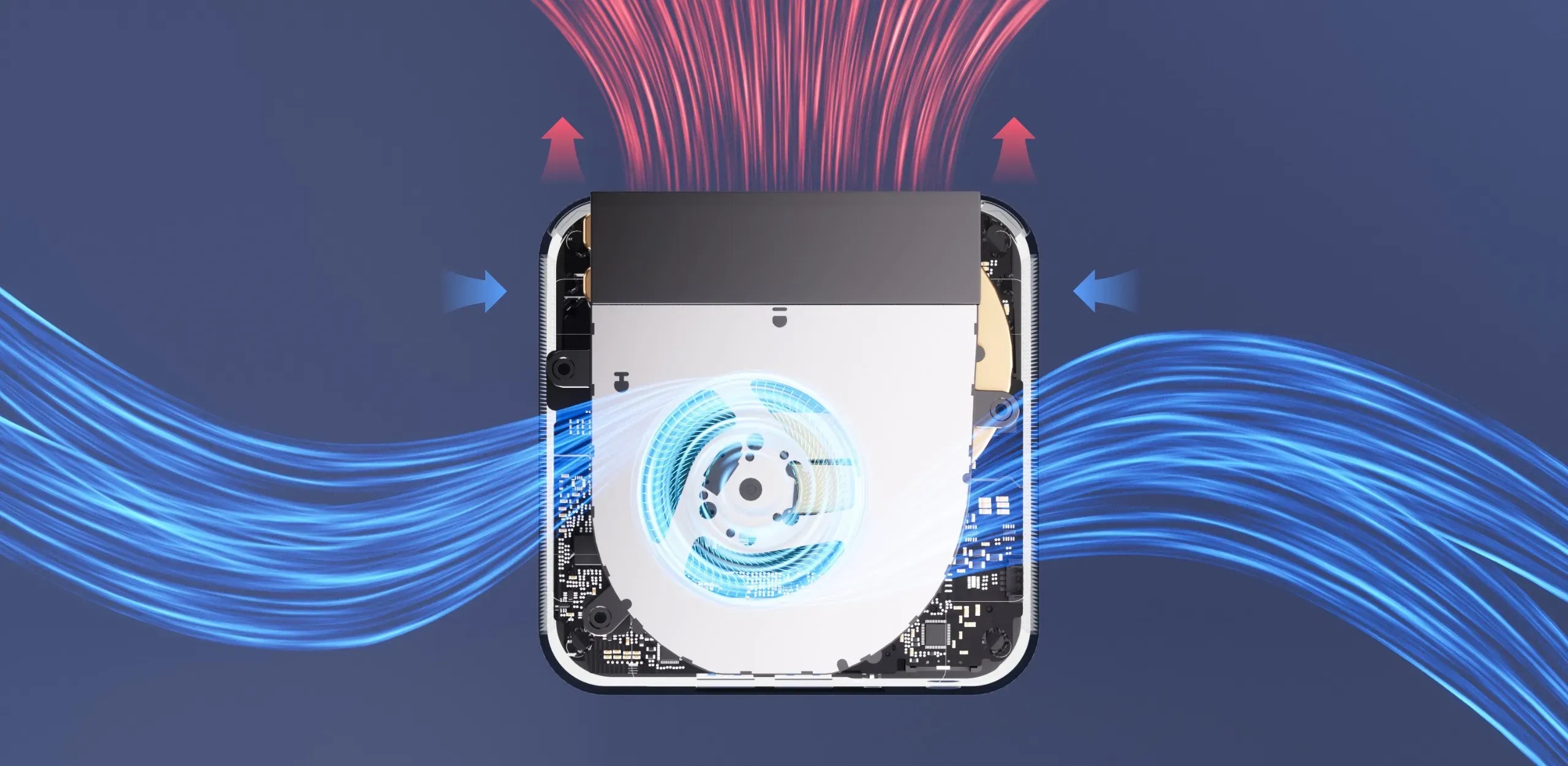
In daily use, the device remains remarkably quiet. GEEKOM’s IceBlast 1.5 cooling system directs air through the various layers of the device and exhausts it from the back, keeping the aluminum chassis cool to the touch even during intensive work. The fan noise is barely audible during normal tasks, and only rises noticeably under heavy load like video rendering or gaming.
As for power consumption, it is one of the device’s standout features: only 10.5 watts in idle mode, 14 watts while playing video, and up to 68 watts maximum during gaming. Compared to any traditional desktop that consumes hundreds of watts, this is a huge difference in your electricity bill over the long term.
Why GEEKOM A6 and not Boot Camp or Parallels?
With Apple’s transition to Apple Silicon processors, Boot Camp is effectively dead. As for Parallels and UTM, they offer decent virtual solutions, but they consume Mac resources and affect its performance, and they don’t support all programs perfectly—especially games and software that require real graphics or specific drivers. Additionally, a Parallels license alone costs you a recurring annual subscription.

With the GEEKOM A6, you get a real, independent Windows device with a genuine, licensed Windows 11 Pro system. No compatibility issues, no slowness due to emulation, no draining of Mac resources. Each system runs at full capacity independently. And if you are a developer or engineer who needs to test your software on Windows, there is no substitute for a real device running the system natively—and this is exactly what the A6 offers at a very reasonable cost.
Design and Build: Elegance You Wouldn’t Expect from a Windows PC
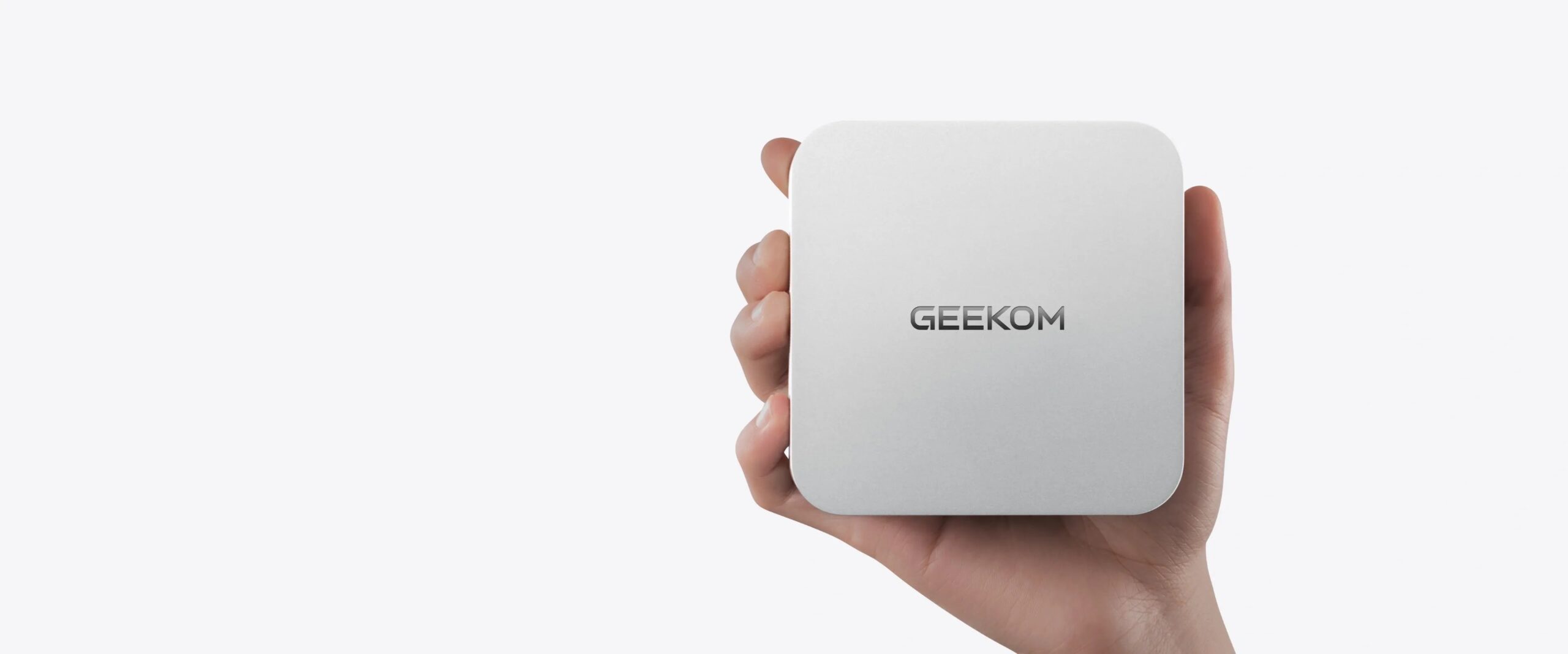
Let’s admit it: most small Windows PCs look… average at best. But the GEEKOM A6 is a clear exception. The chassis is made entirely from a single piece of aerospace-grade aluminum alloy, with no visible seams or joints on the sides or top. The silver color with a slight bronze tint gives it a sophisticated look, and the logo engraved in the center adds an elegant touch without being over-the-top.
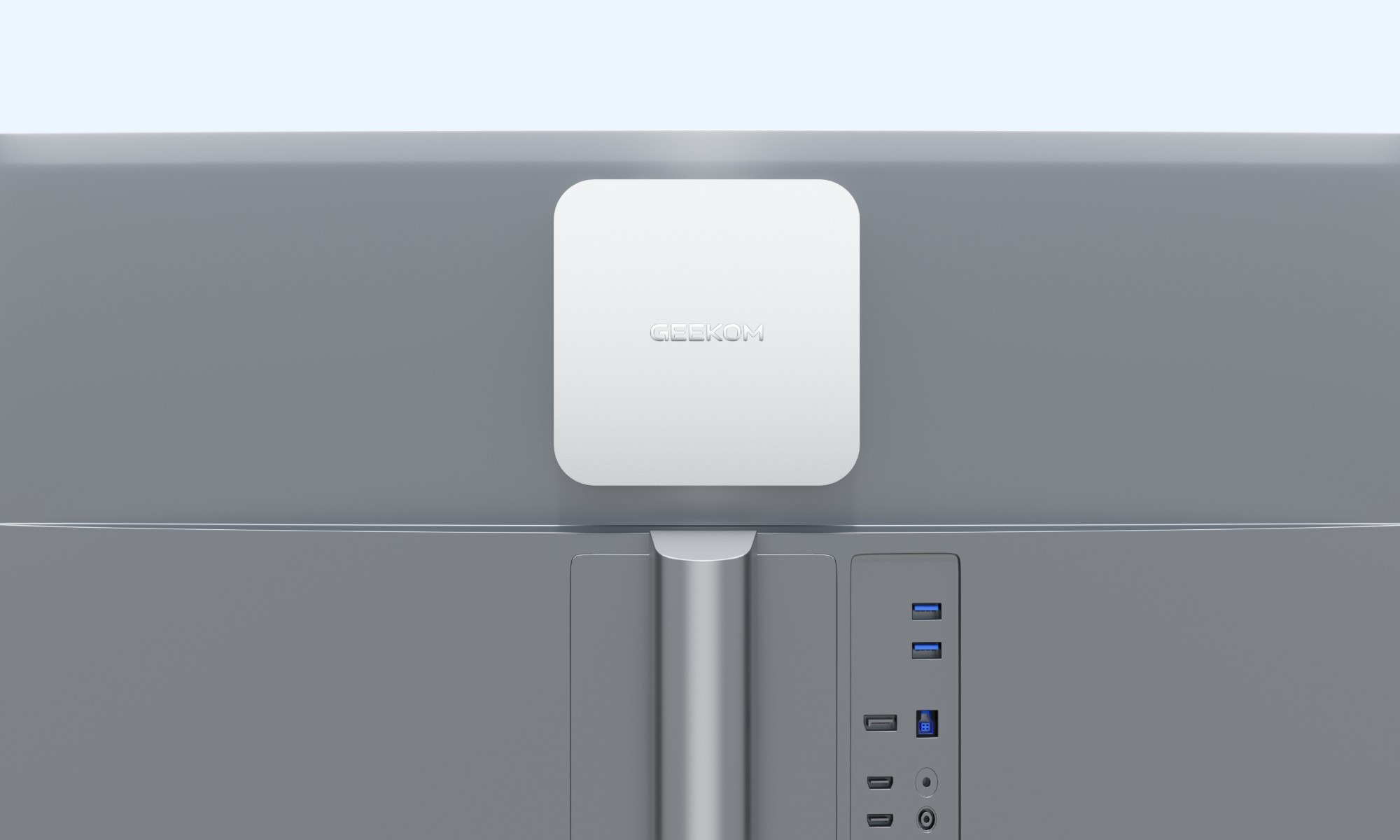
The device doesn’t attract fingerprints thanks to the brushed aluminum finish—a feature anyone who cares about their desk cleanliness will appreciate. It also comes with a VESA mount that allows it to be attached behind the monitor to disappear completely from view, or you can simply place it on the desk next to a Mac mini and it won’t look out of place at all. In fact, one reviewer noted that the A6 is actually smaller than a Mac mini M4—so imagine that!
Upgradeability: An Investment for the Future
One of the most important features that distinguishes the GEEKOM A6 from many competitors—and from the Mac mini itself—is that its internal components are upgradeable. The RAM comes as separate SO-DIMM sticks that can be replaced and upgraded up to 64GB. The NVMe storage drive is also replaceable with larger capacities up to 2TB.
Accessing the inside is relatively easy: remove the four rubber feet, unscrew the screws underneath, and you have direct access to the components. No special tools or deep technical expertise required. This means you are buying a device that can grow with you: start with 16GB of RAM and upgrade later, or add a larger storage drive when you need it. This flexibility is not found in many competing devices that solder everything permanently.
Price and Warranty: Real Value
The official price for the device in the 32GB RAM and 1TB storage version starts from about $449 to $499 USD, and there are sometimes discounts that bring it down to about $427 using discount codes. There is also a 16GB RAM version at a lower price for those who prefer to upgrade it themselves later. It is also available in a pink color for those who want something different!
What reinforces confidence is that GEEKOM offers a full 3-year warranty—which is double what most competing companies offer. The device undergoes 339 rigorous tests before shipping and carries FCC, UL, and ENERGY STAR certifications. It has also undergone durability tests against vibrations, high and low temperatures, drops, and humidity—a level of quality testing you wouldn’t expect in this price category.
In the box, you find everything you need to get started immediately: the device itself, a 120W power adapter, an HDMI cable, a VESA mount with screws, and a user manual. No need to buy anything extra—connect it to the monitor and start working.
Conclusion: The Perfect Companion for a Mac
If you are a Mac user and want a real Windows device next to it—whether for work, development, light gaming, or programs that only run on Windows—the GEEKOM A6 is simply the best option available today in this category. The elegant design harmonizes with the Apple environment, the performance is sufficient for all daily and intermediate tasks, the ports are plentiful in a way that sparks envy, and the price is very reasonable for what you get. Add to that the upgradeability and a 3-year warranty, and you will find that the GEEKOM A6 is not just another Windows device—it is the perfect companion that was missing from your desk.
You can buy the GEEKOM A6 from Amazon, and it is also available on the GEEKOM company websites at a discounted price for a limited time.

Leave a Reply