Imagine you are driving in heavy traffic, and instead of getting into a useless fit of rage, you decide to start a discussion about any topic that comes to mind! It seems OpenAI felt the boredom we suffer from while driving, as it has updated the ChatGPT app to finally support Apple’s CarPlay system. This means your favorite smart companion is no longer confined to the Phonegram, but has become a primary passenger in your car, ready to chat, “talk” with you, and answer your questions and requests without you having to touch your phone or distract your attention from the road.
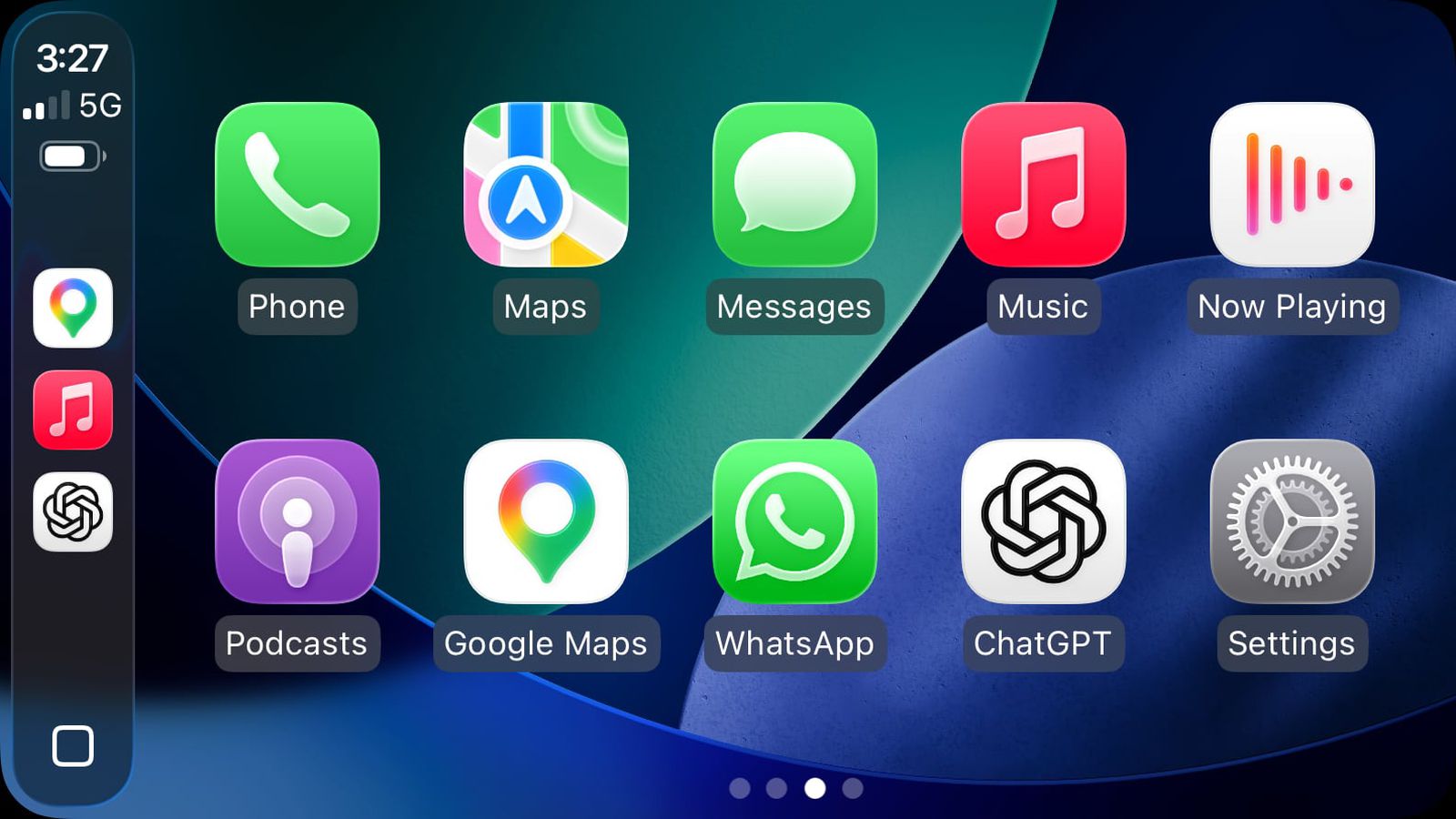
ChatGPT is Now Your Companion on the Road
Apple began allowing third-party voice conversation apps to interact with the CarPlay system starting with the iOS 26.4 update, but it wasn’t just “Open Sesame.” Apps had to implement the feature and obtain special entitlement from Apple to ensure safety. Today, ChatGPT has joined this elite group, allowing CarPlay users to ask questions and execute requests directly from the car’s screen.
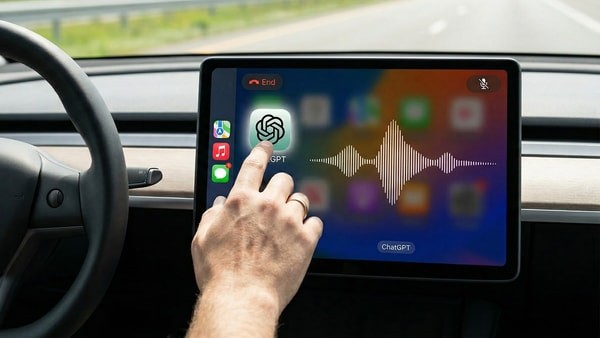
This new integration is a total game-changer; instead of relying on traditional Siri answers that might sometimes end with “I found this on the web,” you can now get detailed and smart answers from the GPT model directly. Whether you want to summarize an idea that popped into your head, draft an email, or even learn historical facts about the city you are passing through, ChatGPT is ready to chat.
Apple’s Strict Rules: Voice First and Always
Since Apple is obsessed with driver safety (something we certainly thank them for), it has set strict conditions for chat apps on CarPlay. The golden rule here is that voice must be the primary and only method of interaction. The app will not display any text or images on the screen in response to your queries, to ensure that your eyes remain on the road and your hands on the wheel.
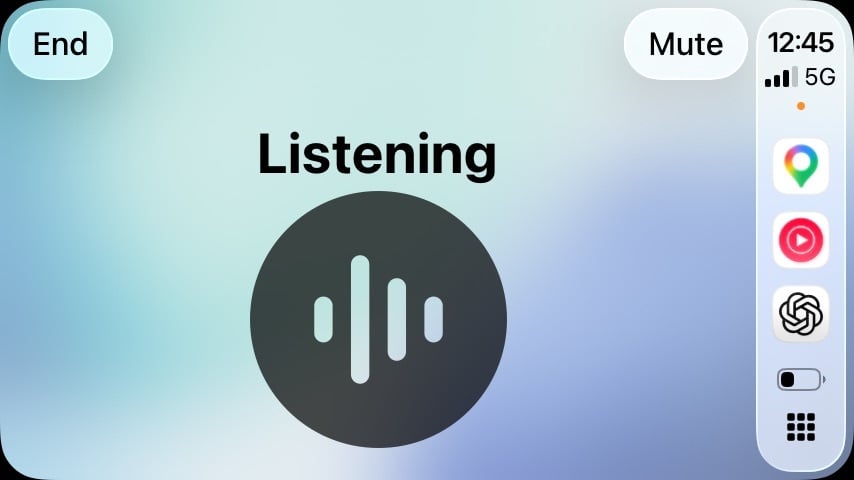
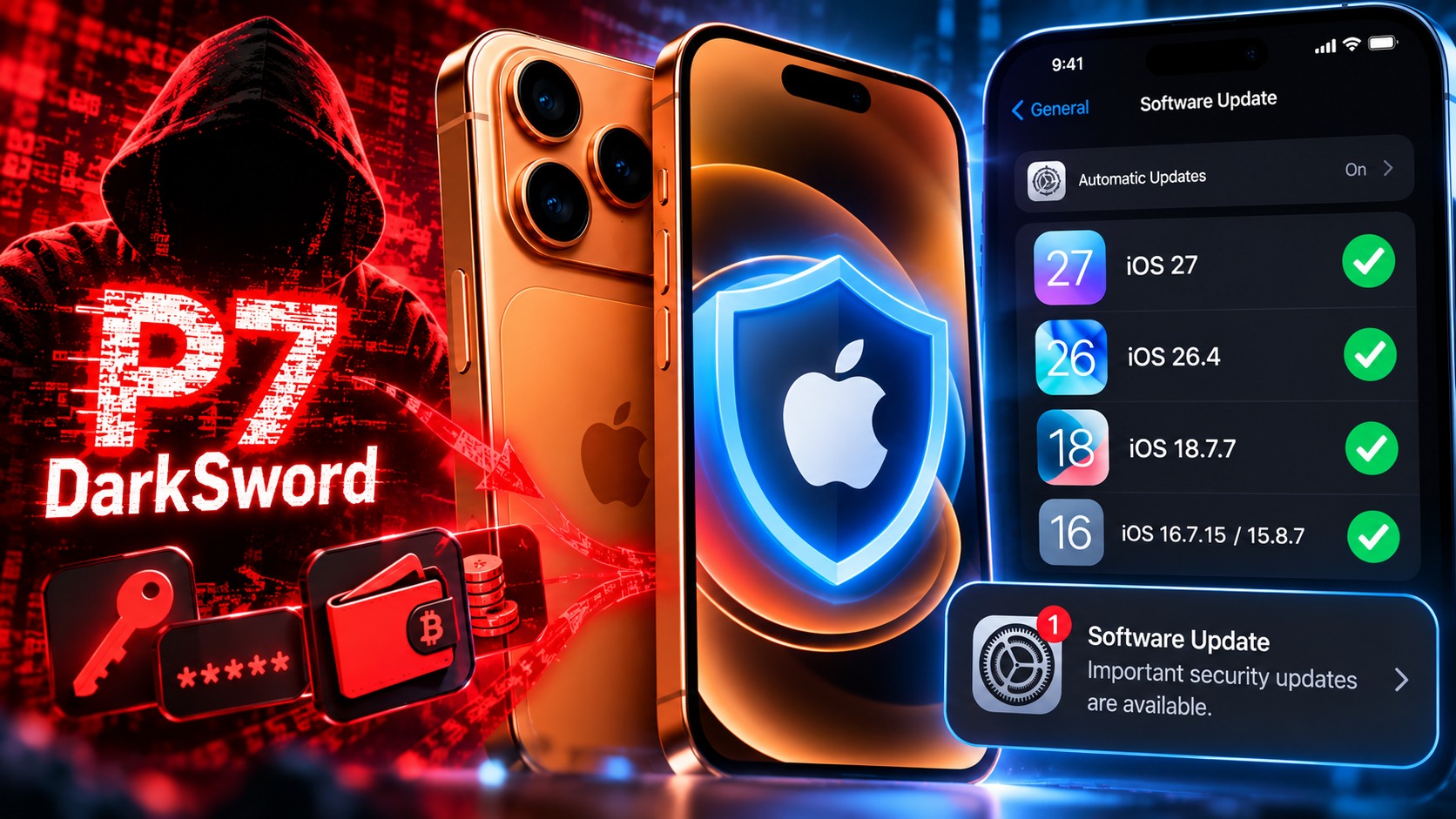
Apple mandates the use of a unified voice control template, where the voice control screen appears during service activity, with the possibility of having only up to four action buttons. To use ChatGPT in your car, you will need a Phonegram device running iOS 26.4 or later. Here is a video showcasing the most important features of this Apple update:
What Can ChatGPT Do and What Can It Not Do?
Before you get excited and ask ChatGPT to open your sunroof or increase the car’s speed, you need to calm down a bit. The new integration focuses on voice conversations only, and the app has no authority to control car functions or even deep Phonegram system functions. It is simply a “thinking brain” available to you via voice.
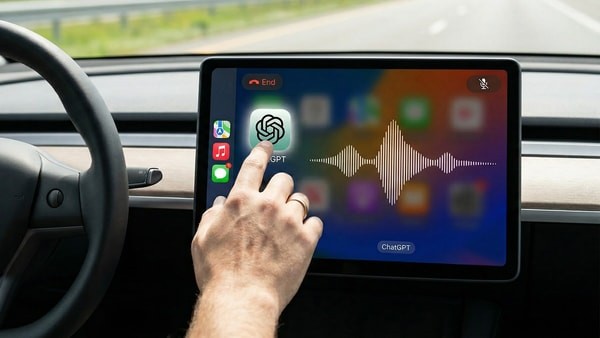
Another point to consider is that there is no wake word like “Hey Siri” to launch the app automatically just by speaking. You will need to open the ChatGPT app manually from the CarPlay interface to start the conversation. However, once opened, it becomes very easy and smooth, making your long trips smarter and less boring.
Source:

Leave a Reply